Hello,
I ran C:\Program Files\ANSYS Inc\ANSYS Student\v222\ansys\bin\winx64\ansys222 using MATLAB and everything was running smoothly. I have done this for more than a year now. But today when I stopped the MATLAB loop in the middle and started it again, it did not run.
These messages appear if I try to open ANSYS222.exe from the folder.
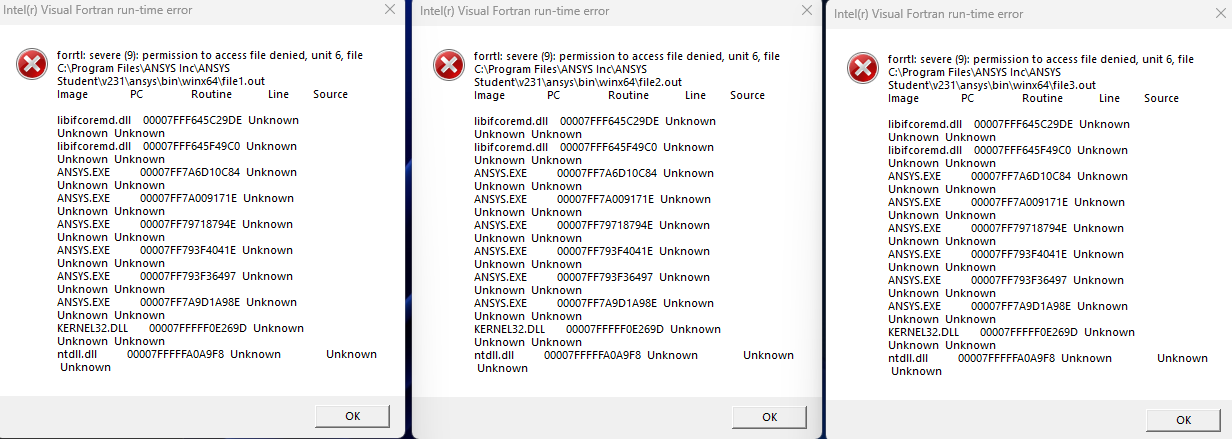
It should be noted that MAPDL opens just fine from ""C:\Program Files\ANSYS Inc\ANSYS Student\v231\ANSYS\bin\winx64\launcher.exe" -runae".
On the other hand, If I try to open C:\Program Files\ANSYS Inc\ANSYS Student\v231\ansys\bin\winx64\ANSYS I get the following errors.
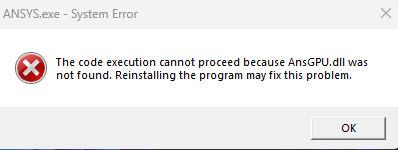
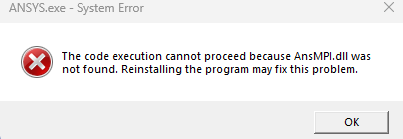
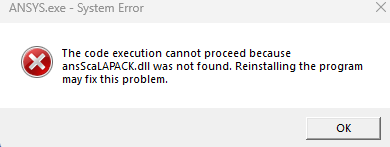
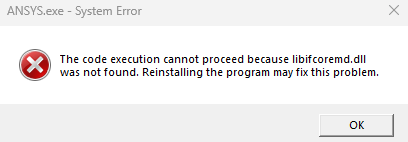
I found other people with same problem but no solution. I installed ansys231 version but it did not help.
I need to run the .exe using MATLAB from optimization.
Br,
Janne

















 You are navigating away from the AIS Discovery experience