Ansys Assistant will be unavailable on the Learning Forum starting January 30. An upgraded version is coming soon. We apologize for any inconvenience and appreciate your patience. Stay tuned for updates.
Ansys Products

Ansys Products

Discuss installation & licensing of our Ansys Teaching and Research products.

Installation of Ansys Student 2026 R1

    • 3dracedesign
      Subscriber

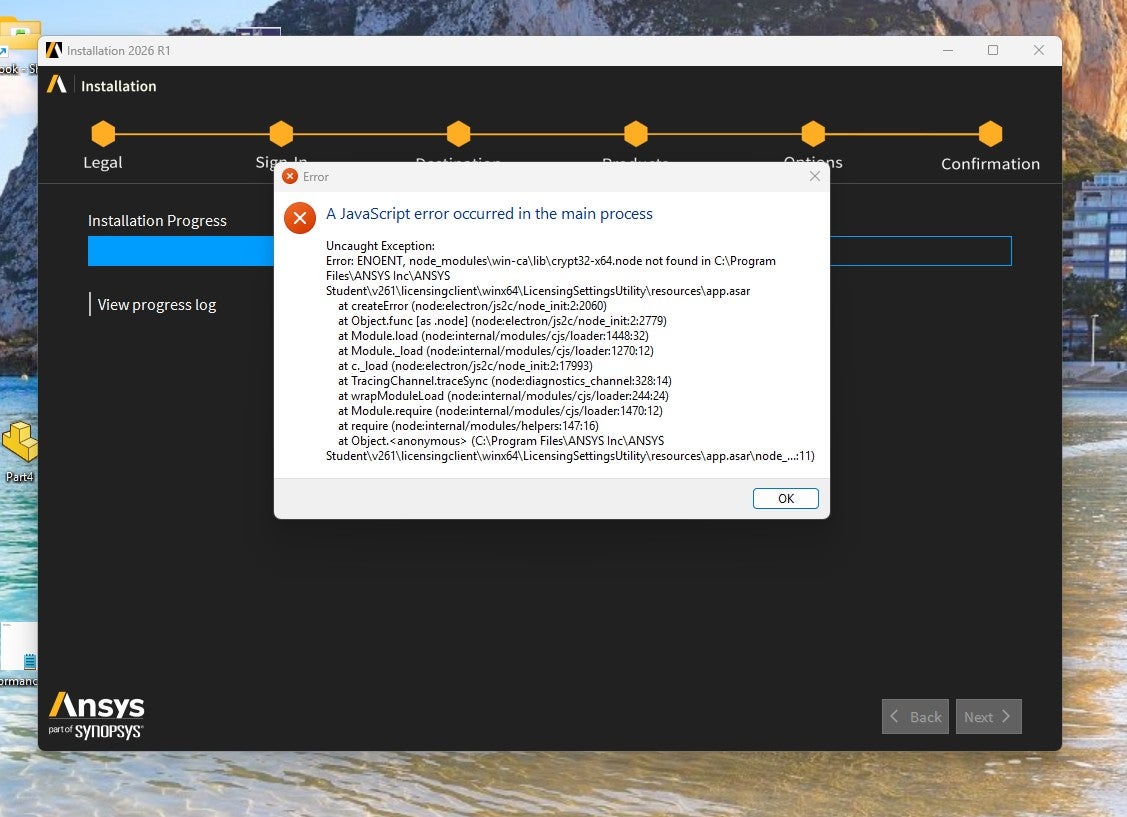
      I am looking for advice on how to solve this problem, I have updated graphics card drivers etc. I uninstalled 2025 and encountered this error but i did an install before this and all worked fine except that Discovery was not included in the program menu. It was in the Ansys application folder and when running as administartor it loaded after sometime but could not run because it was asking for a licence. After uninstalling and trying again, i have arrived at this point.

      I would be grateful for some advice on how to solve this.

      kind regards

      G

    • Lito
      Ansys Employee

      @GC_20,

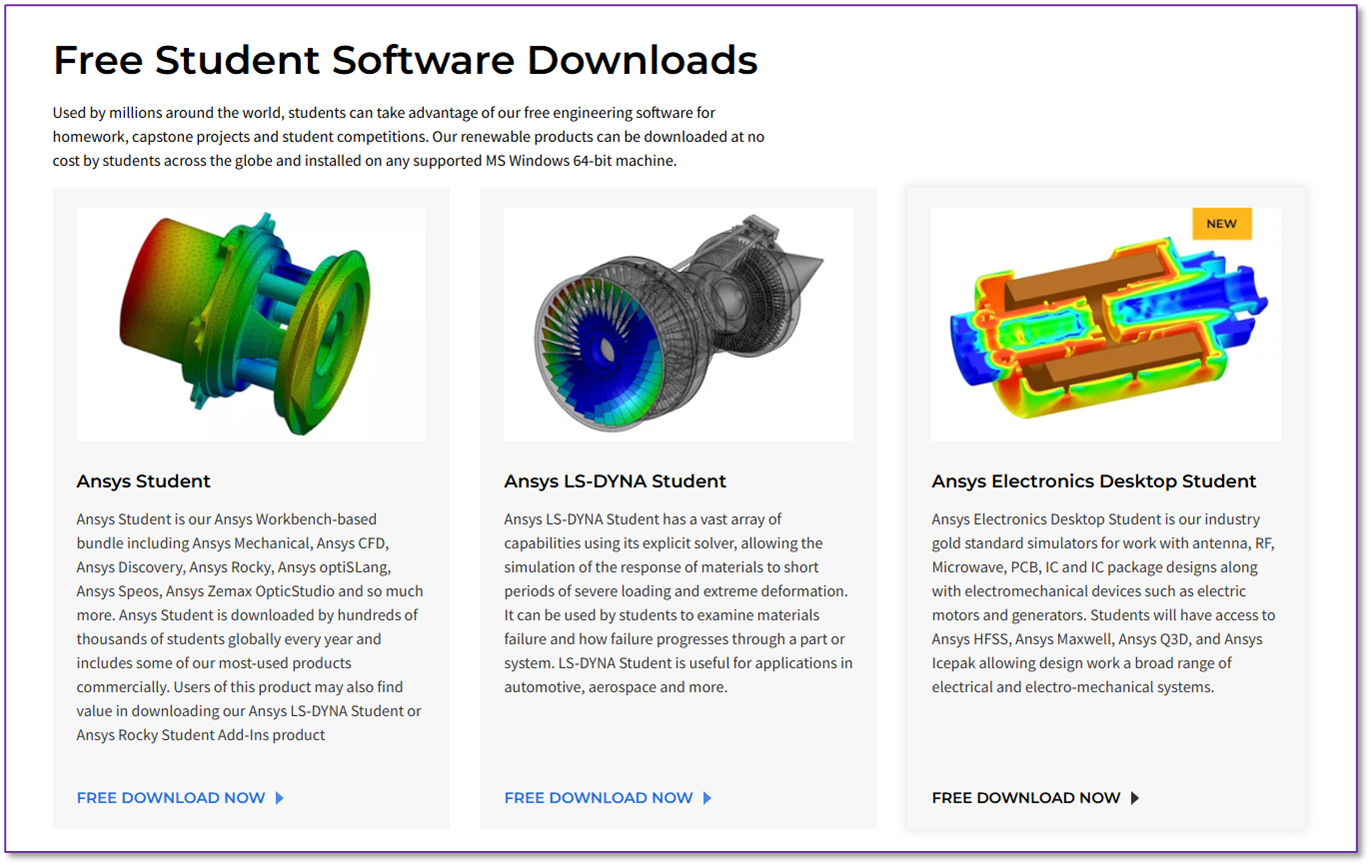
      The student version comes with its own license valid for 1 year. Did you download the installer from here >> Ansys Student Versions | Free Student Software Downloads

      Try to do a clean install: 

      1. Uninstall all versions of Ansys Student from your machine. 
      2. Delete the installation folder; “C:\Program Files\Ansys Inc\Ansys Student\” from your machine. 
      3. Reboot your computer. 
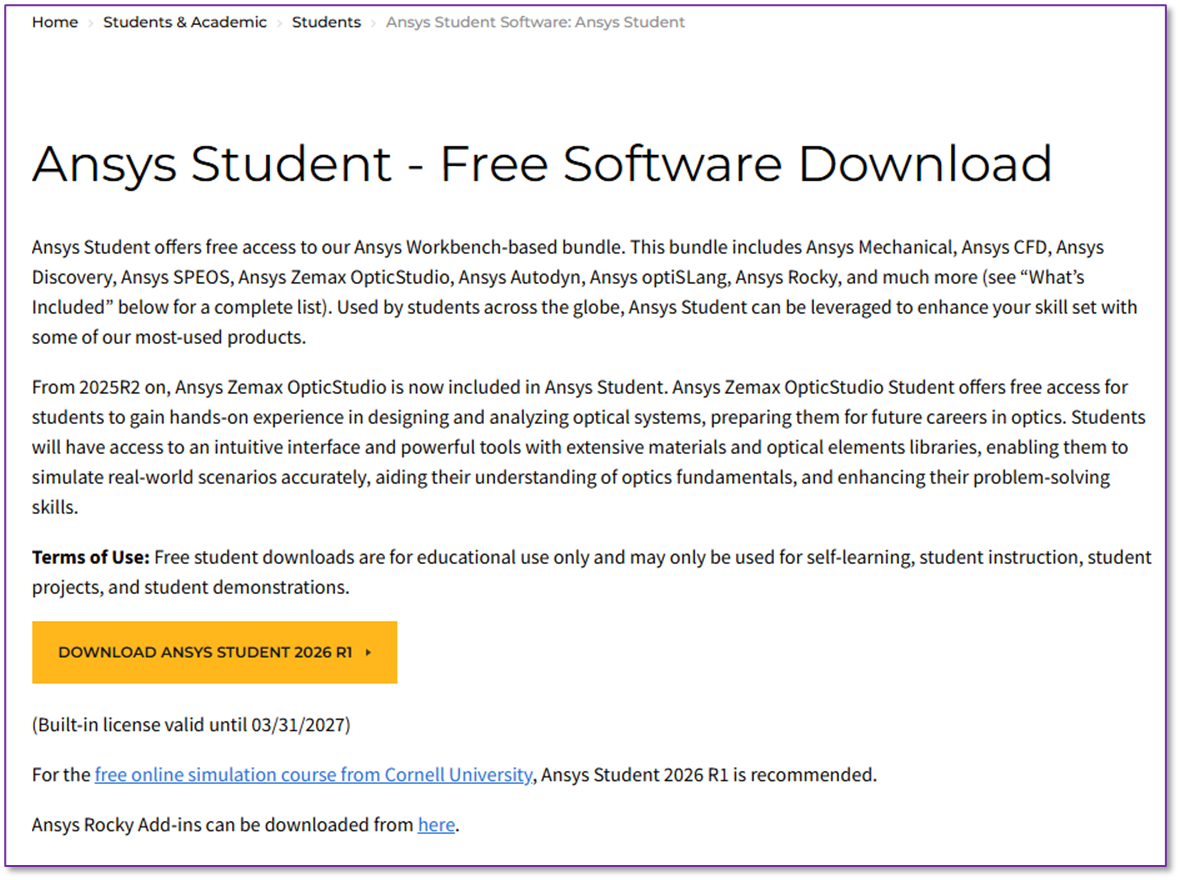
      4. Download the 2026 version of Ansys Student from the website >> Download Ansys Student | Workbench-based Simulation Tools 
      5. This will require around 50GB of disk space. 
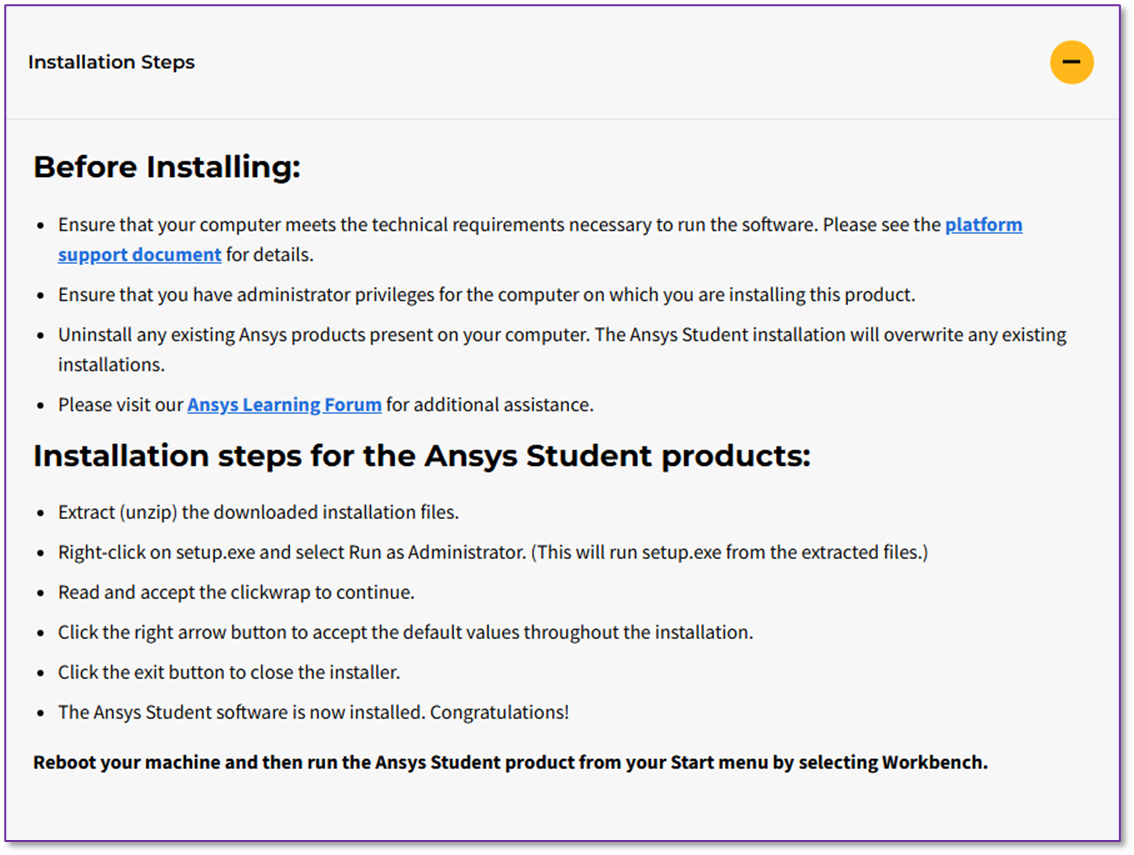
      6. Install as per instructions steps on the website. 
      7. Reboot the computer.
      8. Ensure that your machine meets the system requirements indicated in the website. 


Viewing 1 reply thread
  • You must be logged in to reply to this topic.
[bingo_chatbox]