Hello subham17,
Disclaimer:
ANSYS does not officially support this variant of Linux.
This guide is provided as-is and does not constitute ongoing support.
Please see http://www.ansys.com/Support/Platform+Support for officially supported operating systems.
Ubuntu 20.10 Desktop and ANSYS 2021r1 testing 2/10/2021 Updates
success with the following Ubuntu installation on bare-metal computer w/ Quadro video card.
-- Install Ubuntu 20.10 Desktop
-- Install the proprietary Nvidia driver by "Open the Software & Updates application window. Select TAB Additional Drivers and choose any proprietary NVIDIA driver."
-- add packages
sudo add-apt-repository ppa:linuxuprising/libpng12
sudo apt update
sudo apt install libpng12-0
sudo add-apt-repository universe
sudo apt-get update
sudo apt-get install alien
sudo apt install net-tools
sudo apt-get install libxext6:i386
sudo apt-get install lsb
sudo ln -s /tmp /usr/tmp
sudo apt-get install libxm4
sudo dpkg -i multiarch-support_2.27-3ubuntu1.2_amd64.deb
sudo dpkg -i libxp6_1.0.2-2_amd64.deb
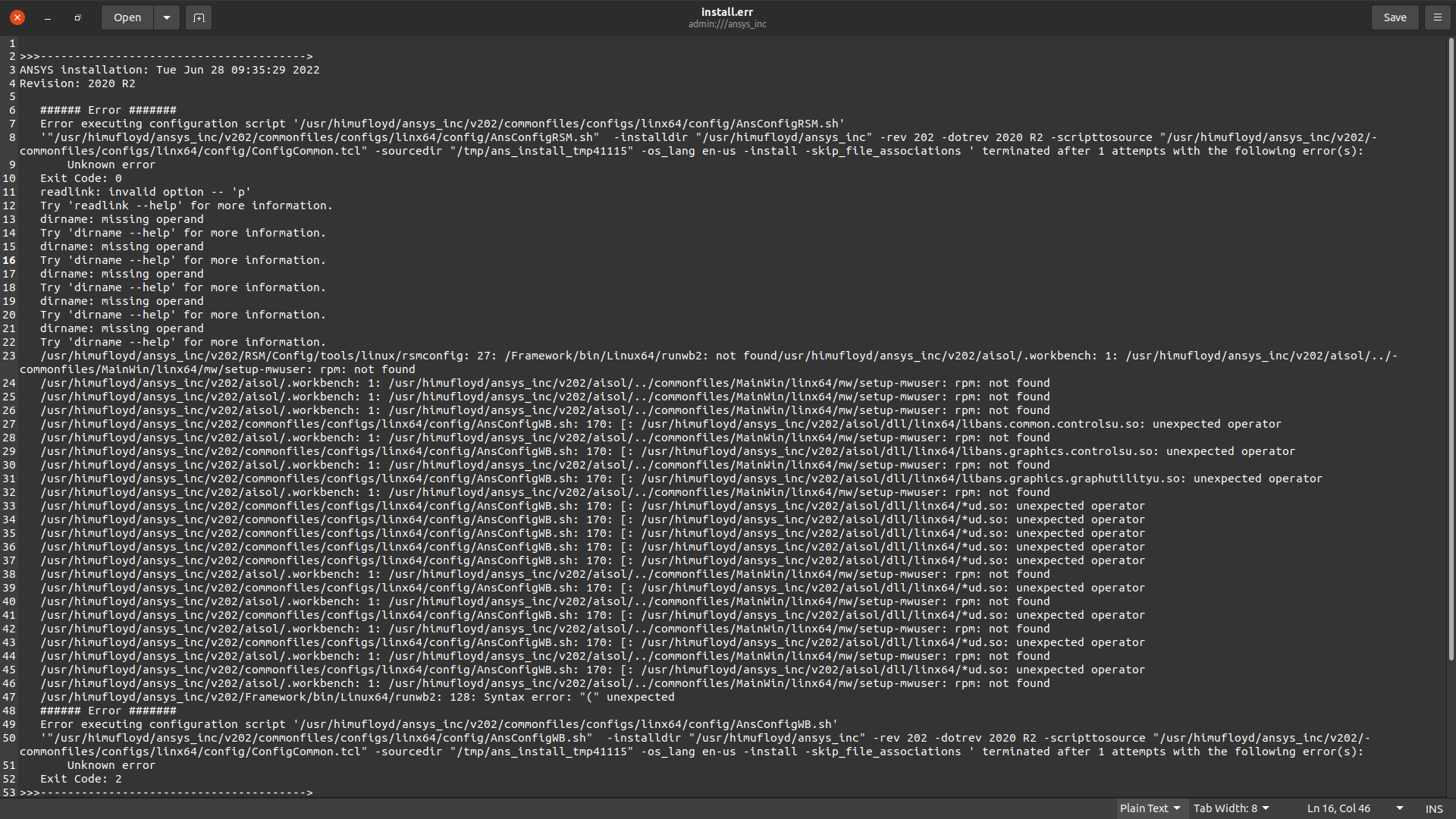
sudo dpkg-reconfigure dash
-- press No to switch to bash.
edit /etc/sysctl.d/10-ptrace.conf and change the line: kernel.yama.ptrace_scope = 1 to kernel.yama.ptrace_scope = 0
Perform installation after above is finished.


















 You are navigating away from the AIS Discovery experience