-
-
April 10, 2019 at 1:27 pm
tayyaba.bano
SubscriberHi
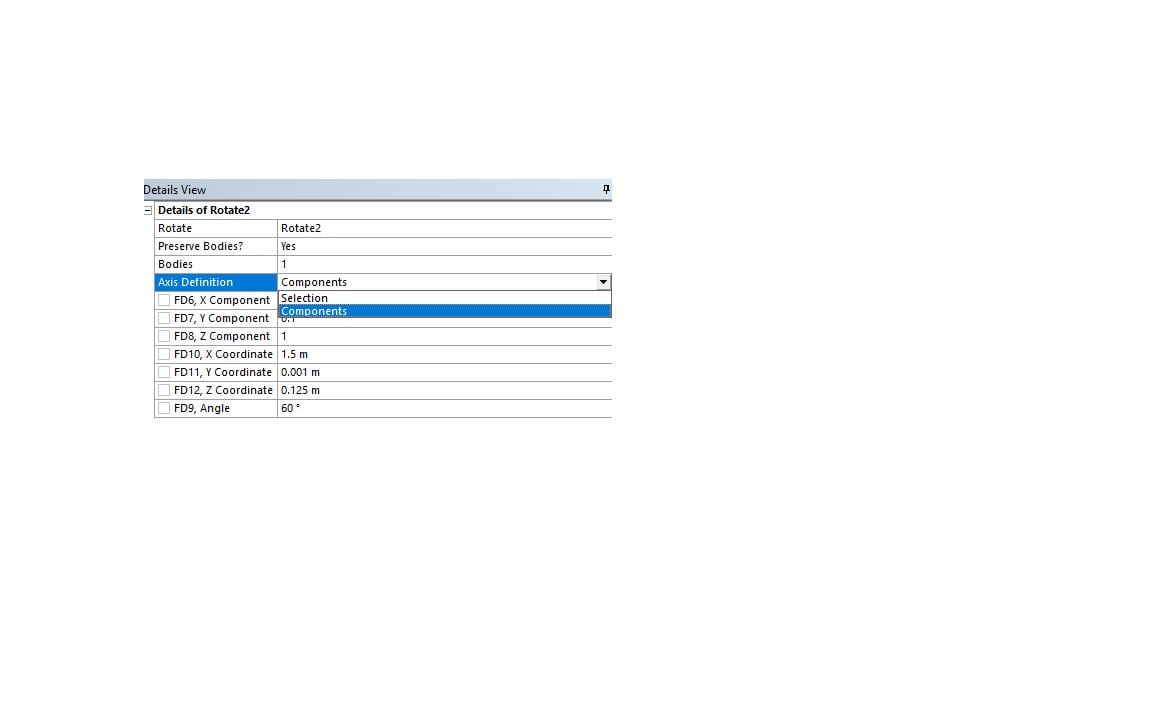
I want to give an angle to my geometry but when I do it using 'rotate' command in design modeler, a new geometry is created at angle other than rotating the original one. So as a result I have two bodies, the initial one and the second one(at certain angle). But I need only one body or the second one(at certain angle).
Waiting for your kind response.
Tayyaba
-
April 11, 2019 at 6:40 am
Keyur Kanade
Ansys Employeerotate should rotate original body.
which version you are using. try using 2019r1 latest version.Â
also you can right click on original body and suppress the original body so that it is not transferred to meshing.Â
-
April 11, 2019 at 10:27 am
tayyaba.bano
SubscriberThank you very much for your kind reply, I am currently using version 18. Yes it can be done by suppressing the original body and moving forward with the other one.
Â
Regards
Tayyaba
-
April 28, 2019 at 7:25 pm
sathya
SubscriberHi Give no to preserve original body option -
April 30, 2019 at 1:01 pm
-
April 30, 2019 at 4:14 pm
Rob
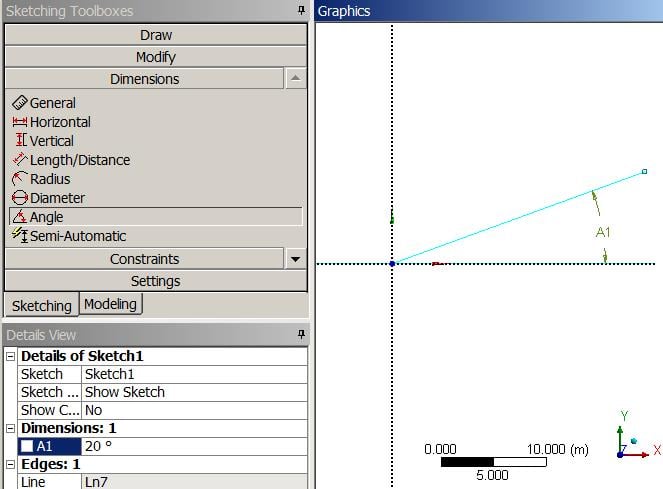
Forum ModeratorDepends on how you created it. In sketches use a dimension, for body operations you'll need to define a plane and you can assign an Angle-from when you create that.Â
-
May 2, 2019 at 10:30 am
tayyaba.bano
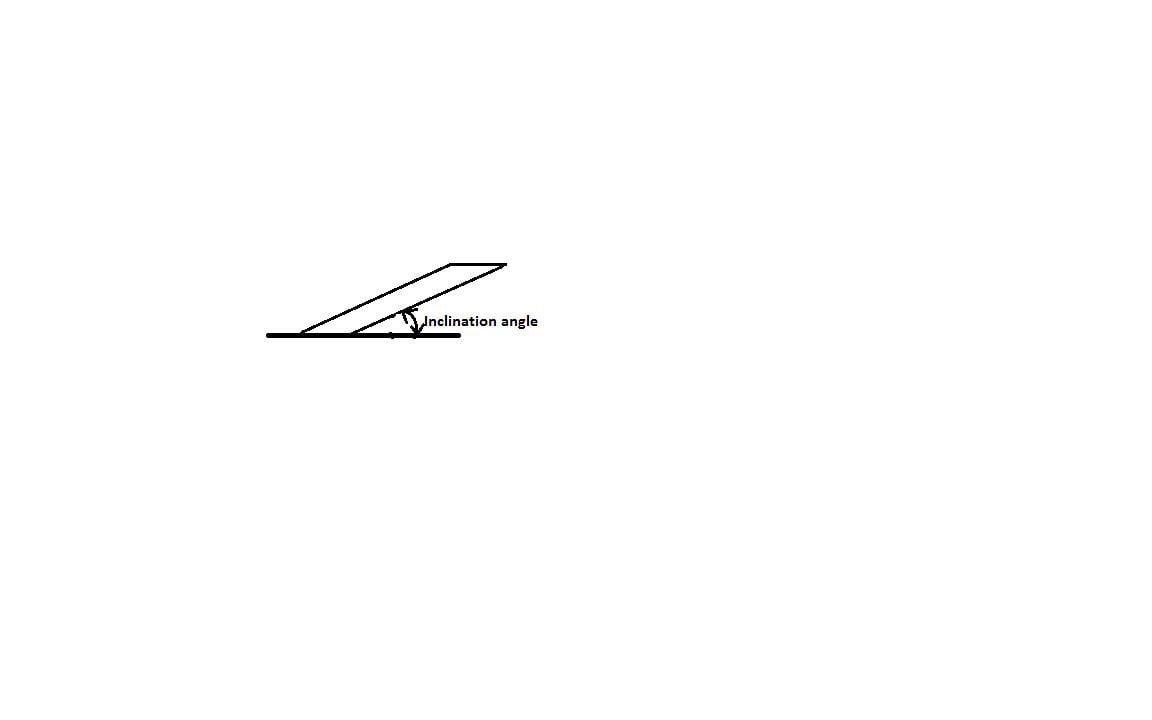
SubscriberThank you very much for your reply, I have made this thin vertical flap by using 'Box' in 'Primitives' in XY plane and now I have to make it inclined in the same plan with certain angle.
I can see the option for having new plane at certain angle but how to set this angle to the geometry?
Â
Regards
Tayyaba
Â
Â
-
May 2, 2019 at 8:15 pm
-
May 3, 2019 at 10:44 am
-
- The topic ‘How to tilt a geometry at a certain angle in Design modeler?’ is closed to new replies.

- Project lines/edges into a face with the direction normal to the face
- No preview in explorer with scdox file
- Add-in Error Excel
- Fileformats
- Discovery 2025r2 failed to initialize
- Spaceclaim problem
- Using SpaceClaim scripts vs recorded blocks for parametric optimization workflow
- Different Body Naming and Extra Surfaces after Importing Solid Edge Part
- racing royals
- New Computer
-
4597
-
1495
-
1386
-
1209
-
1021
© 2025 Copyright ANSYS, Inc. All rights reserved.