-
-
September 30, 2019 at 11:29 am
chandramouli
SubscriberHello guys,
Im facing a problem which did not happen for me in ansys 17.2.
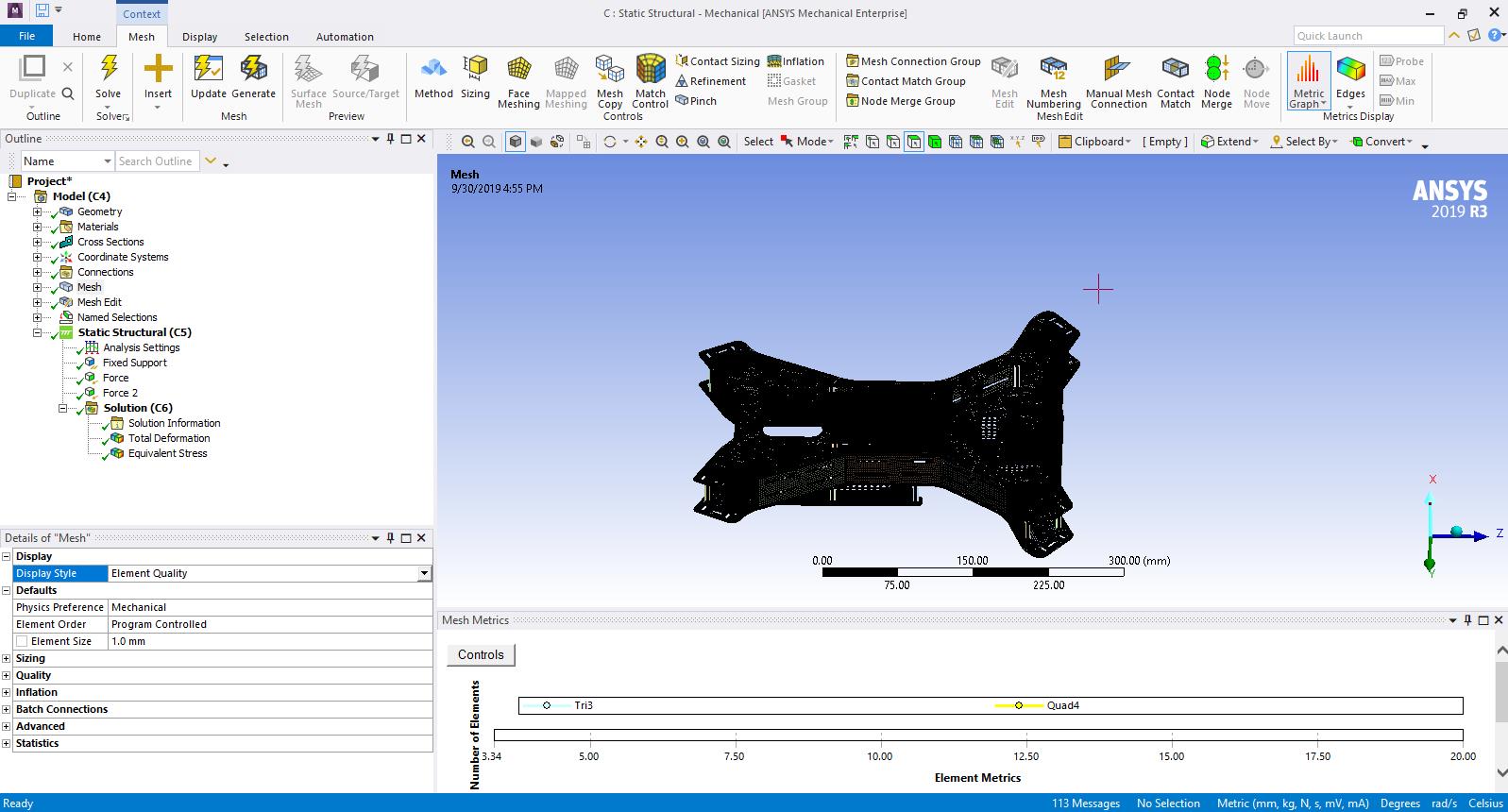
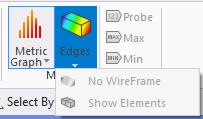
After finishing the meshing I checked the element quality and I was able to find out the quality of element in a blue to red visual way, but once I clicked on the graph of elements in their respective qualities ,The colours disappeared. Now it seems that I have to do the analysis again to view that. I have pressed every possible tool button, but I couldn't fix it.
Here is an image illustrating the issue: -
-
September 30, 2019 at 7:17 pm
peteroznewman
SubscriberClick and drag the title bar of the Mesh Metrics window at the bottom of the screen and drop it on the right side of the graphics window. Once the Mesh Metrics window is of a useful size, you can click on the Control button and change the Y axis to see the smaller bars more clearly. Click on some bars at the "bad" end of the Mesh Metric (near zero) and the elements that make up that bar will shade solid while the rest of the elements are hidden.
-
October 1, 2019 at 1:12 am
chandramouli
SubscriberHello peteroznewman I have done that already, the problem is colour representation of the quality of mesh is gone and cannot be put back to its initial state(i.e the geometry changes to solid colour and does not return to the element quality colours) -
October 1, 2019 at 1:46 am
peteroznewman
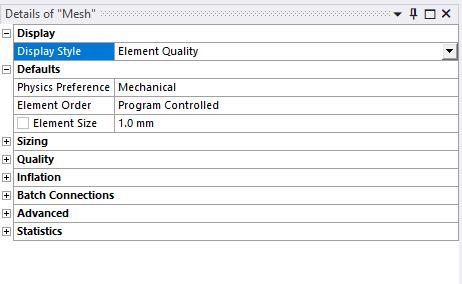
SubscriberOn Details of Mesh, the first category Display, if the Display Style is set to Element Quality, it will be overridden by the Quality category where the Mesh Metric is set to Element Quality.
To get the color of the elements back, set the Mesh Metric to None.
-
- The topic ‘How to fix the problems with the tools’ is closed to new replies.
- Basic questions about HPC license
- optiSLang: general question about output variables & expressions
- Keeping concentration same for different sized particles in discrete phase model
- 3-Way System Coupling (Thermal-Structural-Fluid)
- optiSLang & AEDT Optimetrics: response variable has value of 0
- Thermal Desktop: Running RadCAD and SINDA outside of AutoCAD
-
4607
-
1515
-
1386
-
1209
-
1021
© 2025 Copyright ANSYS, Inc. All rights reserved.