-
-
January 12, 2019 at 8:32 am
-
January 12, 2019 at 2:39 pm
FrankD
Ansys EmployeeGeorgiro
You can try using variable radius rounds to get the desired shape, but that is difficult geometry. You would have a much better result from building your small cylindrical bosses taller, then fitting the convex rounds in, then cutting the bosses back to the desired height, and then rounding the result with the tiny rounds. Â
I can't tell what you are controlling for, but in this situation, the resultant profile of the cylindrical bosses will fall out of the cuts, and not be controlled, strictly speaking.Â
F
-
January 14, 2019 at 12:23 pm
Georgiro
Subscriber So I have finished with a round called wiht Variable Radius and it worked witout any problem. So now it is fine, but I did not know that they made a change so different...Thanks
-
January 14, 2019 at 12:51 pm
-
January 19, 2019 at 1:58 pm
-
January 20, 2019 at 8:50 am
-
January 23, 2019 at 6:55 pm
Georgiro
Subscriber I have to say that you are extremely boring. And of course you do not want to help me at all? Why? A non-sense, great!
-
January 24, 2019 at 9:54 am
Rob
Forum ModeratorThis was posted in an answered thread: why would someone expect to find another question in here?  Also, some information about warnings/errors is needed: "it doesn't work" isn't something we can diagnose. Â
-
January 24, 2019 at 11:11 am
Georgiro
SubscriberOf course, I have a serious problem making the design and the elements cylindrical does not work, but why I have no idea, it only works only parially! So I wanted someone to help me, but it does not seems so...
-
January 24, 2019 at 11:30 am
Rob
Forum ModeratorIs there an error associated when you try and add the cylinders?Â
-
January 24, 2019 at 11:41 am
Georgiro
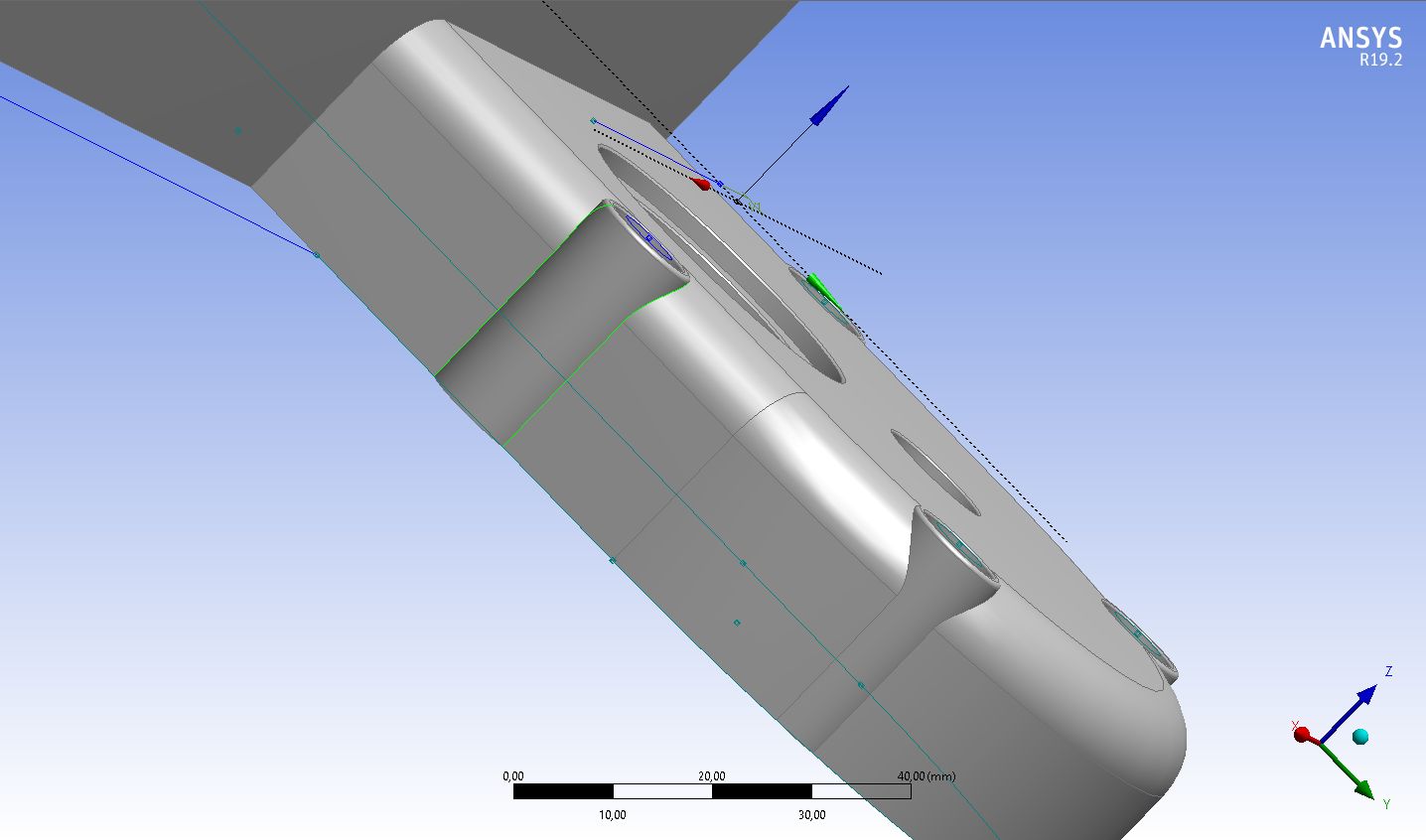
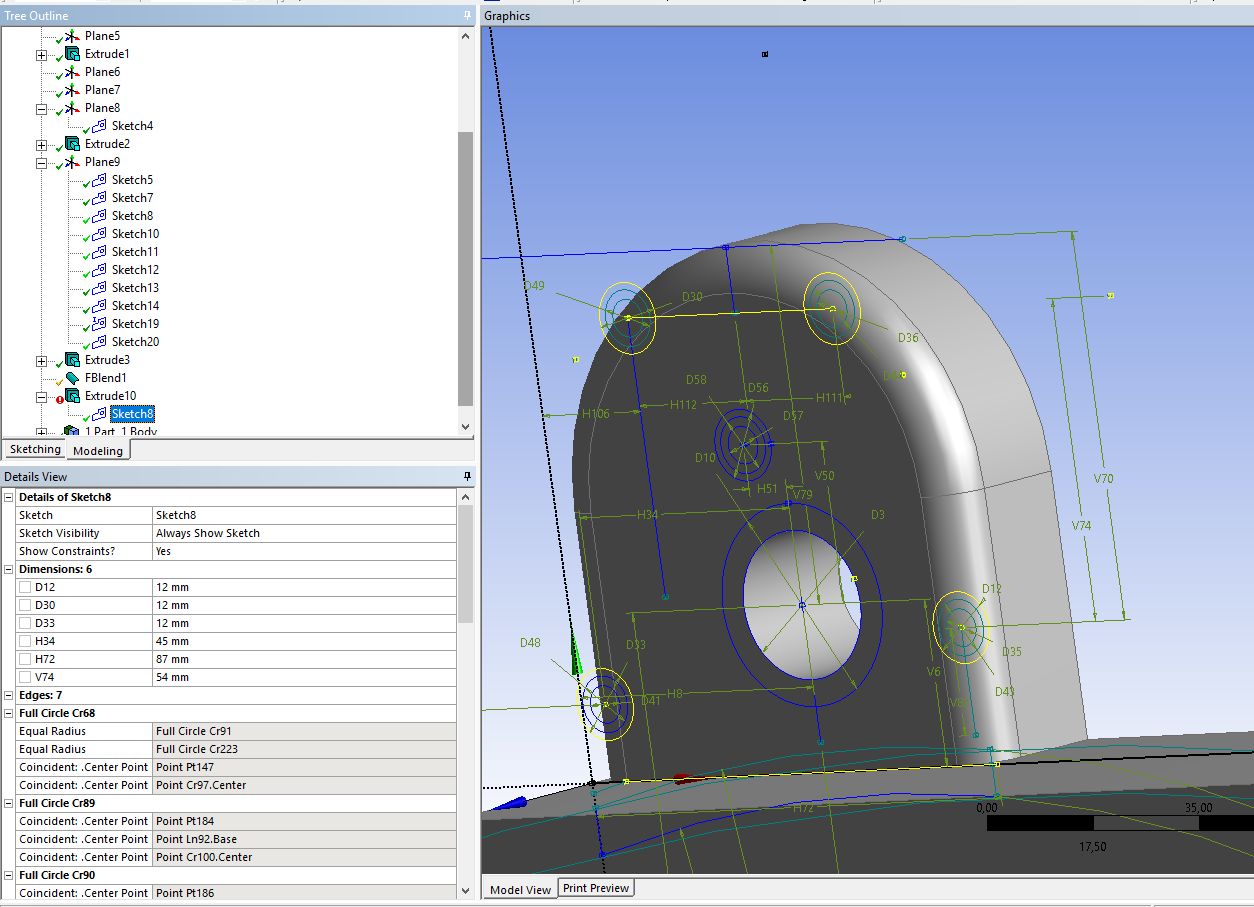
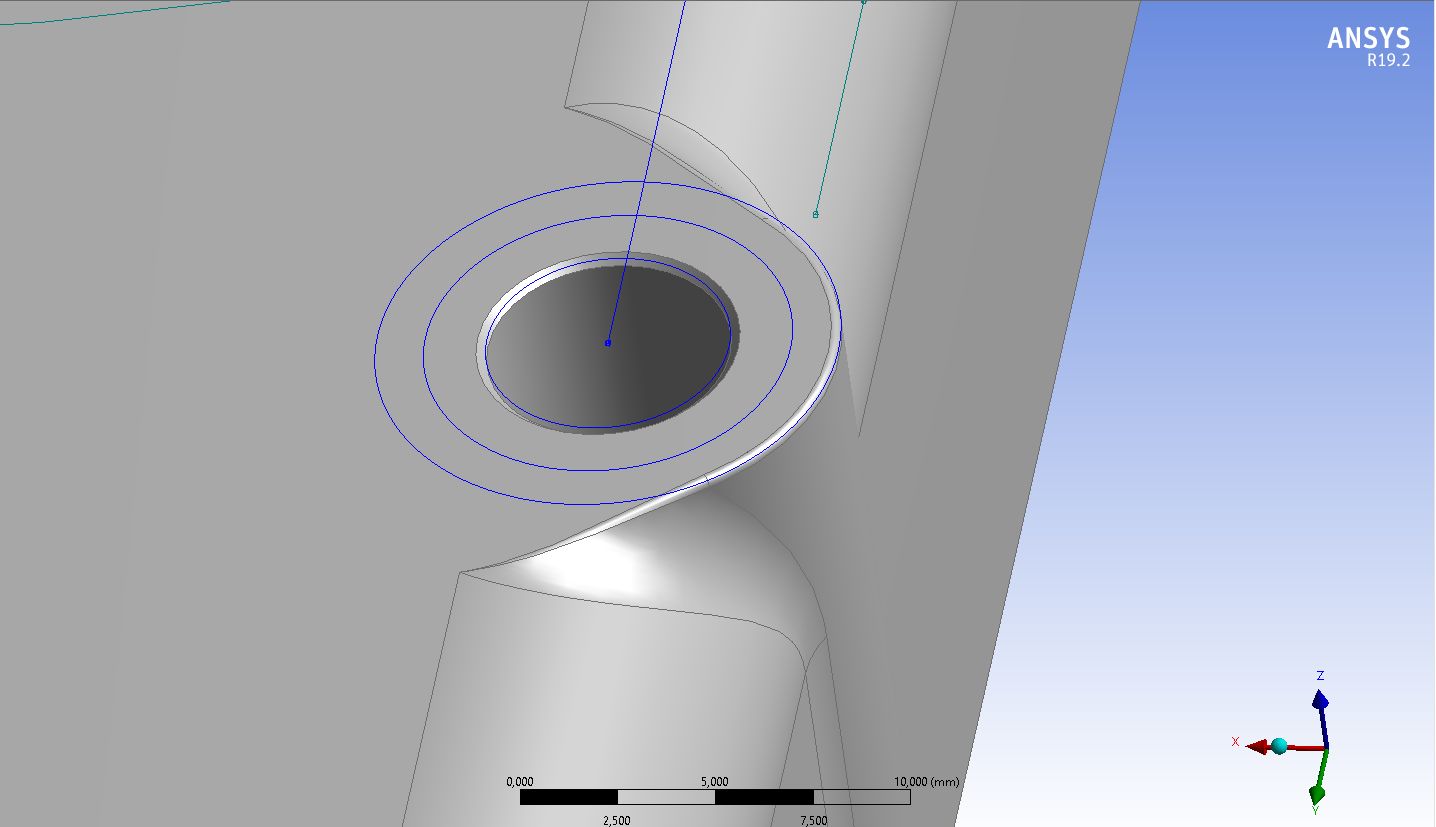
SubscriberIt does not do anything, but in the picture you can see what is shown, so it is frozen only, otherwise it does not work at all. So I have no idea what to do with it.
Thanks
Â
-
January 24, 2019 at 1:34 pm
Rob
Forum ModeratorIf the operation fails it'll have a red mark against it. Right click on the operation and see if there's anything about why it's failed.Â
-
January 24, 2019 at 3:18 pm
Georgiro
SubscriberOk, I will try it. Thanks
-
January 24, 2019 at 4:05 pm
-
January 24, 2019 at 4:53 pm
-
January 24, 2019 at 5:05 pm
Rob
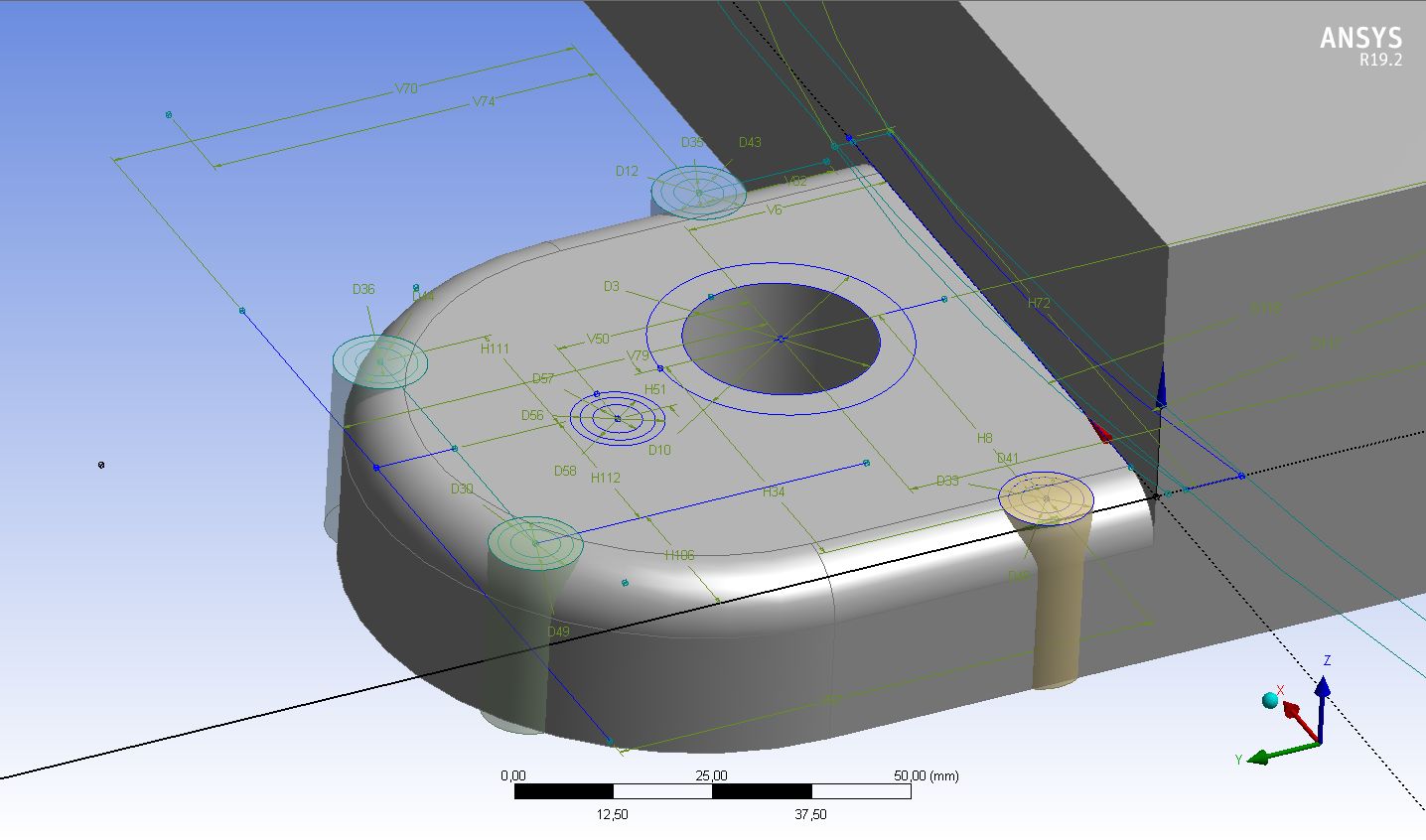
Forum ModeratorThat looks to be because you've got the cylinder too close to the edge: the chamfer is trying to blend to either create a too complex surface or a physically impossible shape.Â
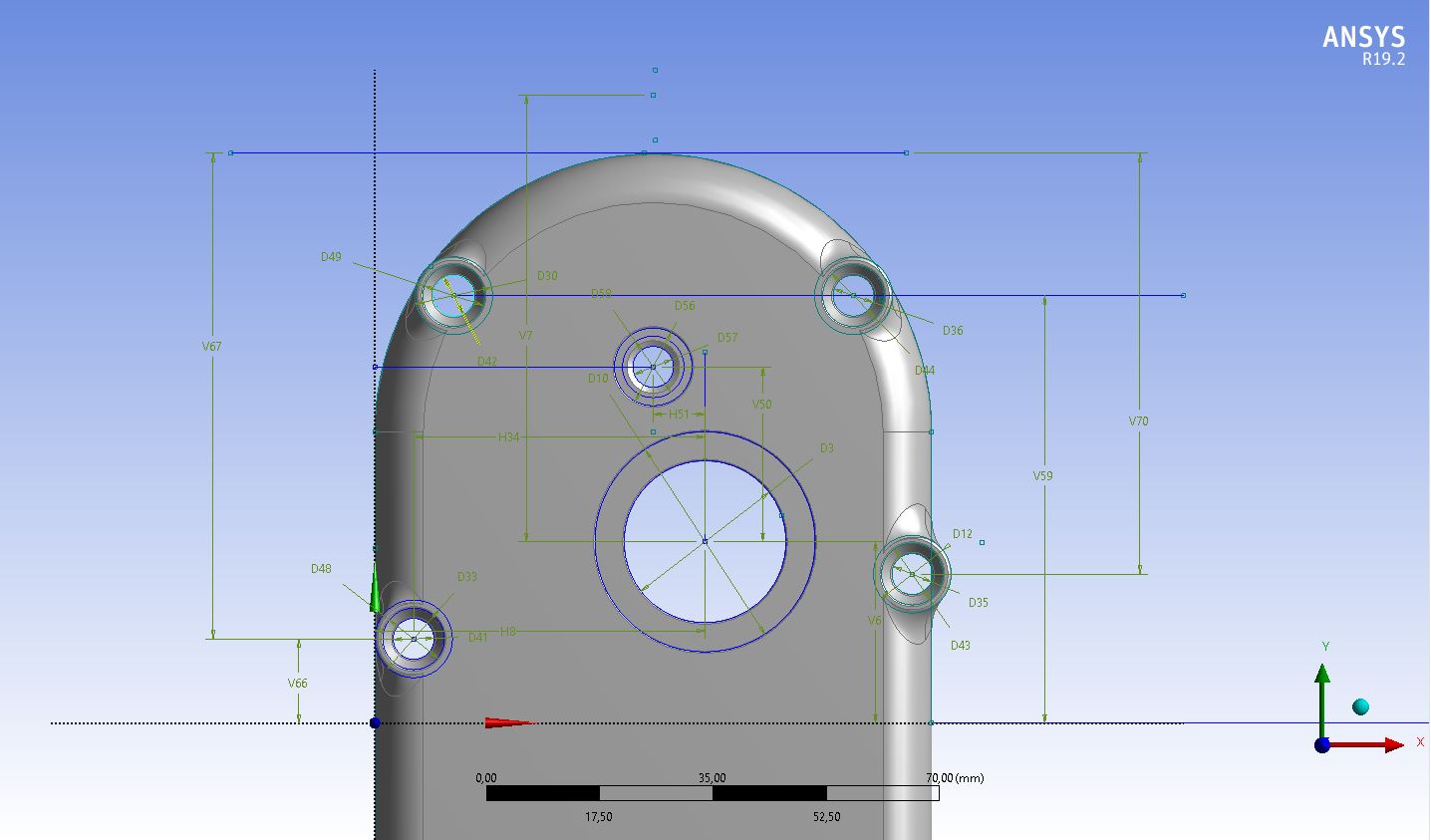
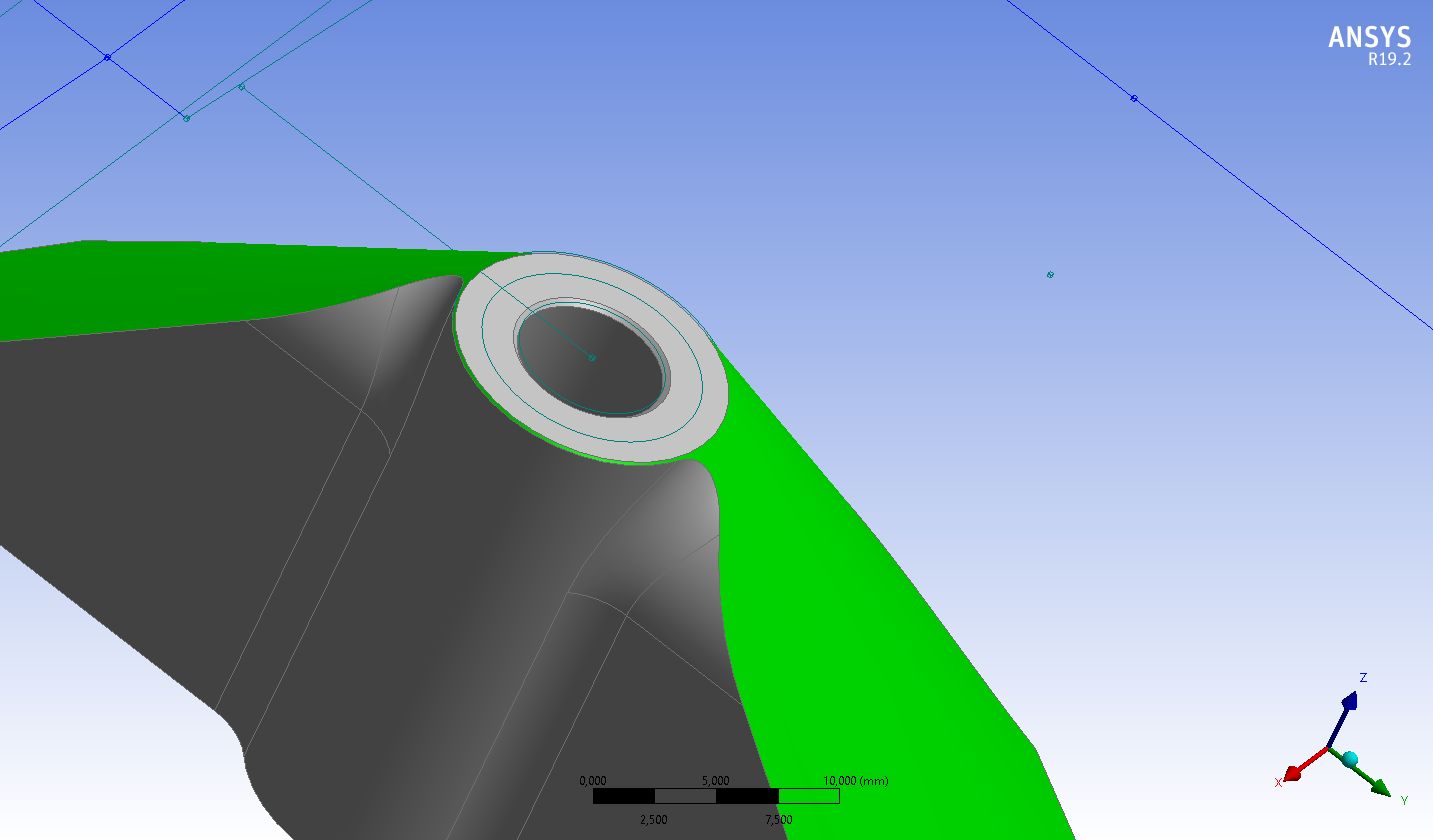
What was wrong with the shape in the second image from about 2 weeks ago?
-
January 24, 2019 at 6:40 pm
Georgiro
SubscriberSo what would you suggest to do in a different way? Thanks
-
January 24, 2019 at 6:42 pm
Georgiro
SubscriberBut I still do not know much, may be it could be related with these issues, these I have with the chamfer issues like now.
-
January 24, 2019 at 6:45 pm
Georgiro
SubscriberAnd I have to say that this problem is created only in 2 out of four items, so 2 items are fine, without any problem...
-
January 25, 2019 at 7:31 am
Georgiro
SubscriberHowever, I have been doing this before and it worked without any problem, so why now I cannot do it at all?
-
January 25, 2019 at 10:53 am
Rob
Forum ModeratorWithout reviewing the CAD I don't know exactly why it's failing: hence the need for clear questions and including all error messages. Have a very careful look at the model and then think through what shape it's trying to create: is that possible or will it turn the model inside out. Try using slightly different sizing and try again.Â
-
January 25, 2019 at 1:28 pm
Georgiro
SubscriberSo what type of shapes shall I change in this way? I am a bit confused if I did it the same and for the first time I did not have any problem?
-
January 25, 2019 at 2:10 pm
Rob
Forum ModeratorIf it did work, and now it doesn't, what is different? The likely cause here is the filet radius & cylinders interacting in some way: but without looking at the model I can't be sure.Â
-
January 25, 2019 at 2:21 pm
Georgiro
SubscriberSo this means you want the model, but can I give it to you? Or what? Thanks
-
January 25, 2019 at 2:42 pm
Rob
Forum ModeratorNo, it means you need to work through what you've done and figure out what's changed.
As has been mentioned to you before, ANSYS staff can't download attachments and I can't diagnose this without the files so you'll need wait for the wider community.Â
-
January 25, 2019 at 3:01 pm
Georgiro
SubscriberSo I can start to do something, but do not know what and to give ability to wider community will be quite important.
Thanks
Â
-
January 31, 2019 at 6:53 am
Georgiro
SubscriberAfter 5 days it would be wonderfull if you can try to tell me, what shall I do in this case - would you be so wonderfull to tell me the details. Thanks a lot. Or shall I put it somewhere else, that at least you will be able to read this? Thanks
-
January 31, 2019 at 11:36 am
Rob
Forum ModeratorWe've already explained about posting project archives: please review all previous questions & advice that we've answered & given respectively.Â
Â
-
- The topic ‘Hello, I have a huge problem to make a radius into one model that is shown and obvious.’ is closed to new replies.

- Project lines/edges into a face with the direction normal to the face
- No preview in explorer with scdox file
- Add-in Error Excel
- Spaceclaim problem
- Using SpaceClaim scripts vs recorded blocks for parametric optimization workflow
- Different Body Naming and Extra Surfaces after Importing Solid Edge Part
- racing royals
- New Computer
- Inconsistent Script
- MISSING SIMULATION SECTION/RIBBONTAP
-
4613
-
1520
-
1386
-
1209
-
1021
© 2025 Copyright ANSYS, Inc. All rights reserved.