-
-
July 8, 2020 at 5:45 pm
dorianrendon
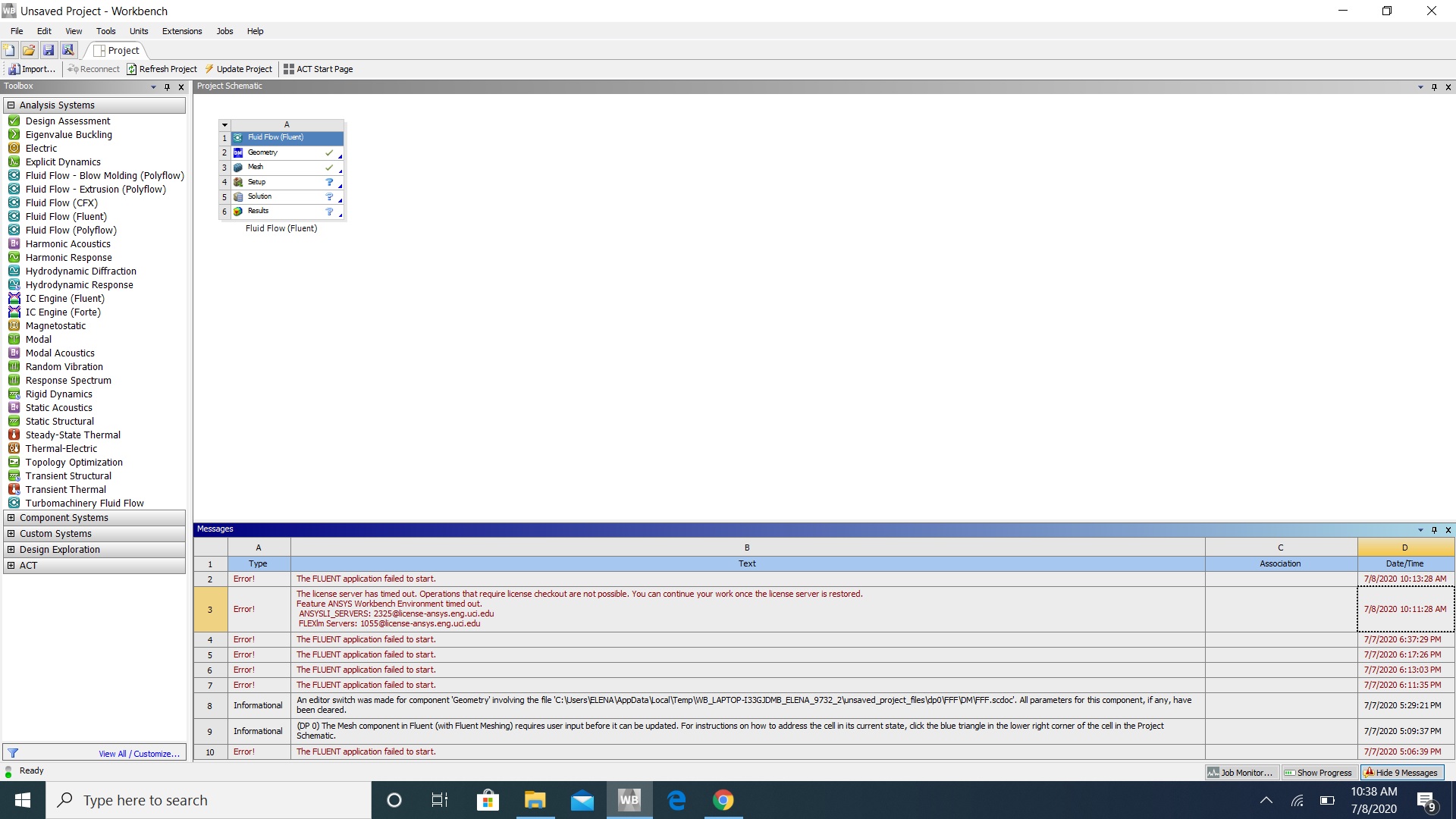
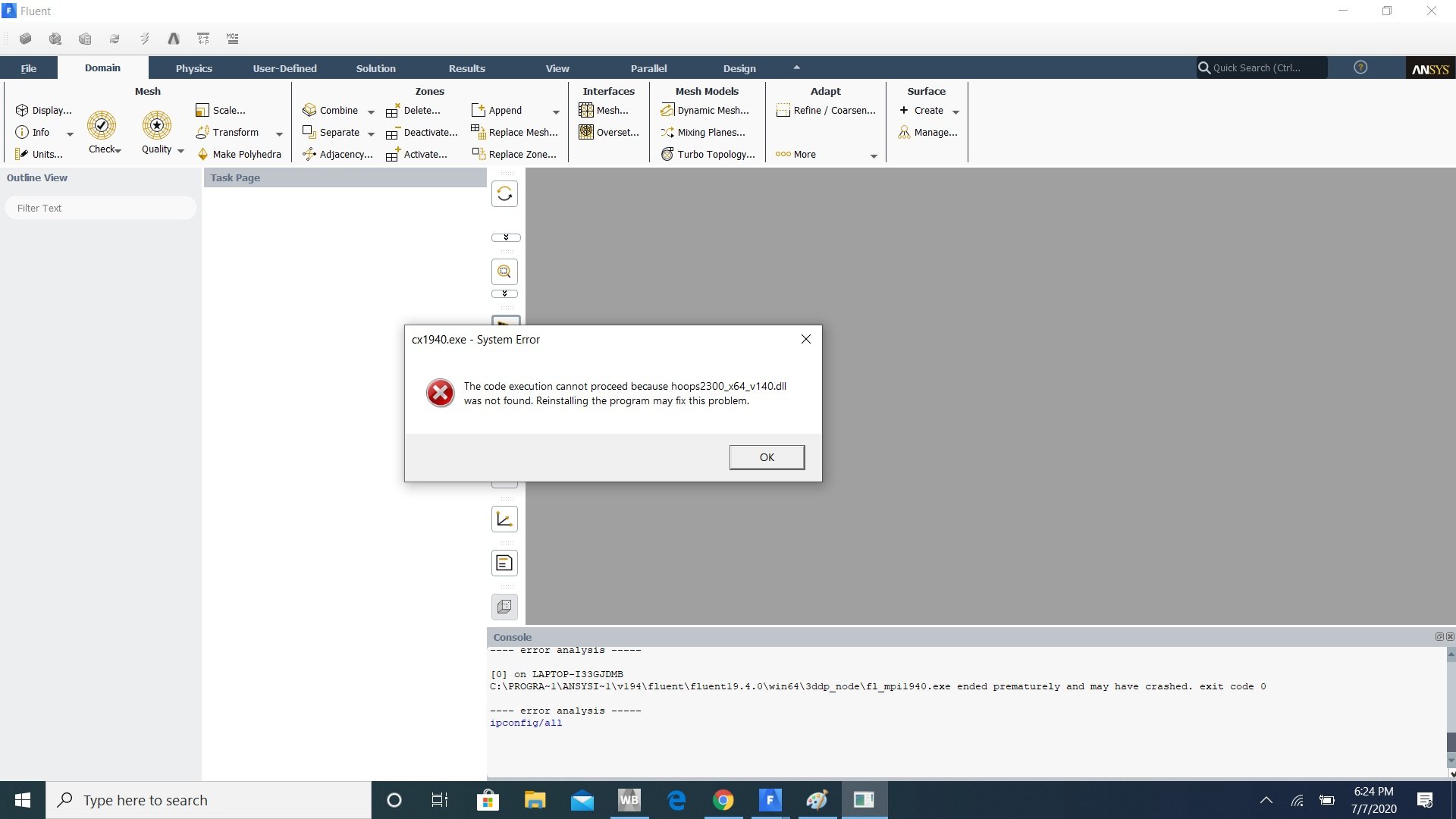
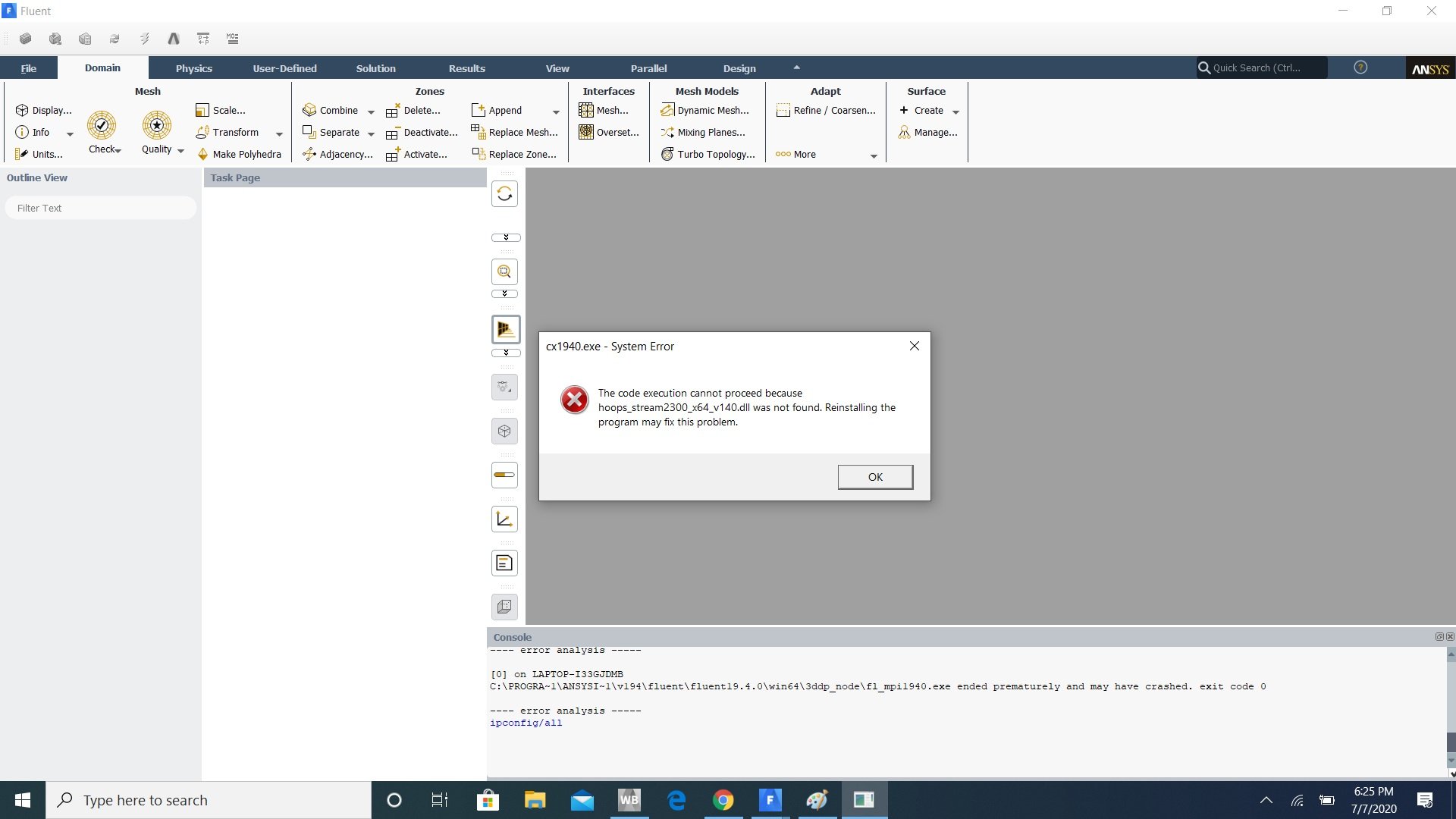
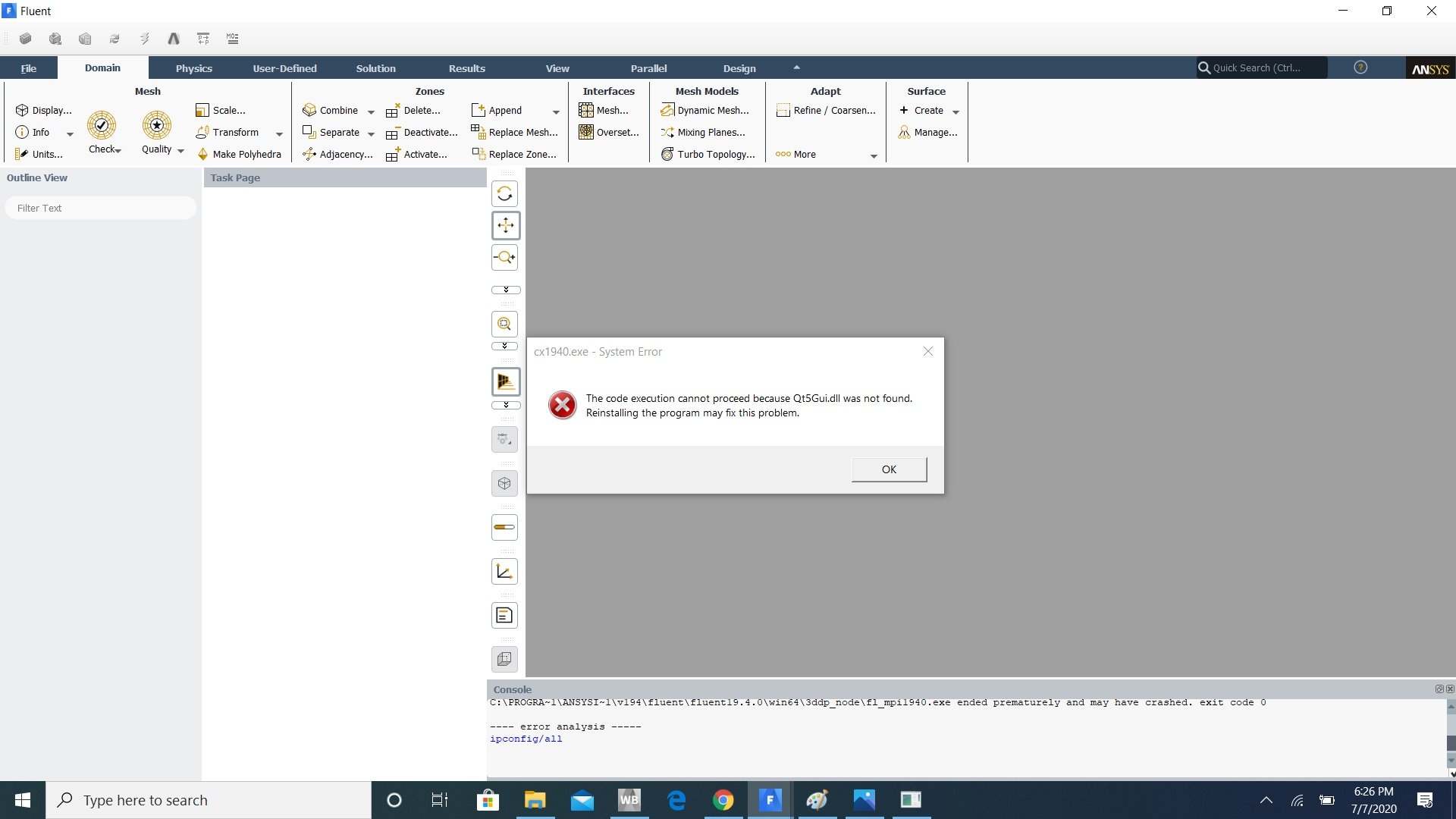
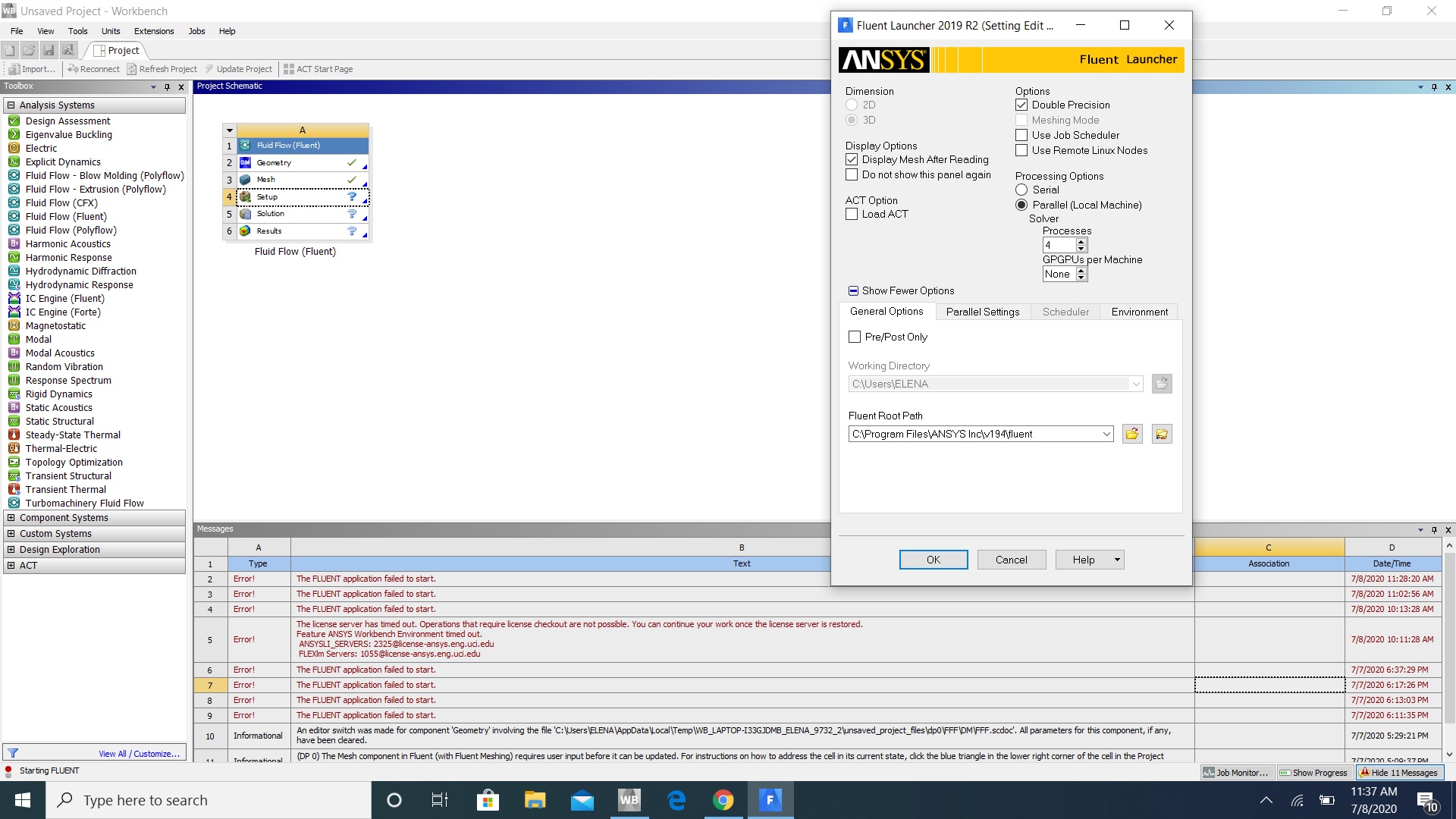
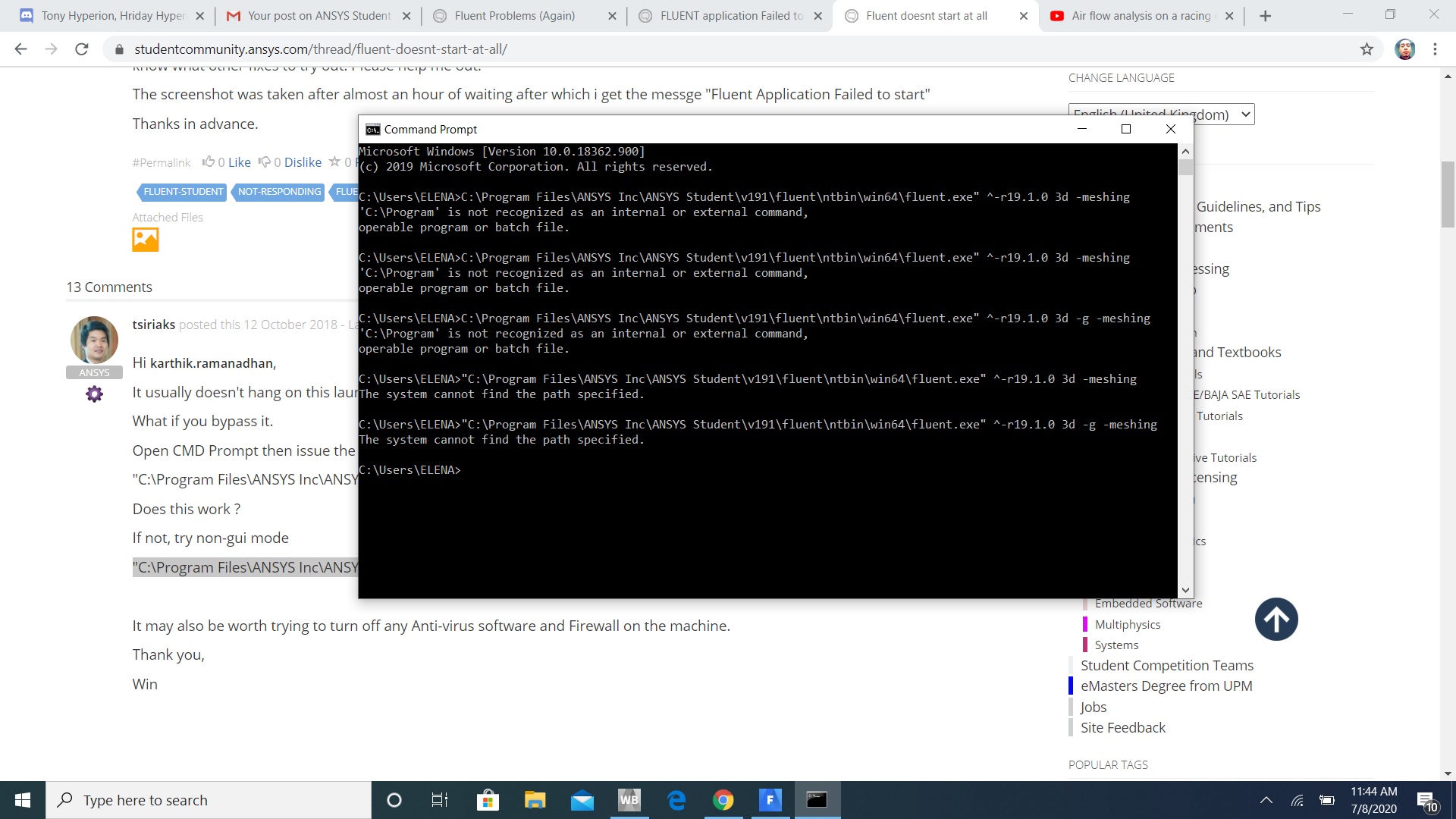
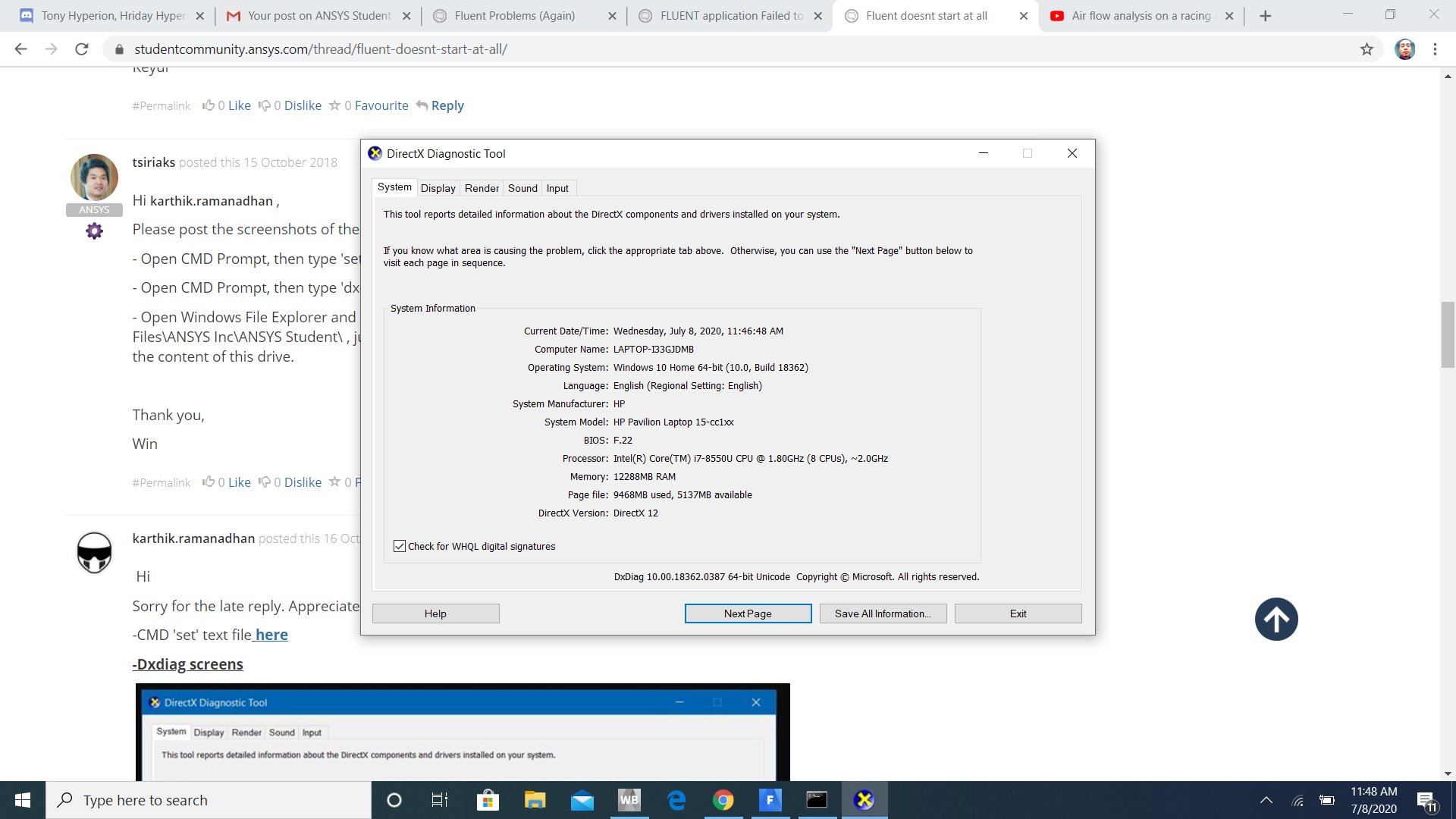
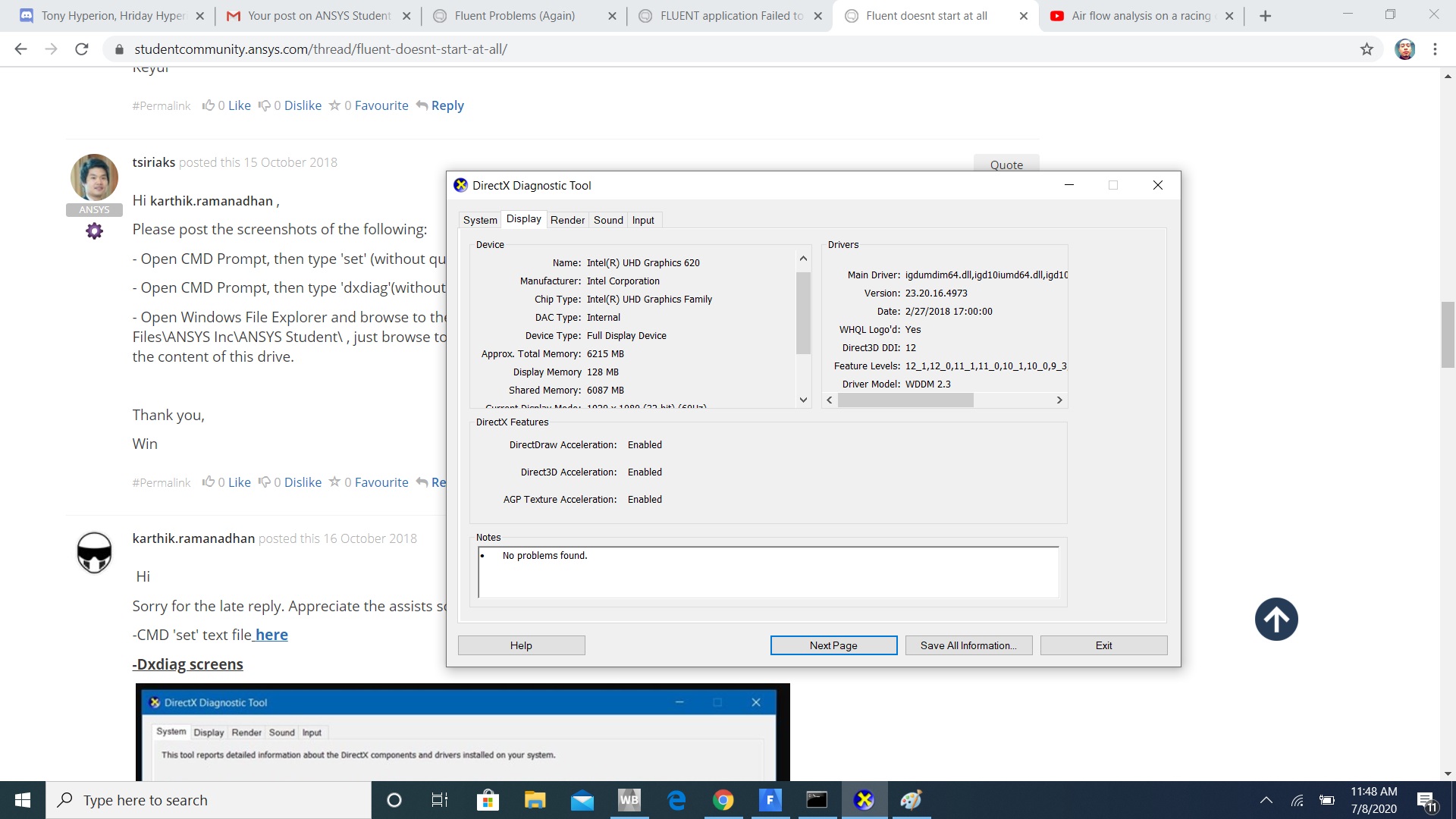
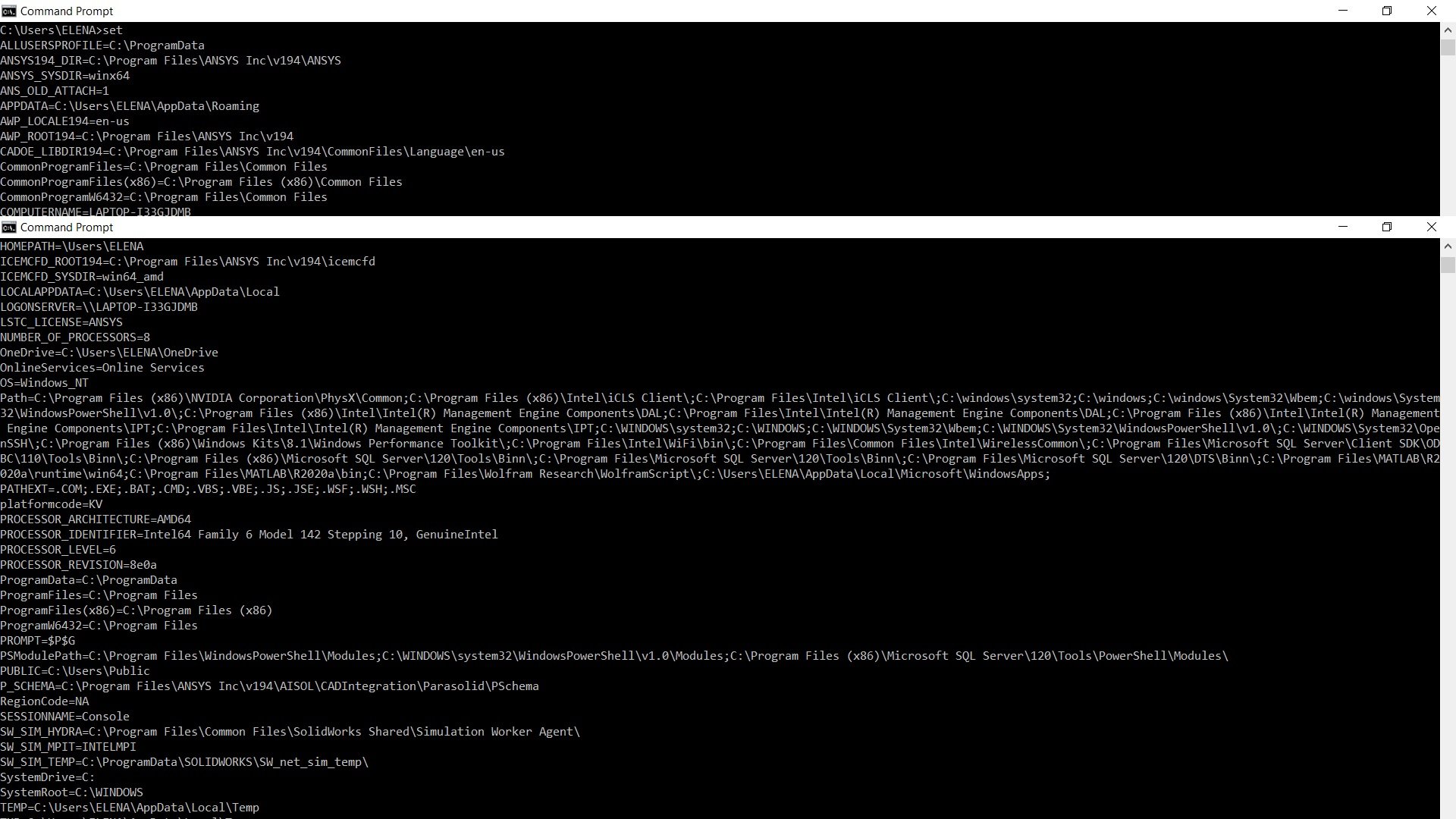
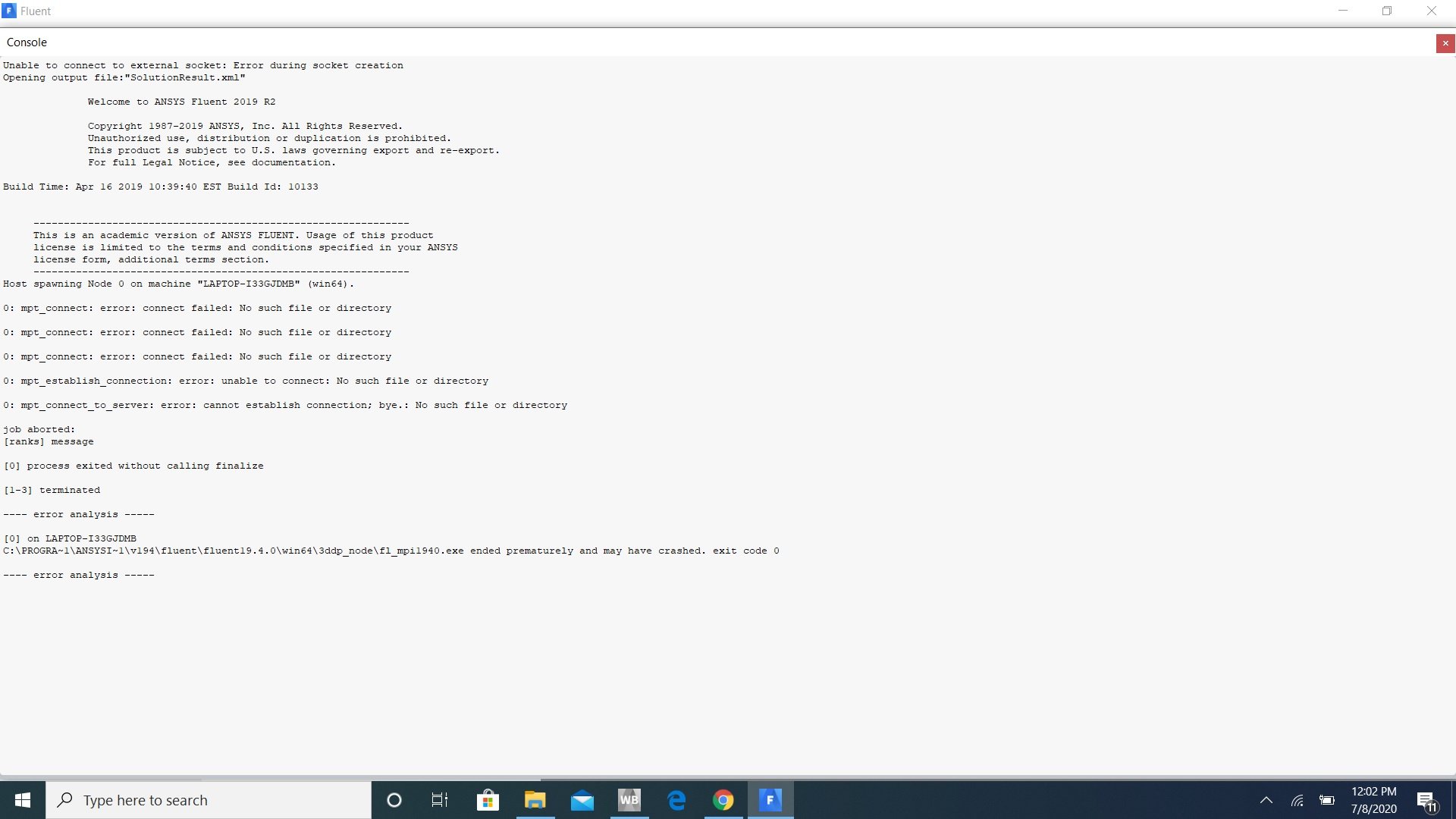
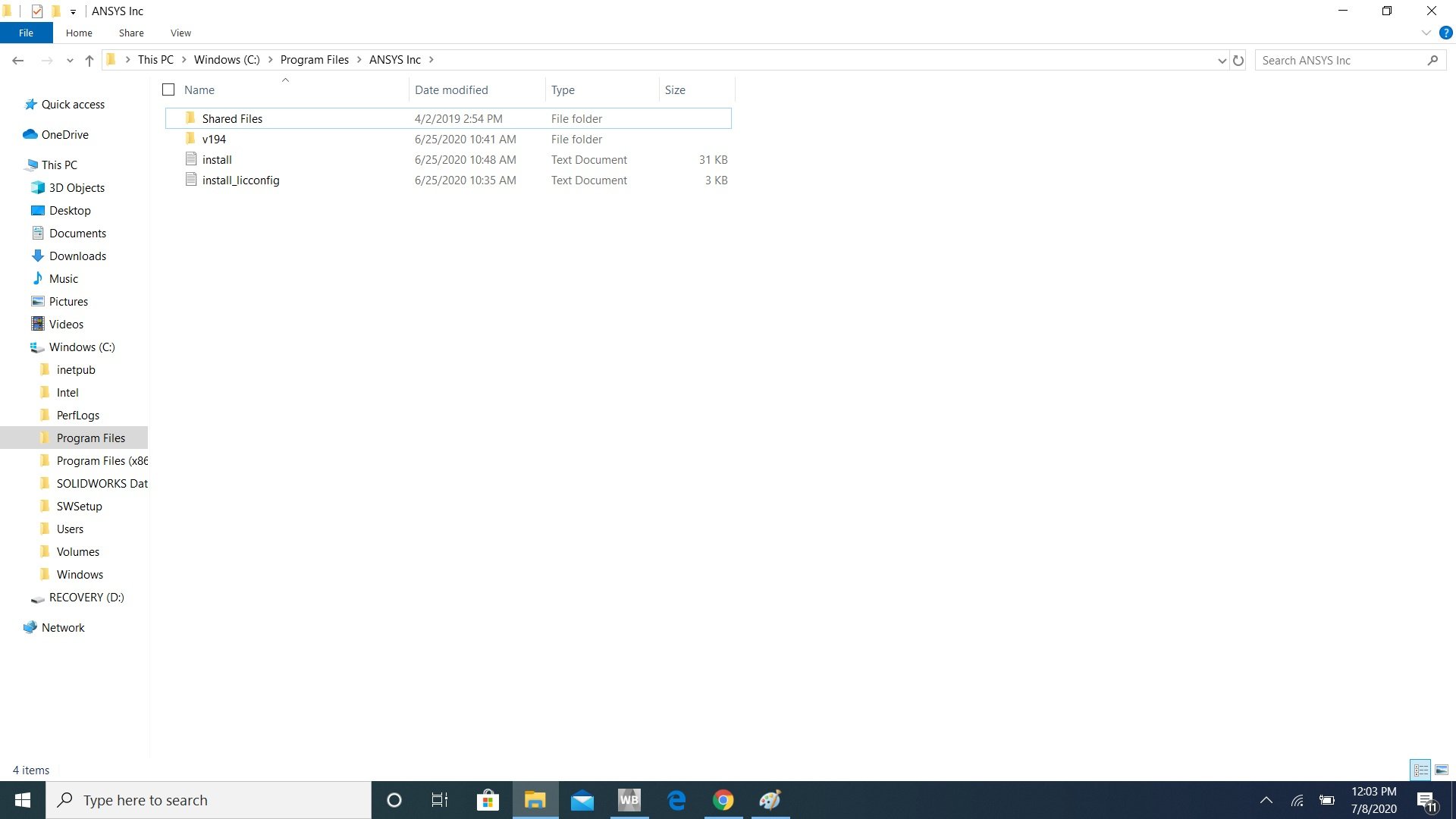
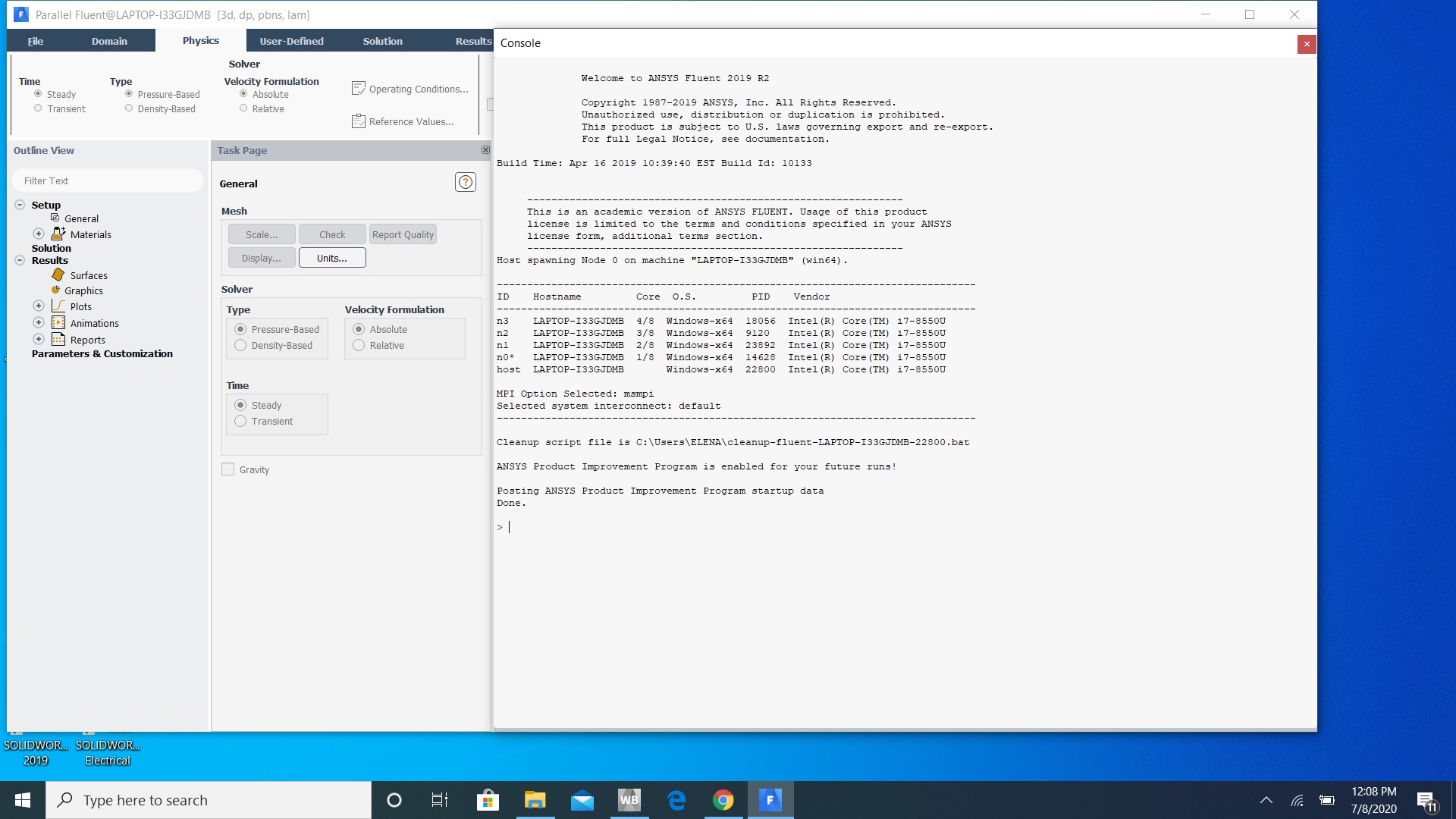
SubscriberI have no idea what is going on with this program... I read the suggested threads:  /forum/forums/topic/fluent-application-failed-to-start/    and   /forum/forums/topic/fluent-doesnt-start-at-all/  but don't really understand what the instructions are... I'm not very good with IT stuff. So I watched a Youtube video https://www.youtube.com/watch?v=9NG3Qc5f68U&t=39s as a guide to upload my Solidworks design and run fluid simulations on it. ANSYS workbench lets me import the IGS file and and do the mesh process too but then when to comes to setup, Fluent fails to start. I also followed the steps in /forum/forums/topic/fluent-19-2-not-working/ but still no success.Â

-
July 8, 2020 at 6:32 pm
dorianrendon
SubscriberI have no firewall or virus protection on and I have to close Fluent through task manager every time too.
-
July 8, 2020 at 6:33 pm
-
July 8, 2020 at 6:33 pm
-
July 8, 2020 at 6:38 pm
-
July 8, 2020 at 6:44 pm
-
July 8, 2020 at 6:45 pm
-
July 8, 2020 at 6:49 pm
-
July 8, 2020 at 6:57 pm
dorianrendon
SubscriberI am so confused and annoyed. I don't understand why we can't just talk over the phone, I strongly dislike waiting for response through a thread. I have no clue what it means to rearrange the environment path
-
July 8, 2020 at 7:01 pm
-
July 8, 2020 at 7:02 pm
-
July 8, 2020 at 7:03 pm
-
July 8, 2020 at 7:04 pm
-
July 8, 2020 at 7:11 pm
-
July 16, 2020 at 4:29 pm
dorianrendon
Subscriber@ANSYS team,
May I please get a response back..... I'ts been a week now and still no word.
-
July 24, 2020 at 10:22 pm
dorianrendon
SubscriberWtf why does no one answer my question!?
-
July 25, 2020 at 10:36 pm
JOSECABRERA
SubscriberI had a similar problem and it was fixed when I stop saving the geometry, the mesh before you run the simulation, try to do that could give you result, just save the project when you finish simulating
 -
August 5, 2020 at 8:31 am
Rob
Forum ModeratorThe error is suggesting it's the University licence manager that's down - have you got Student and a full version of the code on the same machine? -
August 6, 2020 at 8:31 pm
tsiriaks
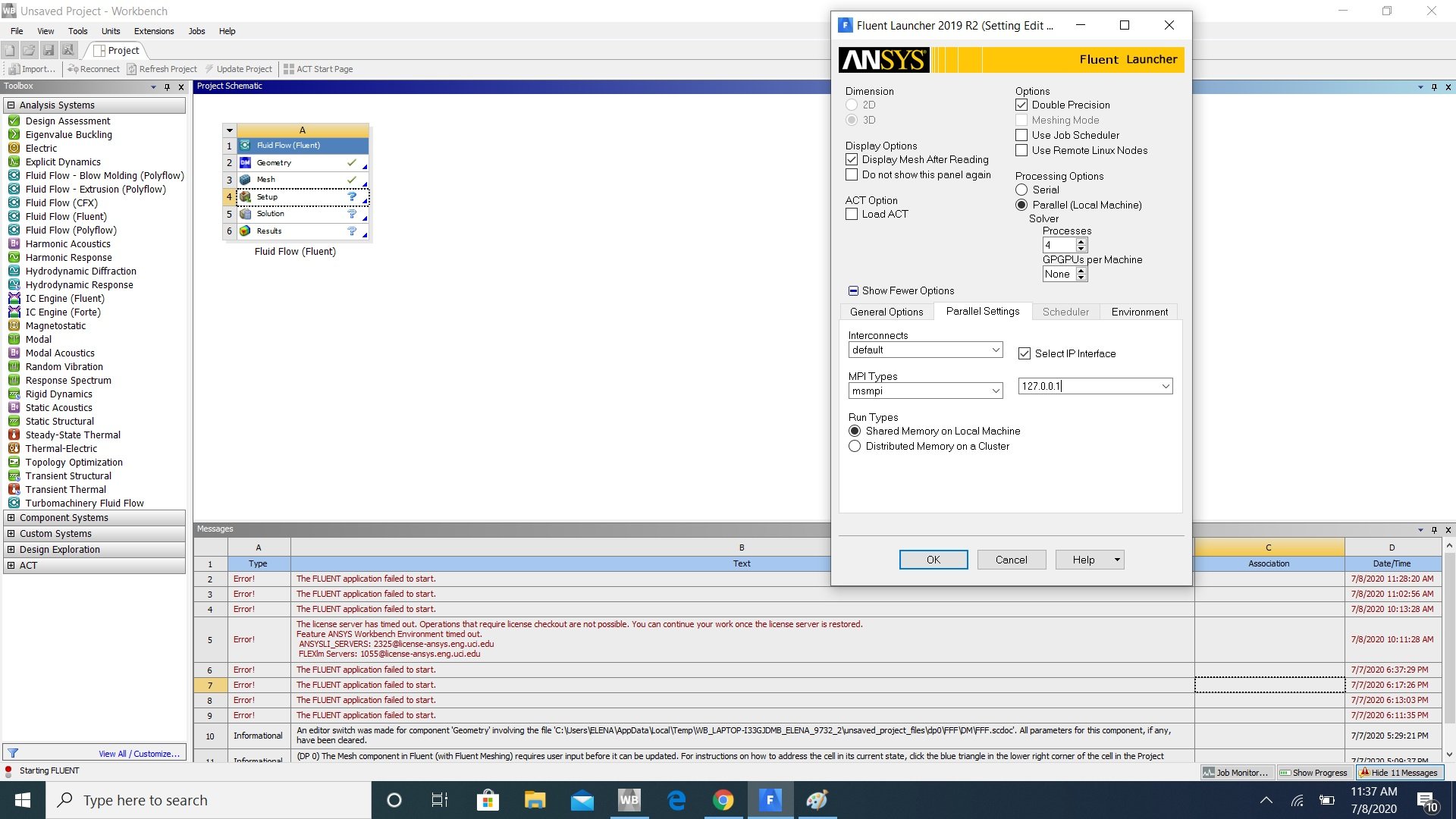
Ansys EmployeeDon't set those MPI and interface. It's a different issue/workaround.nIt seems you can launch stand-alone Fluent but have issue when launching WB-Fluent.nDid you try reinstalling ANSYS ?nTry the following (make sure all ANSYS applications are closed first)n1. Open up Product & CAD Configuration with 'run as administrator' -> Configure Products & CADs -> Select alln2. In the CMD Prompt window, enter the following commandsnset PATH=C:\WINDOWS\system32;C:\WINDOWS;C:\WINDOWS\System32\WbemnC:\Program Files\ANSYS Inc\v194\Framework\bin\Win64\runwb2.exenBefore you try to launch Fluent from Workbench, right click on the 'setup' cell and select properties, then check the box to open up Fluent Launcher when launching Fluent from Workbench. In Fluent Launcher , select Show More Options -> Environment , then type the following in the boxnFLUENT_LAUNCHER_OPTIONS=-driver mswndoes any of these help ?n
-
- The topic ‘Fluent Problems (Again)’ is closed to new replies.
-
4592
-
1494
-
1386
-
1209
-
1021
© 2025 Copyright ANSYS, Inc. All rights reserved.