-
-
March 20, 2020 at 12:05 pm
KianaMousavi
SubscriberHi
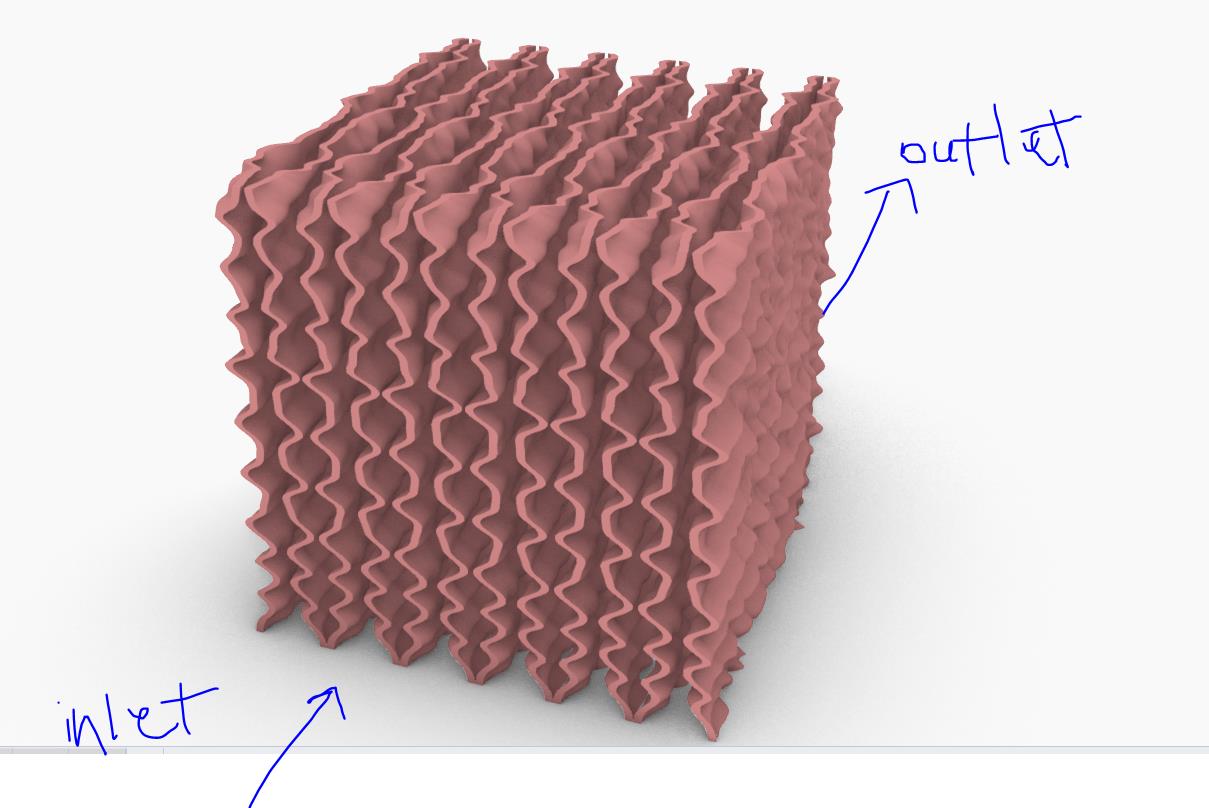
I want to simulate airflow passing through some curved surfaces. They do not interface with each other but all of them together are supposed to represent one geometry.
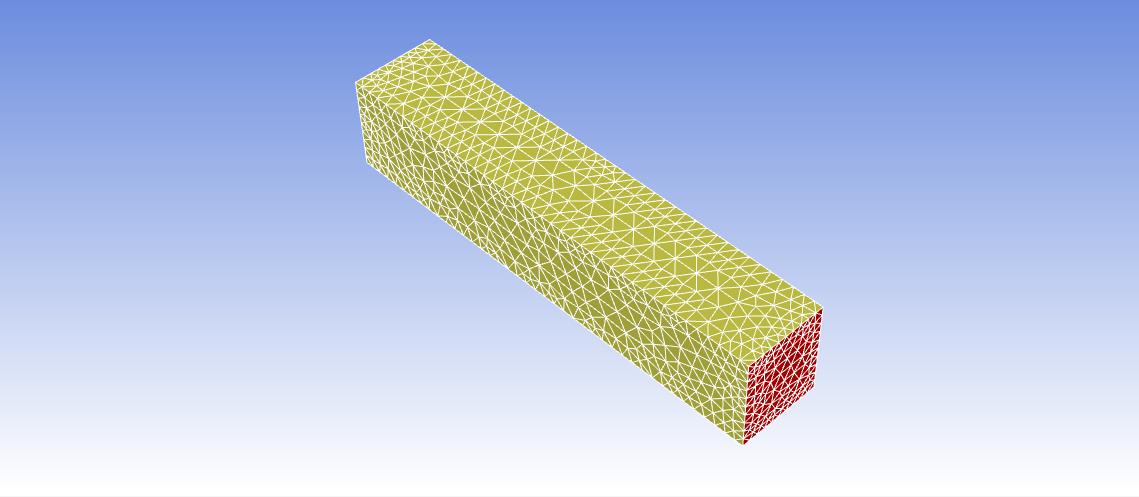
I defined a fluid domain for it (the big rectangle). I did the meshing and everything looks ok (I'm a beginner user, so just because there was no error, it looks ok to me). However, when I go to the setup phase, only the bigger box (fluid domain) is showing and the geometry (curved surfaces) are not inside it.
What is the problem here? Is the meshing wrong? (I also checked the boundary conditions in the setup, there is inlet outlet etc, except for the curved surfaces.)
-
March 20, 2020 at 4:10 pm
Rob
Forum ModeratorYou need to subtract the wavy volumes from the larger one. In CAD you can have overlapping geometry as it's a visual tool. In CFD the volumes need to be connected (know about each other).
-
March 20, 2020 at 9:05 pm
KianaMousavi
SubscriberHi!
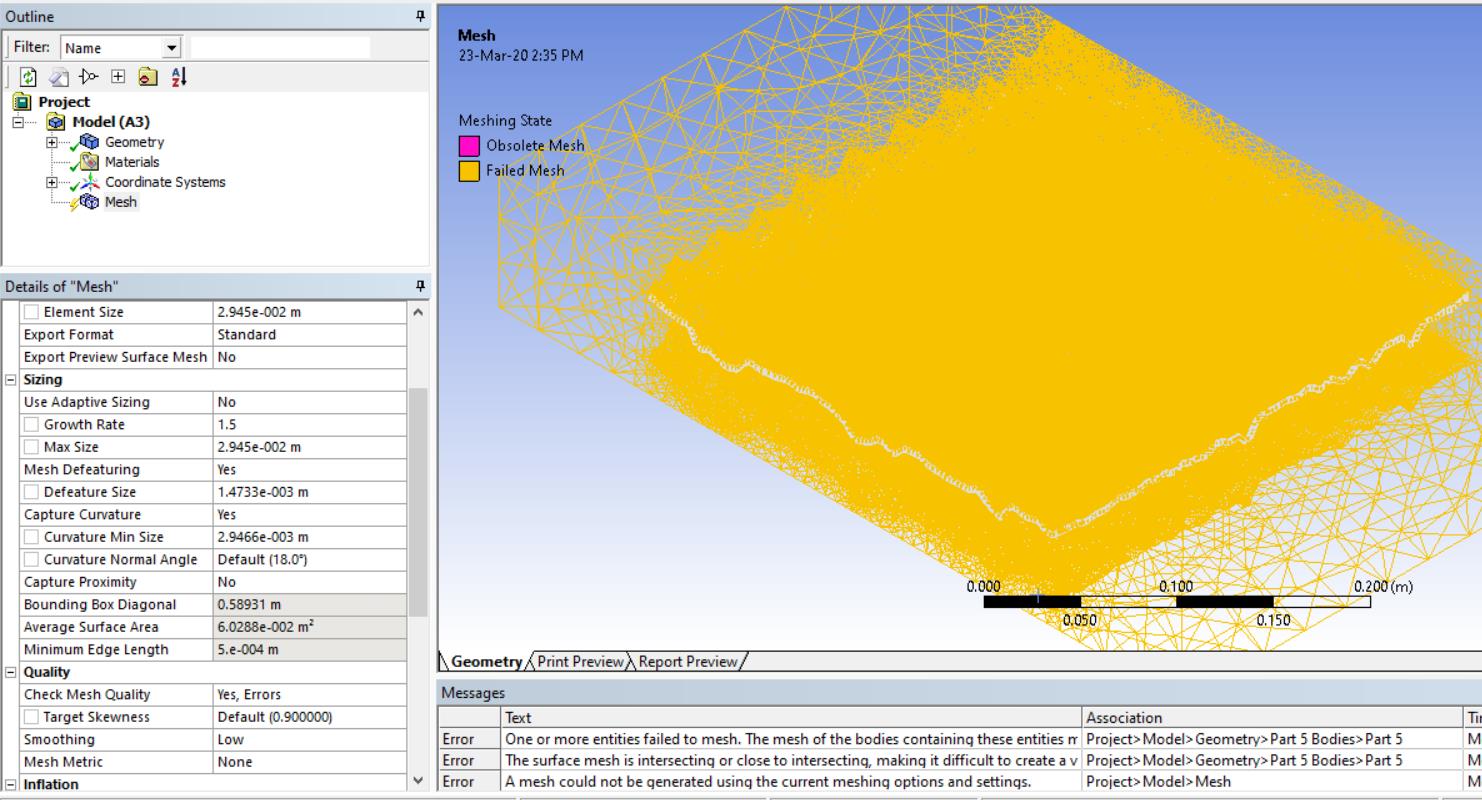
Thank you for your reply! I made the subtraction to the geometries and I imported it again. I did the initial meshing, there was an error for failed mesh.
After this, I inserted sizing and method of tetrahedrons (I haven't updated the meshing yet, as it takes a lot of time and I want to make all the changes before that)
But I don't know if the error is due to this. Do you have any suggestions?
-
March 23, 2020 at 5:03 am
Keyur Kanade
Ansys Employeeafter subtraction, please do share topology and check if the connections are ok. also check fault detection/check geometry.
as a starting point, i suggest you take only couple of those wavy geometries, subtract and mesh. Then add one more wavy geometry and so on.
Regards,
Keyur
If this helps, please mark this post as 'Is Solution' to help others.
Guidelines on the Student Community
How to access ANSYS help links
-
March 23, 2020 at 1:30 pm
Rob
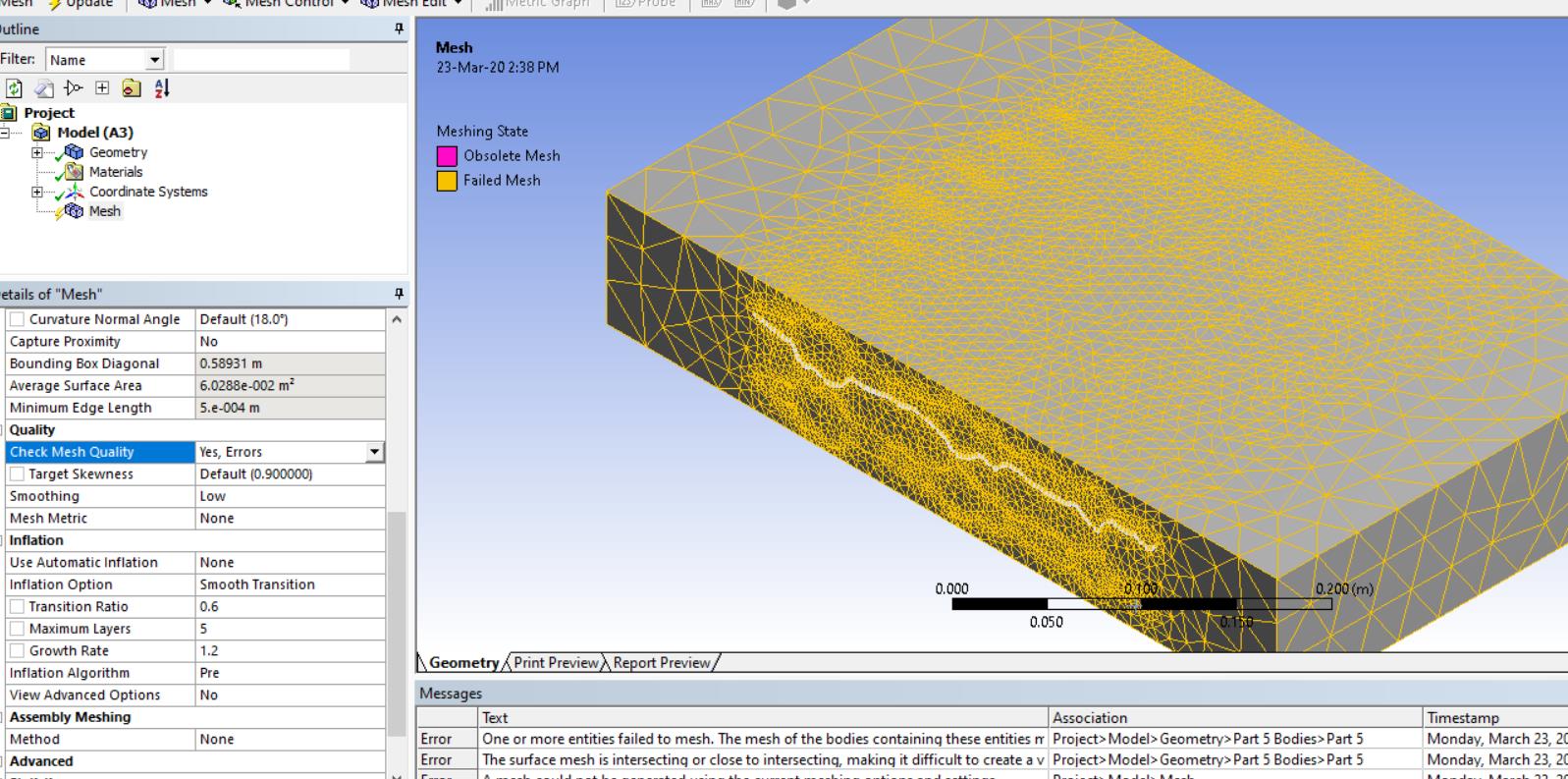
Forum ModeratorAlso make the bounding box marginally smaller than the plates to make sure they protrude. From your image I wonder if they're near enough touching so haven't split cleanly.
-
March 23, 2020 at 1:37 pm
-
March 24, 2020 at 3:34 am
Keyur Kanade
Ansys Employeereducing bonding box will take less time to mesh or give error. this only to identify problem. once problem is identified and fixed, you can use your original bonding box.
now right click on error message and select problematic geometry. then carefully observe the geometry at location. you may need to fix geometry at that location or change meshing size or use virtual topology etc.
there are may posts on meshing on this community. you can also search through.
Regards,
Keyur
If this helps, please mark this post as 'Is Solution' to help others.
Guidelines on the Student Community
How to access ANSYS help links
-
- The topic ‘Fluent Meshing does not show in the “Setup”’ is closed to new replies.
-
4597
-
1495
-
1386
-
1209
-
1021
© 2025 Copyright ANSYS, Inc. All rights reserved.