-
-
May 28, 2020 at 4:01 pm
Wallace
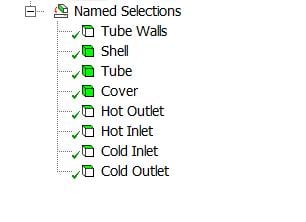
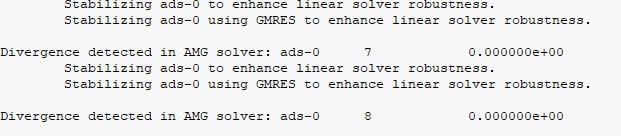
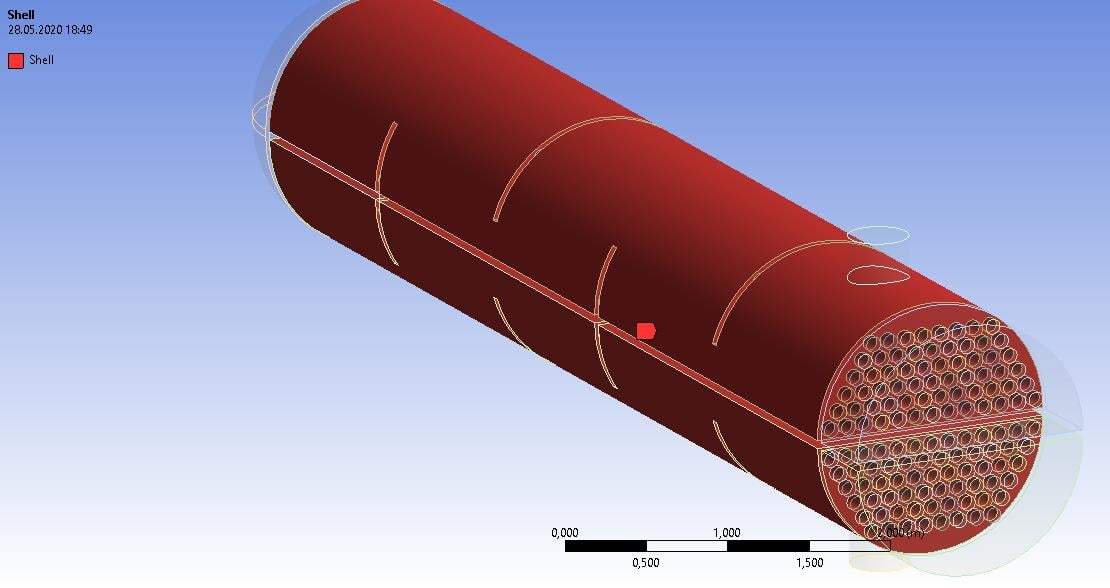
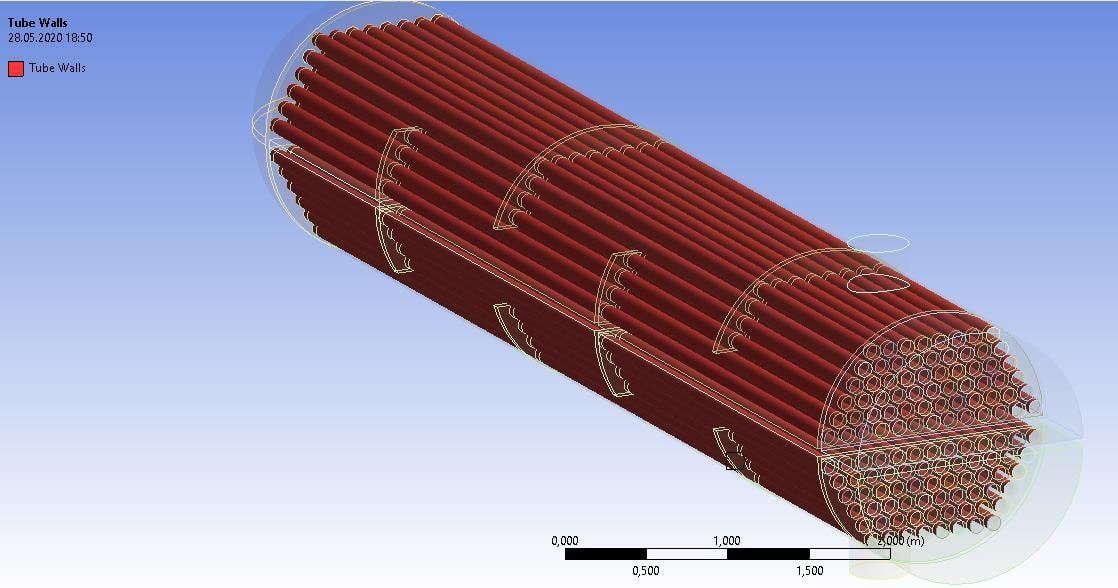
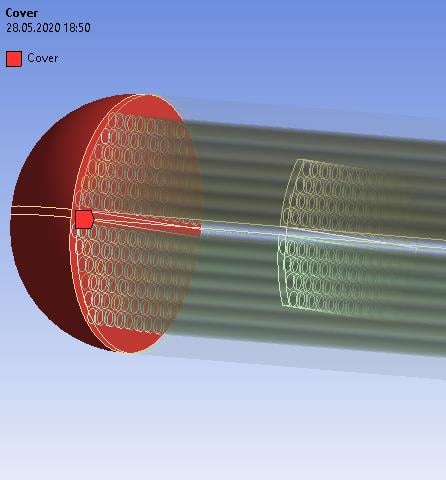
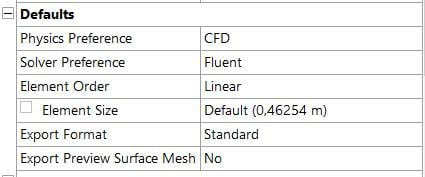
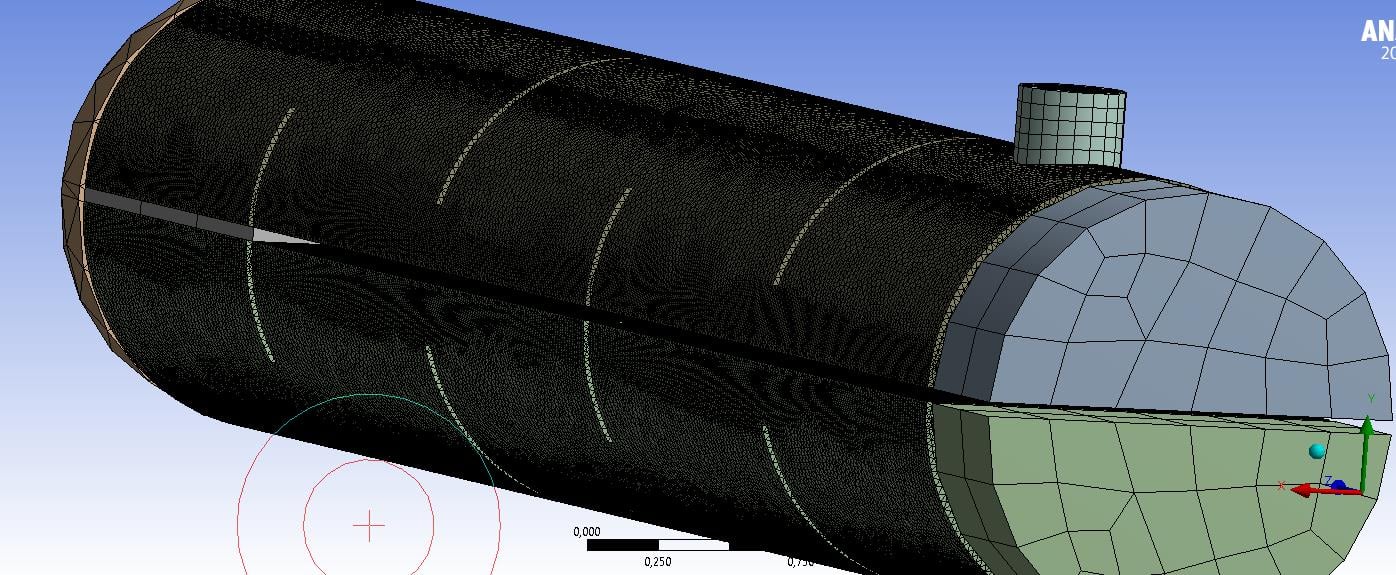
SubscriberSo i am currently trying to make CFD analysis for my heat exchanger model but when i try to initalize i am getting Floating object exception and Error object: #f errors on FLUENT. I am posting the screenshots about my work including named selections of model. By the way i need to say that i had to delete contact regions because i was getting contact region errors. I need to complete my analysis as soon as possible so i will be very happy if i can solve this issue. Thanks.
Â
-
May 31, 2020 at 12:25 pm
Wallace
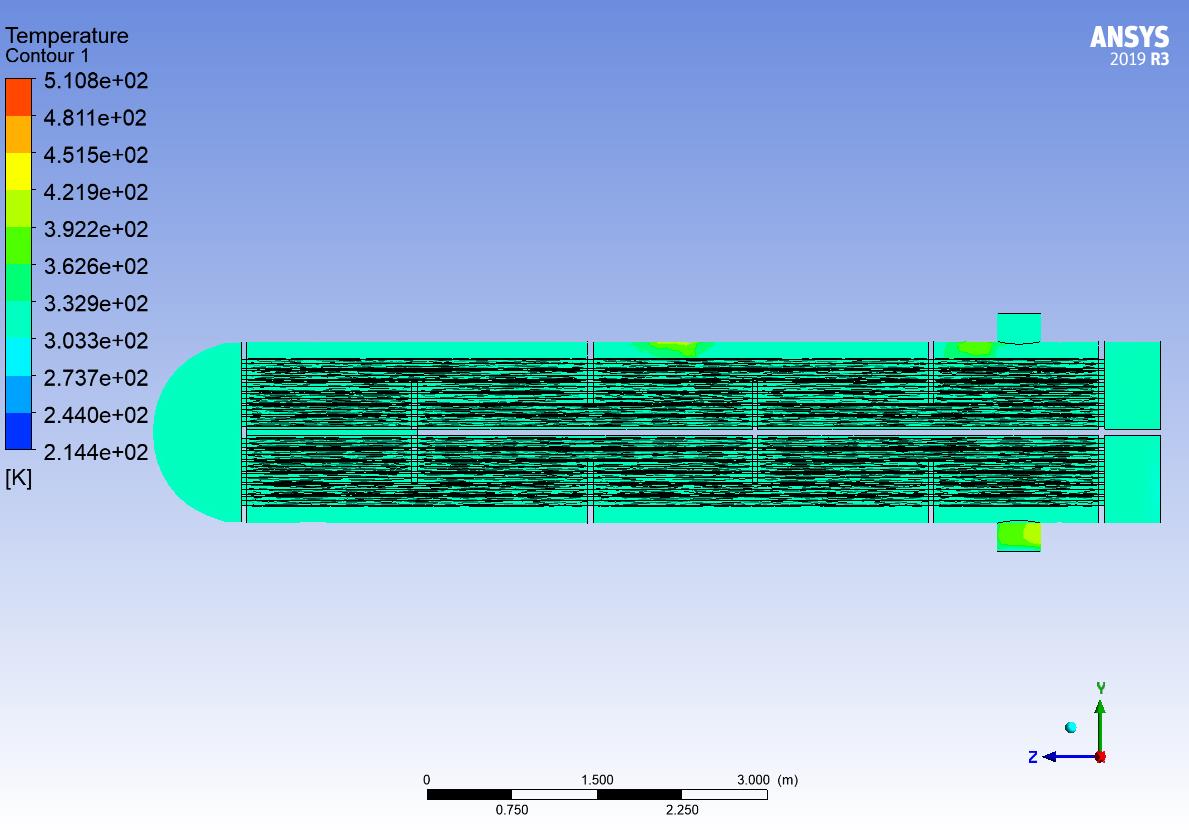
SubscriberI need to add something. When i enabled adaptive meshing i was able to get results and did not get any errors. But when i enable adaptive meshing my cylindirical tubes becomes hexagonal. I also tried body sizing for mesh while adaptive meshing was enabled but i got floating point excpetion error again. I will be pretty happy if you can help me.
Â
Btw i changed my named selections and they look like this right now.
.jpg?width=690&upscale=false)
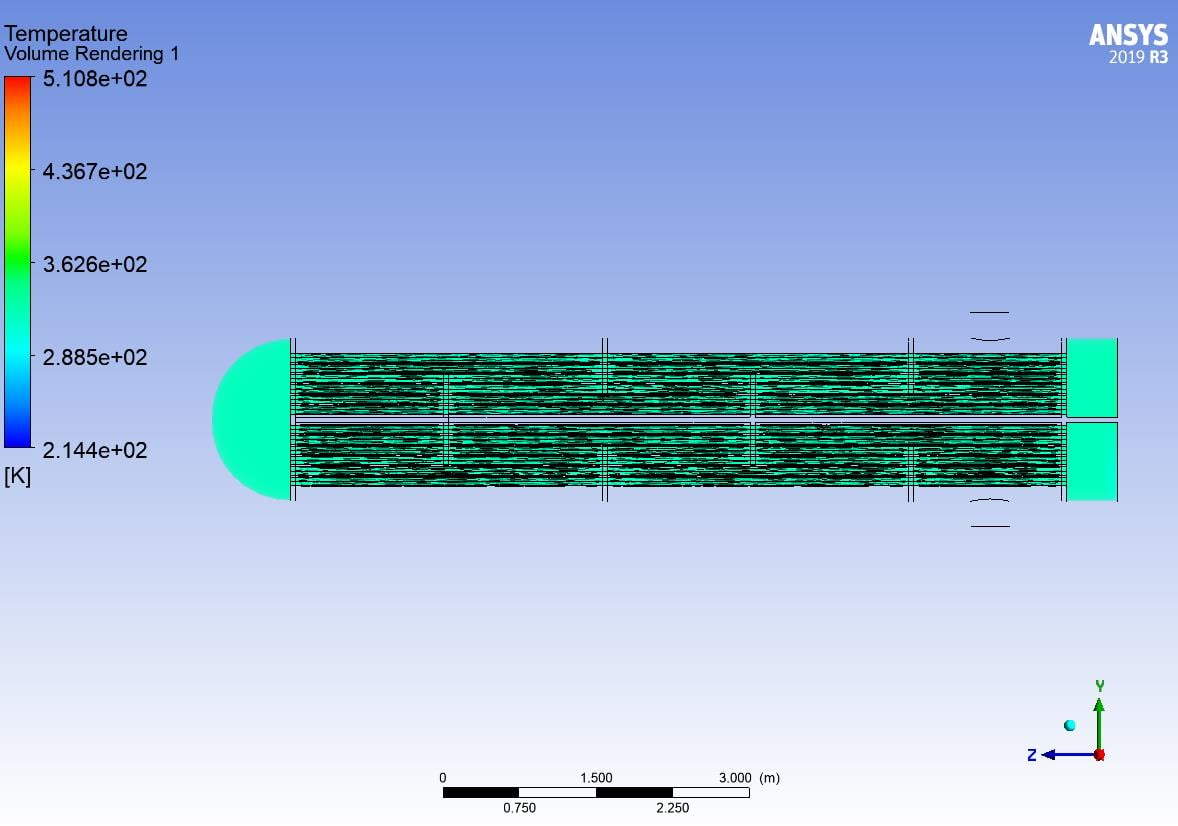
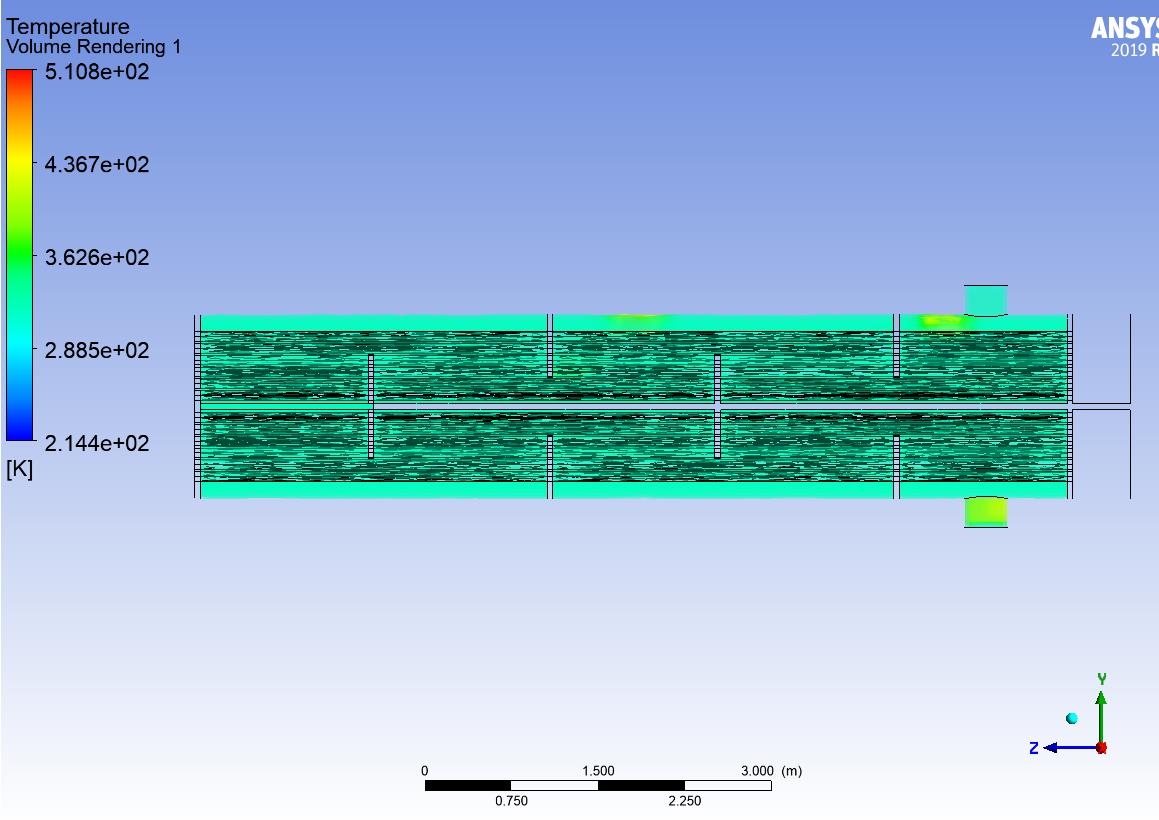
Â
These are how my results looking when adaptive meshing is enabled(hexagonal tubes) for 20 and 50 celsius inlets.
-
June 1, 2020 at 10:21 am
Karthik Remella
AdministratorHello Wallace,
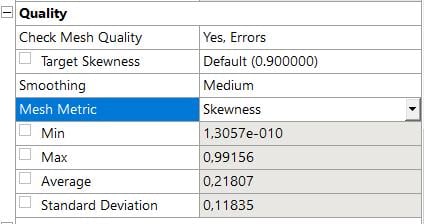
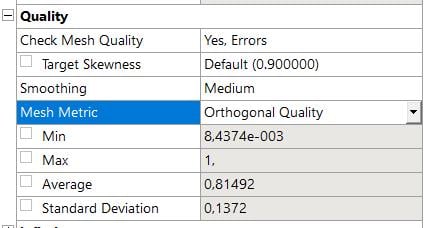
It is likely that you are dealing with a mesh quality issue. Based on the screenshots you've provided, it seems like you have a poor mesh (min orthogonal quality < 0.1 and Max skewness > 0.9). I'd strongly recommend that you improve your mesh quality before you run your simulation. The floating-point error you are seeing is because Fluent is unable to converge your solution.
Thanks.
Best,
Karthik
-
- The topic ‘Floating object exception and Error object: #f on FLUENT’ is closed to new replies.
-
5014
-
1681
-
1387
-
1248
-
1021
© 2026 Copyright ANSYS, Inc. All rights reserved.

.jpg?width=690&upscale=false)


.jpg?width=690&upscale=false)