

-
-
September 22, 2021 at 9:04 am
msamet
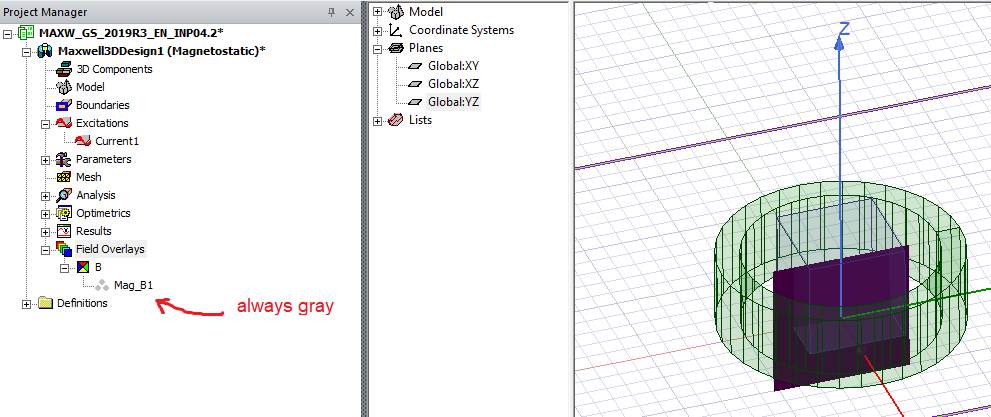
SubscriberIn Ansys Electronic Desktop Student, when I tried to see the B or H plots of a solenoid that is excited by current, field overlays doesn't visualize neither magnitudes nor the vectors of B and H. Then even if I simulated the ready examples from here, Ansys website, it still doesn't plot and the "3 dots" of the associated field is always gray which should be colored when showing the plots. Could anyone help
September 22, 2021 at 9:55 amNKC
Forum ModeratorHi @msamet Check the following
1) Did the simulation completed without any errors?
2) Right mouse click on the Mag_B1 and make sure plot visibility is checked.
3) If you are running Parametric make sure you selected save fields on the parametric setup window under options.
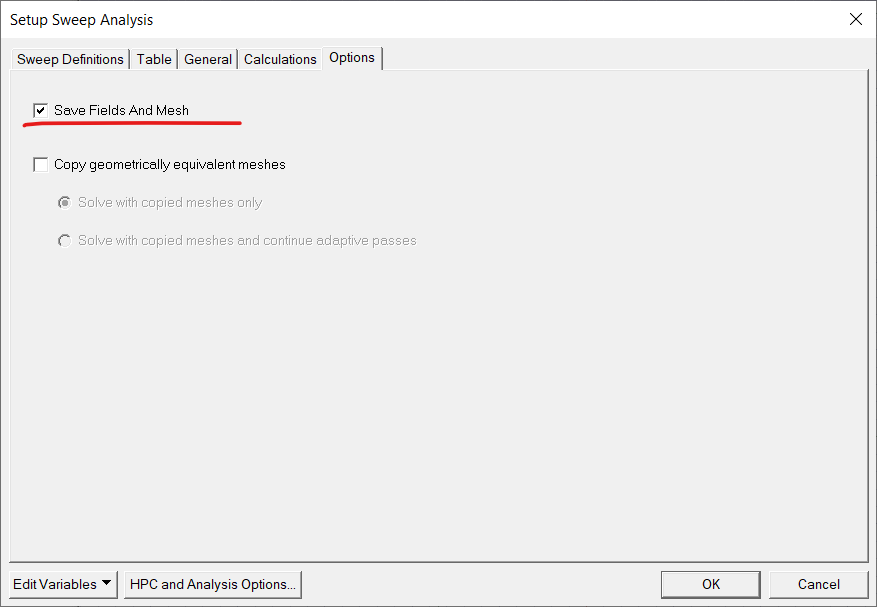
Regards Navya
November 24, 2021 at 11:13 amKonNto
SubscriberHello
I have the same problem. The time is Time = -1. I double click but the only value I can choose is -1.
January 29, 2022 at 3:43 amjmonty
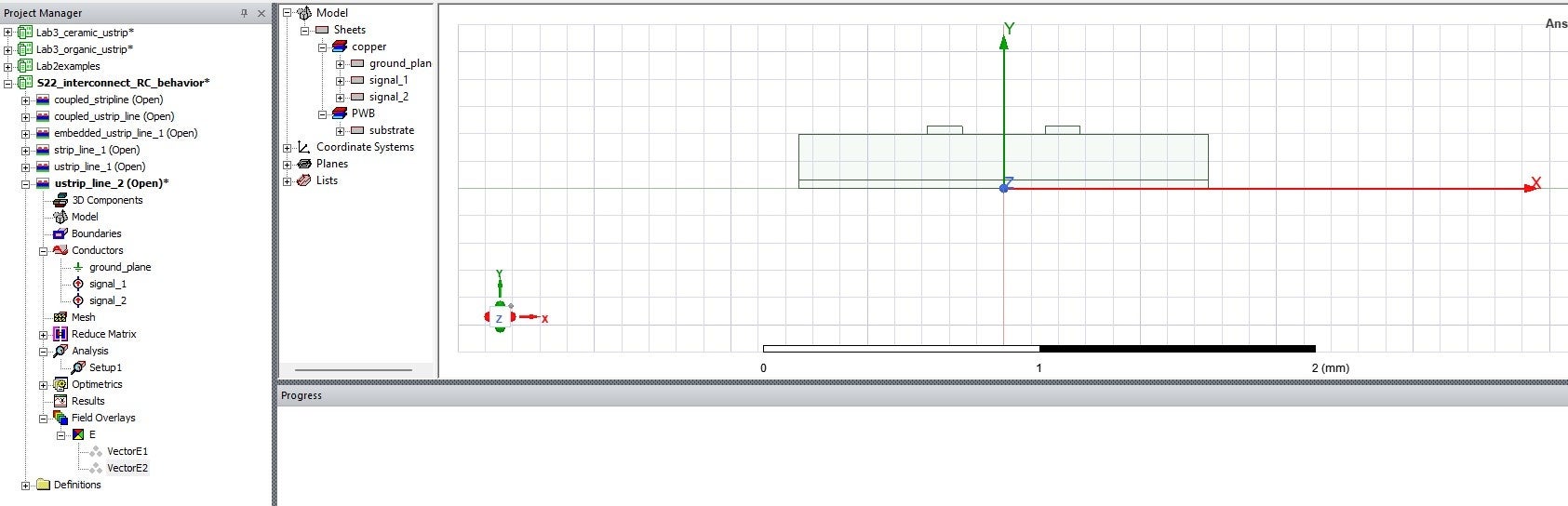
SubscriberI have the same problem but for a simple 2D geometry... what do i have to do to fix this? I tried everything in the list above.
May 17, 2023 at 9:19 amSwagatika Mohanty
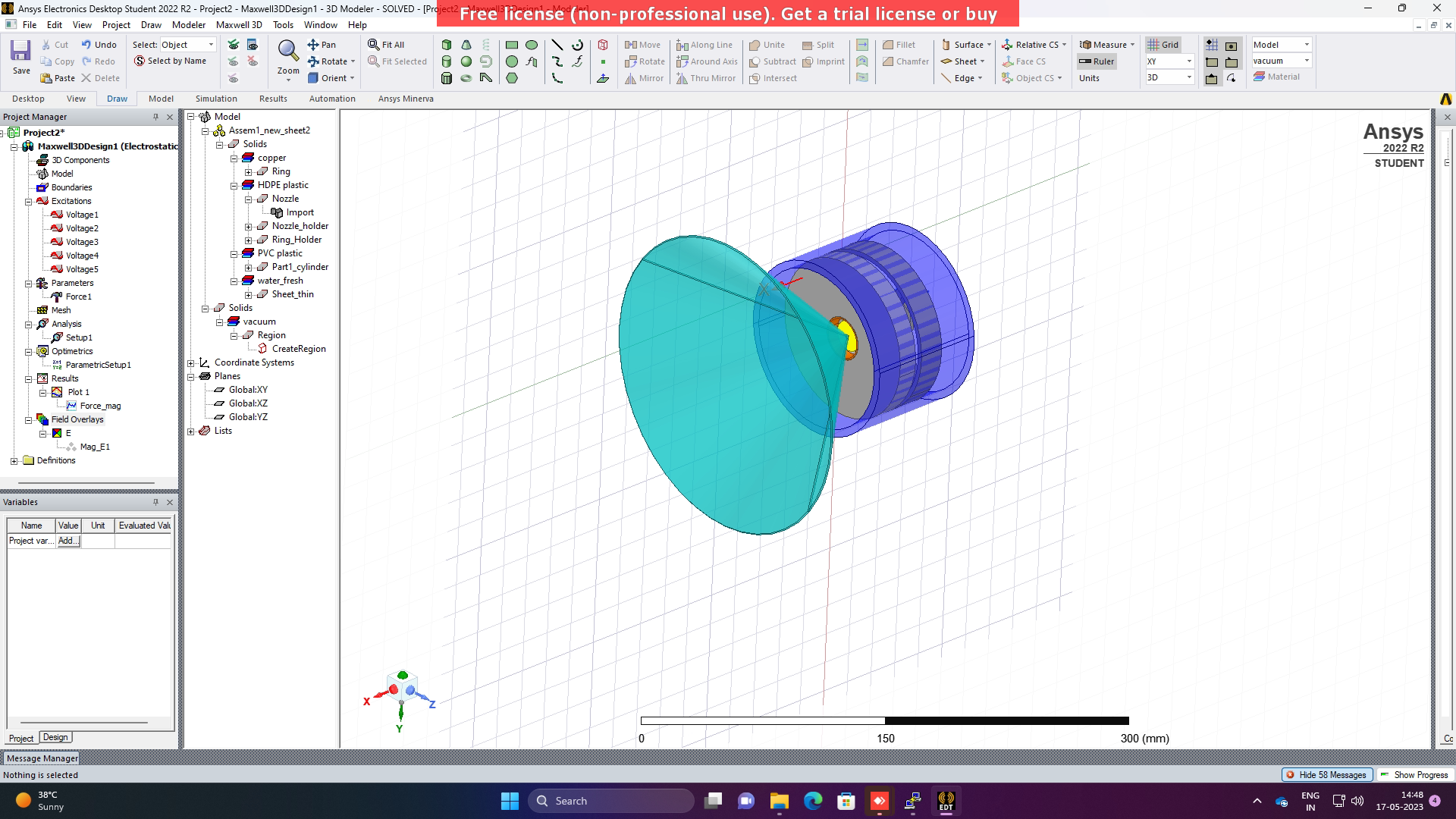
SubscriberI am also facing the same problem. Also, I have checked three above mentioned solutions. Still facing the problem, i.e. unable to see the field lines in the model.
 July 24, 2023 at 12:56 pm
ANDRE TEODORO
SubscriberHas anyone solved this problem? In my 3d project I am not able to make the field plot.August 6, 2023 at 4:14 pmManojshyaam C J
SubscriberThis Method works for sure:
In Maxwell 3D:
Step 1 : Check the Model for Validation and click Analyze all, check the progress bar to verify the start of analysis
Step 2 : Dont wait for the analyze to get complete, in the Model menu select the components for plotting the field, right click and select the field you want to plot.
Step 3 : In the field(H,B,A) plot tab, Tick the Plot on surface only and click done.
Step 4 : Now in the main window bottom left of the model, near the 3 axis there is a small box Time = -1 , Click it, a box appears, then give OK and close it .Step 5 : Now in the Project Manager, under the Maxwell 3D, there exist Field Overlays, under it your respective Field is Shown, just go under the field there exist plot with setup and transient time and a coloured bulletin points, click it to view your plot.
Happy Designing !!August 6, 2023 at 7:29 pmamahar3
SubscriberI have a coil carrying current inserted inside the 3d rectangular plate. I wanted to plot ohmic losses. I tried to plot it but it doesnot show plot. However, i run calucator for ohmic losses, and it gave some values. It plots B mag though. Can anyone please solve this problem?
-
August 9, 2023 at 7:06 pmSubscriber
1) Did you try the Above step wise method.
2) If Yes, Share the screenshot of the Model you have simulated for the plots.Regards Manojshyaam
August 9, 2023 at 7:08 pmSubscriberKindly check the below proposed Method. Regards ManojshyaamViewing 8 reply threads- The topic ‘Field plotting doesn’t work in Maxwell 2D/3D’ is closed to new replies.
Innovation Space Trending discussions
 Top Contributors
-
peteroznewman
 5074
5074 -
scabo
 1797
1797 -
Dennis Chen
 1387
1387 -
javat33489
 1248
1248 -
Shyam Prasad V Atri
1021
Top Rated Tags
© 2026 Copyright ANSYS, Inc. All rights reserved.
Ansys does not support the usage of unauthorized Ansys software. Please visit www.ansys.com to obtain an official distribution.
-
Ansys Assistant will be unavailable on the Learning Forum starting January 30. An upgraded version is coming soon. We apologize for any inconvenience and appreciate your patience. Stay tuned for updates.


 You are navigating away from the AIS Discovery experience