TAGGED: ansys-workbench-ls-dyna, couple, model-transfer, workbench
-
-
October 5, 2022 at 9:48 am
Ben_Ben
SubscriberHello LS-Dyna forum,
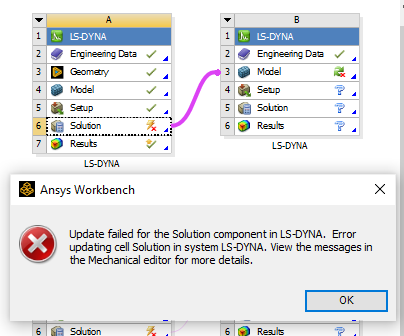
I have a successful simulation as seen below. However, when I try and transfer it to another model so I can do the second step of my solution, I get an error of "Error updating cell solution in system LS-DYNA.". I am using Ansys Workbench 2022 R2.
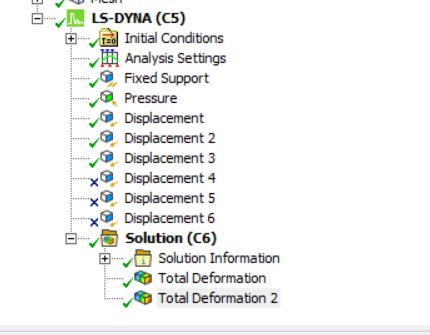
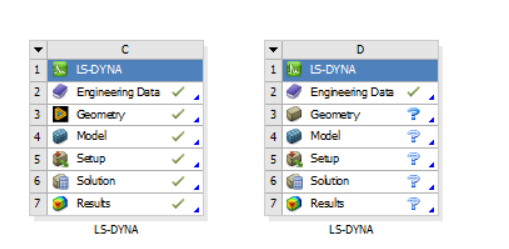
Here is model tree showing successful solution.
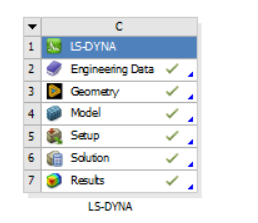
Here is the view of model from project schematic.
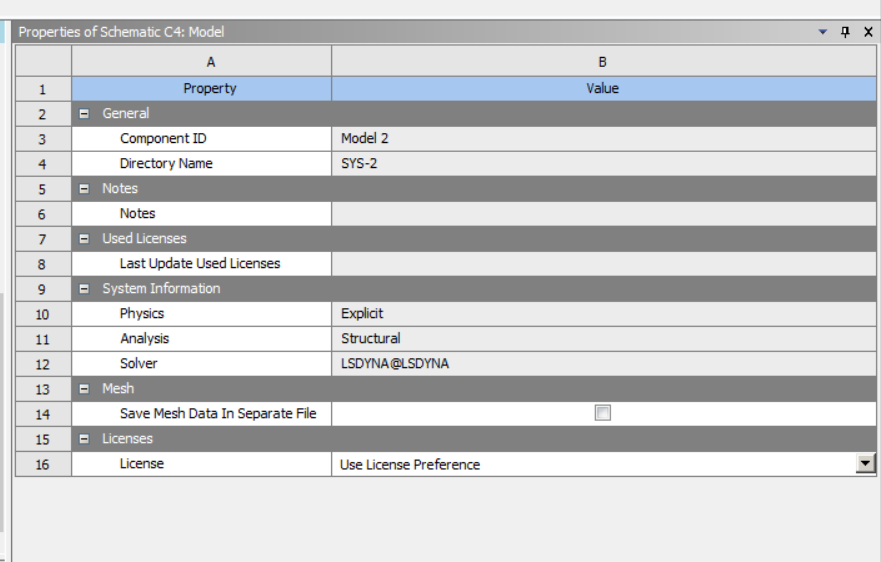
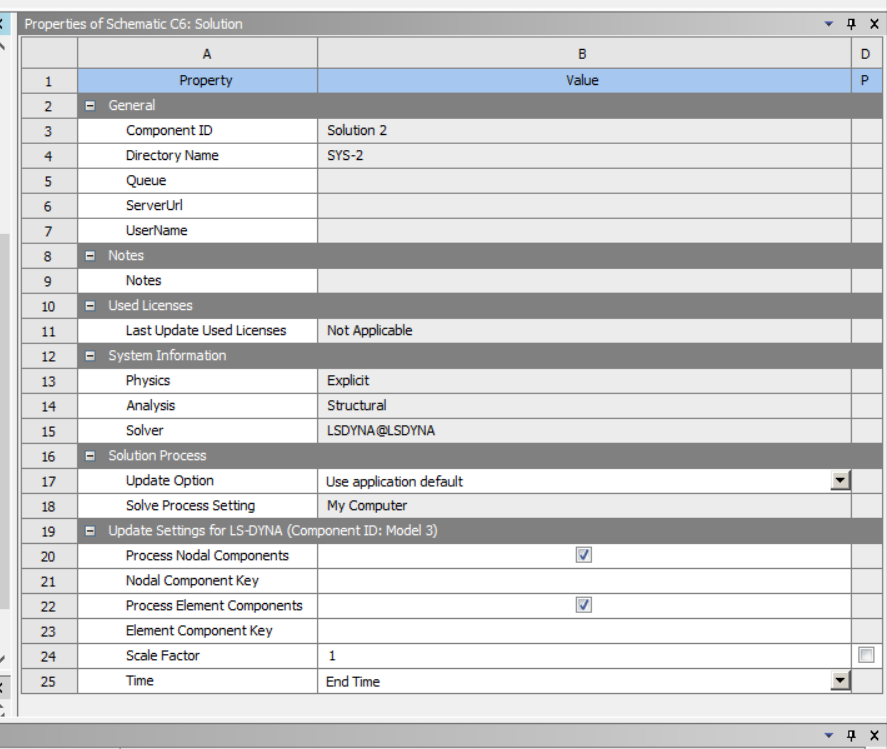
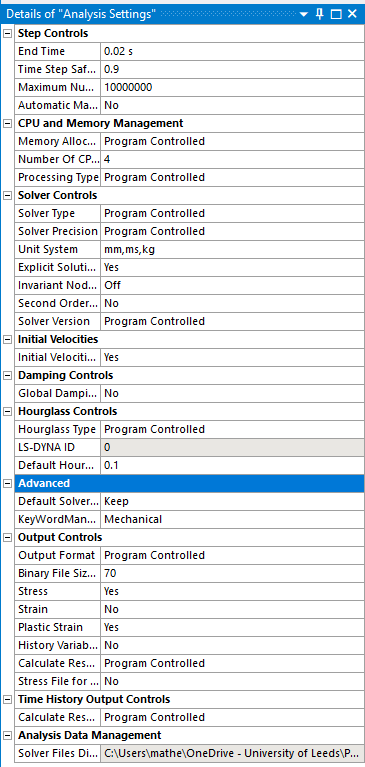
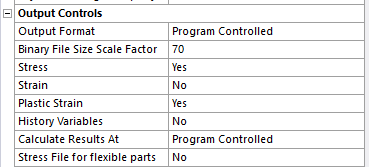
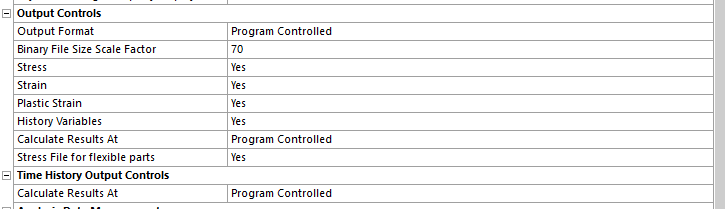
Here are the properties of the Model and Solution cells.
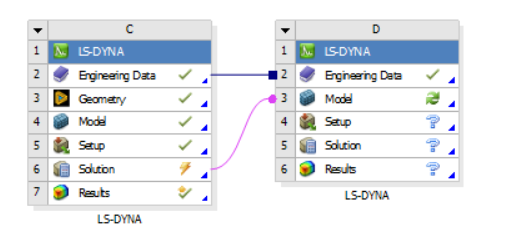
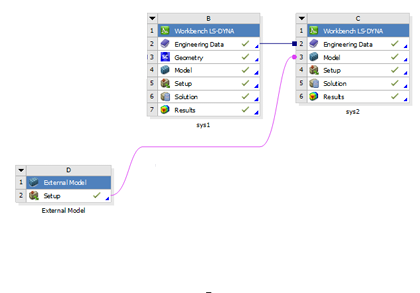
Here is me inputting second model.
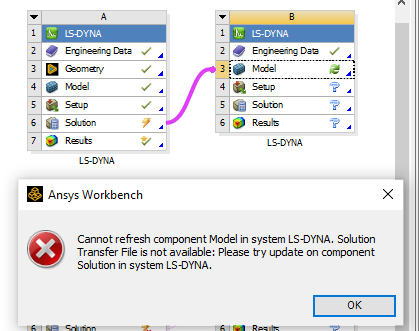
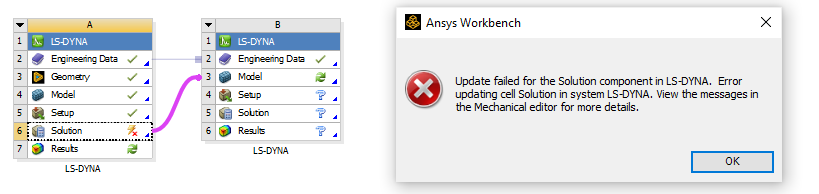
Here is me connecting the solution cell of successful model to the model cell of the new model.
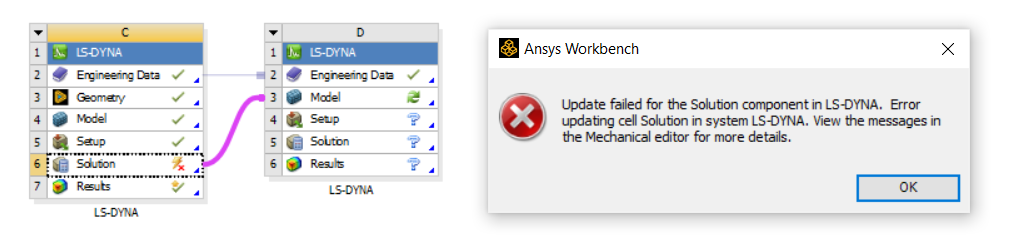
Here is the error I get when updating solution component.
Here is the error in the messages tab.
I would greatly appreciate some input on this as I have been struggling with this problem for a while. I thought it might be a problem with my download of 2022 R1 so I updated to R2 but I am still facing this issue.
Thanks in advance,
Ben
-
October 6, 2022 at 12:41 pm
Ram Gopisetti
Ansys EmployeeHi, are you writing the dynain file using the write file for flexable parts option in the settings of the lsdyna system?, what you are trying to transfer, deformed geo or dispalcement or stress.
cheers, Ram
-
October 6, 2022 at 2:56 pm
-
October 6, 2022 at 2:58 pm
-
October 6, 2022 at 3:33 pm
-
October 6, 2022 at 3:36 pm
Ram Gopisetti
Ansys EmployeeHi you need to first map the materials into second system and then transmitt the deformed shape.
Cheers Ram
-
October 6, 2022 at 3:39 pm
-
October 6, 2022 at 3:46 pm
Ram Gopisetti
Ansys Employeehi can you check for dynain file in the file directory of this project, can you be able to laod it via external model then plug it to lsdyna system !
-
October 6, 2022 at 3:49 pm
-
October 6, 2022 at 4:23 pm
Ben_Ben
SubscriberHey Ram,
That worked. Thanks for your advice! Really appreciate it.
-
October 11, 2022 at 8:34 am
Ben_Ben
SubscriberHi Ram,
I think on reflection I need to transfer the stress. As I would like to return the geometry to it's original shape by applying on the inside face. Please could you advise me on how to transfer the stress?
Thanks,
Ben
-
October 11, 2022 at 8:40 am
Ben_Ben
SubscriberRam for context,
- In the first step I am deforming a cylinder with rigid bodies
- In the second step I want to apply a pressure on the inside of the cyclinder to return it to the original shape
-
October 11, 2022 at 1:04 pm
Ram Gopisetti
Ansys EmployeeHI, What version of LSDYNA-WB are you using, in newer version you can work with dynain file to map stress on to the body via stress solid card
Cheers, Ram
-
October 11, 2022 at 3:10 pm
Ben_Ben
SubscriberI am using R2 2022.
How do I map the stress on? -
December 5, 2022 at 1:51 pm
Ben_Ben
SubscriberHi Ram,
I am using the method above to perform sequential simulations with beams. I have a structure that is composed of 60 beams and is slightly deformed in the first simulation and then in the second it is compressed. However, when I apply any BCs in the second simulation I get general errors due to out of range velocities. I am using Workbench LS-Dyna 2022 R2, here is the break down of my problem:
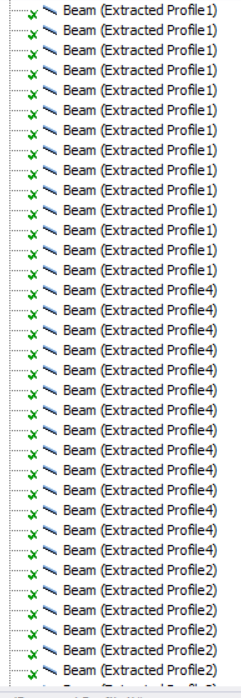
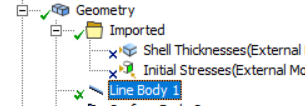
When I use this method for beams it combines 60 beam bodies into 1 beam body:
This would be fine as I can still select lines and nodes to apply BCs.
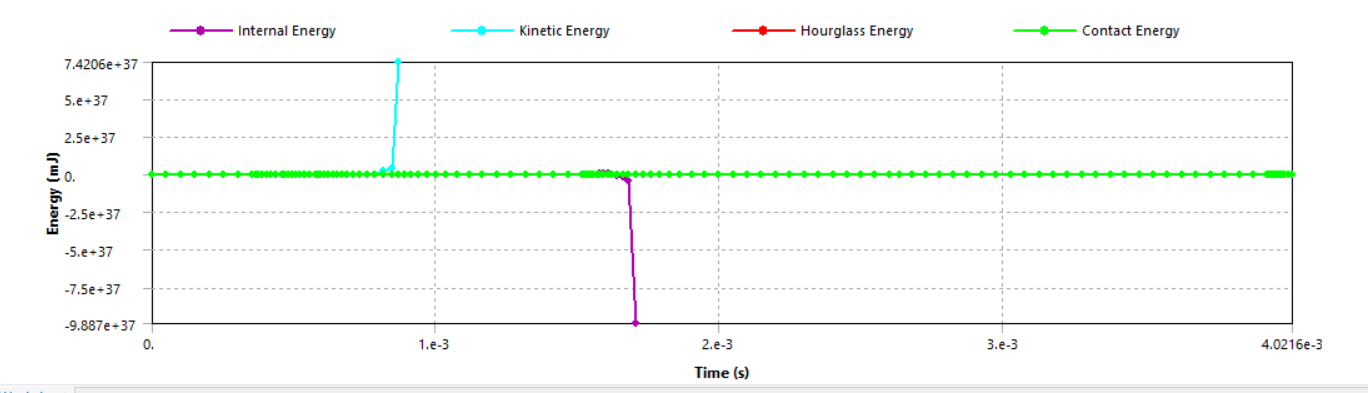
However, when I apply BCs I get exponential kinetic energies.
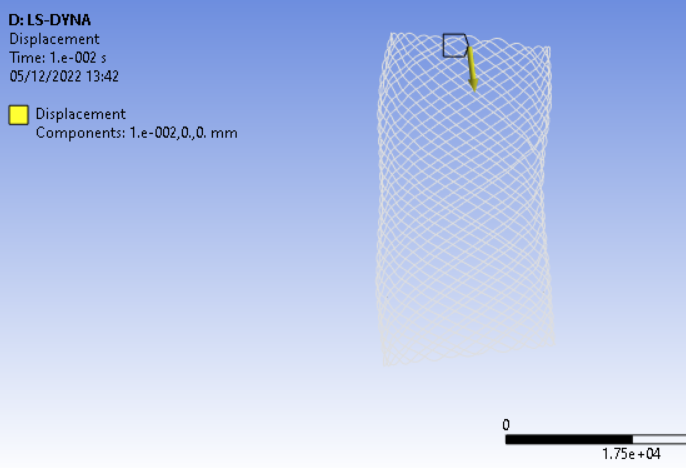
For example, if I apply a displacement to the top edges in the picture below and use a fixed support on the bottom edges. I get error due to runaway velocities:
If I apply those BCs to the geometry in the first simulation (the one that doesn’t take geometry from dynain), I can compress the structure without exponential Kinetic energies.
Do you have any advice for using beams in sequential simulations with dynain?
Thanks in advance,
Ben
-
December 6, 2022 at 5:33 pm
Ben_Ben
SubscriberI decided to start a new issue for my problem, see: /forum/forums/topic/runaway-velocity-error-using-dynain-file-for-sequential-simulations-with-beams/
-
- The topic ‘ERROR when transferring solution to new model in the project schematic.’ is closed to new replies.

-
4783
-
1565
-
1386
-
1242
-
1021
© 2026 Copyright ANSYS, Inc. All rights reserved.