-
-
August 7, 2019 at 3:14 pm
-
December 19, 2019 at 6:23 pm
Wordsworthmore
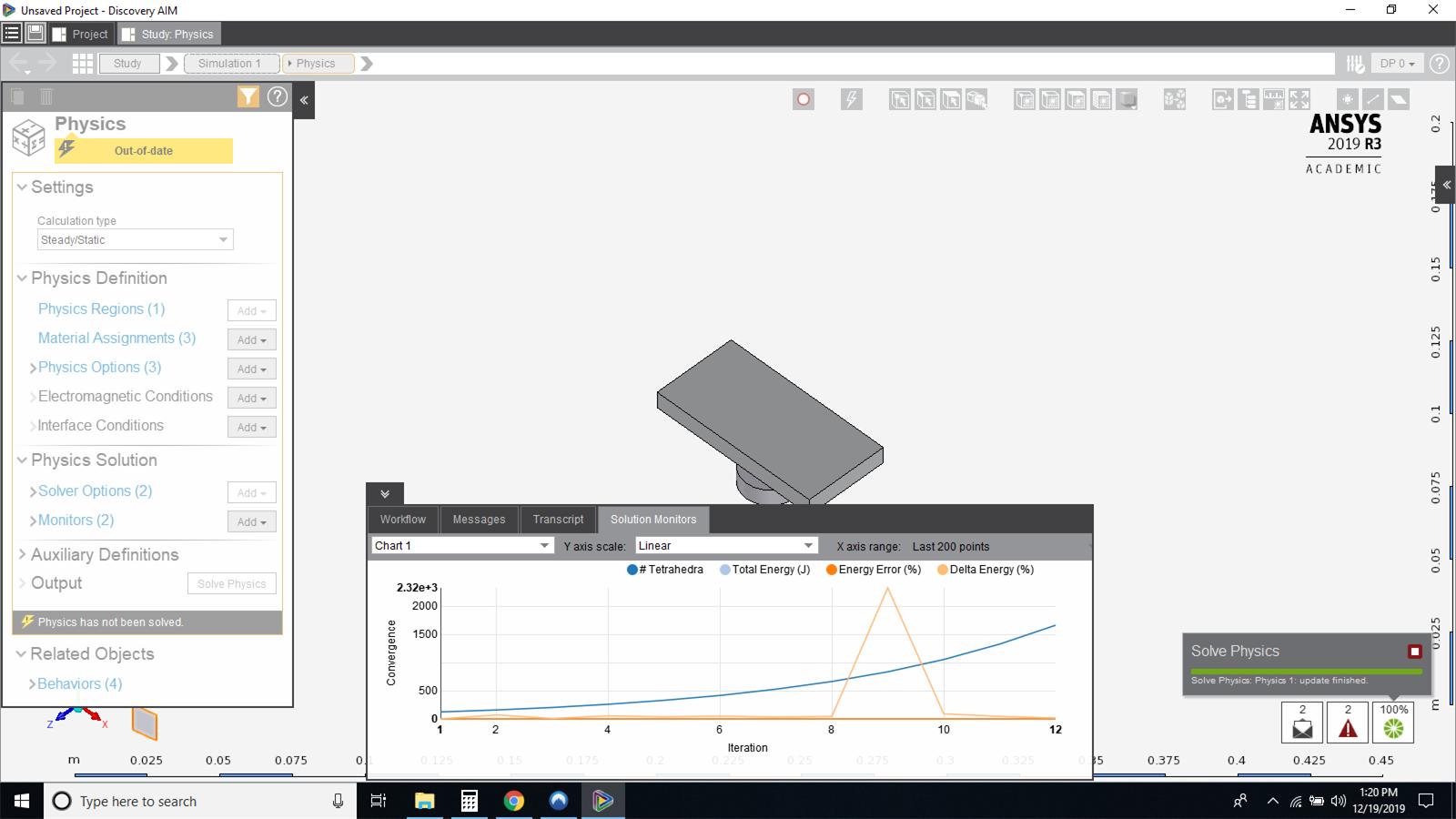
SubscriberI am new to Ansys, downloaded AIM student, and followed this tutorial (
) and seeing the same issue. It says update finished, but the cursor keeps spinning and cannot click on anything.
If I click on the stop button, I get a message saying
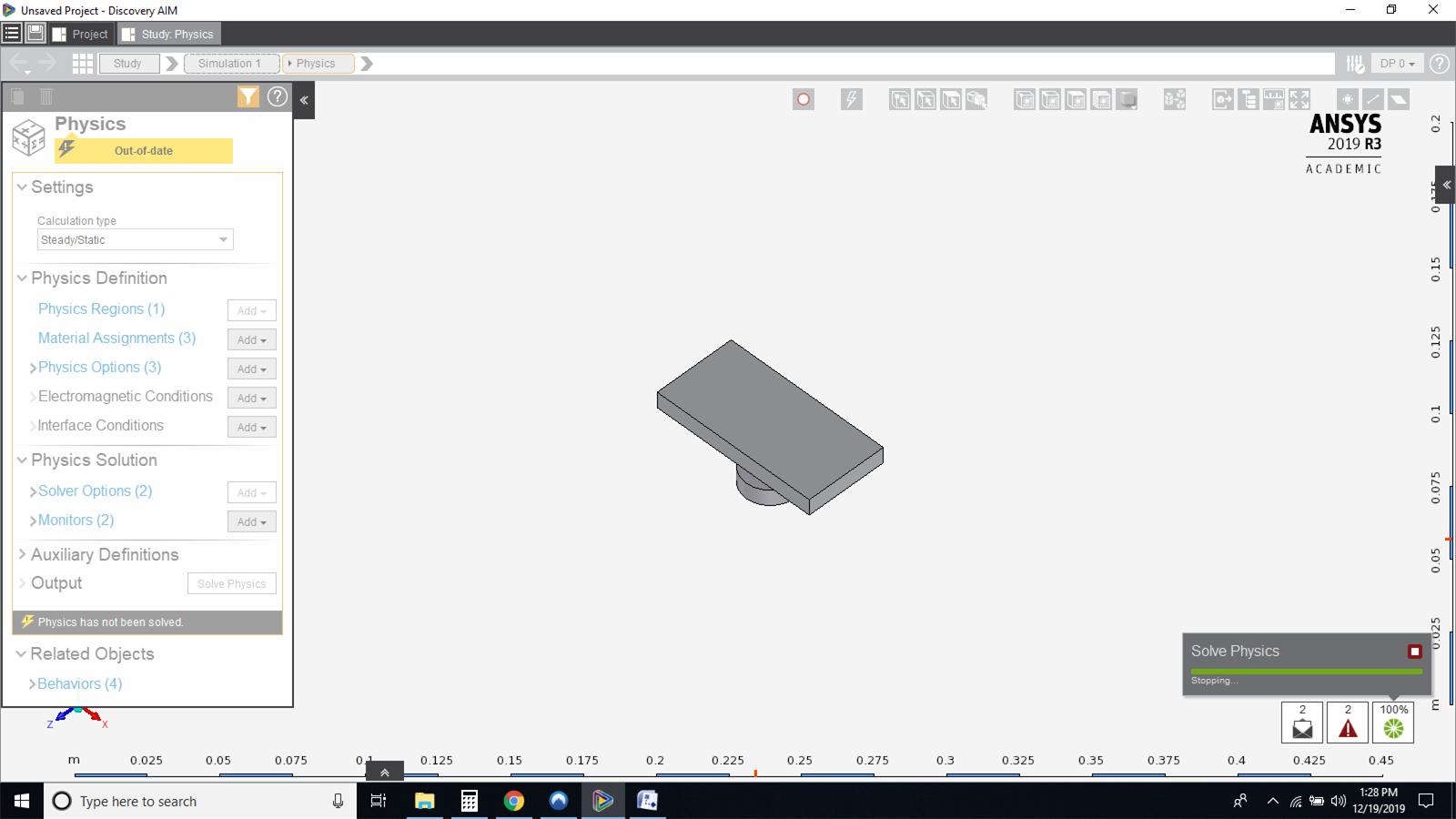
If I click on force stop, then the solve physics status changes to "Stopping" and thats it. Nothing else happens.
-
January 4, 2020 at 8:28 pm
Wordsworthmore
SubscriberWell, no response here but I must be the luckiest guy, having one of my very good friends Sandeep G working in Ansys, especially on AIM (Amazing guy, great programmer and a brilliant troubleshooter). Checked in with him, he suggested few things but nothing worked. Eventually he sat down with me on teamviewer, and we did few things in particular that did the job.
1. Deleted all Ansys related stuff in %AppData% (You can type that in a file explorer)
2. Updated Graphics Driver Card (This may or may not have an impact, but it helped me)
3. Open Simulation, Go to Tools > Options > AIM -> Turn Rapid Results to OFF.
Thats it. Boom, results are flying like fireworks! Hope this does some good for you and many others to follow. It is a pity that this forum does not get enough love from the concerned support Staff. And No where did I find the step#3 mentioned!!. And guess what, I am a newbie. How would I know?

-
- The topic ‘Discovery AIM Not Solving Simulation’ is closed to new replies.
-
4818
-
1587
-
1386
-
1242
-
1021
© 2026 Copyright ANSYS, Inc. All rights reserved.