-
-
June 7, 2019 at 8:21 pm
-
June 7, 2019 at 9:16 pm
-
June 10, 2019 at 10:04 am
Rob
Forum ModeratorCan you run the script on a Windows machine?Â
-
June 10, 2019 at 1:19 pm
jil260
SubscriberI can run ansys19.2 on my laptop, which is windows system. But I don't know why I cannot run this in linux on center for research computing. The version is 18.1.
-
June 10, 2019 at 2:46 pm
Rob
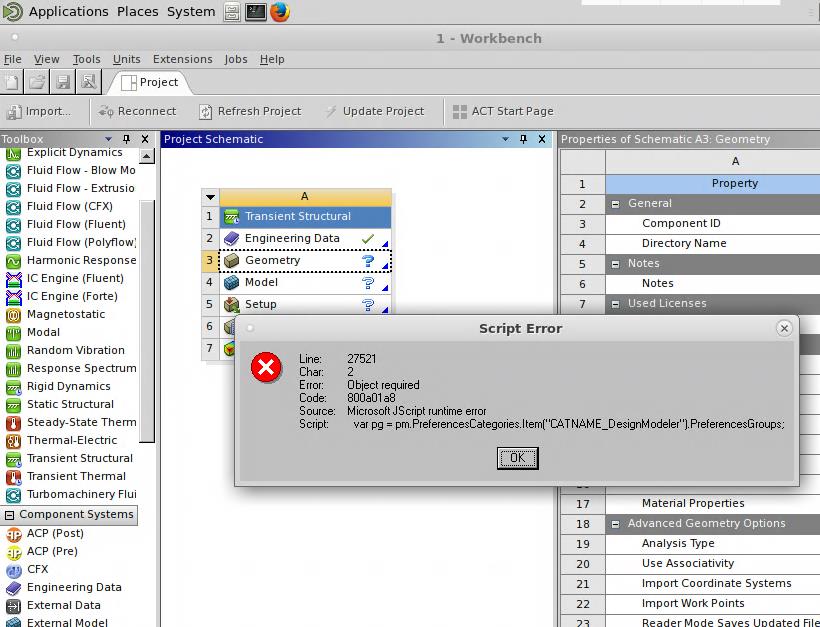
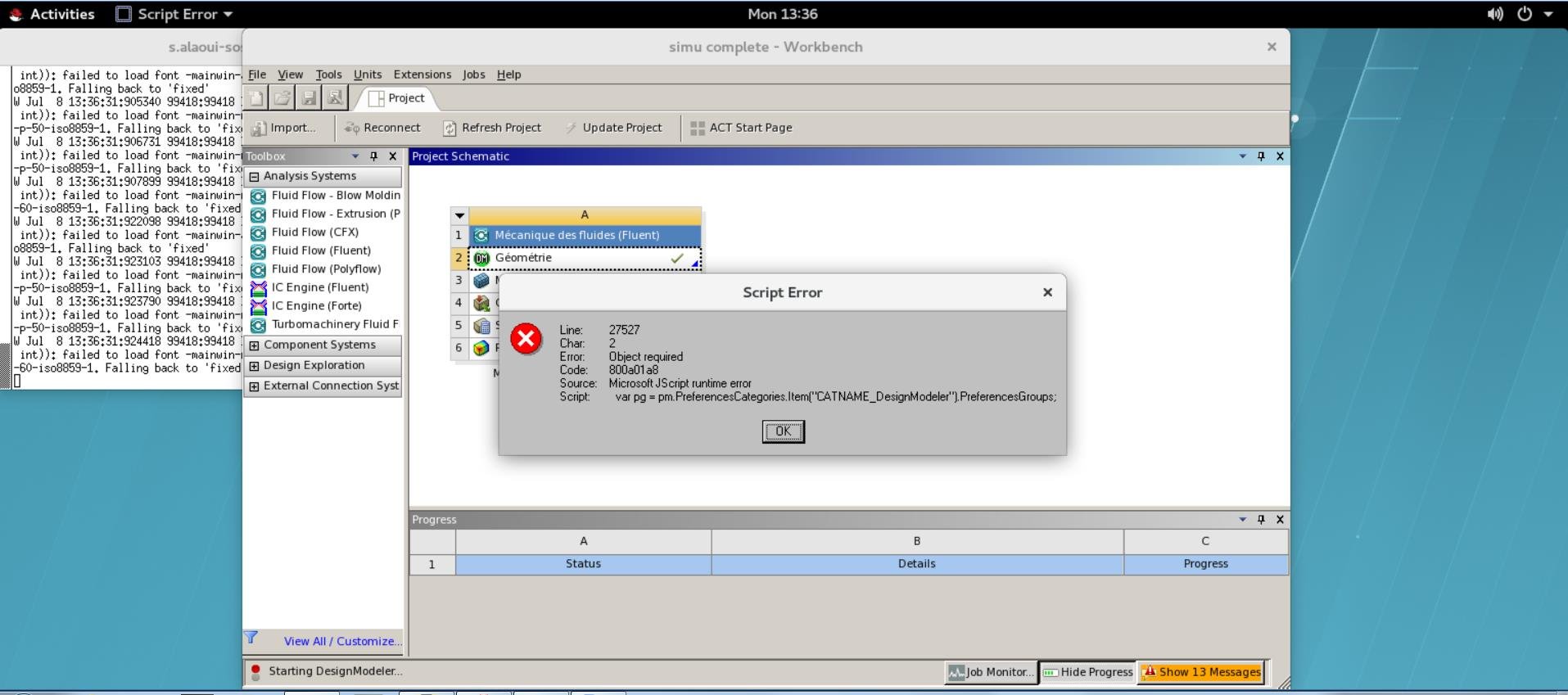
Forum ModeratorIt's a JScript error: does the cluster have an equivalent?Â
-
June 10, 2019 at 7:59 pm
jil260
SubscriberOther users can initiate design-modeler while I cannot. I succeed the first time but maybe I deleted some important files in my account that cause this problem.
-
June 11, 2019 at 8:55 am
Rob
Forum ModeratorIf another user can run the same script it's pointing to something on the IT side that's specific to you. Check file locations (are there any odd characters in the path), permissions & storage space.Â
-
June 14, 2019 at 10:14 pm
jil260
SubscriberProblem solved.
-
July 11, 2019 at 4:47 pm
-
July 11, 2019 at 4:54 pm
jil260
SubscriberI might have deleted necessary files. Computing center rebooted my account.
-
- The topic ‘design modeler script error’ is closed to new replies.
- Project lines/edges into a face with the direction normal to the face
- No preview in explorer with scdox file
- Add-in Error Excel
- Fileformats
- Discovery 2025r2 failed to initialize
- Spaceclaim problem
- Using SpaceClaim scripts vs recorded blocks for parametric optimization workflow
- Different Body Naming and Extra Surfaces after Importing Solid Edge Part
- racing royals
- New Computer
-
4597
-
1495
-
1386
-
1209
-
1021
© 2025 Copyright ANSYS, Inc. All rights reserved.