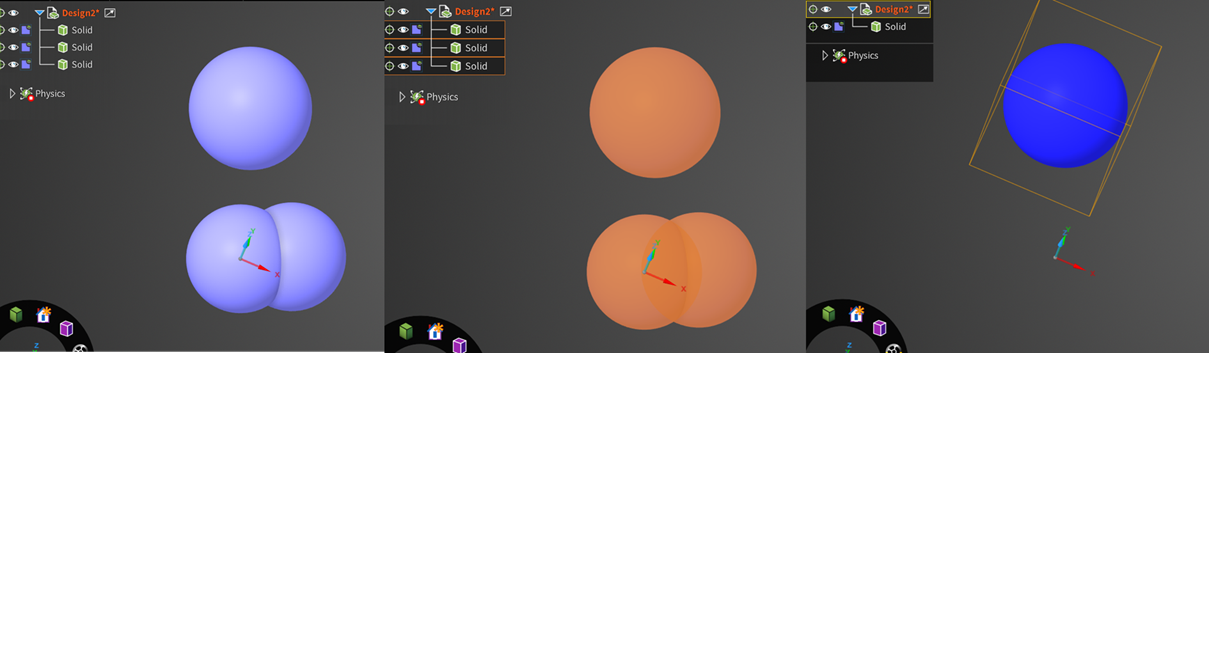
I have a few hundred bodies. Many of them overlap but I do not know which they are. This is because they are very close to each other. By combining the overlaping ones, total number of bodies are reduced. More important is the small overlapped (body penetration) portion does not need to be meshed if they are merged.
I am doing CFD meshing, the meshing of contact surfaces is very computationally expensive. I only need the total volume of solids to extract fluid volume. This is the objective of my test.
Intuitively, the Boolean add should not lose any volume but my test shows volume missing. I am puzzled by this...
























 You are navigating away from the AIS Discovery experience