Ansys Free Student Software

Ansys Free Student Software

Topics cover installation and configuration of our free student products.

2020 R2 Fluent won’t open from Workbench, does open directly, and console missing

    • stuart305
      Subscriber

      I have 2020 R2 and Fluent won't open from Workbench, but if I find the fluent.exe file I can open it directly with no problems. I have tried literally every combination of settings (change to 127.0.0.1, Intel, msmpi, 1 or 2 processors, etc) and it just fails with the same error everyone else is getting ("The FLUENT application failed to start.") I am not running a VPN and I have shut off every single firewall of any type I can find in Windows (I do not have any additional security software installed on top.) Also, the console is just completely missing from workbench, and I cannot find a setting to turn it back on.

    • stuart305
      Subscriber
      I forgot to add, both ping localhost -4 and ping 127.0.0.1 work perfectly
    • stuart305
      Subscriber
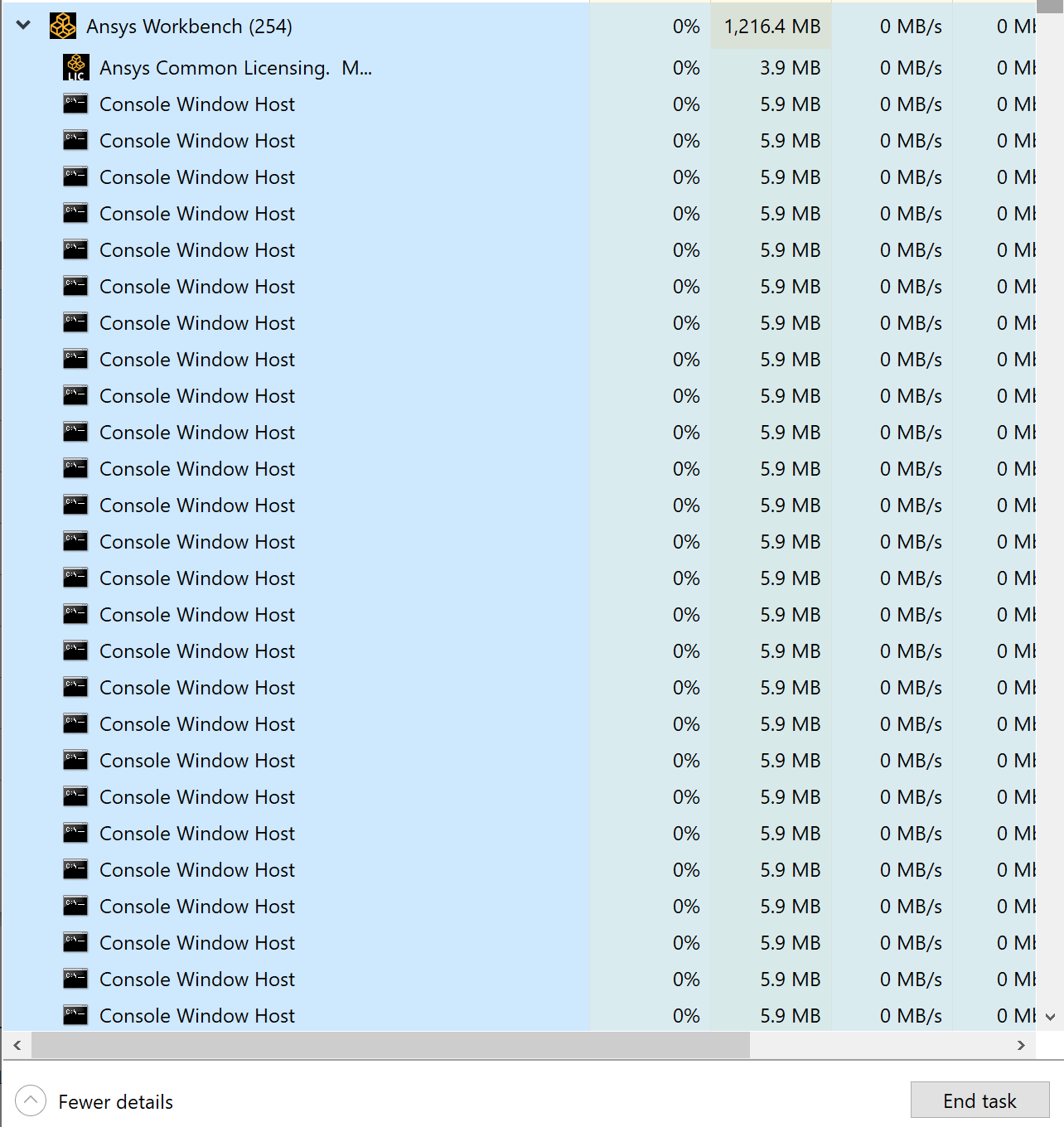
      When Workbench tries to open Fluent, it opens hundreds of these processes. When I run Fluent directly, I do not get these processes.


    • stuart305
      Subscriber
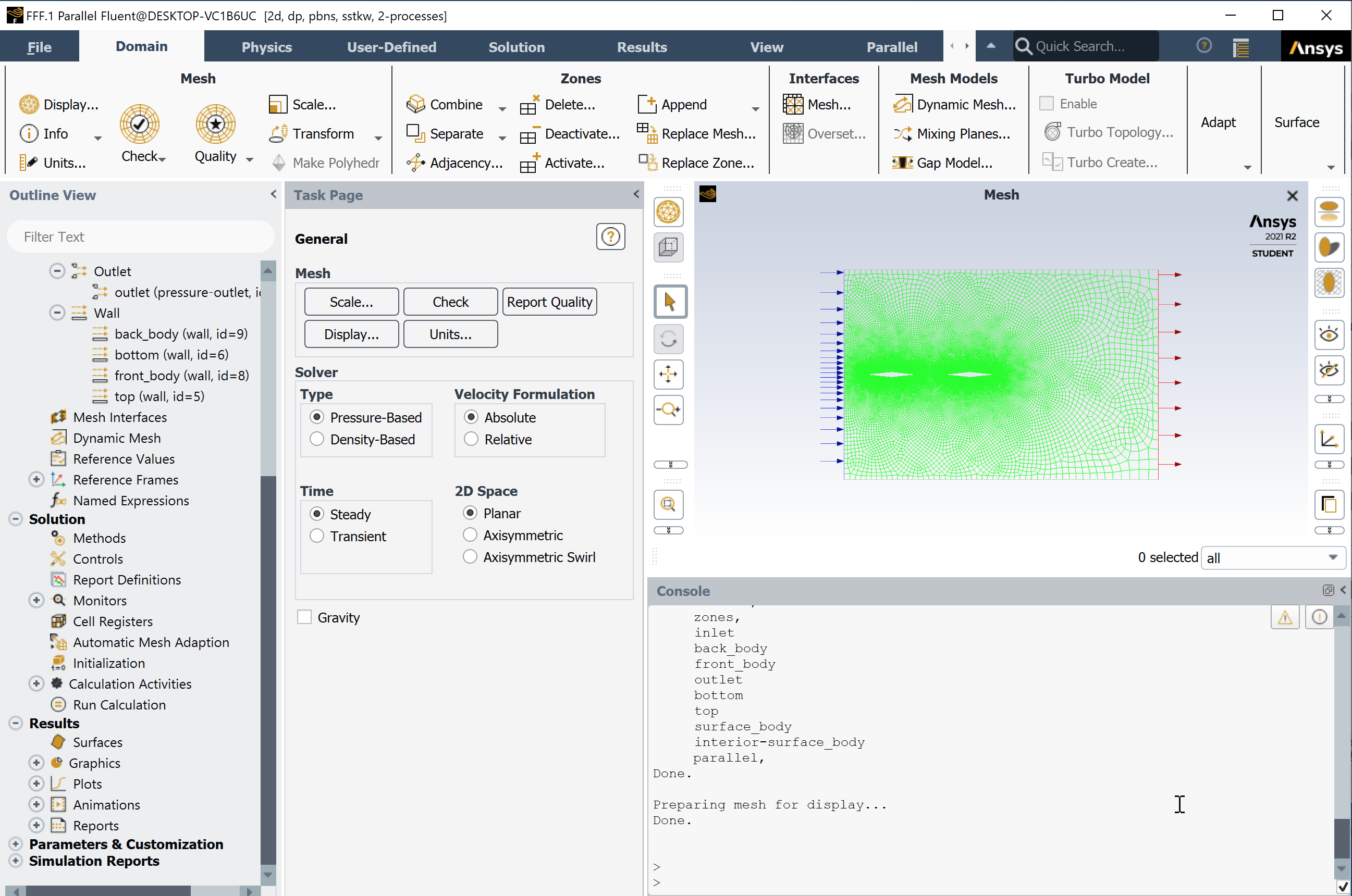
      Literally I am able to open Fluent directly, and now I have figured out how to open my (simple) mesh that was created in the previous Workbench step in Fluent directly. But it still absolutely will not open Fluent from the Workbench using the workflow. I still have no console in Workbench, I still have no idea what error is happening when Workbench is calling Fluent to open/initialize, causing that step to fail.


    • Rob
      Forum Moderator
      It's often firewall or VPN related (I can't run Fluent in Workbench from home when on VPN) so check those. Work in standalone mode for now, and I'd suggest extending the domain upstream of the first wing, you want at least a couple of lengths to let the flow develop.
    • stuart305
      Subscriber
      You gave me an idea. I'm running WMWare and I remember something along the lines of it being seen as a VPN. So I went and looked at the calls (using Process Monitor) that the program was making. It was launcher1.exe that was failing. It turned out it wasn't due to anything VPN related... When I ran it standalone the option it passed for the working_dir was "C:\blah\..." but when I ran it from inside workbench the option it passed for working_dir was "\\wmware-host\blah\..." and that was what was causing it to fail. When I re-saved the entire project "inside" my virtualization (what VMWare and windows was calling my "C:" drive) and not outside (what VMWare was calling my Z: drive but is my actual C: drive) it runs. You also can't change the working directory in the Launcher, the working directory it defaults to isn't the one that is passed either, and using their option to convert to a network path only works for the second path they have listed, not the working directory.
      This error is really weird though, because if you open it in standalone mode it has no problem opening the project saved on the "network" drive and works just fine. There is just something wrong with workbench sending the wrong directory to fluent and the fluent launcher.
      Now the next step will be turning back on firewalls one by one until it inevitably breaks again I imagine.
    • stuart305
      Subscriber
      Ok, this has gotten significantly more dumb.
      If I open the original project using the shortcut provided by windows directly to my CDF folder, it opens my project as a network resource I guess? And then passes the wrong working_dir.
      If I instead go down the directory listing when opening my project, find my Z: drive, navigate through the folders to my CFD folder, it opens it as a local drive I guess? In which case the same project, in the same place/folder, can be passed from workbench to fluent and it opens, because it passes it as a local resource (Z:\blah instead of \\vmware-host\blah). It is literally the same folder in the same place.
      This is insanity.
    • Rob
      Forum Moderator
      It's not dumb, it's Microsoft.... with Ansys aiding and abetting. I'll leaveand to this one. Thanks for doing the tinkering, that may well help someone else.
Viewing 7 reply threads
  • The topic ‘2020 R2 Fluent won’t open from Workbench, does open directly, and console missing’ is closed to new replies.