Hey peteroznewmann
Try changing the Number of Steps to 1.Instead of having 1097 steps, use Tabular Data and have 1097 rows of data for the loads./forum/discussion/comment/92892#Comment_92892
I have a similar case, it's a static structural analysis and it keeps getting stuck at the same point: creating solver input file. I have 1 step and I'm working on a single PC, on a local drive. Another thread recommended working on local drives and you recommended lowering the steps to 1, which I did and that's why there are some suppressed loads in the picture:n

nMaterials are set up correctly and bodies have their materials assigned. The mesh is up to date too, the fixed supports represent the pins that mount the represented wing to the fuselage and the connections are all bonded contacts. I don't know what else could be creating this issue.nEdit: I also performed the steps mentioned by the original thread creator. Also: in the Workbench the setup update will just fail, giving an error message along the lines of 'Update failed for the Setup component in Static Structural. The Setup component in Static Structural does not contain all entity types advertised in its component template, even after update'n




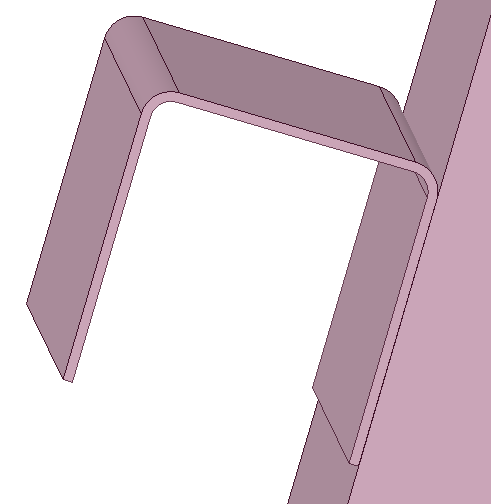
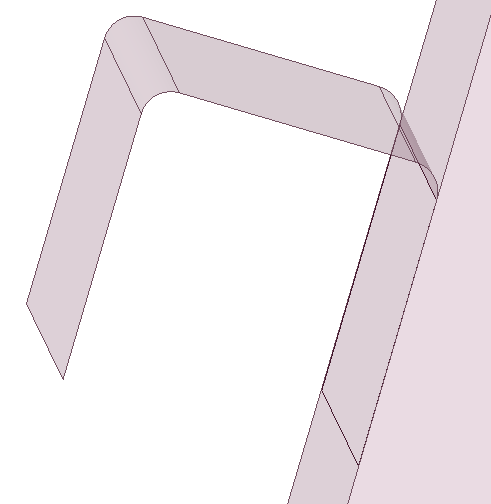
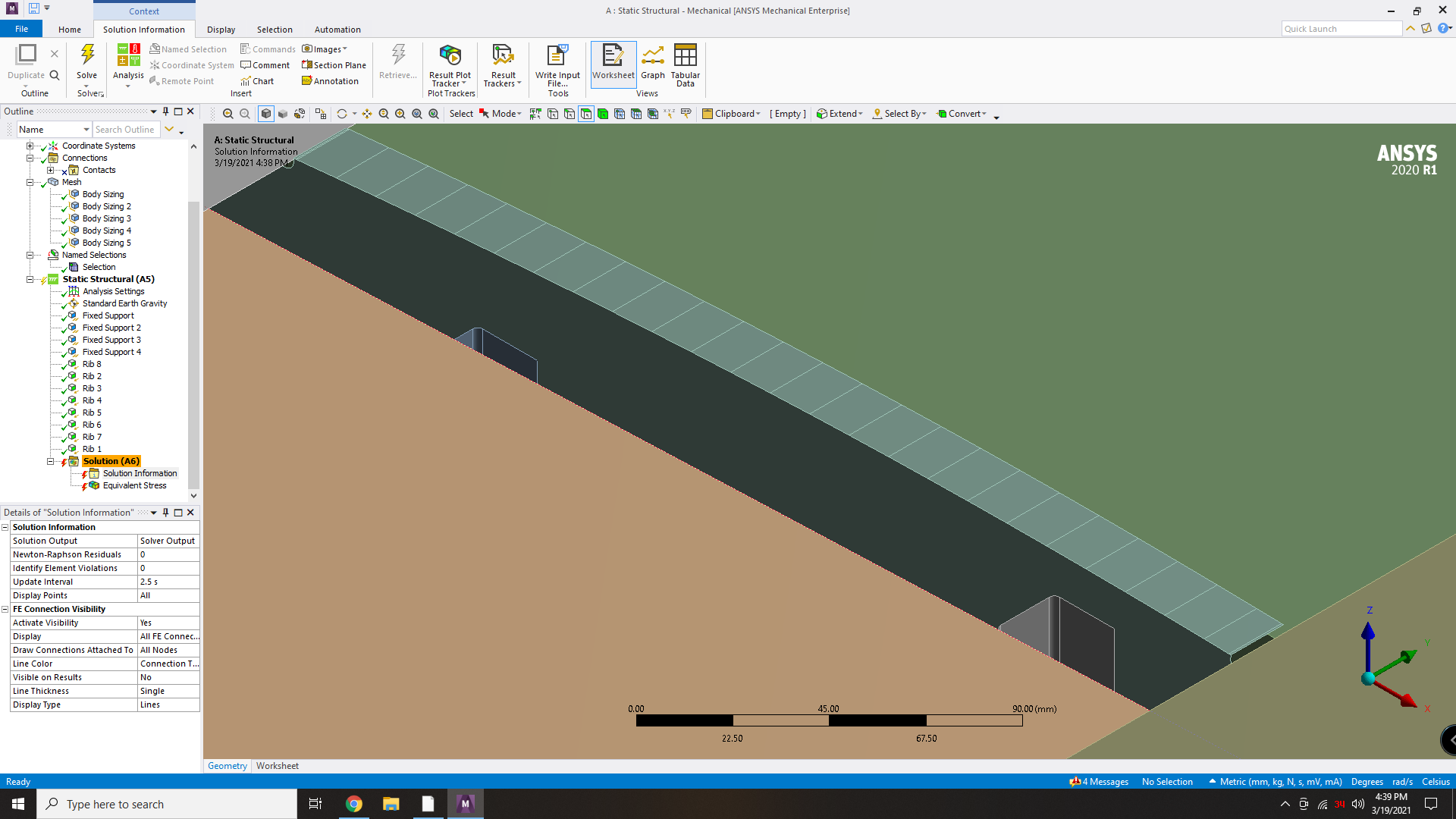 I supressed the contacts in order to get a solid body, and used share topology in SpaceClaim (I also thoroughly checked for duplicate midsurfaces that would lead to intersecting volumes). Fixed supports can be found at the lines that define the holes where the wing is attached to the fuselage at the root of the wing, and vertical loads are set at each rib to simulate the spanwise lift distribution. Here's the file too:nPS: Body sizing is used in order to eliminate the quad meshing failed on __ errornArrayn














 You are navigating away from the AIS Discovery experience