Hey, I need to create a plane which just covers my wing but I do not want the plane for the whole domain.
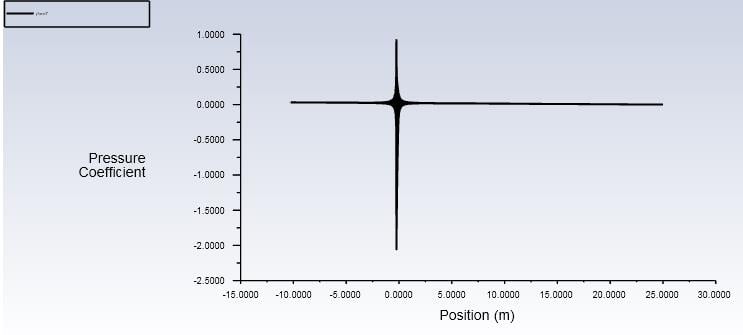
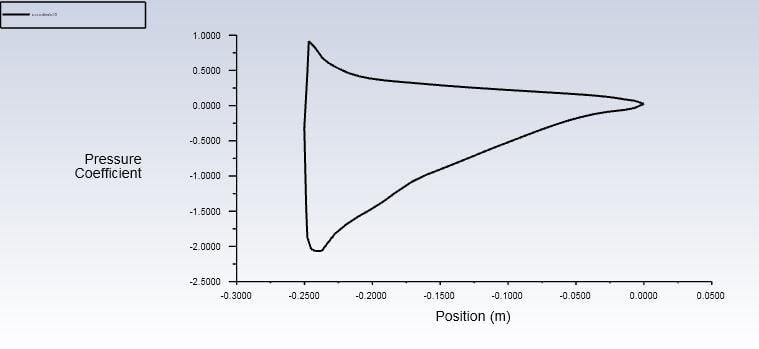
I'm trying to plot an XY plot and if I plot on a plane it plots for the whole enclosure, but I want it only for the airfoil. How do I do this?
On CFD post-processing, I used to create a polyline of the wing and plot it on the polyline but on fluent, I can't find polyline
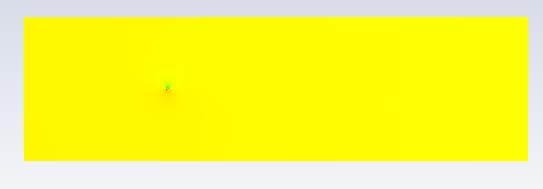
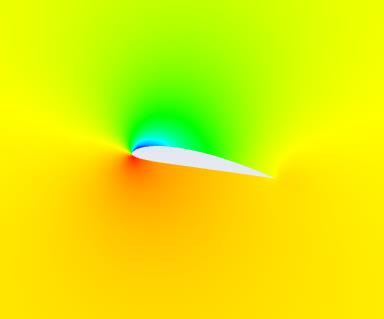
I want a plane/polyline only covering the area shown below and not like the above one.


















 You are navigating away from the AIS Discovery experience