I'm a long time user of DesignModeler. I'm trying to transition to Discovery to do geometry pre-processing and I'm really struggling with the workflow.
I found this, but it's not helping. My entry point is different. I'm stuck at a point where I seem to be unable to trigger an update.
https://innovation.ansys.com/main/articles/topic/bi-directional-cad-connectivity-in-ansys-discovery-expu
I've looked through some of the Discovery training in Ansys Learning Hub and I haven't found specific training on this topic, either.
The source models are Creo Parametric. The target is Mechanical to do the simulation (not Discovery).
My starting point was Workbench. Add a new Analysis System.
In the geomtry cell, I chose New Discovery Geometry.
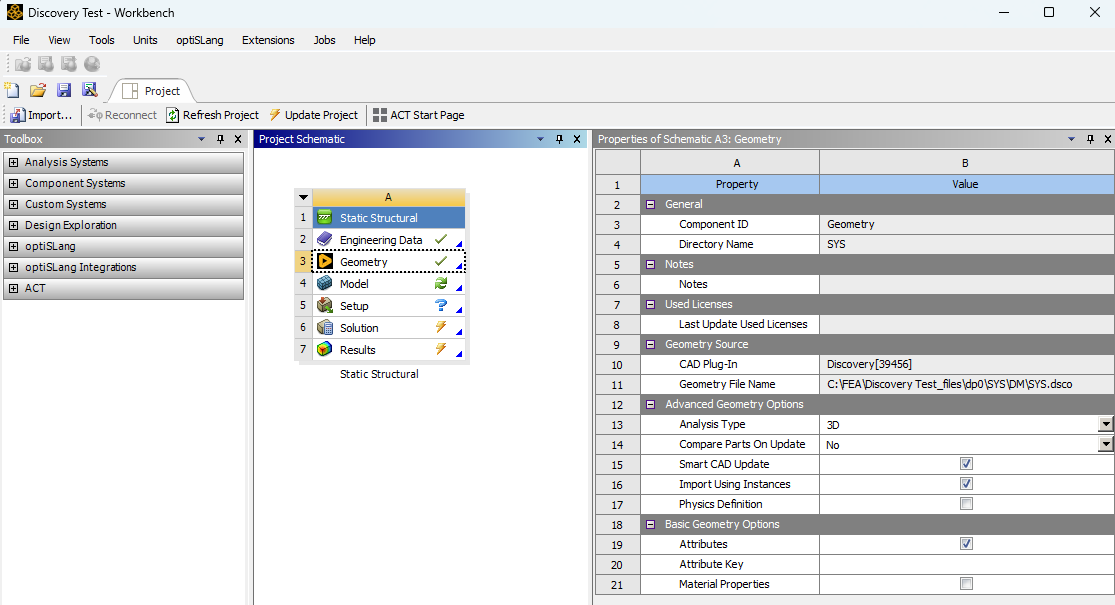
I ran into issue #1 here. I have a Creo Parametric session running. I want to attach this geometry to Discovery. Discovery doesn't seem aware there's a live Creo Parametric Session that is running. (Example: DesignModeler was aware there was a live Creo Parametric Session running in the background.)
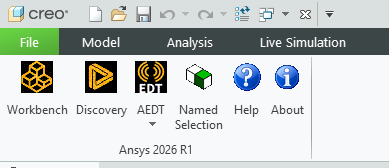
The Creo Parametric CAD Integration is setup correctly, I think. I have an Ansys toolbar in Creo. But I don't want to launch a NEW session of Workbench or a NEW session of Discovery. I want the Creo model in the CURRENT session of Discovery that I launched from Workbench Cell A3.
In Discovery, the hamburger menu doesn't have "attach to active CAD geometry" like DesignModeler. It doesn't seem to know there is a live Creo Parametric session running.
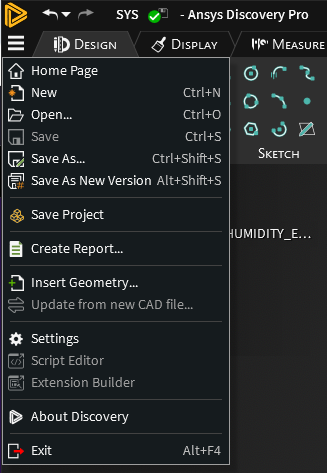
"Import Geometry" didn't work either. It broght in the solid model, but I wanted datum points, and Creo parameters. I couldn't find a way to change the "Imported Geometry" to get that information from the Creo model into Discovery.
I ended up brute forcing "Open", but there didn't seem to be an option to import work points (datum points).
I deleted the geometry.
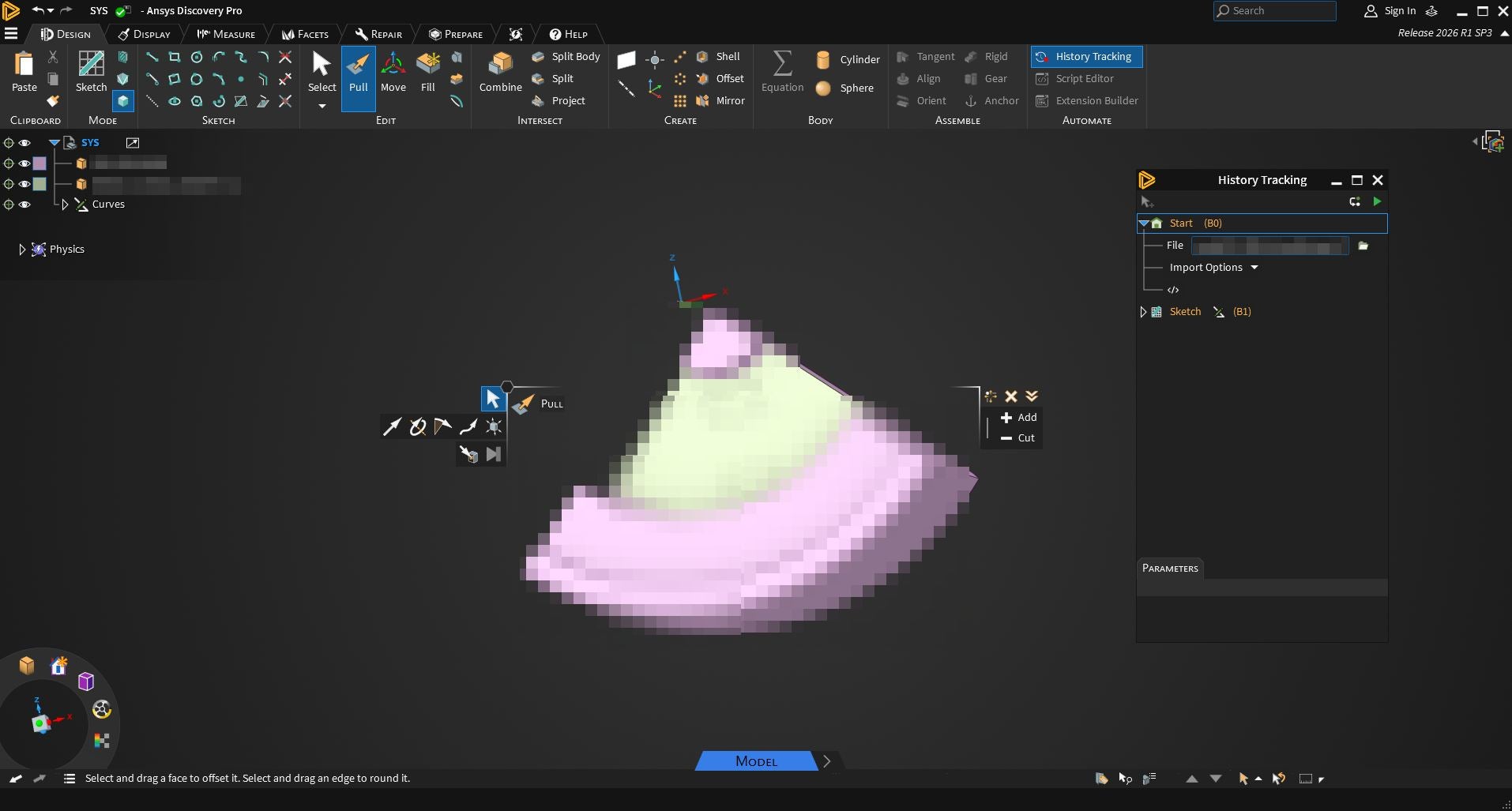
Turned on History Tracking, then Opened the Creo source file, again. Now I see Import Options under the History Tracking. I turned on Work Points. Refresh. Now the Creo datum points are visible in Discovery.
In Discovery, I made a sketch that referenced some of the work points.
In Creo, I moved the geometry that locates the datum points. I wanted to refresh the Discovery geometry to check if the sketch follows the new location of the datum points. This is where I'm stuck.
Again, Discovery is unaware that the model is in a live Creo Parametric session.
I'm out of sketch mode, back in model mode. If I right click anywhere in History, I don't see a way to get the changes made in Creo Parametric back into Discovery.

















 You are navigating away from the AIS Discovery experience