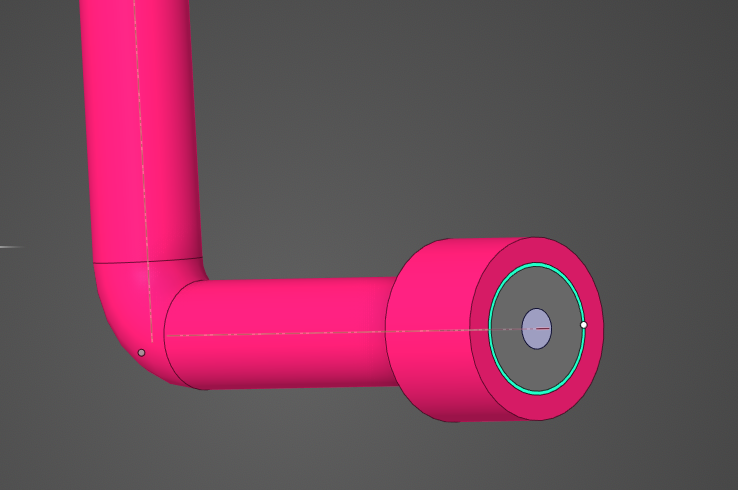
I want to create a bonded contact between the pink part and the teal part, but when i try doing it with the script, the result is not what i am look for. I've tried two methods, 1) creating a bond between the pink body and the teal body. 2) creating a bond between all faces of the pink body and all faces of the teal body (with .ConvertToFaces())
It looks like the way that Ansys does it for you when you create the bonded contact manually is that it automatically selects the shared faces between the two bodies and creates a bonded contact.
I'm thinking i need to find a way to filter out the faces that are in touching each other/same size/ same area/ etc. and create a bonded contact that way, but I'm not sure if that's the easiest way and I also don't even know how to filter those specific faces out.
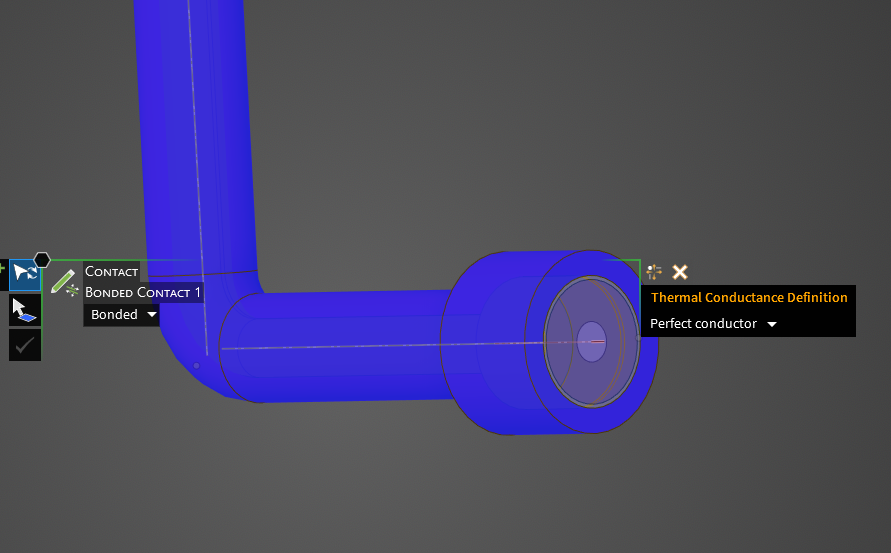
Bonded contact when done manually:
- this is how i need it to look
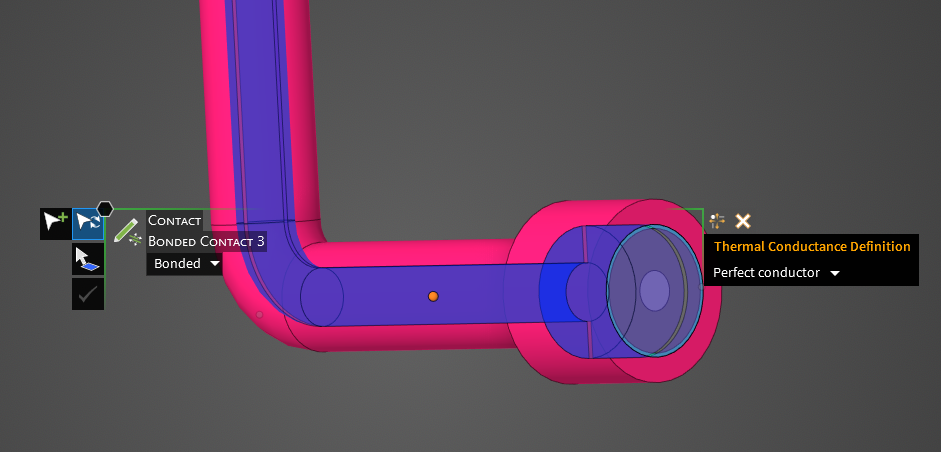
Bonded contact with script by selecting bodies:
contactGroup = Connections.ContactGroup.GetByLabel("Bonded Contacts (default)")
contactType = ContactGroupConversionType.Bond
contactPairs = List[Connections.ContactPair]()
contactPair = Connections.ContactPair.Create(PinkBody, TealBody)
contactPairs.Add(contactPair)
contactGroup.ChangeType(contactType, contactPairs, 0, False)
Bonded contact with script by selecting faces
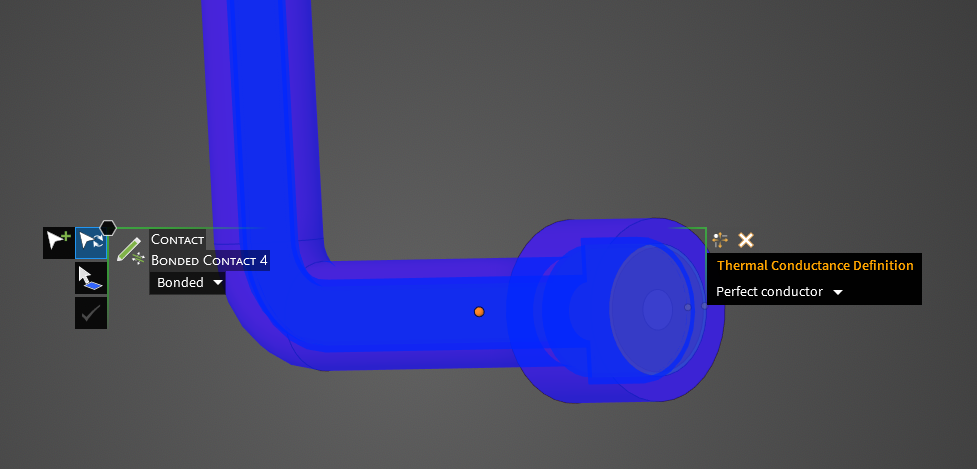
contactGroup = Connections.ContactGroup.GetByLabel("Bonded Contacts (default)")
contactType = ContactGroupConversionType.Bond
contactPairs = List[Connections.ContactPair]()
contactPair = Connections.ContactPair.Create(PinkBody.ConvertToFaces(), TealBody.ConvertToFaces())
contactPairs.Add(contactPair)
contactGroup.ChangeType(contactType, contactPairs, 0, False)

















 You are navigating away from the AIS Discovery experience