General Mechanical

General Mechanical

Topics related to Mechanical Enterprise, Motion, Additive Print and more.

Variable Young’s Modulus in a 1D Cantilever Beam (Static Structural)

    • seyyedeshahrzad.tabatabaei
      Subscriber

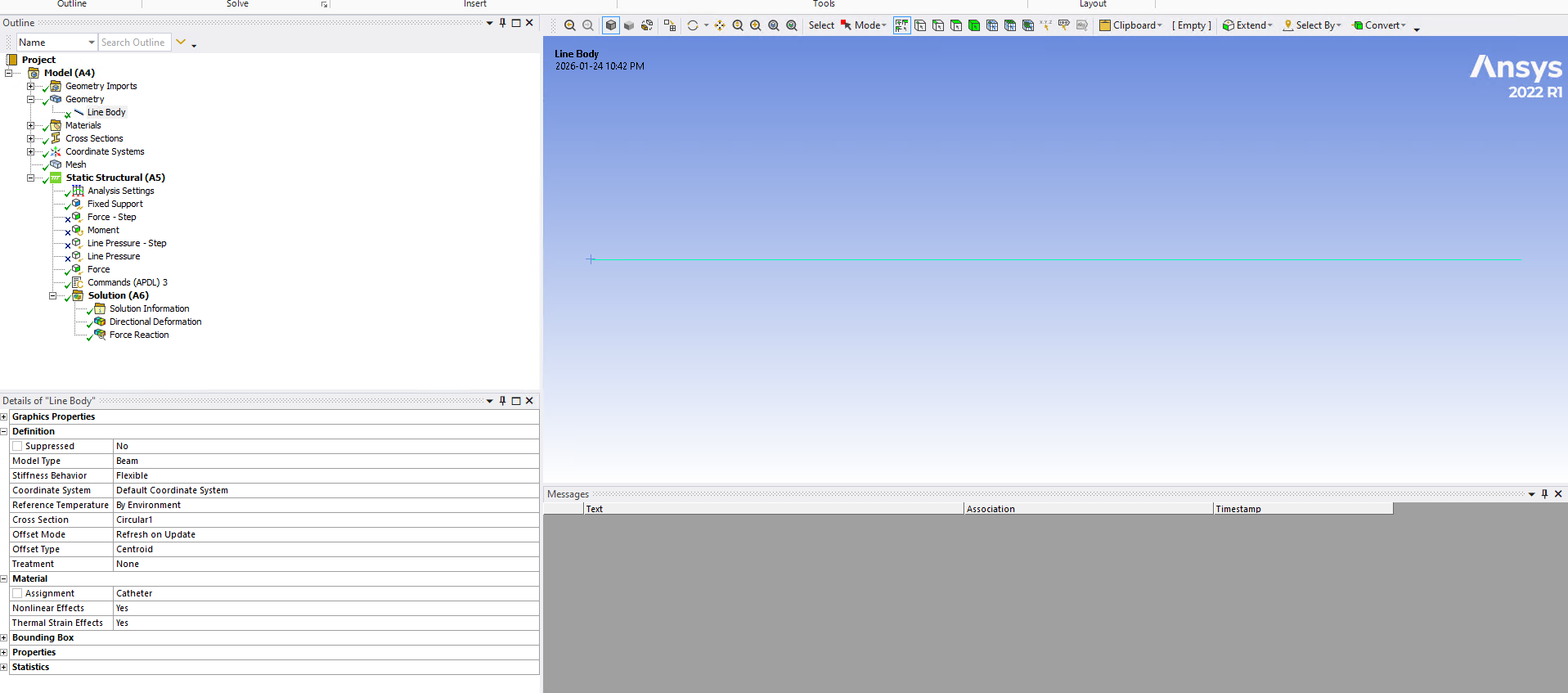
      I am using a 1D beam model (BEAM189 with large-deformation effects enabled) and would like to divide the beam into two segments with different flexural rigidities, E1 and E2 (both constant, but different values). What is the recommended approach to do this? Should I create two separate line bodies in the geometry, or is it possible to define a single line with a spatially (coordinate-dependent) elastic modulus? Thanks.


    • peteroznewman
      Subscriber

      Use two line bodies with Shared Topology to connect them is the simplest approach.

    • seyyedeshahrzad.tabatabaei
      Subscriber

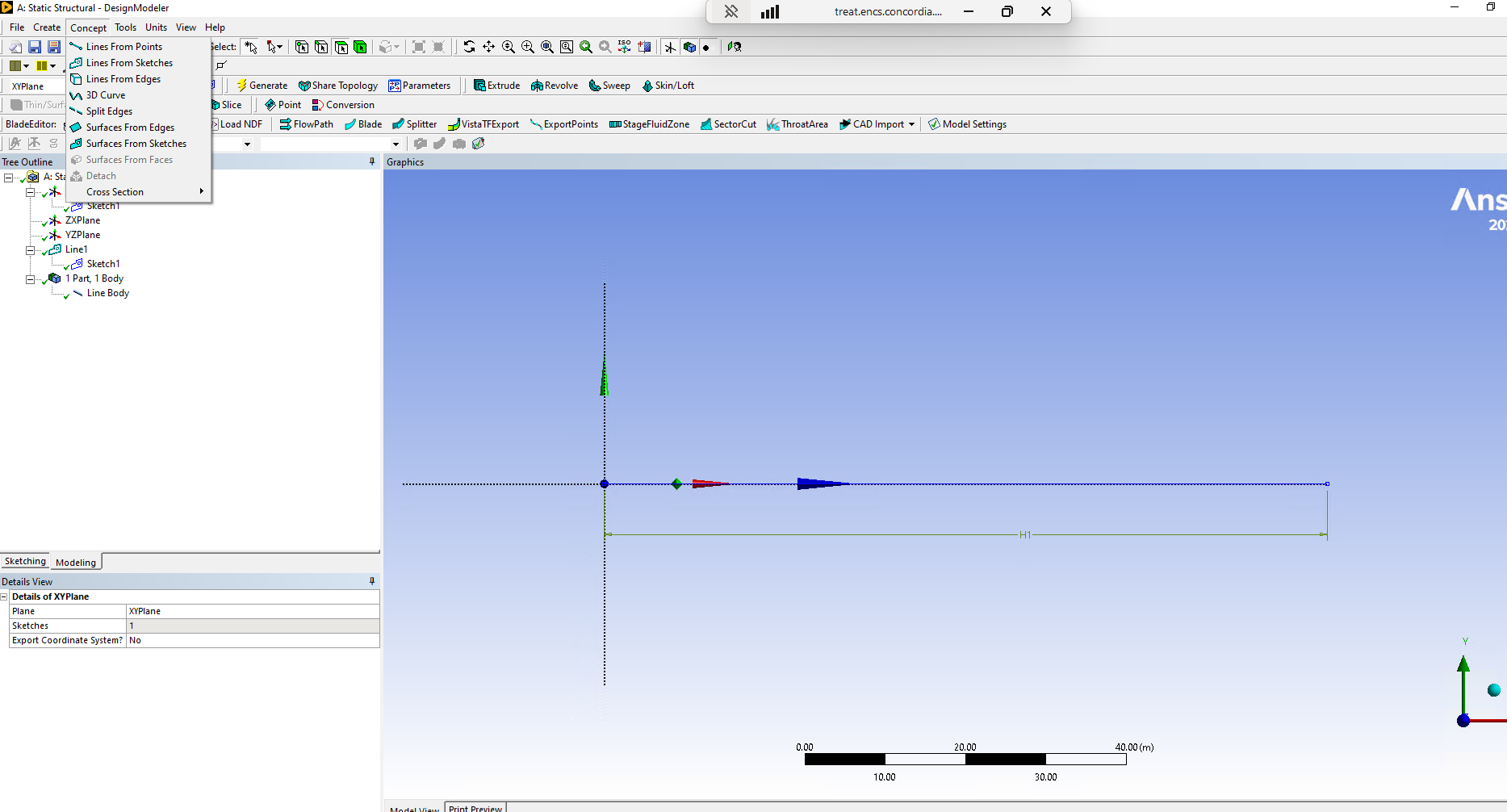
      Thank you. I want to create two connected lines (so that the beam is continuous) but have them treated as two separate line bodies (one per line, so that I can assign different materials). However, when I sketch the second line starting from the endpoint of the first, ANSYS (2022 R1) automatically treats them as a single line body. How can I force ANSYS to create two distinct line bodies while keeping them attached?

      Thanks!

    • peteroznewman
      Subscriber

      Use SpaceClaim.

    • ErKo
      Ansys Employee


      In DM create 3 points, and then use the Lines from Points tool and just generate 2 lines with add frozen option though (not add material) – finally form a multi-body part to connect the vertices (common vertex between shared by line bodies).


    • seyyedeshahrzad.tabatabaei
      Subscriber

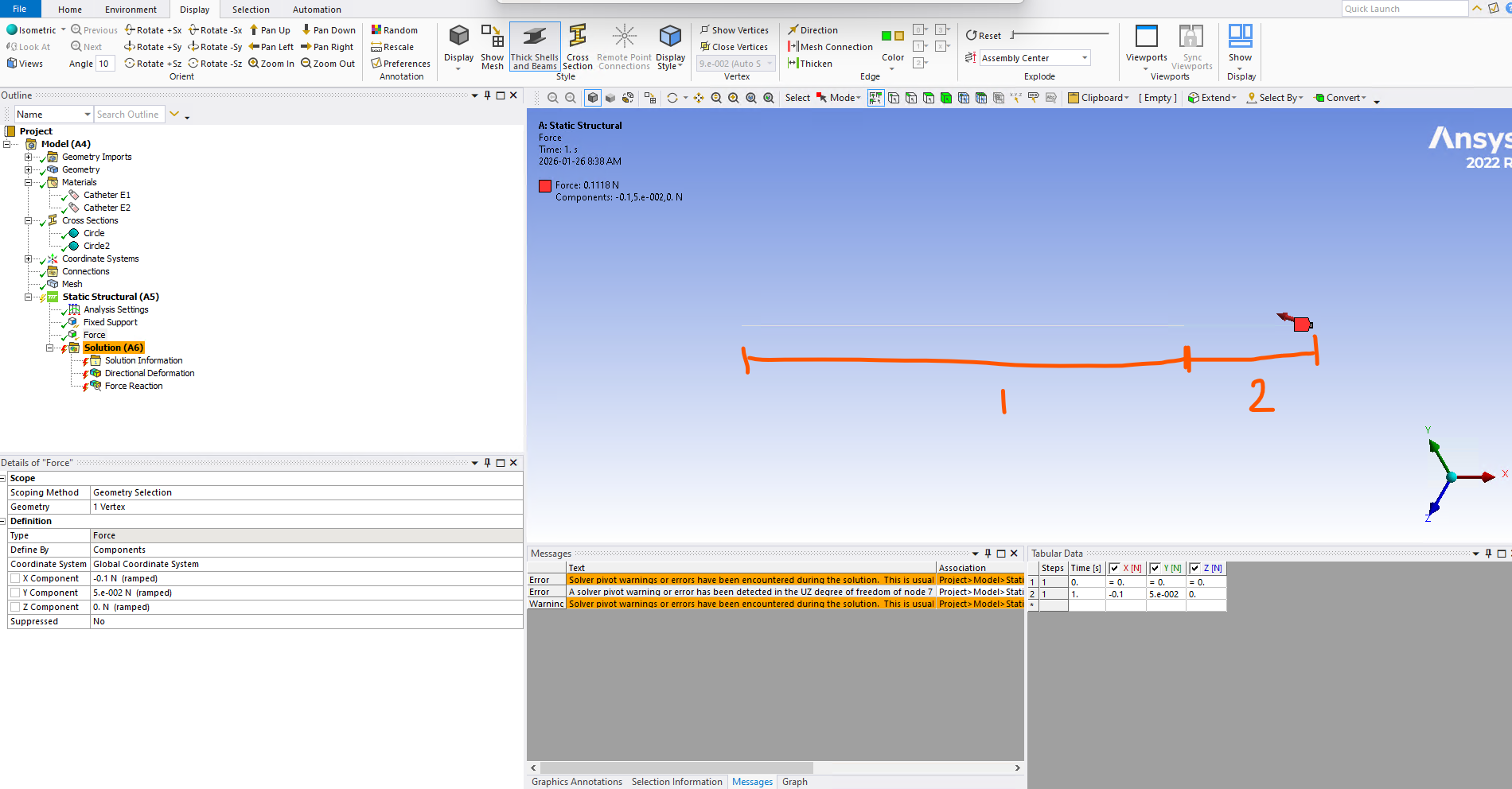
      Thanks. I used SpaceClaim and started the second line exactly at the end of the first one; I even used a coincident constraint; however, ANSYS still treats them as two separate bodies, and I encountered the following two errors:

      1) Solver pivot warnings or errors have been encountered during the solution.  This is usually a result of an ill conditioned matrix possibly due to unreasonable material properties, an under constrained model, or contact related issues.  Check results carefully.

      2) A solver pivot warning or error has been detected in the UZ degree of freedom of node 7 located in SYS\Beam (Circle2). This is usually a result of an ill conditioned matrix possibly due to unreasonable material properties, an under constrained model, or contact related issues.  Check results carefully. You may select the offending object and/or geometry via RMB on this warning in the Messages window.


      • ErKo
        Ansys Employee

        Beams are hinged not sharing same node. To resolve In SC define shared topology:

        https://www.youtube.com/watch?v=aqAYnZXoUHQ


        In DM sue multi-body part.


        All the best

    • seyyedeshahrzad.tabatabaei
      Subscriber

      It worked! Thanks very much!

    • ErKo
      Ansys Employee

      Glad it helped

Viewing 7 reply threads
  • You must be logged in to reply to this topic.