Hello,
I am in the process of installing and running ANSYS Lumerical on my college's high-performance computing cluster, which I don't have root access to. The cluster runs RHEL 8 and has no GUI, so I have to do everything through the command line.
I tried to configure my license by setting the environment variable, ANSYSLMD_LICENSE_FILE, by doing "export ANSYSLMD_LICENSE_FILE=1055@{myserver}" following this KB Lumerical license configuration from the command line – Ansys Optics. {myserver} is what I would normally put in the license section in the Ansys Optics Launcher on my personal desktop, which works fine.
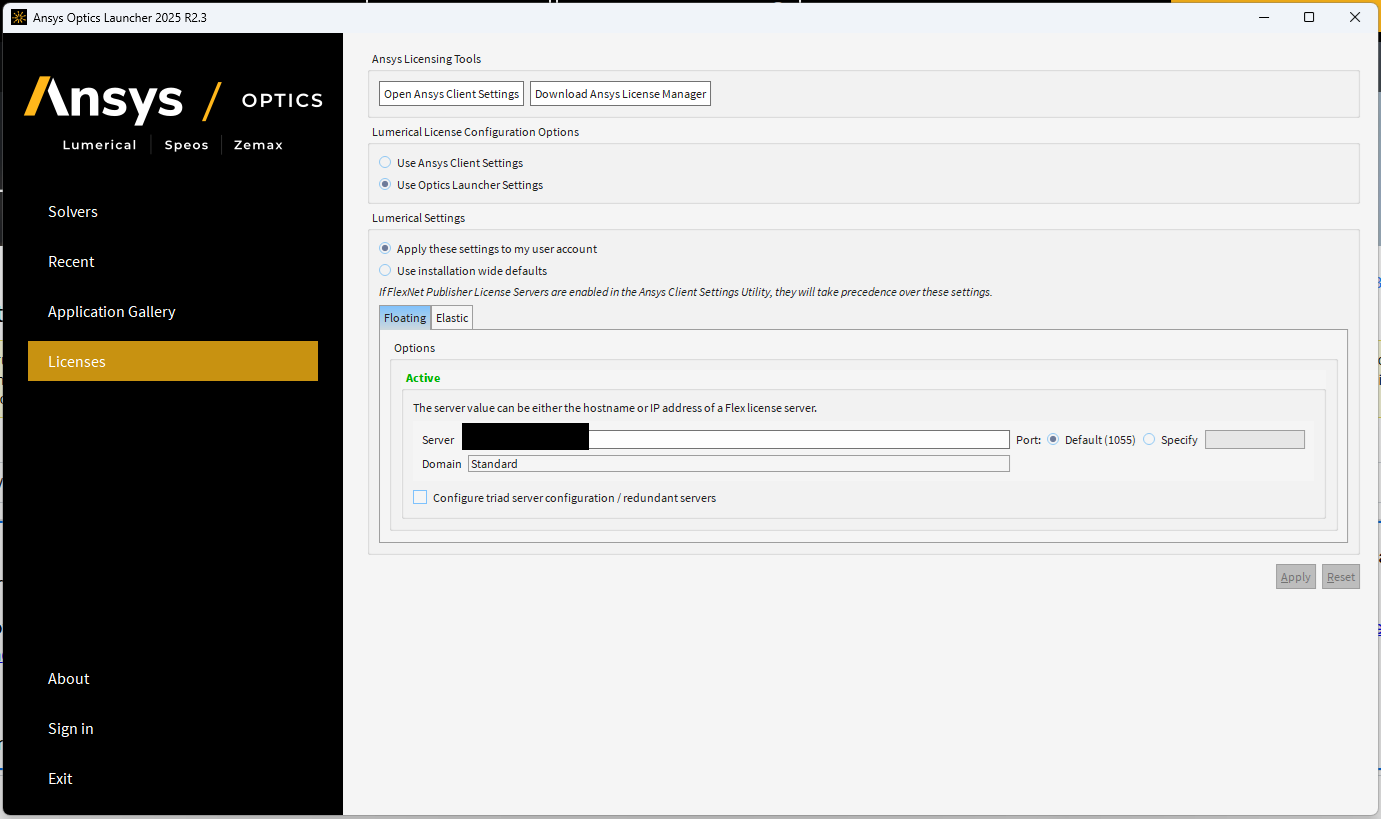
However, on the HPC, I still get an error in the .log file saying the following:
"""
All processes are communicating and ready to proceed to simulation...
CPU threads per process: 1
Error: Could not connect to Ansys license server specified at 1055@{myserver}
Would you like to reconfigure your license settings?, Response: No
License error: Could not connect to Ansys license server specified at 1055@{myserver}
Error: there was a failure with the license. Process number: 0 had this error
"""
Can I please get some help on configuring my license properly on the cluster? I really appreciate any help you can provide.


















 You are navigating away from the AIS Discovery experience