Hello all,
I am modelling a composite geometry on Ansys ACP. ACP Pre's geometry, engineering data and model can be defined but then setup does not open, showing error messages. On clicking update, this error message appears:
"Update failed for the Setup component in ACP (Pre). At least one exception occurred during the refresh that made it impossible for ACP to complete the process."
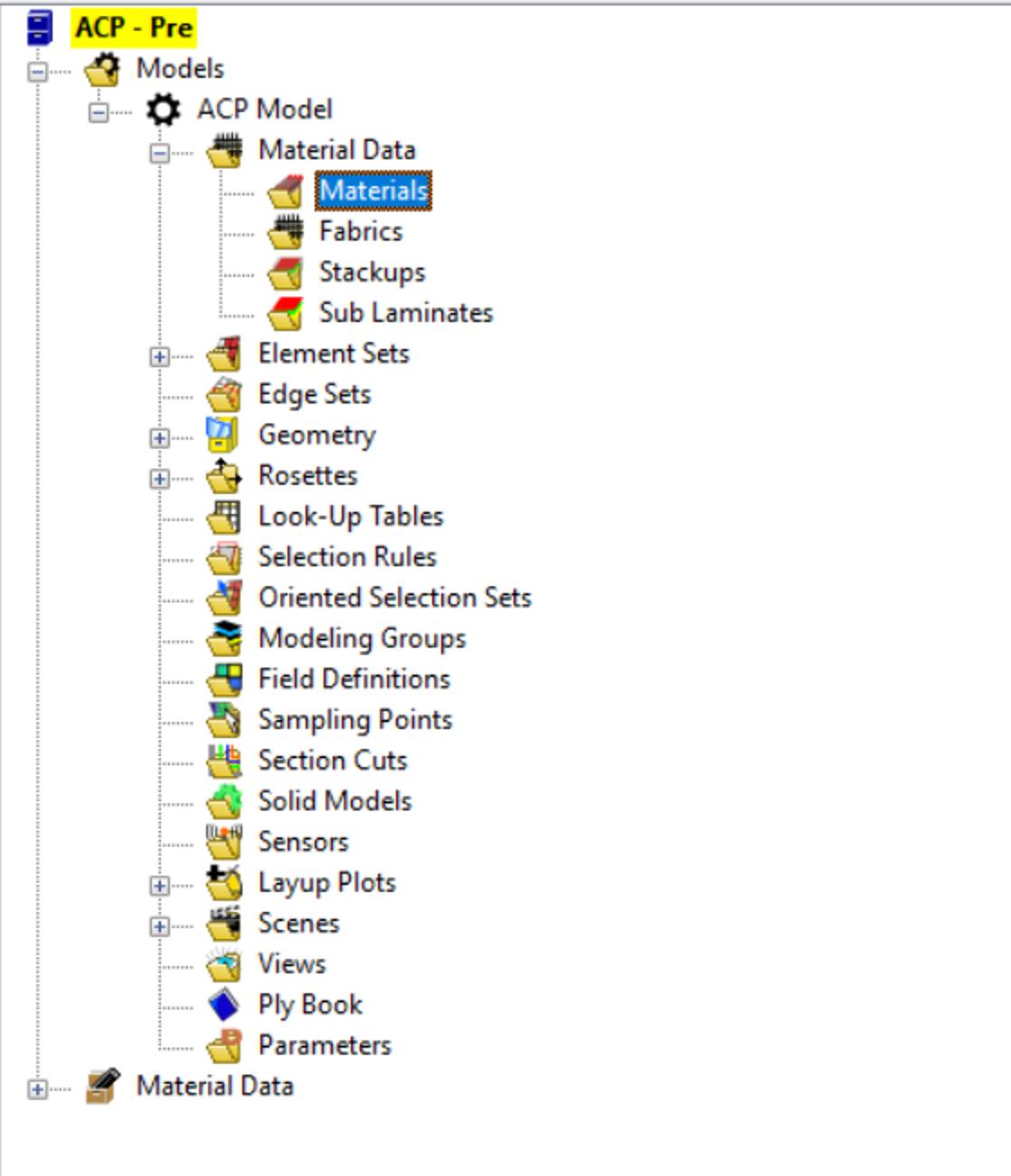
This can be 'fixed' by right clicking and selecting reset. However, setup then does not include 'materials' under the ACP model section at the top and only includes it separately at the bottom. As can be seen in the image below:
Separately (but most likely related), under view-files many of the files are red with a red cross by them. I right click and click repair and find the desired file but the file remains red. This is shown below:

For extra information: Ansys is running on windows through a Parallels Virtual Machine on a Mac.
Any help would be greatly appreciated!

















 You are navigating away from the AIS Discovery experience