Are you using shell elements? Below are some pages from Ansys Help.
The Coordinate System setting for result objects is, by default, set to Solution Coordinate System and cannot be changed because the results only have meaning when viewed in the solution coordinate system.
Since the directional results from the solver are statistical in nature they cannot be combined in the usual way. For example the X, Y, and Z displacements cannot be combined to get the magnitude of the total displacement. The same holds true for other derived quantities such as principal stresses.
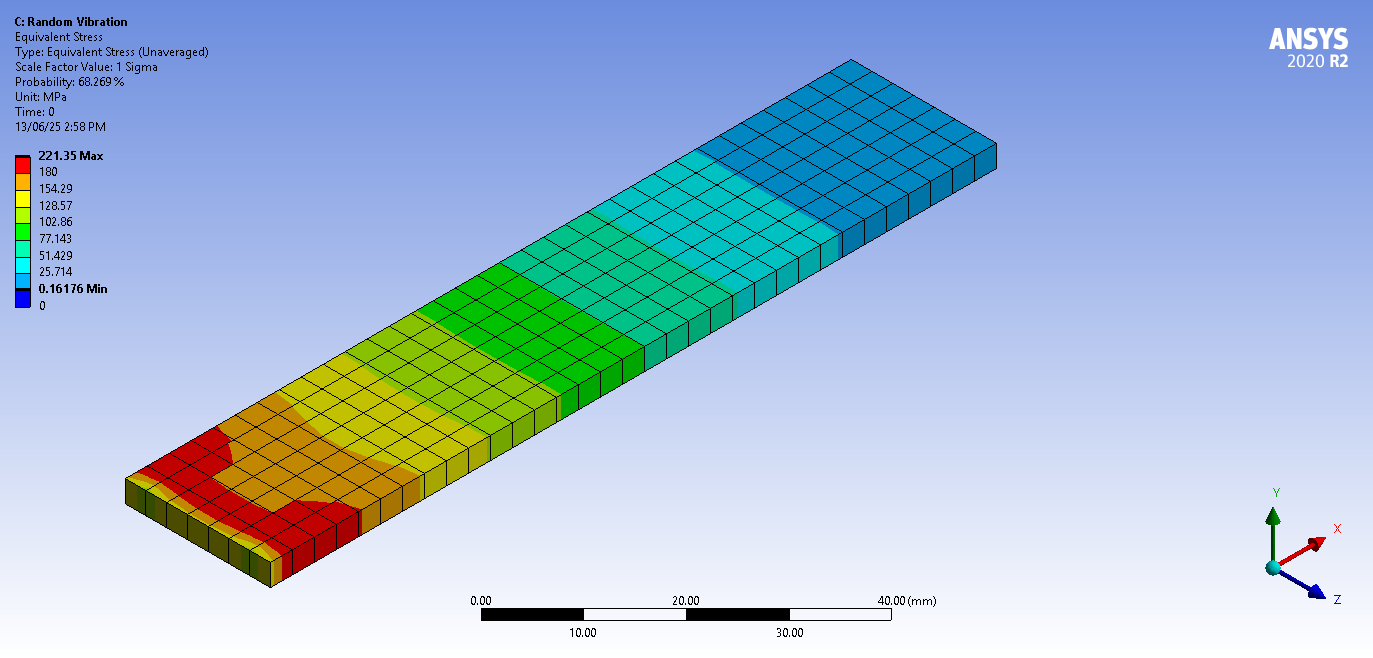
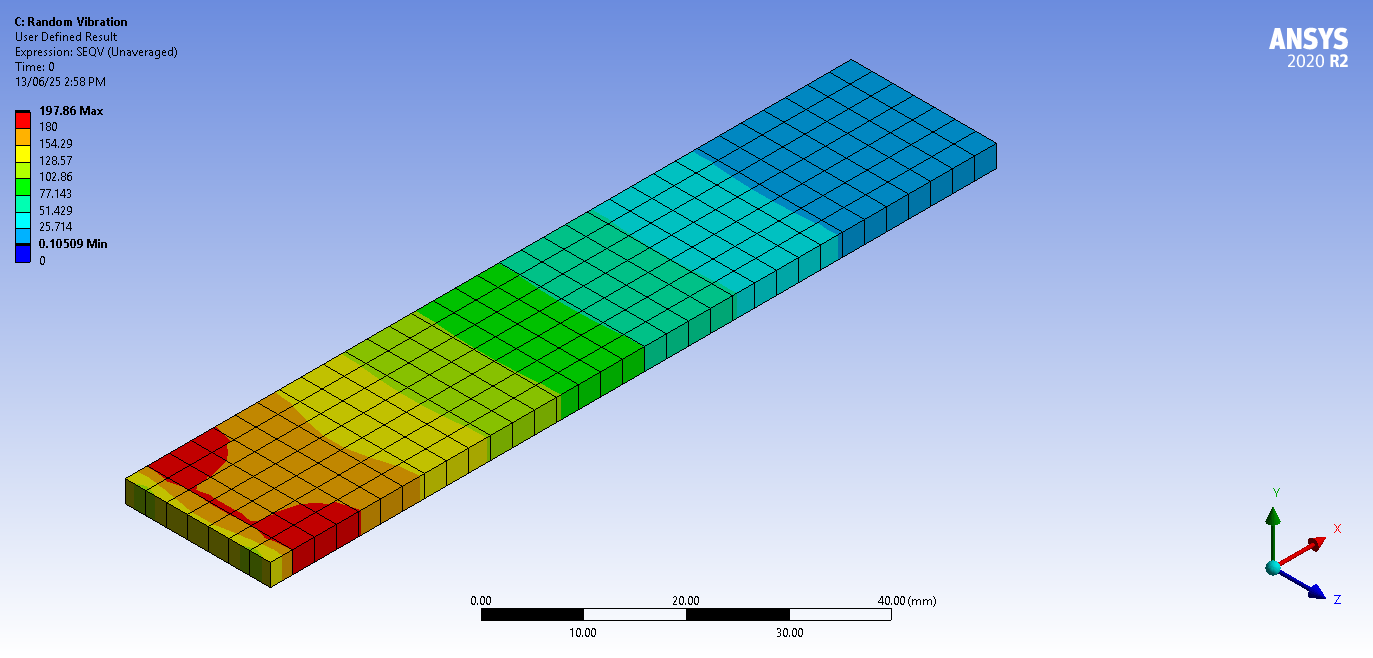
A special algorithm by Segalman-Fulcher is used to compute a meaningful value for equivalent stress.
Important: Note the following application result calculations applicable to Coordinate System selection.
Quantities such as Equivalent Stress (SEQV) and Thermal Flux Sum (TFSUM) are derived from entities like tensors and vectors.
If the tensors or vectors are in the Solution Coordinate System and if the elemental coordinate systems vary from element to element (that is, shell model), then the process of averaging can affect Equivalent Stress values, as well as the values of other derived quantities.
Therefore, if you specify the Solution Coordinate System option for the Coordinate System property, you cannot expect the averaged SEQV solution to be the same as when you specify the Global Coordinate System option for the Coordinate System property.
Furthermore, for results that can display unaveraged contour results, if you specify Unaveraged for the Display Option property, the SEQV solution for Solution Coordinate System is the same as the solution for Global Coordinate System setting.

 This topic has been answered!!


















 You are navigating away from the AIS Discovery experience