Hi
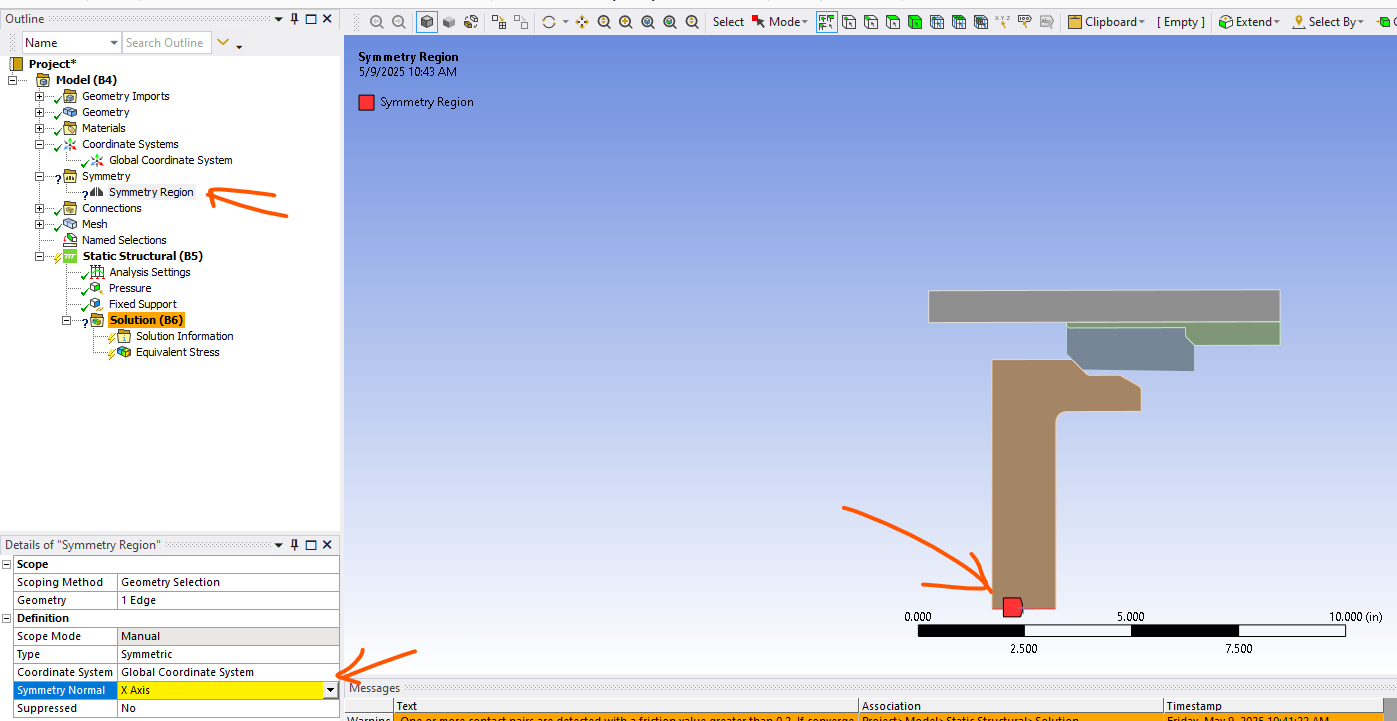
In a 2D axisymmetric analysis within Workbench Mechanical Static Structural Analysis, the model must be positioned with the Y-axis as the axis of symmetry. This configuration is essential for accurate analysis. The X coordinates denote the radial direction, while the Y-axis consistently serves as the axis of symmetry. Additionally, it’s crucial to set the analysis type to 2D when selecting the geometry cell. =>
So that means of course that you can not use a symmetry region object in a 2D axisymmetric analysis (as you saw it is not allowed – just follow the guide and procress described above.
Just rotate your parts in SC DM or Discovery so that the Y-axis is the axis of symmetry
Also a tutorial:
https://www.youtube.com/watch?v=gFpJ8dFDop8
All the best
Erik


















 You are navigating away from the AIS Discovery experience