Ansys Assistant will be unavailable on the Learning Forum starting January 30. An upgraded version is coming soon. We apologize for any inconvenience and appreciate your patience. Stay tuned for updates.
Ansys Products

Ansys Products

Discuss installation & licensing of our Ansys Teaching and Research products.

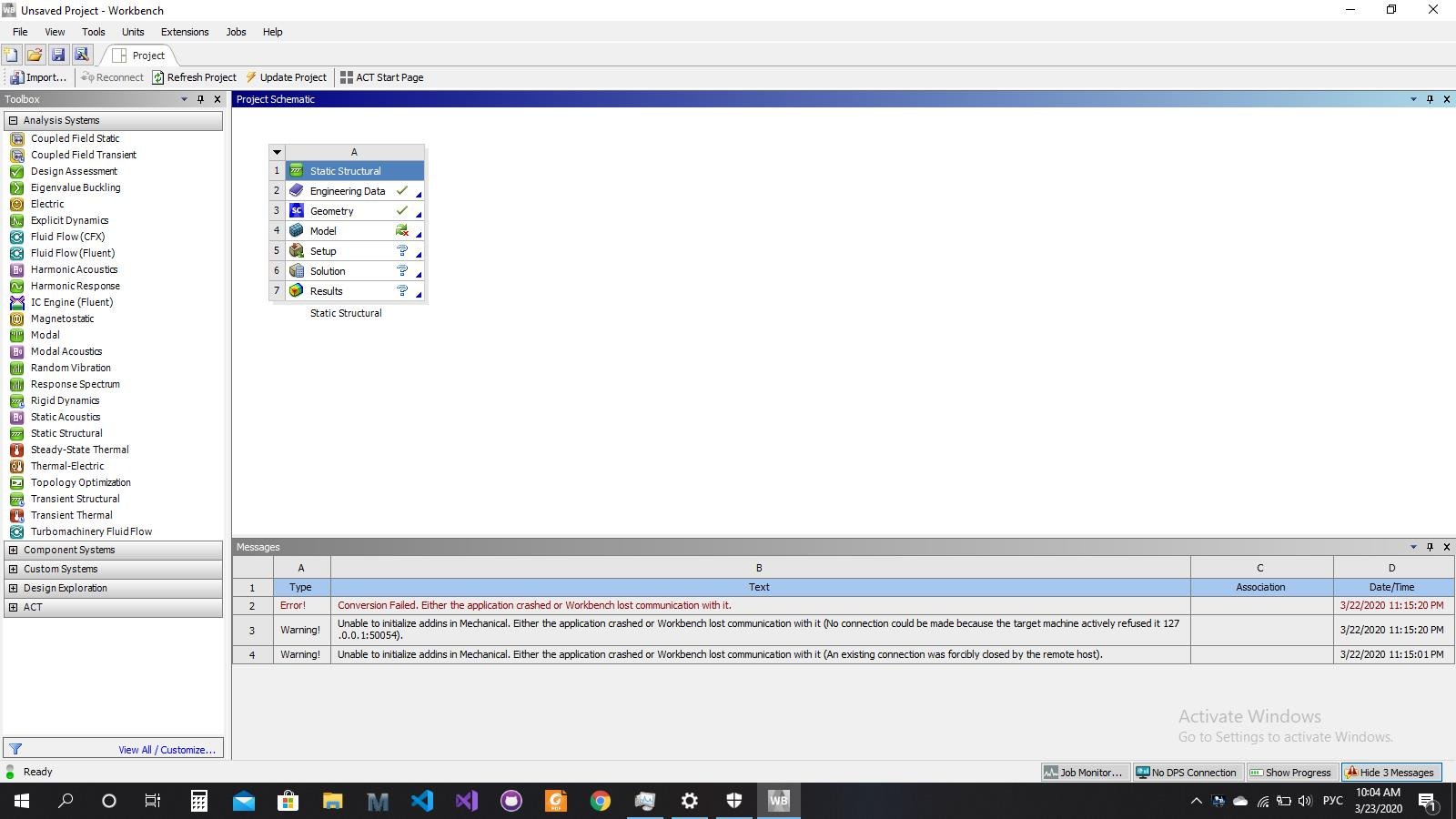
Error! Conversion Failed. Either the application crashed or Workbench lost communication with it.

    • havrilovjonh94
      Subscriber

      Recently, I`ve installed Ansys Student 2019R3. Workbench lanches and works fine, made a Geometry in SpaceClaim, but Model was not responding even after 30 minutes. Then I closed Mechanical window and received this message:


      System.Net.Sockets.SocketException: No connection could be made because the target machine actively refused it 127.0.0.1:63285


    • Keyur Kanade
      Ansys Employee

      As ANSYS Staff, we can not download attachments. Please insert images using insert image functionality. 


      This may be installation issue. moving to installation category. 

    • havrilovjonh94
      Subscriber

      Thanks for your reply !


      I had this issue:


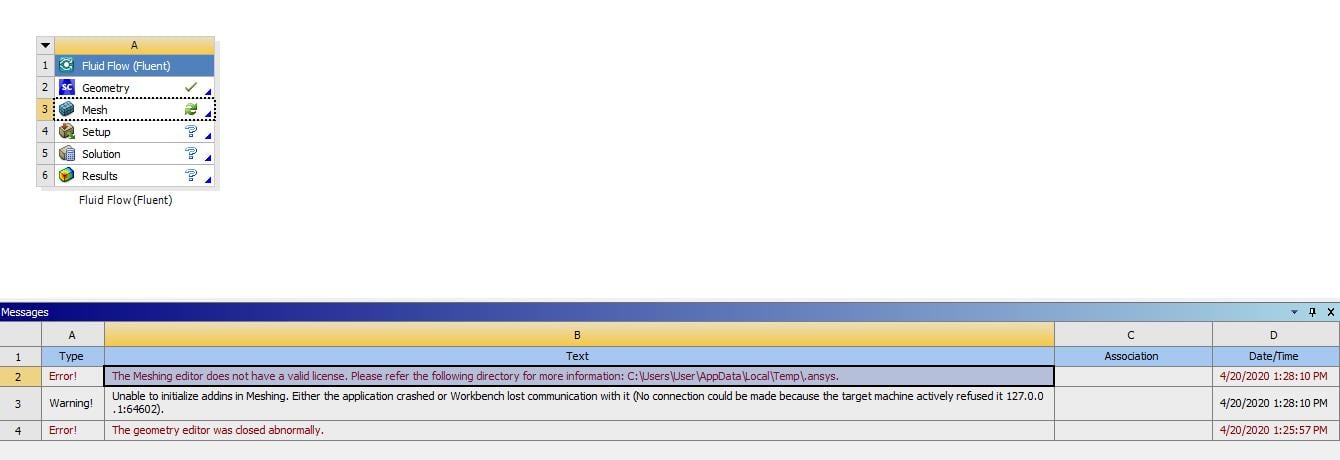
      I turned off Windows Defener Firewall and that issue has gone, but now there`s another one (and still DesignModeler and Meshing editor aren`t responding):


    • tsiriaks
      Ansys Employee

      Try this 


      move "%appdata%ansys" "%appdata%ansys.old"


      in CMD Prompt window.


      If that doesn't help, try suggestions in this


      /forum/forums/topic/installation-issues-and-starting-problems-geometry-editor/

    • havrilovjonh94
      Subscriber

       Hi, Win!


      I`ve tried all yours suggestions, but asnys still does not work properly.
      So, I decided to remove all Ansys 19R3 products and install 20R1.
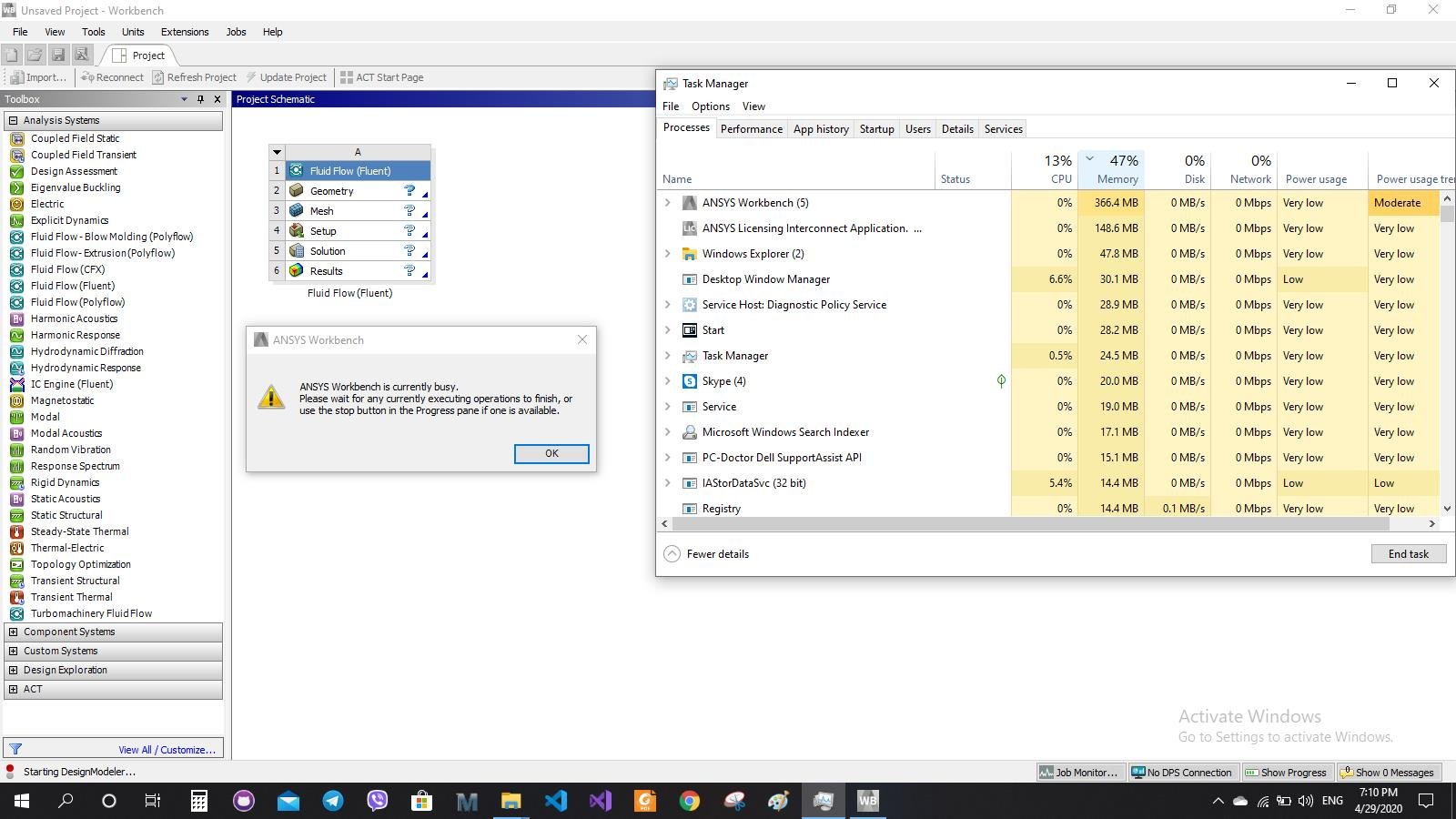
      I encountered another problem. Both DesignModeler and Meshing were not responding for 20 min. When I tried to close Ansys window, I recieved this:


    • tsiriaks
      Ansys Employee

      Hi Havrilov,


      Can you try temporarily turning off all of your security on the machine ?


      Are you using VPN ?


      What graphics card do you have on the machine ? Try updating your graphics driver. 


      Try manually register the DLLs listed below by starting a Command Prompt (DOS) with "run as administrator" , then typing:


      regsvr32.exe ole32.dll


      regsvr32.exe atl.dll


      regsvr32.exe oleaut32.dll


      regsvr32.exe scrrun.dll


      regsvr32.exe jscript.dll


      regsvr32.exe vbscript.dll


      make sure they all say succeed


      Check the PATH System Variable to make sure that C:WINDOWSsystem32;C:WINDOWS;C:WINDOWSSystem32Wbem;… entries are in front of everything else.


      Like:  PATH=C:WINDOWSsystem32;C:WINDOWS;C:WINDOWSSystem32Wbem;…all other entries...


      Run the ProductConfig.exe from ANSYS Incv###  and configure the application again, by right-clicking the productconfig.exe file and select "Run as Administrator" >> "Configure Products & CADs" >> select all options.


    • havrilovjonh94
      Subscriber

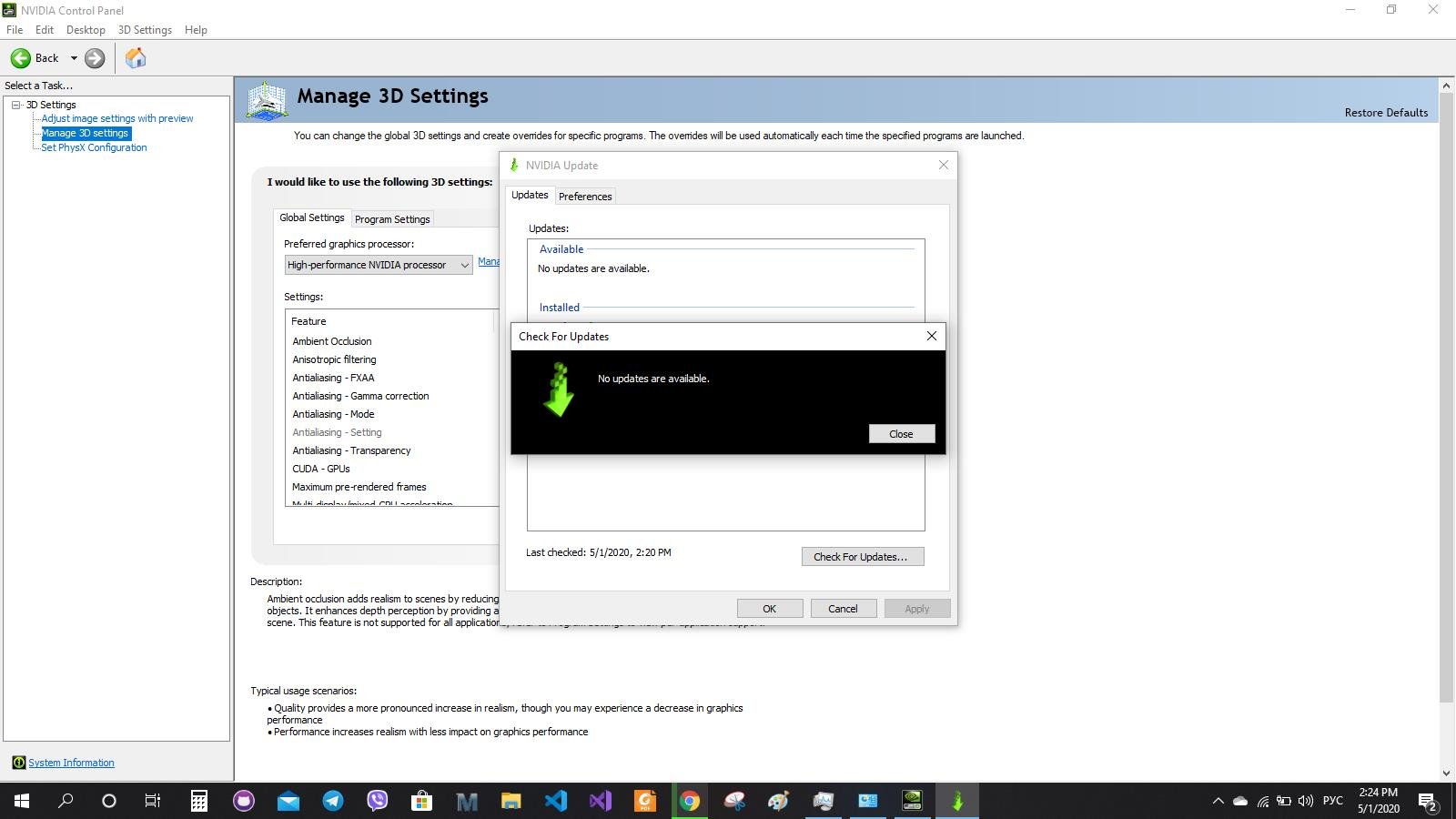
      I checked for NVIDIA drivers update and there were no updates available.


      So, I found necessary updates and installed them manually. And I have no issues now! 


      Thank you, Win ! 


    • tsiriaks
      Ansys Employee

      Great ! Glad it's working for you now !


      Win

Viewing 7 reply threads
  • The topic ‘Error! Conversion Failed. Either the application crashed or Workbench lost communication with it.’ is closed to new replies.

[bingo_chatbox]