Hello,
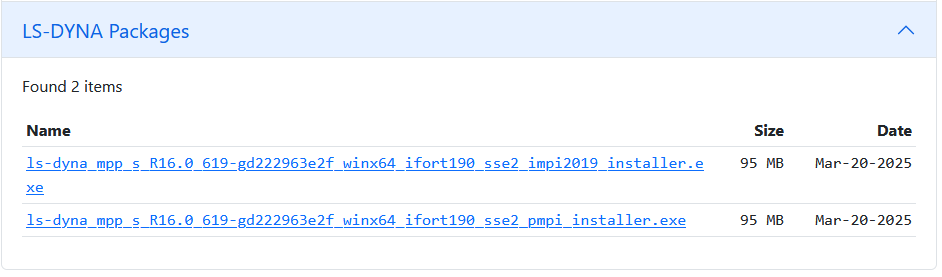
LS-DYNA does not require installation. The version of LS-DYNA that is being executed is MPP. MPP LS-DYNA requires an MPI (Message Passing Interface) installation, such as Platform MPI, Open MPI, Intel MPI, or others, on your system. The version that you are trying to exectute was compiled to run with IntelMPI. Please make sure that IntelMPI is installed on your machine and that proper synax is used to call it. impi.dll is a part of IntelMPI.
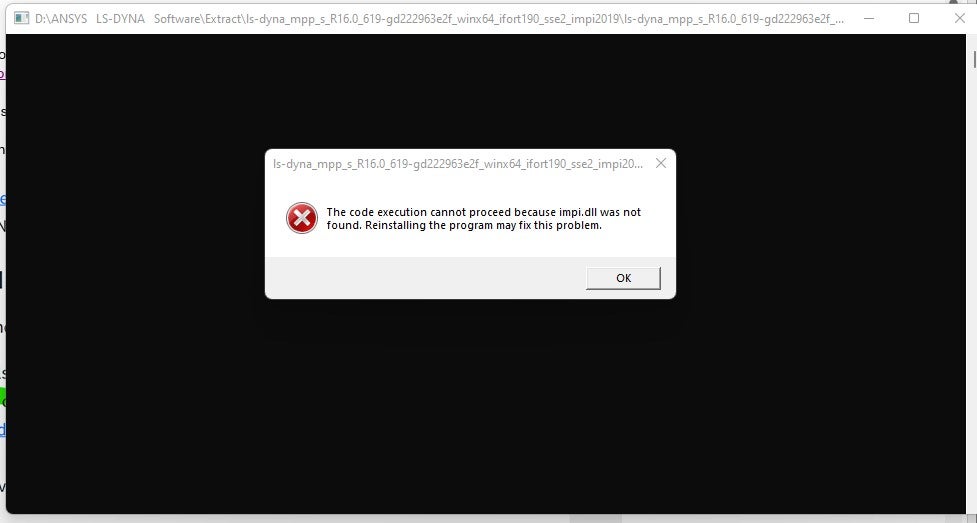
" the code execution cacot proceed because impi.dll was not found" - This error sugests that the intel MPI is not called/linked and ls-dyna mpp is being executed alone.
The general syntax for running LS-DYNA MPP is mpirun –np ls-dyna.exe i=input.k memory=... .
Please see: https://ftp.lstc.com/anonymous/outgoing/support/FAQ/mpp.getting_started ; https://ftp.lstc.com/anonymous/outgoing/support/OTRS/MPP_class_handout.pdf
Please see Appendix O in LS-DYNA Manual: LS-DYNA MPP User Guide https://lsdyna.ansys.com/manuals/
Thanks,
Alex



















 You are navigating away from the AIS Discovery experience