Ansys Assistant will be unavailable on the Learning Forum starting January 30. An upgraded version is coming soon. We apologize for any inconvenience and appreciate your patience. Stay tuned for updates.
LS Dyna

LS Dyna

Topics related to LS-DYNA, Autodyn, Explicit STR and more.

How to output stresses in beam elements LS-Dyna Workbench

    • javat33489
      Subscriber

      Hello everyone. I am modeling a lot of wires clamped between two rings on both sides. I am compressing or stretching them.
      The wire is modeled by beam elements to speed up the calculation.
      How to output stresses on these beam elements?
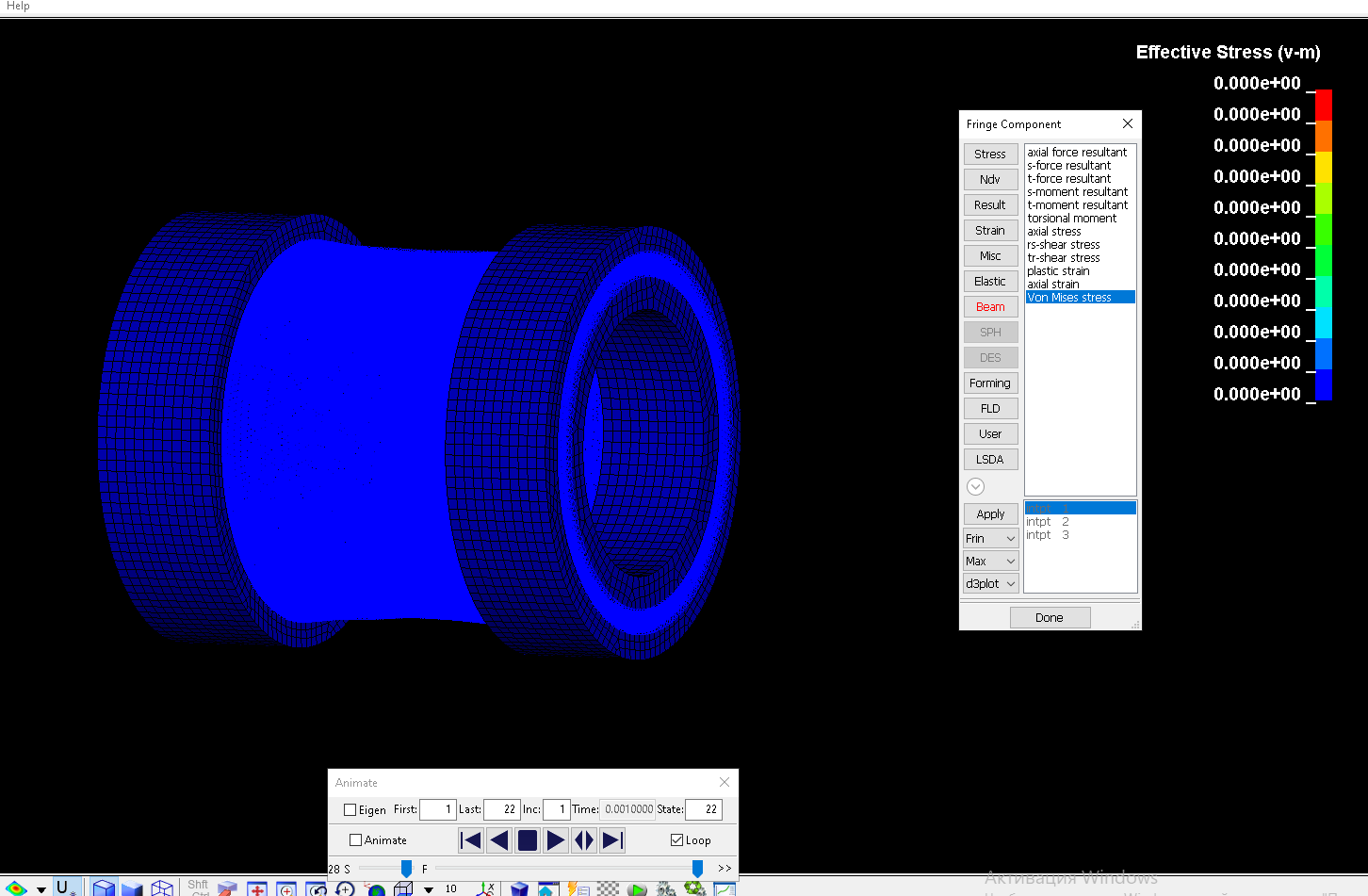
      I have included stresses for them. I also looked in the prepost, I couldn't get them there either, why?


    • Raman Babu
      Ansys Employee

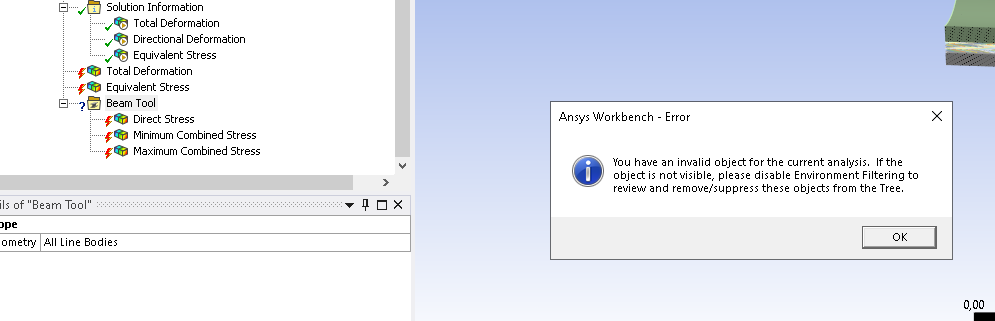
      Currently, beam results cannot be directly post-processed in WB Mechanical. However, you can use DPF-based scripting to extract and analyze them within WB.

      Alternatively, you can utilize LSPP to extract beam results. Below is some relevant information regarding beam results processing:

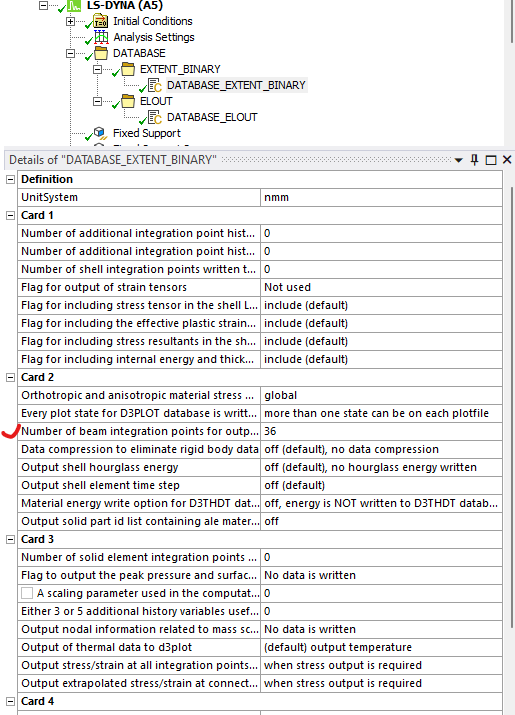
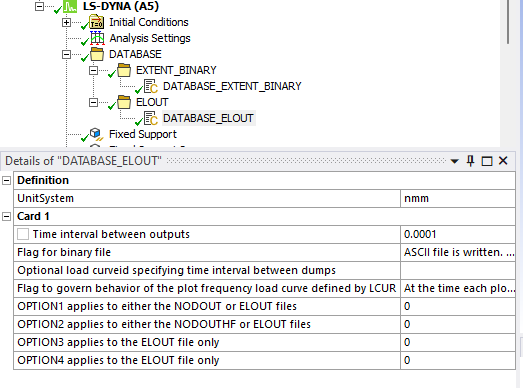
      Stresses at section integration points of integrated beam elements (such as ELFORM 1 beams) are written in the elout file, which is generated using *DATABASE_ELOUT. To include specific beam elements in this output, use *DATABASE_HISTORY_BEAM. Stresses and axial strains of integrated beams are also stored in d3plot when BEAMIP>0 under *DATABASE_EXTENT_BINARY. You can visualize these results in LS-PrePost by loading d3plot and selecting: FEA > Post > Fringe Component > Beam. The drop-down menu at the bottom left of the Fringe Component window allows you to select different stress and strain visualization options, including maximum, minimum, average, and individual integration points.

      Let me know if you need further details

      Regards,

      Raman Babu

       

      • javat33489
        Subscriber

        Thank you for your reply sir. I have a few questions.
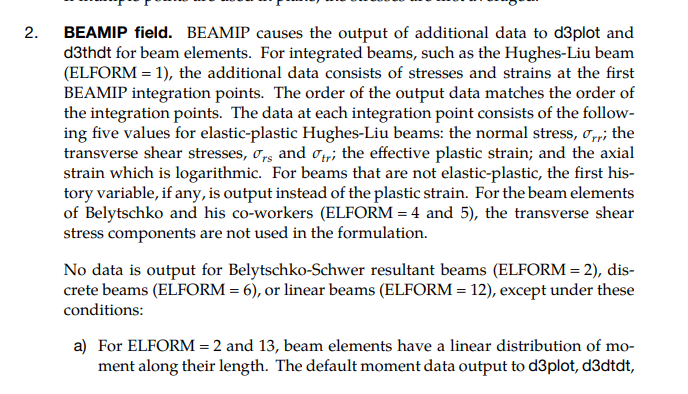
        1. Does the number set in the BIAMIP card make any difference? I set 1 and 10 and there was no difference
        2. Sir, I had to save the file to K-file then open it in Prepost and enable BIAMIP there. Is there any way to enable BIAMIP in the WORKBENCH interface?
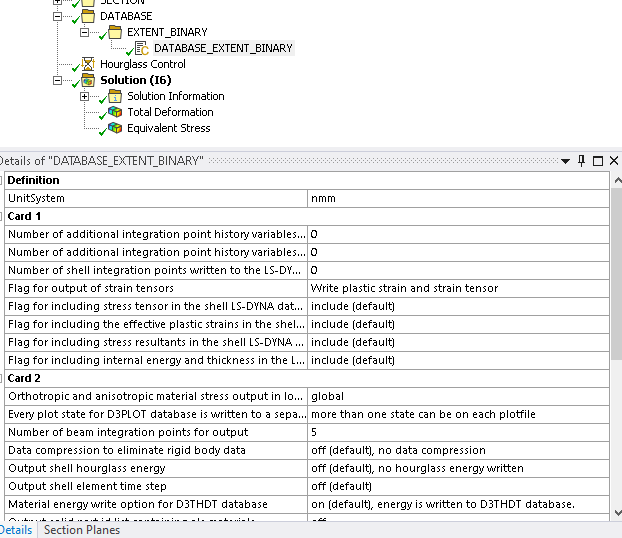
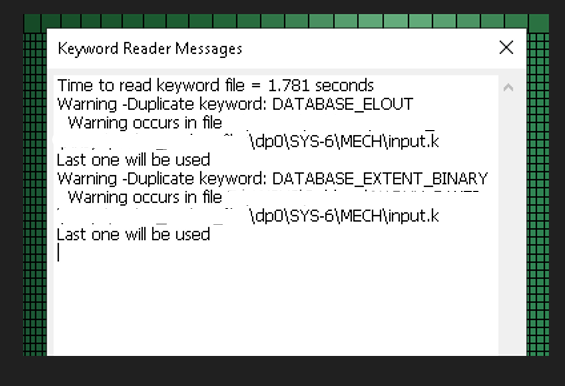
        I tried adding the DATABASE_EXTEND_BINARY card in the workbench interface, but it duplicates the settings instead of replacing them and I get an error.

    • Raman Babu
      Ansys Employee

      Hello Javat,

      Please check Remark 2 of *Database_extent_binary card.


      Please try it and let me know how It goes.

      Regards,

      Raman Babu


    • javat33489
      Subscriber

      Sir, I wrote above that it doesn't work!

      "I tried adding the DATABASE_EXTEND_BINARY card in the workbench interface, but it duplicates the settings instead of replacing them and I get an error."

    • Raman Babu
      Ansys Employee

      Which Ansys workbench version are you using?

      If keyword manager -based approach is not working, please use the command object and insert *Database_Extend_Binary card in Ansys Mechanical


      • javat33489
        Subscriber

        Version 2023.
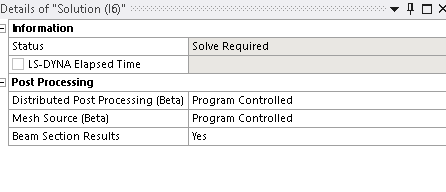
        Sir keymanager works. The map is added.

        But it duplicates the standard settings of WORKBENCH, you understand? And two maps are written to the calculation file DATABASE_EXTEND_BINARY

      • javat33489
        Subscriber

Viewing 4 reply threads
  • You must be logged in to reply to this topic.
[bingo_chatbox]