General Mechanical

General Mechanical

Topics related to Mechanical Enterprise, Motion, Additive Print and more.

Avoid Self Intersecting Geometry

    • sillus.1
      Subscriber

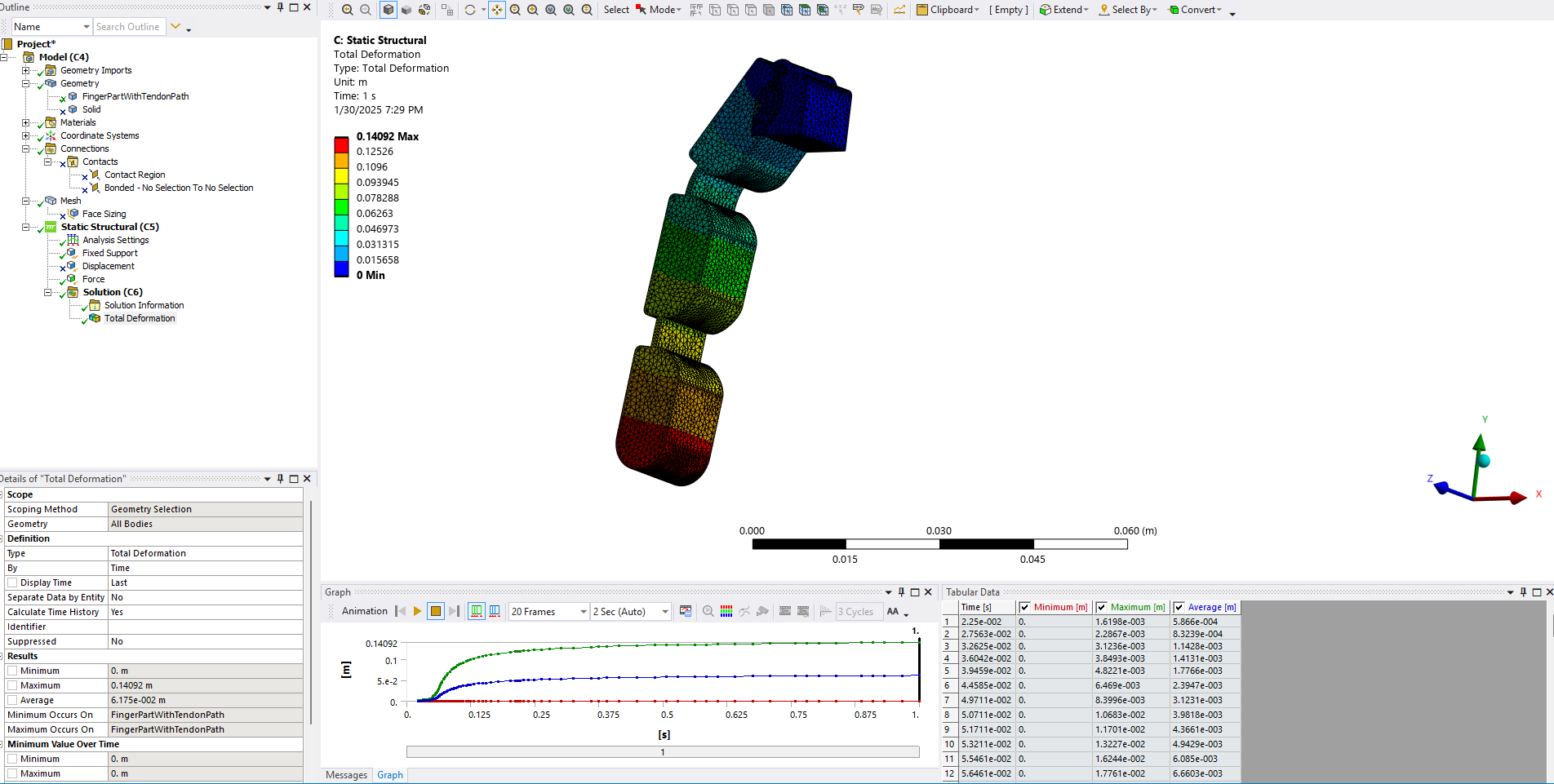
      Hello, I am trying to run a simulation with the goal to model a compliant rubber finger when 5N of force is applied via a cable. To "model" the cable I am just applying force in the -y direction on the top segment. I am having an issue where the finger intersects itself when I apply the force. How do I make it so it will keep deforming when in contact with itself? Like the segmets should still be able to touch each other while the joints bend 90 degrees. Thanks.

    • Akshay Singh
      Ansys Employee

      Hello,

      You need to create a multibody part to create self contact regions.

      Please refer the example posted in the ansys help on rubber boot seal - 26.3. Modeling

    • peteroznewman
      Subscriber

      Hello Sillus,

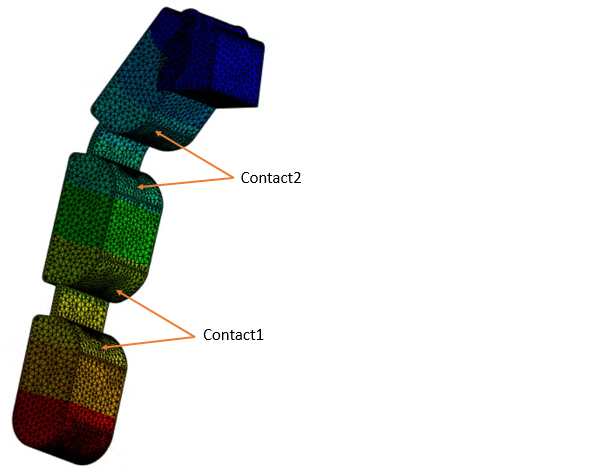
      I suggest you add three frictional contacts. The third one has two faces near the first hinge. You don’t need a multibody part for this contact to work.
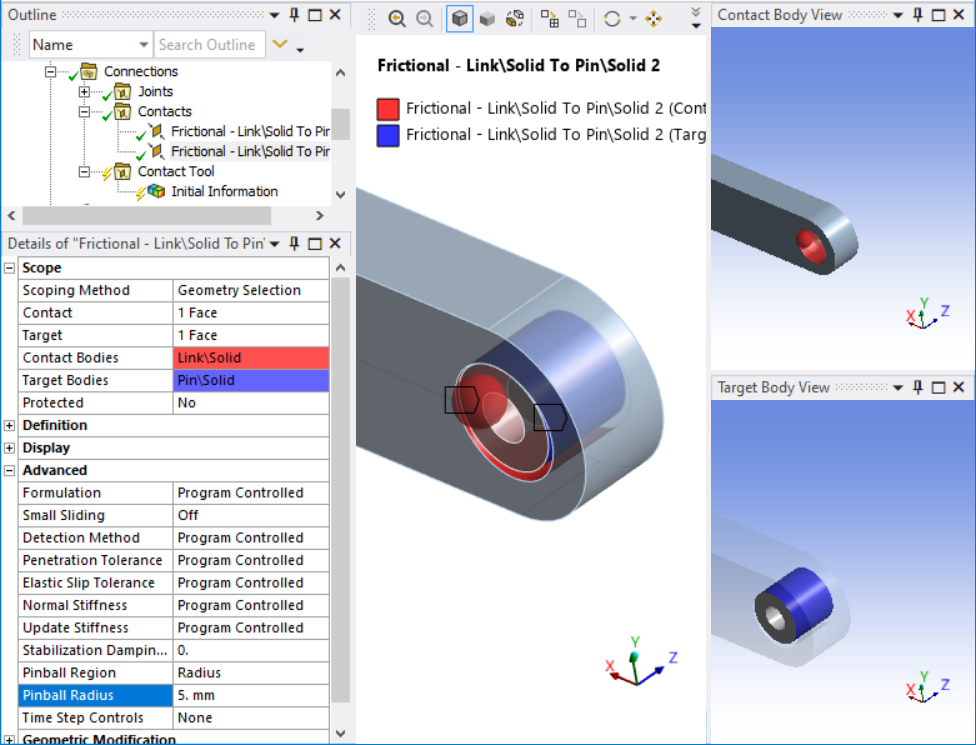
      On each contact definition, set the Pinball Region to Radius and type in a number so that the transparent red ball passes through both surfaces you picked.
      Under the Contact folder, insert a Contact Tool and right click to Generate Initial Contact Results. Look at the results to confirm that the Contact Status is Near Open. That means the contact algorithm will monitor the surface pairs as they approach each other and will prevent penetration.  If the Contact Statis is Far Open, the contact will be ignored and penetration will occur.

      I have worked on some cable-driven finger models and can tell you that applying a force to the tip of the finger results in a very different deformation than the tension in a cable passing through each link on the finger.

      https://innovationspace.ansys.com/forum/forums/topic/analysis-of-robotic-finger/

      • sillus.1
        Subscriber

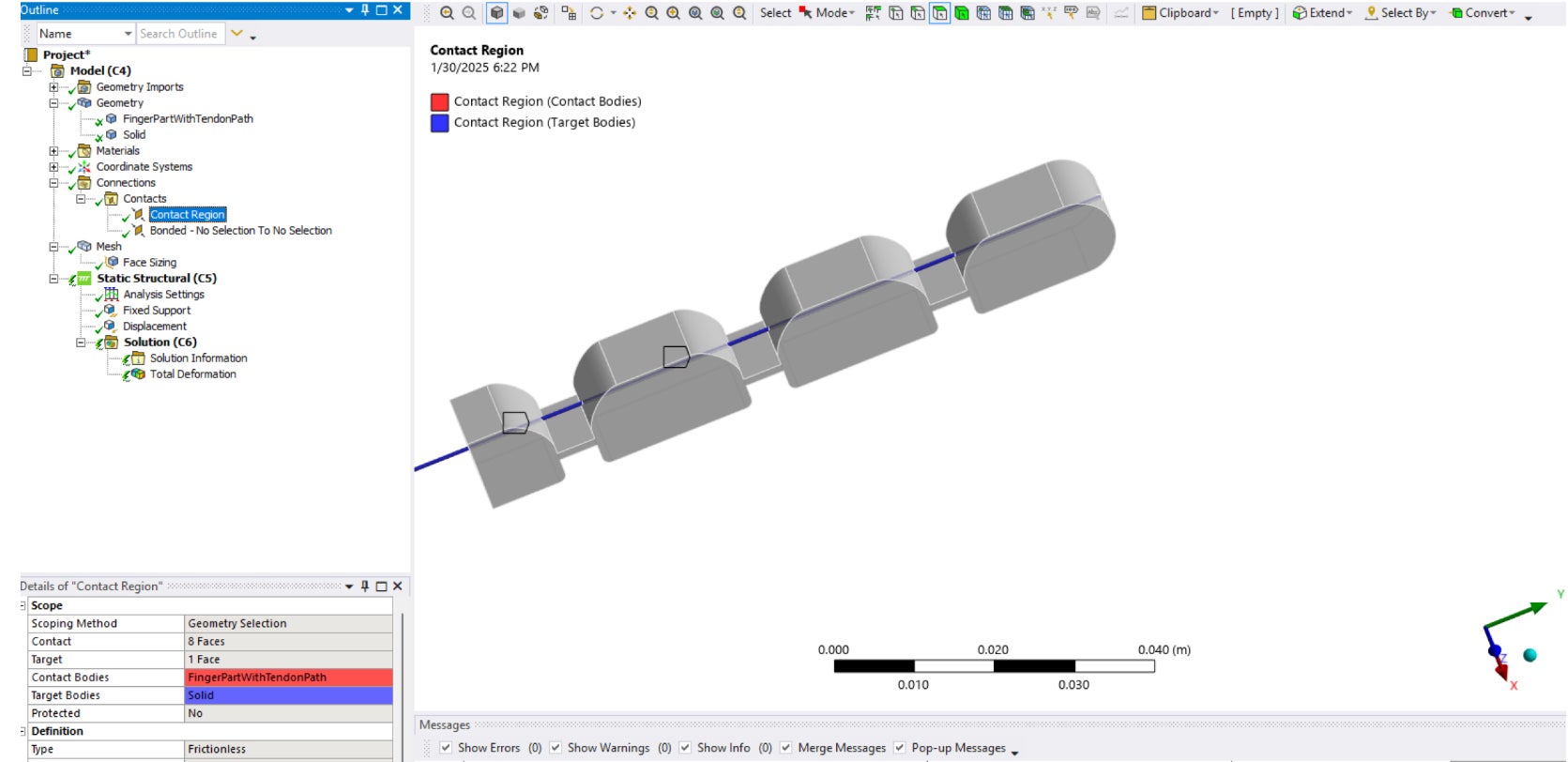
        Thank you for the suggestion, I really appreciate it. I was actually trying to add the cable through the finger using another solid which I set the material to nylon and turned on large deformation but never got the solution to converge. I think there was an issue with how I set up the contacts as I only had a frictionless contact between the tendon path in the finger and the tendon. Is there a better way to go about this?

    • peteroznewman
      Subscriber

      Cable driven mechanisms are really hard to get convergence on.  Do not mesh a long tendon with a small cross-section by starting with a solid body.  Convert the solid body to a Beam line body in SpaceClaim and then assign it to use the CABLE280 element type.  You can assign frictional contact between these line bodies and the faces of the holes in the solid bodies along the finger.

Viewing 3 reply threads
  • You must be logged in to reply to this topic.