Ansys Assistant will be unavailable on the Learning Forum starting January 30. An upgraded version is coming soon. We apologize for any inconvenience and appreciate your patience. Stay tuned for updates.
Process Integration and Design Optimization

Process Integration and Design Optimization

MOP error inconsistent data in optislang

    • cibi
      Subscriber

      Hello everyone,

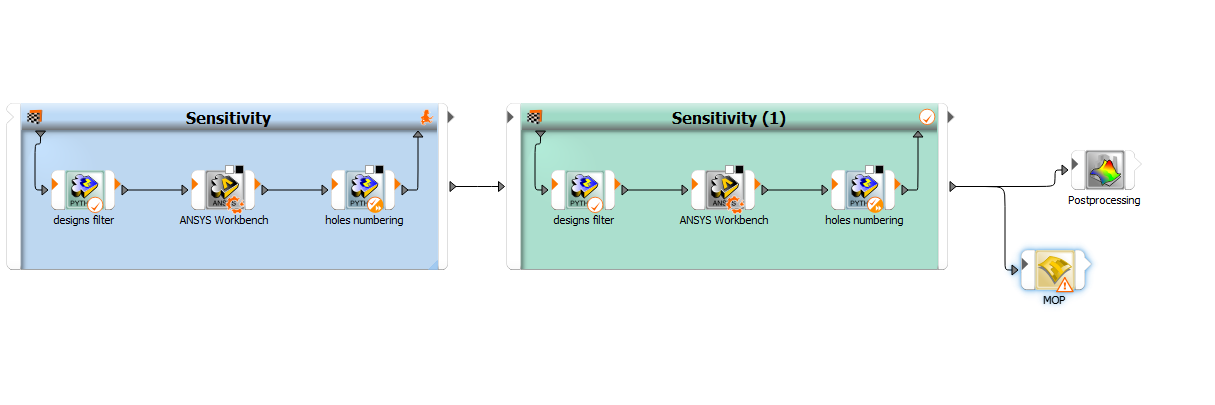
      I am running an optimization problem in optislang, I have ran the sensitivity analysis and now I want to run the MOP prior to the final optimization, so my project looks like this:

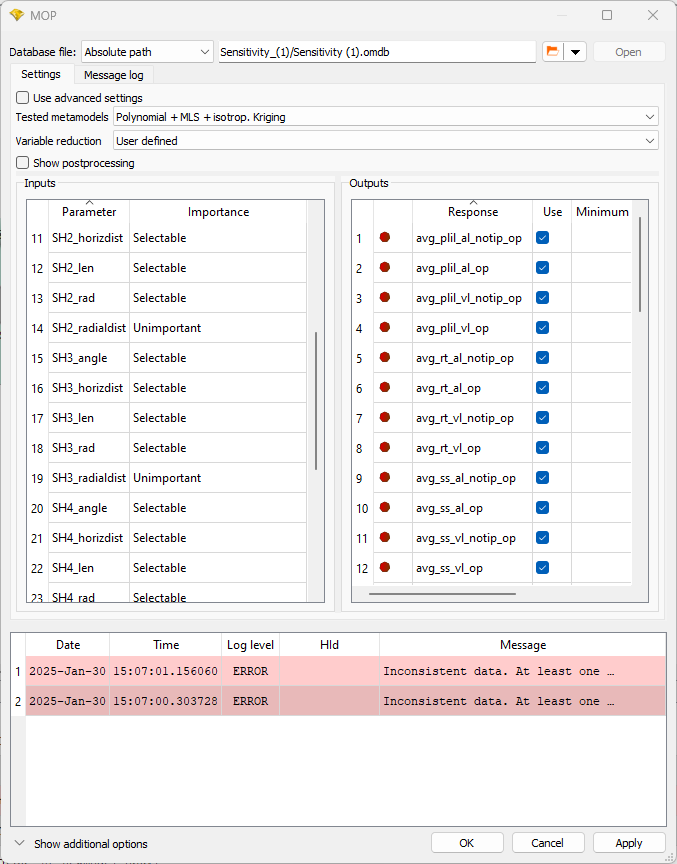
      When I try to run the MOP I get this error: Inconsistent data. At least one constant parameter varied in designs.

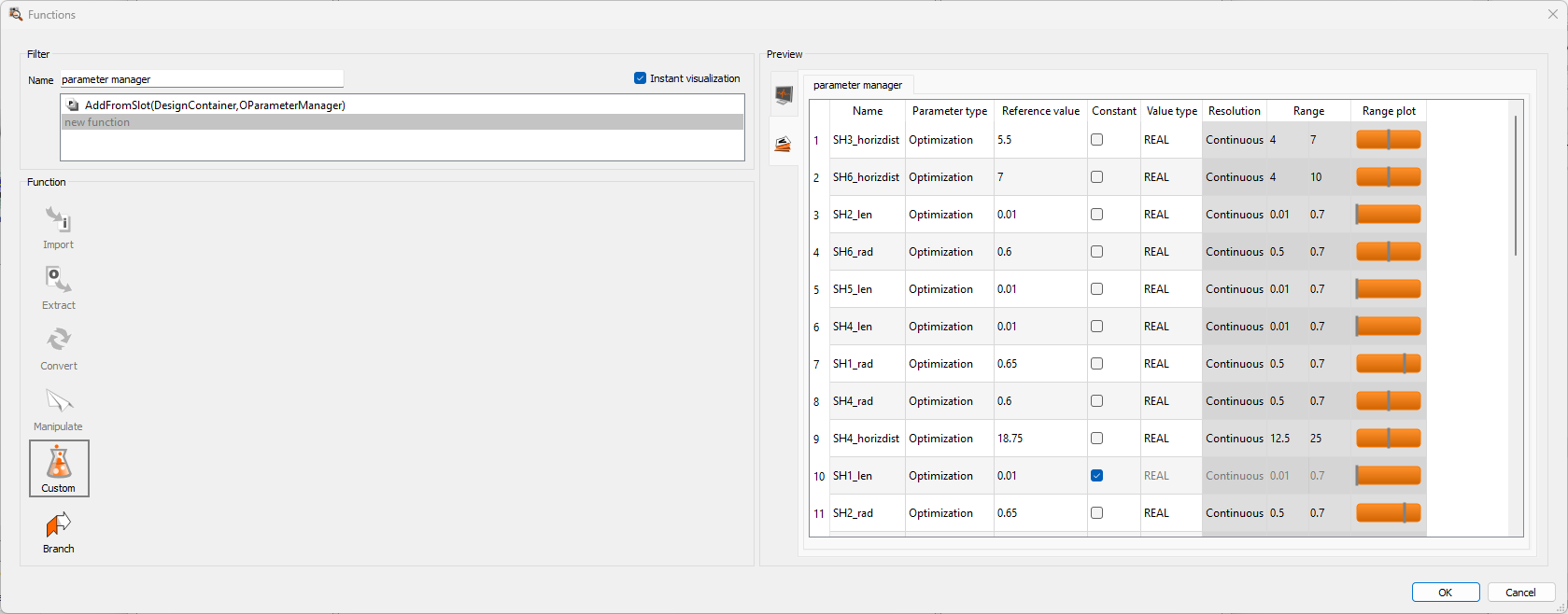
      I checked my designs and I think the problem is my start design in which 2 parameters (SH2 and SH3 radial dist) that are constant for the analysis have a different value:

      However, I am not sure in how to solve the problem. I can't find a way to delete this design except by redusing the dataset in postprocessing but this didn't work.

      Does anyone know how to solve this?

      Thank you in advance

    • Veit Bayer
      Ansys Employee

      Dear cibi, 

      I wonder a bit about the different values. Looks like some rounding error, but optiSLang for sure provides sufficient accuracy. Maybe you check your results extraction. But to your question: if the two parameters are meant to be constant, you can edit the MOP node and set these parameters to unimportant. This is the simplest solution I think.

      An alternative would be to place a Data Mining node, import the designs of both Sensitivity systems and export a new omdb file incl. updated parameter manager.

      Best,

      Veit

      • cibi
        Subscriber

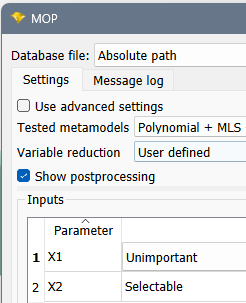
        Thank you very much Veit, I tried the first method but it did not work:

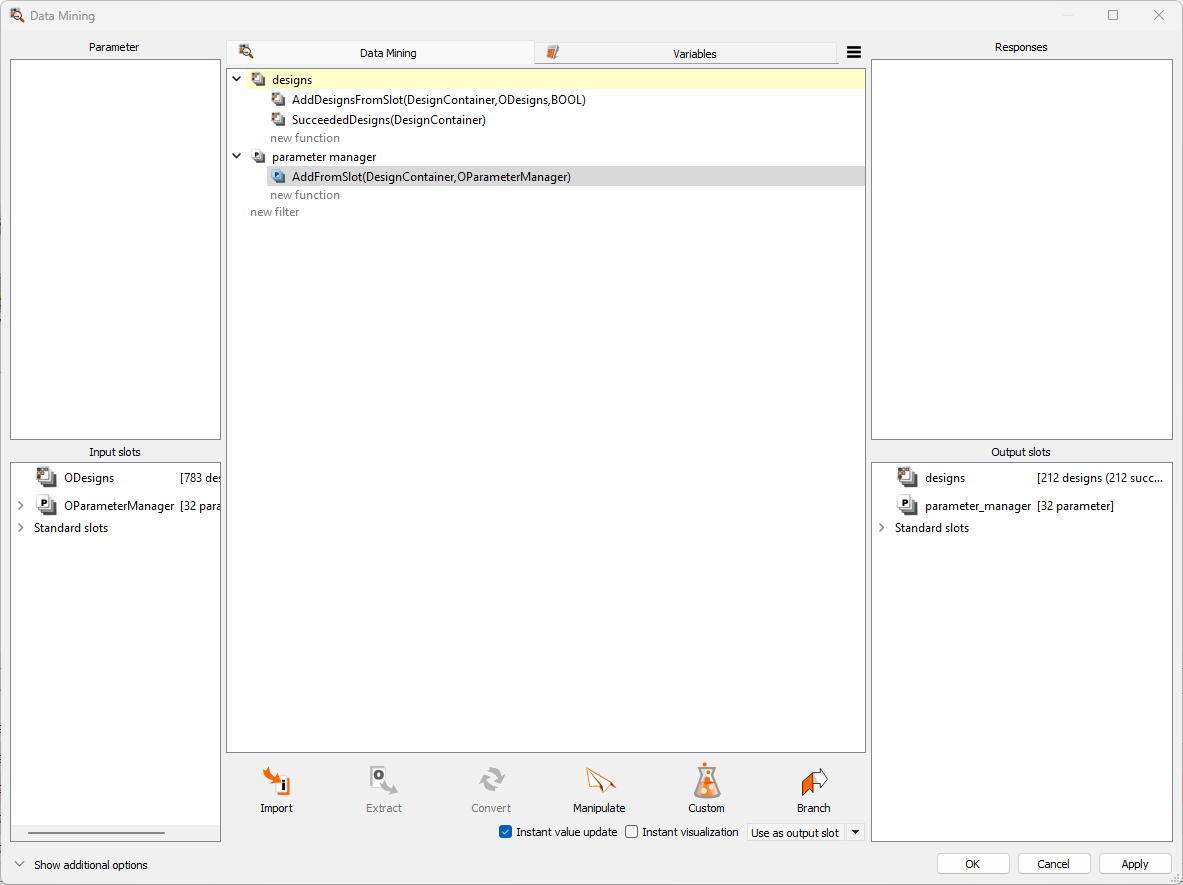
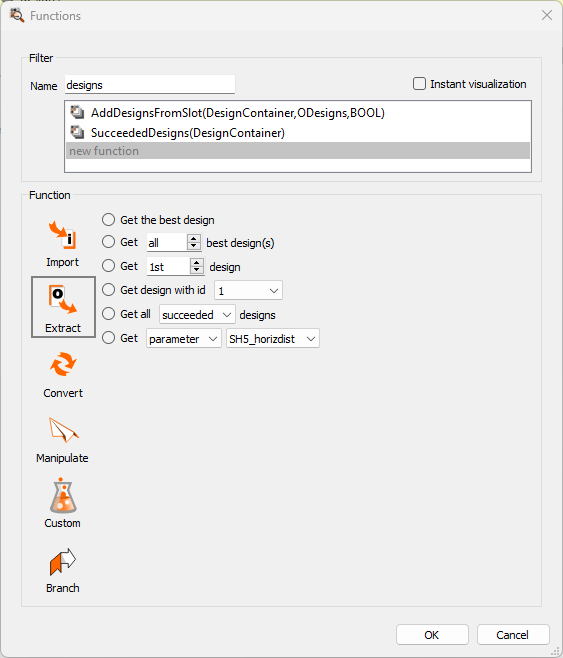
        Regarding the data mining node, I have imported the designs and their parameter manager but I can't find a way to modify it, the "Manipulate" option is not available:

        I have also thought of exporting all my designs except for the design 1 but there is no option to do so:

        Thanks


    • Veit Bayer
      Ansys Employee

      Hi cibi,

      the Data Mining node is kind of unusual, but it isn't that complicated. First, connect the ODesigns slots and the correct OParameterManager to "New slot"s of the Data Mining. Therein, first just drag one ODesigns slot into the center field. Double-click "new function" and add the second data set:
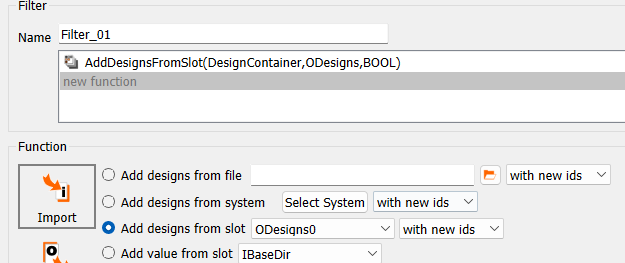
      Click ok, then double-click again. It must be done step by step like this. Go to "Convert" and find the Export to omdb function:
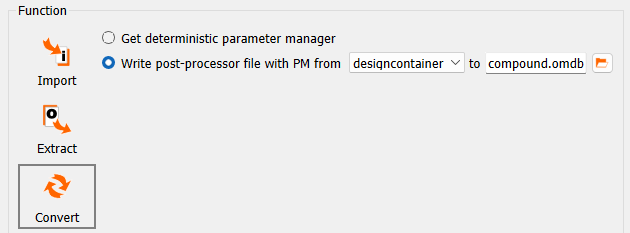
       "OK" again, the the setup should look like:

      Now you can drag the Filter_01 to the Output slots field, it should have a path type (same icon as above before "WriteMonitoringFile"). You can connect this to a MOP node.
    • Veit Bayer
      Ansys Employee

      The Data Mining node is to automate such processes. For single use, you can also place a new Sensitivity system. Import the Parameters from one of the previous systems. Then manually import data of both previous Sensitivity systems as start designs, switch off dynamic sampling, and uncheck "Solve start designs again" (tab Other). You can edit the parameter properties and the Start designs, if needed.

    • cibi
      Subscriber

      Thank you very much Veit, it worked!!

Viewing 4 reply threads
  • You must be logged in to reply to this topic.
[bingo_chatbox]