Ansys Free Student Software

Ansys Free Student Software

Topics cover installation and configuration of our free student products.

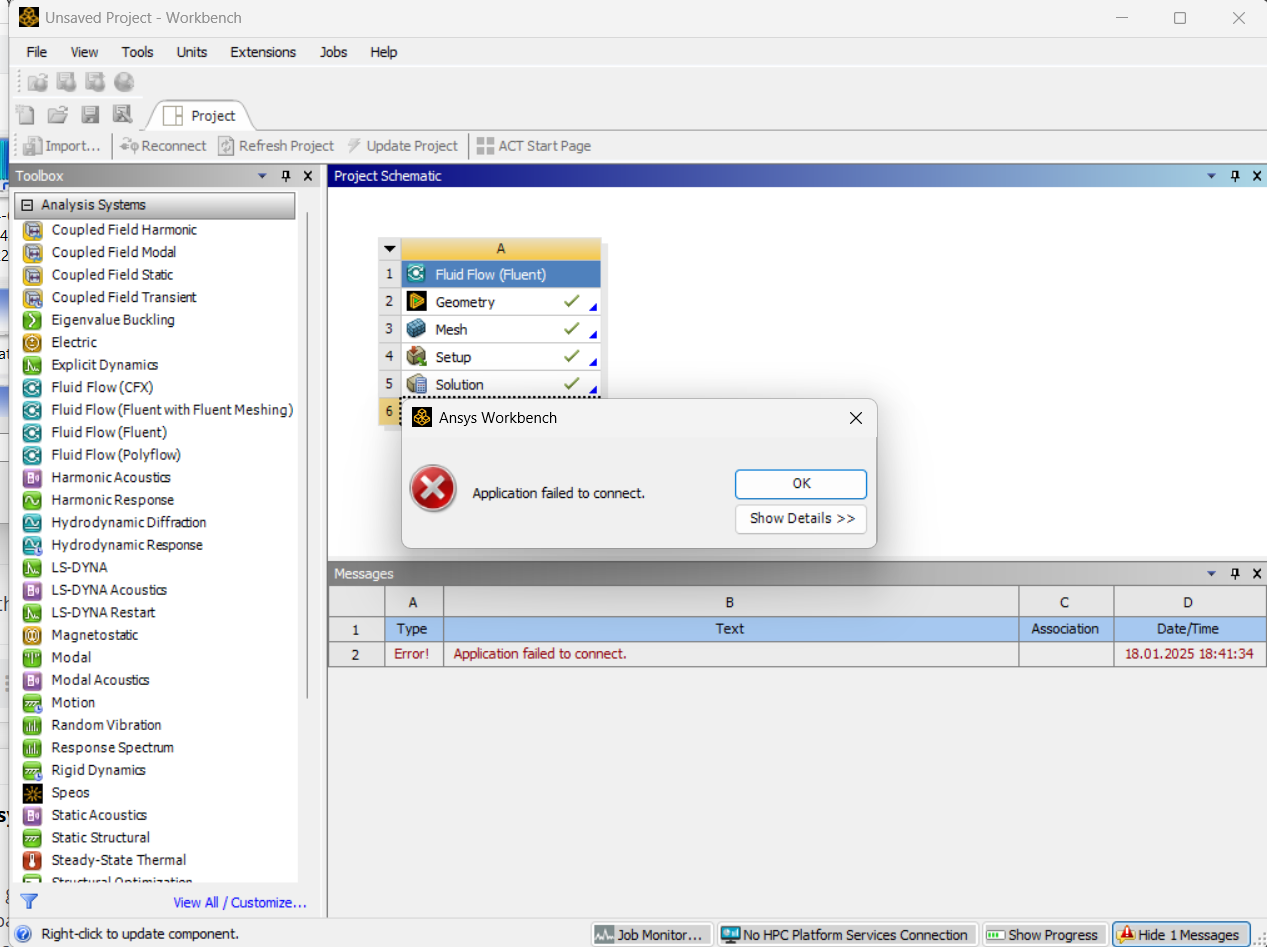
application failed to connect

    • furkanerdenci8
      Subscriber

      I am getting this error in the result section while doing analysis in Ansys Fluent. How can I solve it? Can you help me? (I am using Ansys Student 2024 R2 version.)

    • George Karnos
      Ansys Employee

      Does this happen with all Projects?
      Does it happen when opening Workbench?
      If not when just opening, when does it happen?
      What is listed when you click on Show Details>>

      Under the directory %TEMP%\WorkbenchLogs\  Is any error listed in the Project log?

      • ngocminhmtp09
        Subscriber

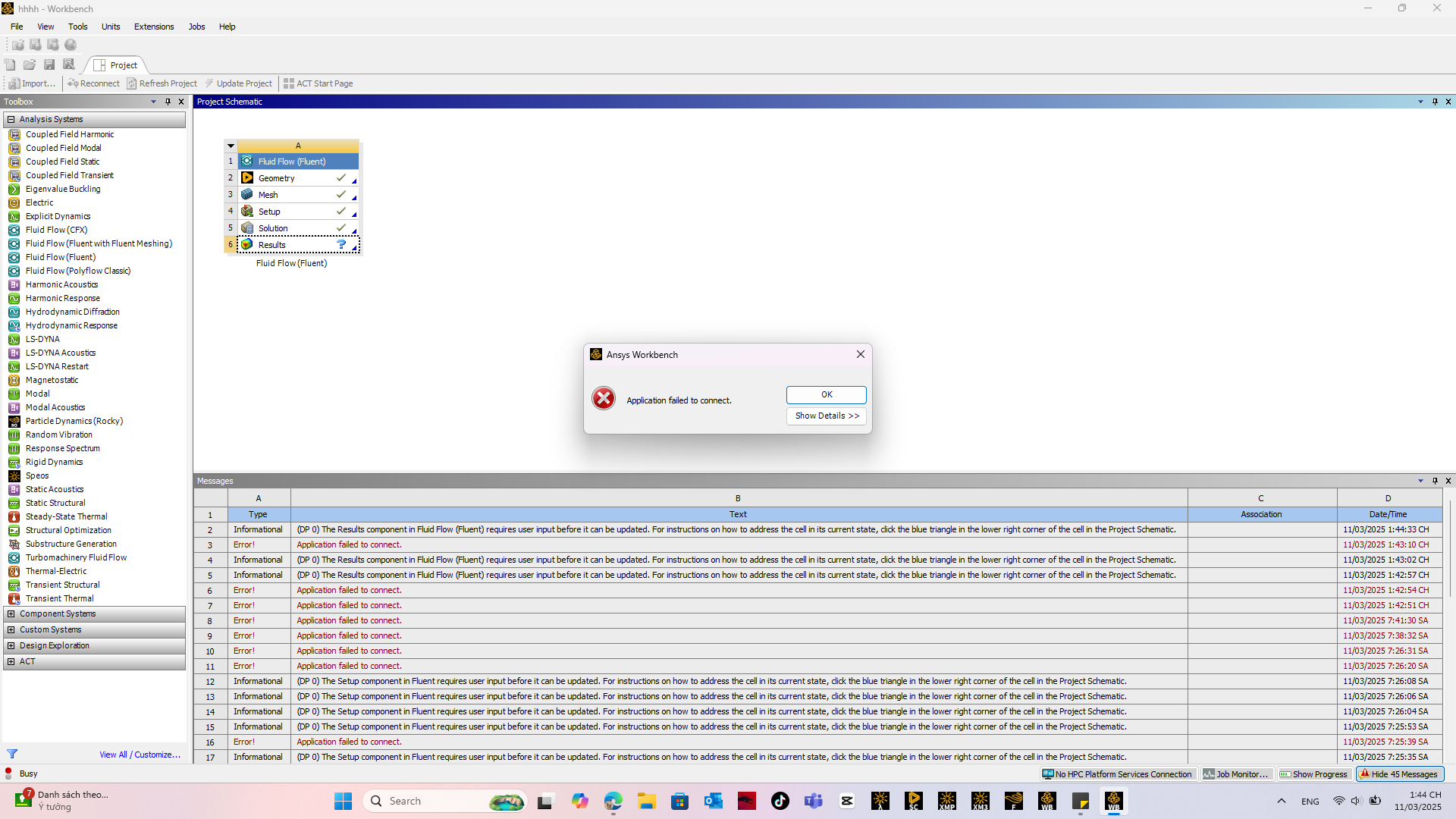
        I had the same trouble, this happened when I tried to open the Results cell, even though I deleted and installed it again. 

    • hebemiley
      Subscriber
      1. Network Issues: Ensure your internet connection is stable. A weak or intermittent connection can lead to this error.
      2. Firewall/Antivirus Settings: Check if your firewall or antivirus software is blocking the application. Temporarily disabling them can help identify if they are the cause.
      3. Server Availability: Verify that the server you are trying to connect to is online and accessible. Sometimes, server Escape Road maintenance or outages can cause connection failures.
      4. Application Updates: Ensure that the application is updated to the latest version. Outdated software may have bugs that affect connectivity.
      5. Reinstallation: If the problem persists, consider reinstalling the application. This can resolve issues related to corrupted files or settings.


    • annaeat02
      Subscriber

      Speed through the city in Escape road city 2! Dodge traffic, avoid obstacles, and outsmart your pursuers in this high-speed driving adventure.

Viewing 3 reply threads
  • You must be logged in to reply to this topic.