Hi Gennadii,
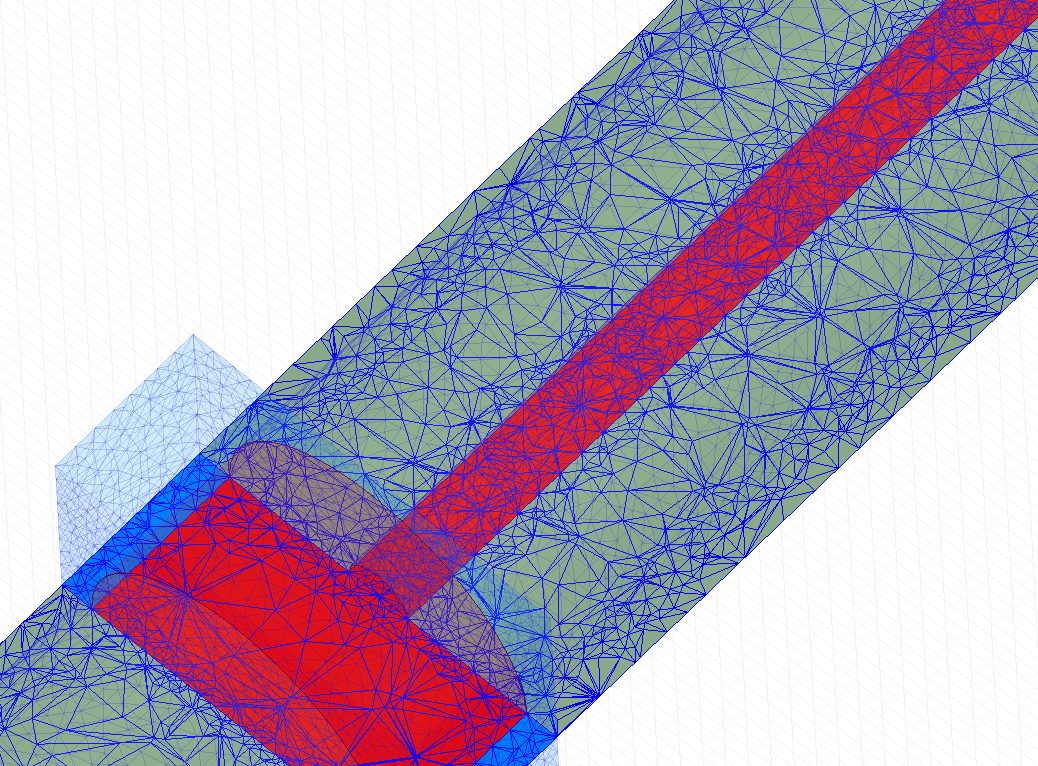
Thank you for reaching out! Ansys Maxwell uses internally its own meshers (TAU and Classic) working with tetrahedra. Especially if you are working with an adaptive solver (for example eddy current solver or magnetostatic solver), the mesh is refined in areas that is needed to reduce the energy error to the value defined by you in the analysis setup (usually 1% or 0.5%). So if an area does not impact the results very much, it will be meshed to a coarse mesh, so no extra calculations will be done to slow down your simulation.
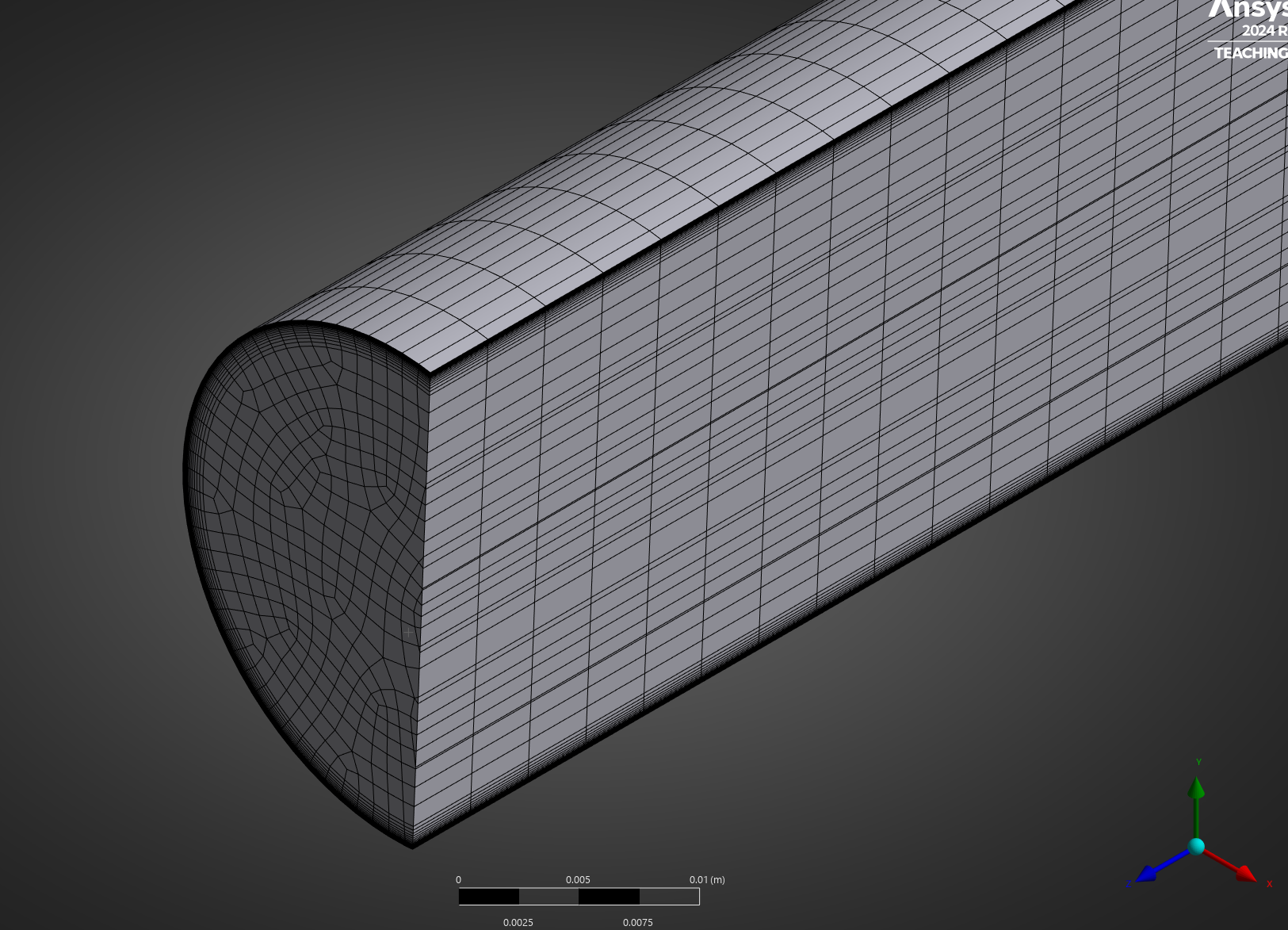
If you need to refine the mesh, or create a mesh similar to the first picture provided, there are two ways. One is to use mesh operations. But these usually just emphasize on the size of the mesh elements, not so much on the structure. To have a relatively uniform mesh, the best solution is to use what we call dummy objects. Meaning that you can create sheet objects that divide your geometry in equal pieces. This “forces” the mesh to follow these divisions.
I hope this helps!


















 You are navigating away from the AIS Discovery experience