Hello,
I am performing FSI analysis through the "System Coupling" block with Transient Structural and Fluent. My simulation runs fine but at the end throws this error from Fluent. The error messages are shown below. This is annoying because the Solution won't update in either the structural or fluids blocks - so I can't see the solution even though it successfully completed!

I think part of the problem may be that there are these two indestructible surfaces in Fluent that might be the problem. I open Fluent, delete these two surfaces, close Fluent, then open it again - and the surfaces are back. Here shows no planes right after I delete them:

Under Surfaces there is nothing. Now I close Fluent and open it again....
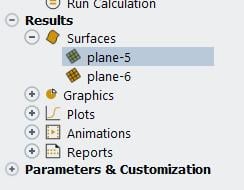
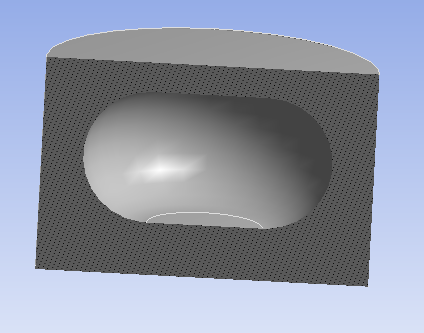
And they are back. When I click Display for plane-5 I see a plane in the model, but NOT for plane-6. Nothing shows up for plane-6 at all. Could this be the problem? How do I fix it if I can't delete these things? If this is not the problem, then how do I "set" a rendering surface so the System Coupling will finish without this error from Fluent?
Thanks


















 You are navigating away from the AIS Discovery experience