Hello Sir,
I am using Multiphase (VOF) model & have also defined the surface tension.
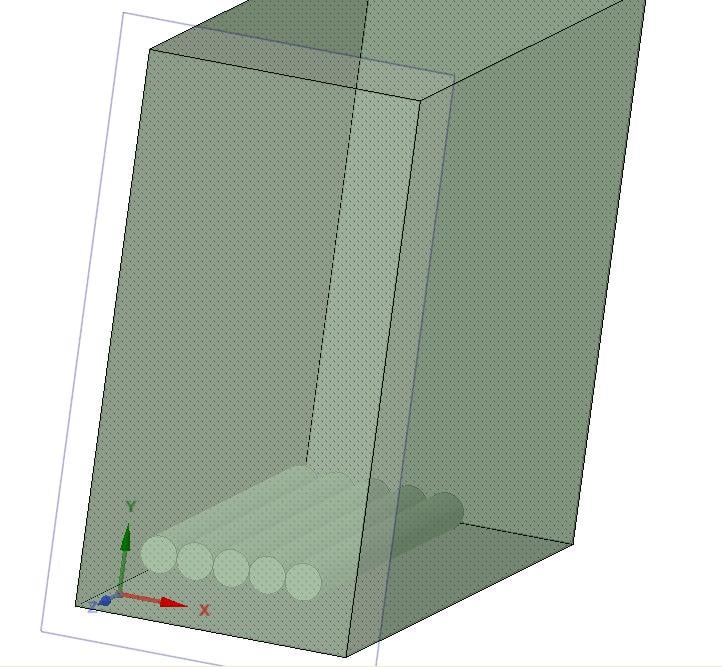
My model is very simple. I have 5 cylinders and a closed environment (the defined rectangular box). They both are made of Aluminium. (Image 1)
Then by using the "Region" in the Fluent, I have defined a sphere which would act as my droplet falling on these cylinders.
Problem 1: I am not understanding why are there so many "Zones" being defined in Fluent. Ideally there should have been only 7 at the maximum. 5 - Wall for each cylinder, 1 Solid for the Box and 1 for interior of the box. Any guidance with this would be of great help.
Problem 2: The cylinders have been defined as "Interface". I don't know how to change that to Wall.
Problem 3: The zone defined as wall have no option under the momentum tab. I wanted to set the wall to "No Motion" and also wanted to define the "Contact Angle".
Thank you so much for the help.



.jpg?width=690&upscale=false)















 You are navigating away from the AIS Discovery experience