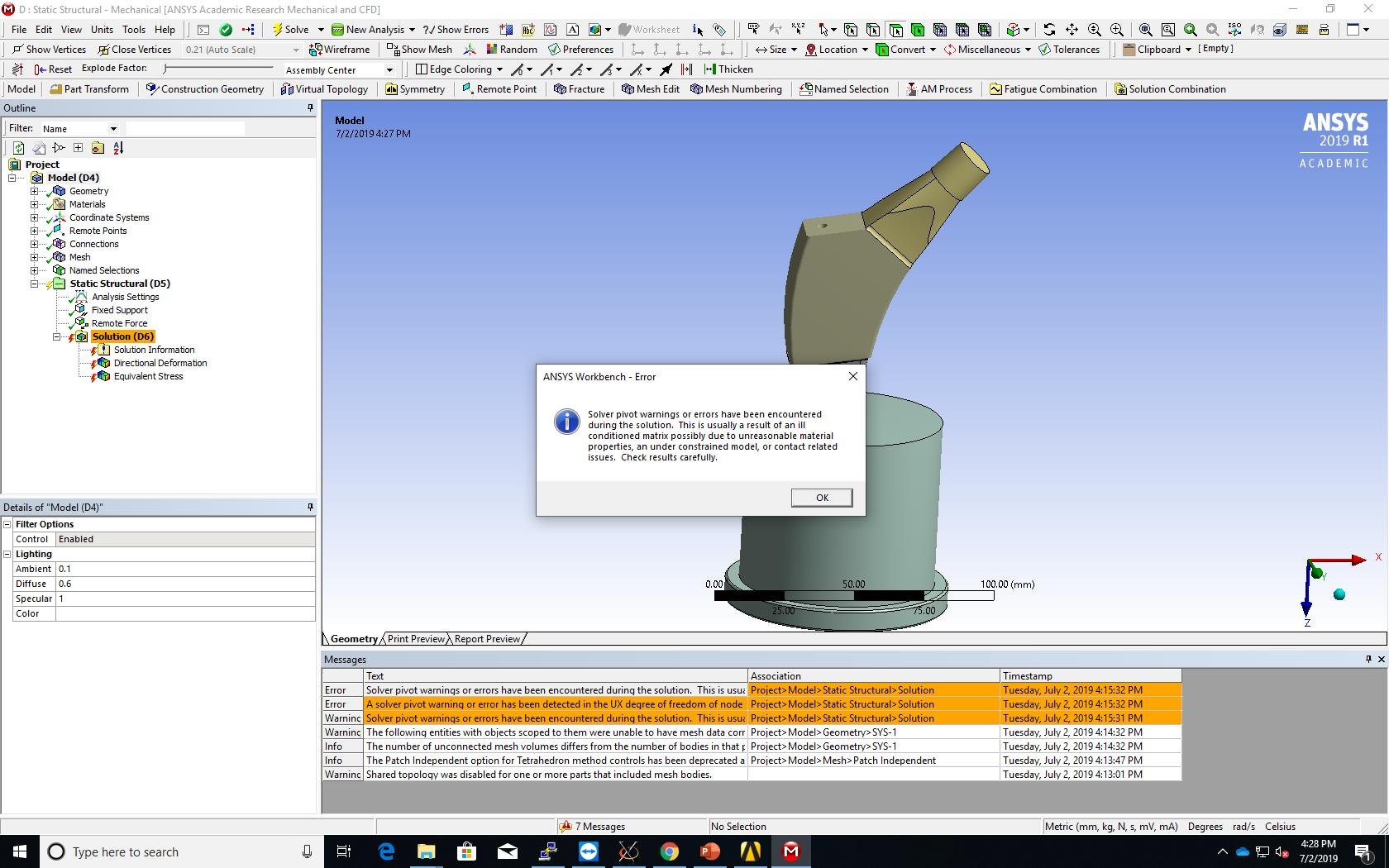
Thanks for all the responses. I tried doing the process all over from the start and I followed the instructions on the PADT blog. And I had some issues, first when i try to clean up the geometry is space claim, the "use density attributes" check box doesn't come up, also if I ignore that and try to click on the green tick to complete the shelling of the selected geometry, it doesn't work. I don't know exactly why that is happening.
These are minute issues but without resolving them i can't move forward. I am using ANSYS 2019 R1. Also after the lattice optimization doing an FEA validation test is very computational expensive so I thought I could use material designer to get the homogenized mechanical properties of the lattice region and use that in a fully solid body; but trying to copy the geometry from space claim to material designer I get a unit error saying something like material designer works with micro units and the geometry was in standard units- this is despite the fact that the units in space claim when i try to clean it up are showing micrometers and not millimeters.
Any help or suggestions will be appreciated. Attached to this is the archive file























 You are navigating away from the AIS Discovery experience