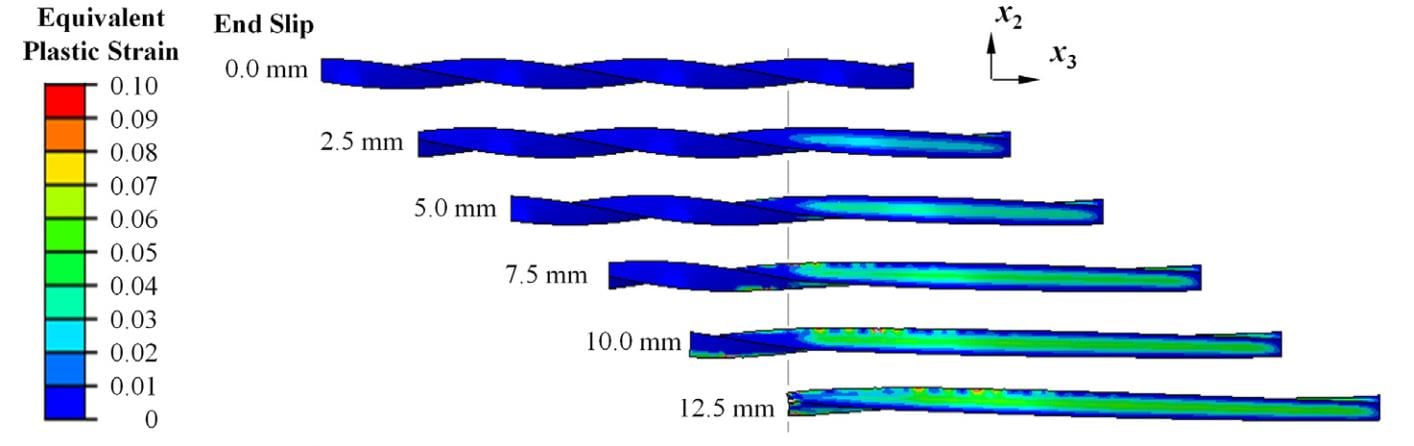
Dear all, I would like to ask how can I get images like following from my simulation model in Ansys Workbench Mechanical v19? I intend to get images with following requisites;
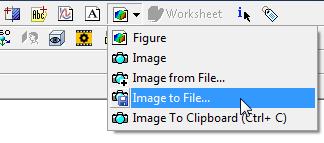
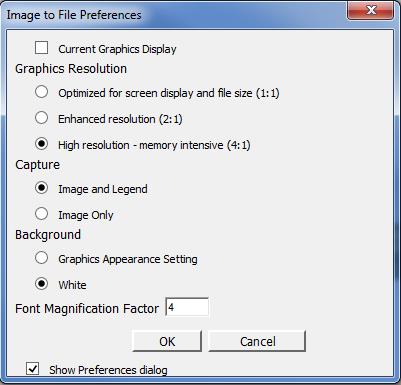
1. Image should be of highest possible quality.
2. The attached images, seems like might were post-processed (I am not an expert, maybe would be possible to directly extract the following sequence of images in workbench mechanical). Attached images shows the progressive strain or stress results on one body, whereas the model involves a total of two bodies, and modelling the progressive debonding between them.
3. How can I control the size of the contour legend shown on the left of the attached images? My model is 2D and bit wide and if I reduce the zoom size of the model the intended stress or strain in the model is not much clearly shown. However, no matter I zoom in or zoom out, the contour legend size remains the same. If I fit by model by zooming out, the legend font is not much clear to read easily. I wonder if there have any way to increase the size of the contour legend as well to make it readable.
4. My model is 2D and have two bodies connected together. The Ansys mechanical detects the contact without any problem. But, is it possible to extract the separate image of both contact and target bodies with contact and target elements? I can see the separate images for both under connections, but I can't take them out separately and in high quality. Because of the 2D model, the single image does not clearly show what I intend to show separately.




















 You are navigating away from the AIS Discovery experience