Ansys Assistant will be unavailable on the Learning Forum starting January 30. An upgraded version is coming soon. We apologize for any inconvenience and appreciate your patience. Stay tuned for updates.
Fluids

Fluids

Topics related to Fluent, CFX, Turbogrid and more.

Stripes in generated mesh

    • Vasanth
      Subscriber

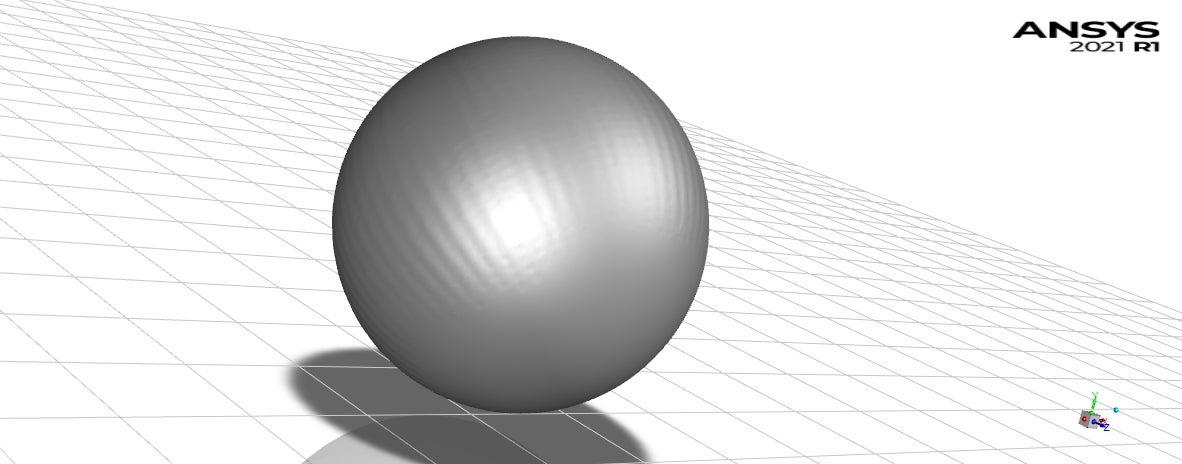
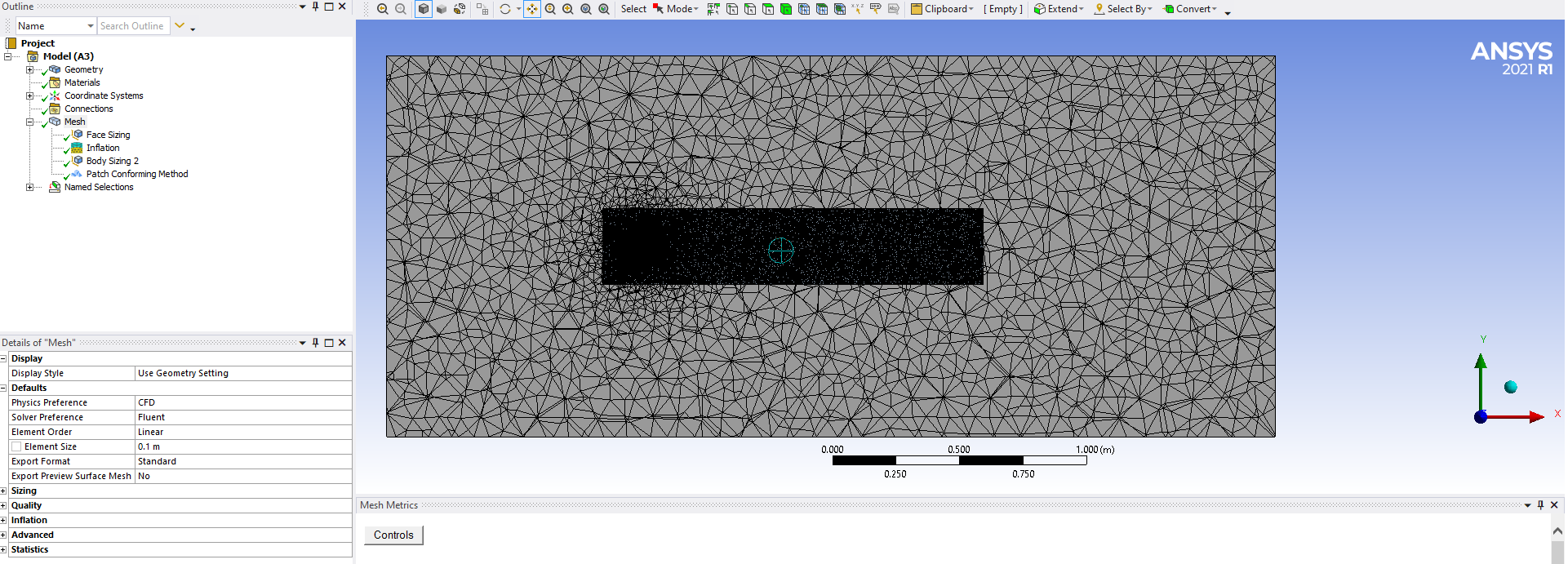
      I am trying to simulate flow past sphere and was using "face meshing" for sphere and "patch conformal method- tetrahedron". When I run the simulation, I see that my sphere model has striations or some kind of pattern over its surface. Its not a smooth sphere. I am not able to correct the mistake- I tried different meshing techniques. Either the meshing fails or I get very coarse mesh. Any help in this topic will be appreciated. I am struck with simple flow past sphere for months


      Here you can see that the surface has some bands. I need a smooth sphere. I modeled my sphere in solid works and imported as geometry. It looked smooth in DesignModeler and the bands appeared only after meshing.

    • V.P
      Ansys Employee

      Hi Vasanth,

      Where do you see this banding? in Fluent?


    • Vasanth
      Subscriber

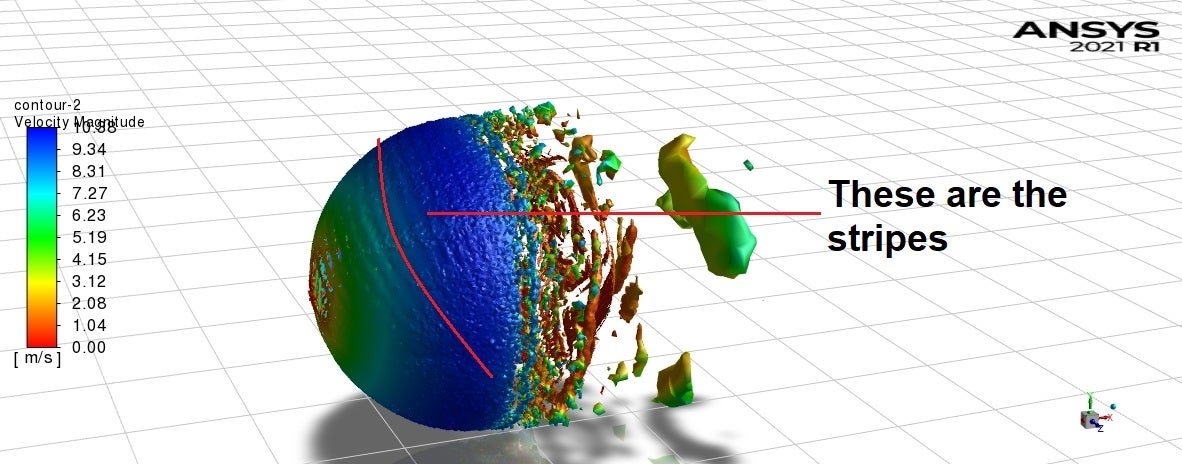
      In the result, you can see that the surface of the sphere has lines over it. 


      The mesh over the sphere is giving such results. I tried different options- like body meshing, face meshing with varying element size- but i am not able to generate smooth sphere. 

      Any help is greatly appreciated. 

      Thanks.

    • Rob
      Forum Moderator

      How did you create the sphere? 

    • Vasanth
      Subscriber

      I created and imorted the geometry from solidworks.  

    • Rob
      Forum Moderator

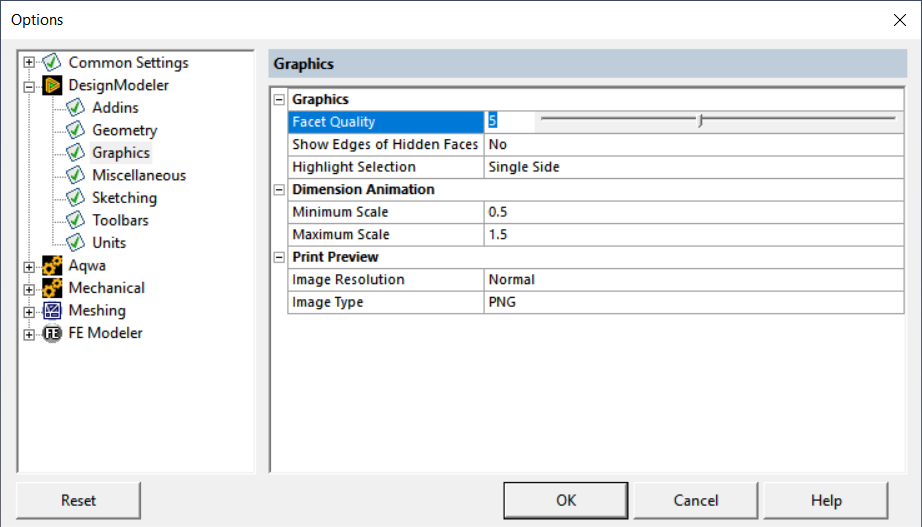
      Did you increase the Facet Quality to 10?  Chances are you're seeing some effects from translating geometry from Solidworks to something to DM and then meshing the result. 

    • Vasanth
      Subscriber

      Thanks for your suggestion. I am running the simulation again with increased facet quality. I will update if it solved the problem.

      Thanks. 

      • Vasanth
        Subscriber

        I changed the facet value to 10 but it turns out the sphere I made in solidwork was not smooth sphere- it had faces when I zoomed in to see details. Strange thing is that the sphere with "stripes" was able to predict drag coeffcient. When I made the sphere from primitives and meshed just the way I did in previous case, drag was reduced by half. I am at my wits end not knowing what to do. Will hexa mesh be better choice or in your opinion what can be the choice of mesh for bluff bodies? I am using DES/SST k-omega model. 

    • Rob
      Forum Moderator

      Make the sphere in DesignModeler, SpaceClaim or Discovery - we're moving to Discovery but the older Ansys geometry tools are still available. That should give you a smooth surface. 

      Drag on spheres is difficult - you need very good near wall resolution and to fully resolve the flow boundary layer. The turbulence model looks OK, and fits with some of the work I've seen. Check papers by John Hart at Sheffield Hallam University - I'm fairly sure he's published his work on spheres and golf balls; I've just seen some of the presentations at Sports Science events. 

Viewing 7 reply threads
  • The topic ‘Stripes in generated mesh’ is closed to new replies.
[bingo_chatbox]