Ansys Assistant will be unavailable on the Learning Forum starting January 30. An upgraded version is coming soon. We apologize for any inconvenience and appreciate your patience. Stay tuned for updates.
Fluids

Fluids

Topics related to Fluent, CFX, Turbogrid and more.

STL geometry problem.

TAGGED: 

    • Mike Joli
      Subscriber

      I'd like to study an air flow in a real terrain, as I'm a beginner in fluent, I had a problem with the geometry in Spaceclaim, the message "Mesh is self-interescting" appeared when I tried to transform the geometry into a solid, I cross that the problem is due to the building on the surface.
      If anyone has an idea for solving this problem, I'd be very grateful.


    • Federico
      Ansys Employee

      There are various repair tools/options in the Facets tab. You will need to go through those to repair your geometry before transforming into a solid.

    • Mike Joli
      Subscriber

      Thank you Federico for your reply.
      I've tried several approaches but haven't found the solution yet.

      • NickFL
        Subscriber

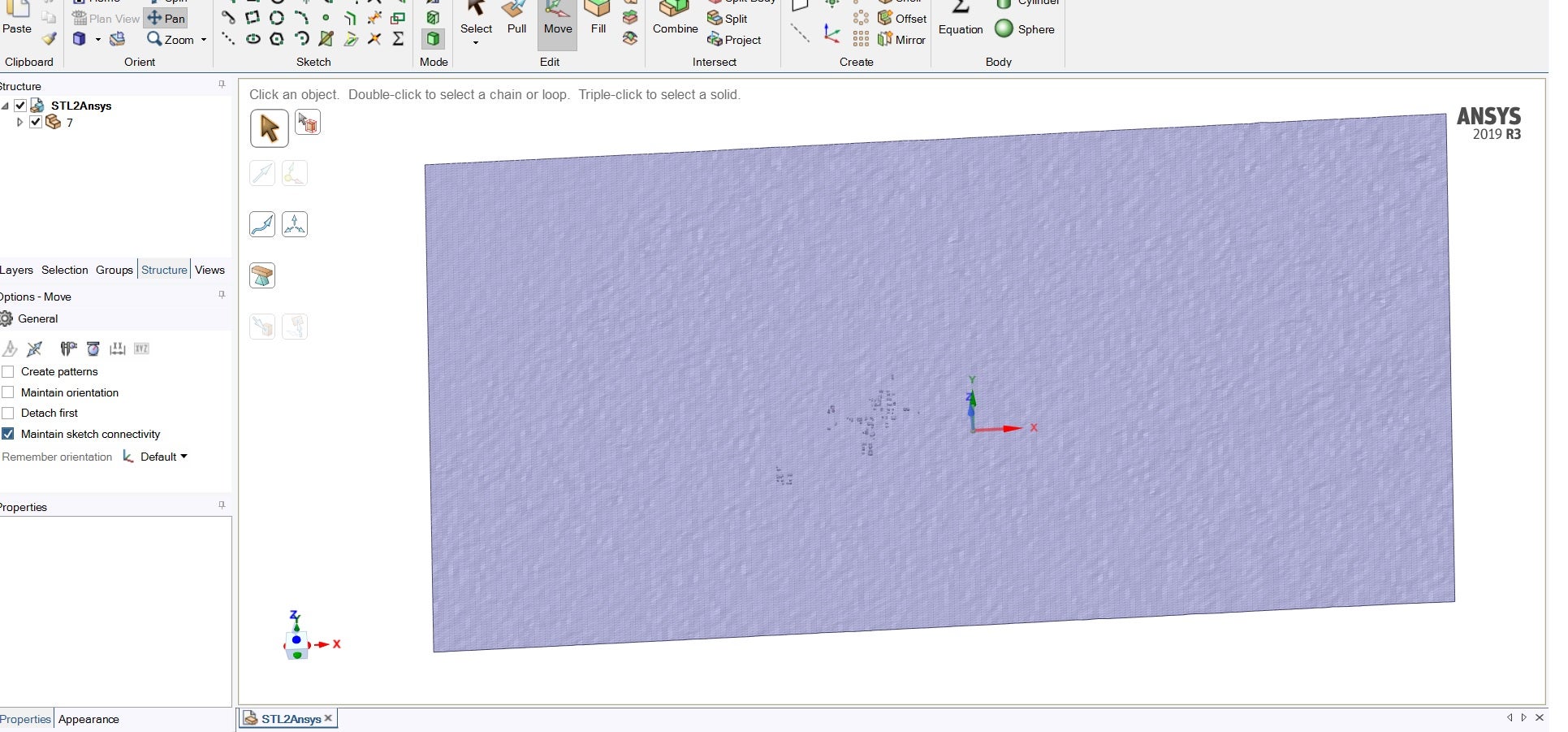
        In the picture, you have your facets hidden inside a Component. What is the icon next to the facets? Do you only have facets for the ground/buildings or also the "tunnel"? Is the ground flat or are you also trying to model the landscape, i.e. the hills/terrain?

    • Mike Joli
      Subscriber

      NickFl thank you for the reply.

      I try to model the whole area, including the hills and terrain.

      • NickFL
        Subscriber

        Ok, so when you bring in the STL file to SpaceClaim, how are your surfaces defined? In the image you have above the surface(s) are hidden under the component. In the Structure Tree, open the component and what do you have? Are there several surfaces or just one? Is the icon for the STL have a yellow triangle next to it (meaning it is a non-manifold body)? If there are multiple surfaces, can you stitch them together? Another thing to consider is the shrinkwrap, but I would image you could clean it up without using this tool (given your geometry I think it would be preferable not to use shrinkwarp). Use the tools in the Facets tab. The Edge Display (Internal, open and over-constrained) will help you find problems. Also the Check Facets and Auto Fix may help.

        One more point to keep in mind, you could also to use Fluent Meshing with the Fault-Tolerant workflow to step-over these errors that may be in the STL-File. For the project I am currently working on I have a closed STL (see the icon here: https://ansyshelp.ansys.com/account/secured?returnurl=/Views/Secured/corp/v232/en/spaceclaim/Discovery/user_manual/intro/r_intro_objects-components_faceted-bodies_copy-paste.html) file that I send to Fluent. If I were to Convert to Solid the filesize would explode, although I would expect yours to remain a reasonable size. 

    • Mike Joli
      Subscriber

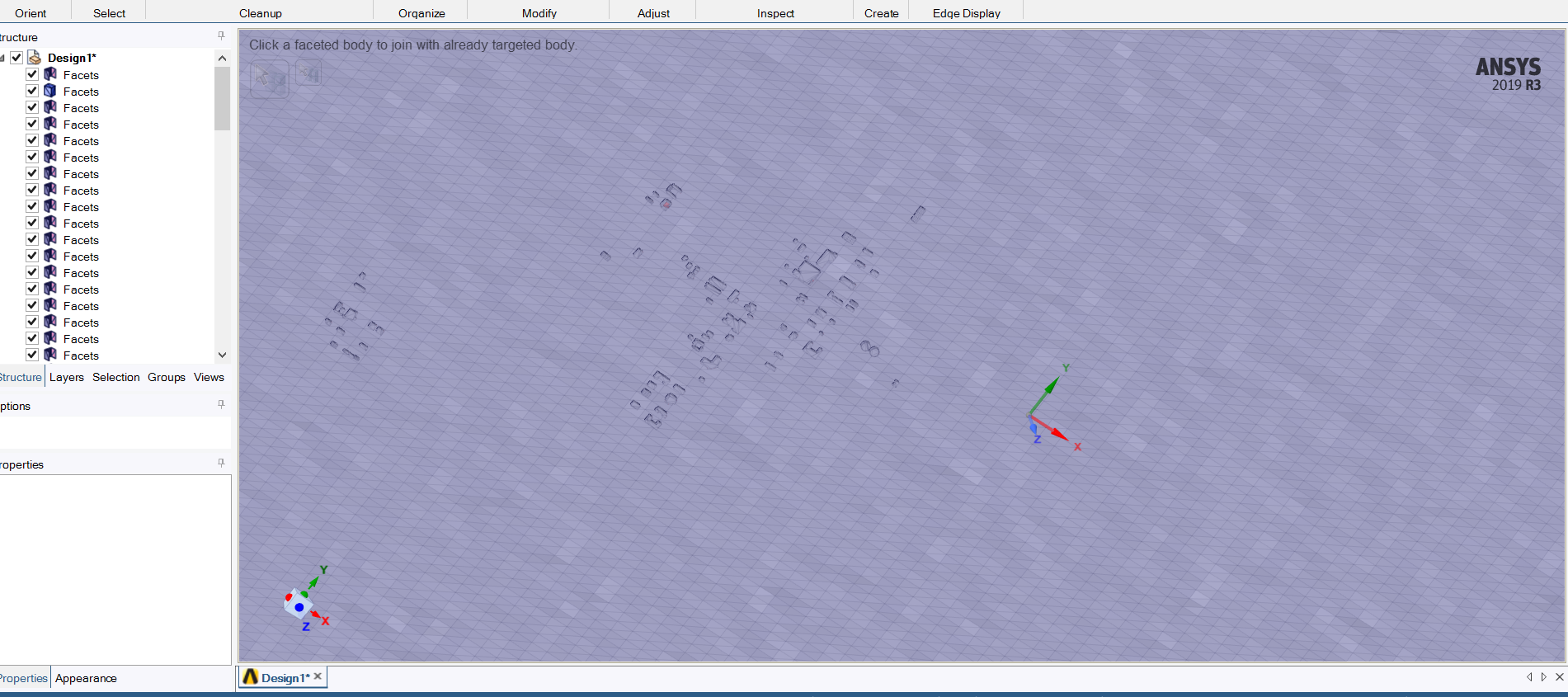
      When I separate the surfaces I find this.


      • NickFL
        Subscriber

        That shows that you have one closed faceted body and many open surfaces. I would take a look at the closed one and see why that one is different. I would expect that each one of the open facet bodies would be a building or something. It would be good to join all these together and maybe then with the Auto Fix you could get a single closed body that could then be converted into a solid body.  Because of the large number of faceted bodies, it might be easier to use a script to join all the faceted bodies. It would be something like:

        # Mesh stitch
        while GetRootPart().Meshes[:].Count > 1:
            facets = Selection.Create(GetRootPart().Meshes[:])
            result = FacetJoin.Create(facets)

Viewing 4 reply threads
  • The topic ‘STL geometry problem.’ is closed to new replies.
[bingo_chatbox]