Ansys Assistant will be unavailable on the Learning Forum starting January 30. An upgraded version is coming soon. We apologize for any inconvenience and appreciate your patience. Stay tuned for updates.
Fluids

Fluids

Topics related to Fluent, CFX, Turbogrid and more.

Particle trajectory and tracking

    • designteam2
      Subscriber

      I am trying to do a eulerian DDPM simulation but my particles never seem to go through my geometry entirely. They seem to stop slightly above my inlet to the geometry (see picture below). 
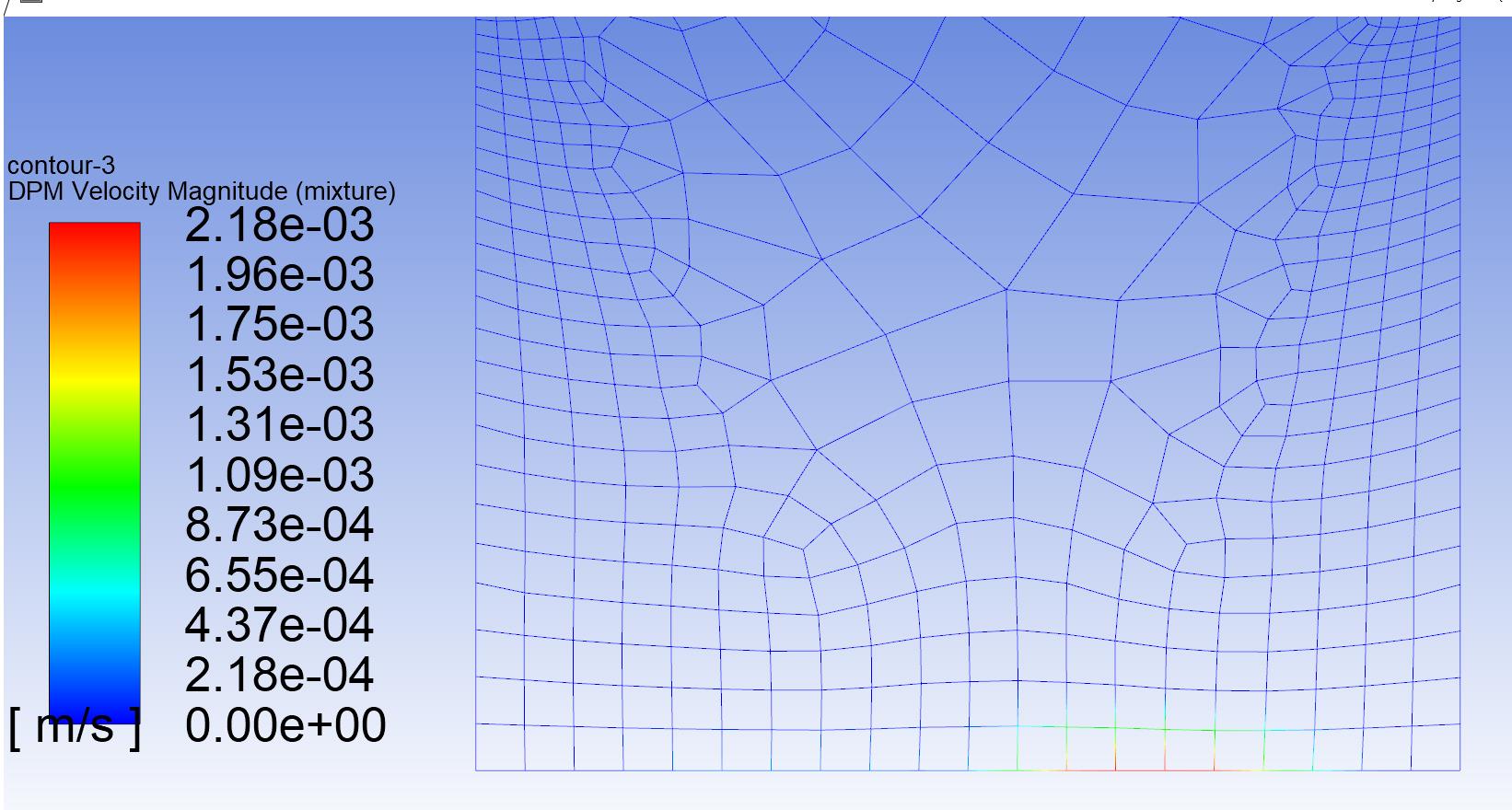

      The console read this message when I was analyzing the solution with particle tracks: 


      WARNING: 100.0000% of the total discrete phase mass was not tracked for the expected residence time:


      0.01 s less on a mass-weighted average (which is 2.1770% of their total age or 100.0000% of the last time step).


      You may be able to reduce this discrepancy by changing the tracking parameters, that is,


      increasing the maximum number of time steps used to compute a single particle trajectory.


      Where do you make this change and how large a value should I use?

    • Rob
      Forum Moderator

      I'd suggest doing the post processing in Fluent as it's generally easier when you're using the multiphase & more particularly DPM related models. 


      The max steps is set in the DPM Panel under models. For a normal case 5000 is enough in steady & 500 for transient. Also if in transient check your timestep: particles shouldn't pass through more than 1 (or at most a couple) of cells. 

    • designteam2
      Subscriber

      Can you expand on what you mean: How do you know if particles pass through more than 1 or at most a couple of cells?


      How does the step length factor affect the Max number of steps under the DPM model?

    • Rob
      Forum Moderator

      Find out the input speed of the particle and the local cell size, this will give a (rough) residence time.  Step length factor is related to how many times the particle position is updated in a cell, and max steps is how many updates are allowed before the particle aborts (is removed from the domain). 


      If you open the Fluent documentation in R19 there are some tutorials, there are more on YouTube that will help explain some of the basics. Documentation will also explain some of these terms in far more detail than I can on an open forum. 

    • designteam2
      Subscriber

      Are cell zone conditions necessary to set up? for the mixture the options that I can click are porous zone, frame motion, mesh motion. phase 1 has source term and fixed value as options to click. phase 2 has just fixed value as an option. 

    • Rob
      Forum Moderator

      If you're only looking at "flow" just make sure they're using the correct material (possibly mixture in your case) and are fluid. Otherwise, you only need to turn things on if you need them. 

Viewing 5 reply threads
  • The topic ‘Particle trajectory and tracking’ is closed to new replies.
[bingo_chatbox]








