Fluids

Fluids

Topics related to Fluent, CFX, Turbogrid and more.

Ansys 15.0 CFD-Post: Inserting a plane

    • Wrize
      Subscriber

      Hi.


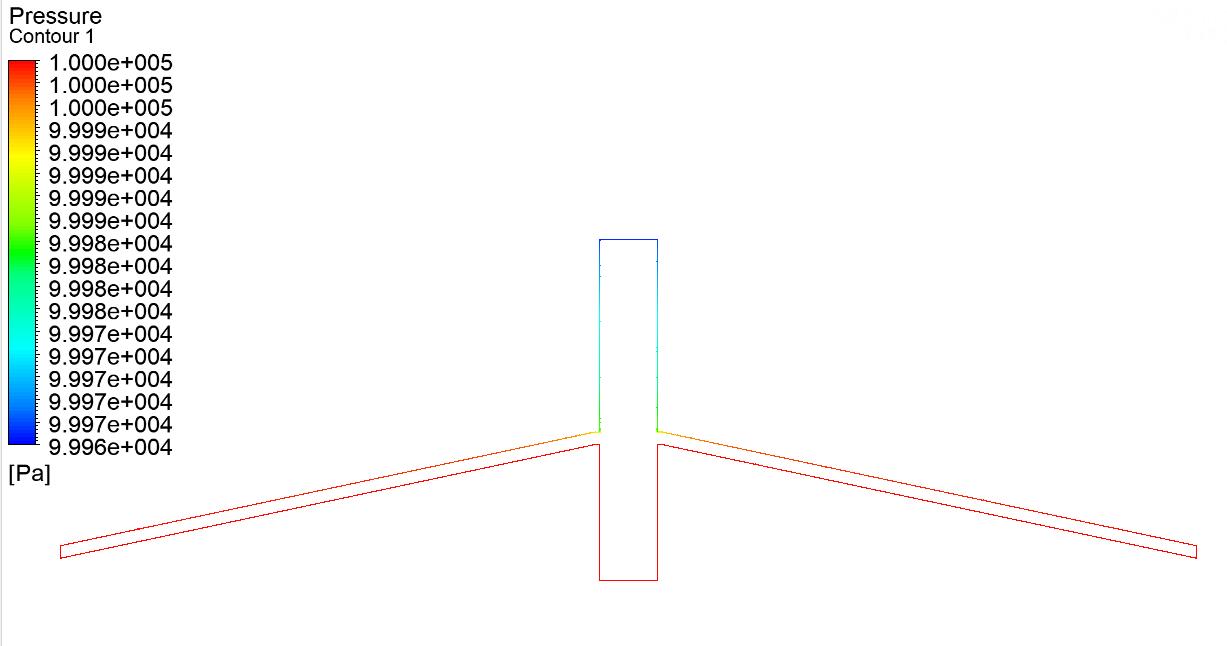
      I'm using Ansys 15.0 for a simulation that i'm running. The simulation completes successfully. I have problems when i get to the point of postprocessing. Inserting XY plane results only in outlining the outer edges of the geometry in that plane (see attached figure). What could be the reason for this? Is there some setting I am missing, or could I have made a mistake earlier in the process (meshing,case setup) that could have resulted in this?


      Thanks for any answers

    • Keyur Kanade
      Ansys Employee

      can you please update to R19.2. 


      as ansys employee, we can not download attachments. so if possible always try to insert images.


      when i checked in r19.2, i could easily create plane as below. 
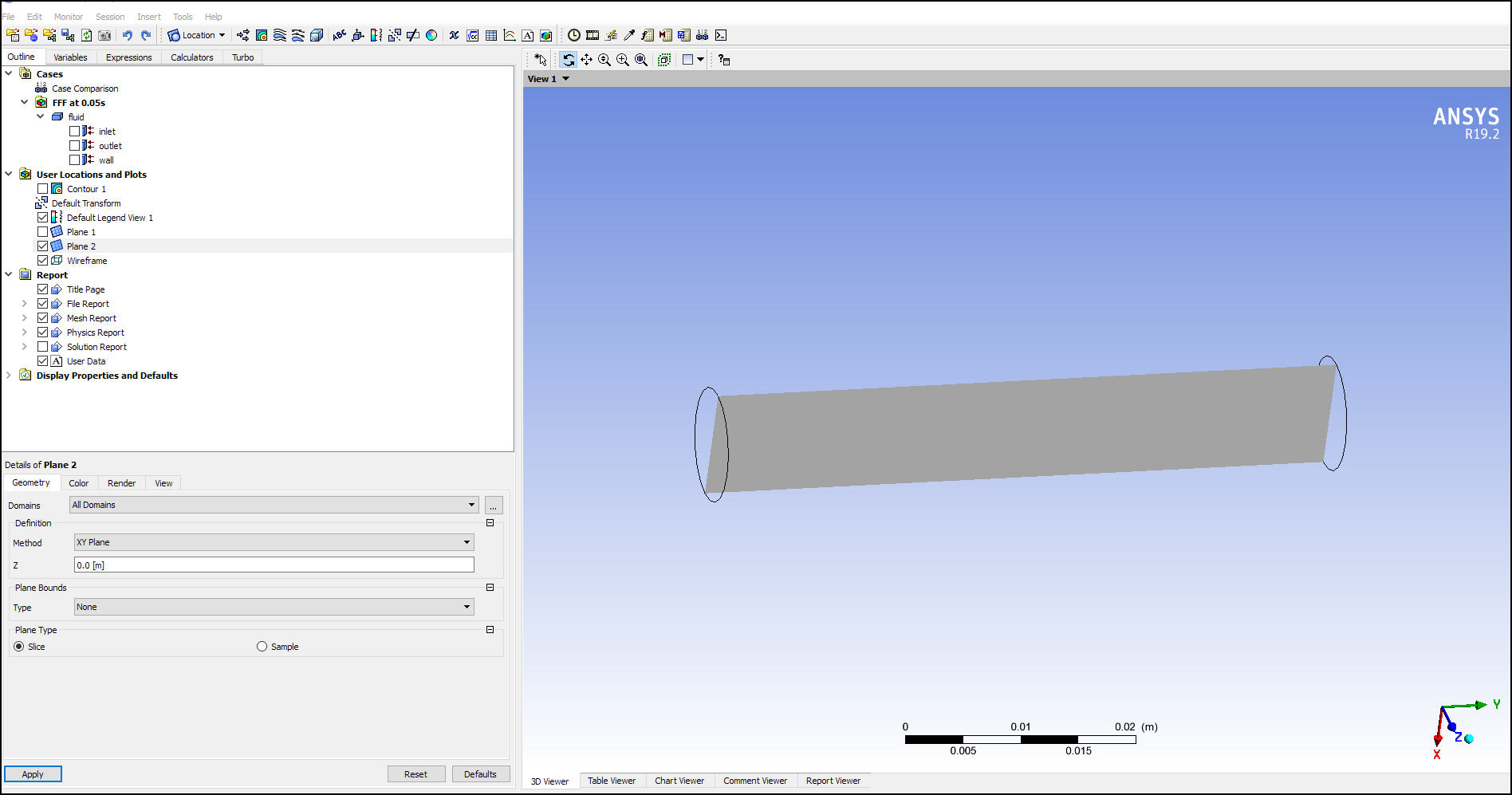


      if this helps you, please mark it as 'is solution' to help others on forum. 

    • Wrize
      Subscriber

      Sadly I am unable to update, must stay on v15 due to colleguease using this version. I inserted the image now.

    • Keyur Kanade
      Ansys Employee

      you have plotted pressure contours. 


      can you please insert zoomed in image of details of pressure contours. 

    • Wrize
      Subscriber

      Yes I have plottedpressure contours, but i don't think the problem is there. When I insert plane, it only outlines the edges, no insides, that is what the plotted conoturs are also only visible on those edges.

    • Keyur Kanade
      Ansys Employee

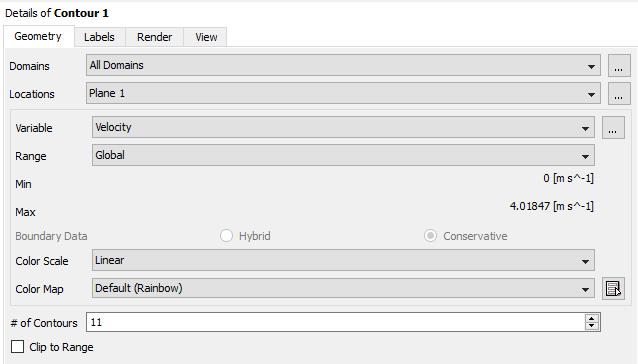
      then can you please inert image of details of plane?


    • Wrize
      Subscriber

      I am reinstalling ansys right now, so cannot provide that at this moment. But I created the plane with point and normal, point being (0,0,0) nad normal being (0,0,1). Will provide an image as soon the setup is complete.


    • Wrize
      Subscriber


      There you go, I have added both images of details of plane and contour.

    • Amine Ben Hadj Ali
      Ansys Employee
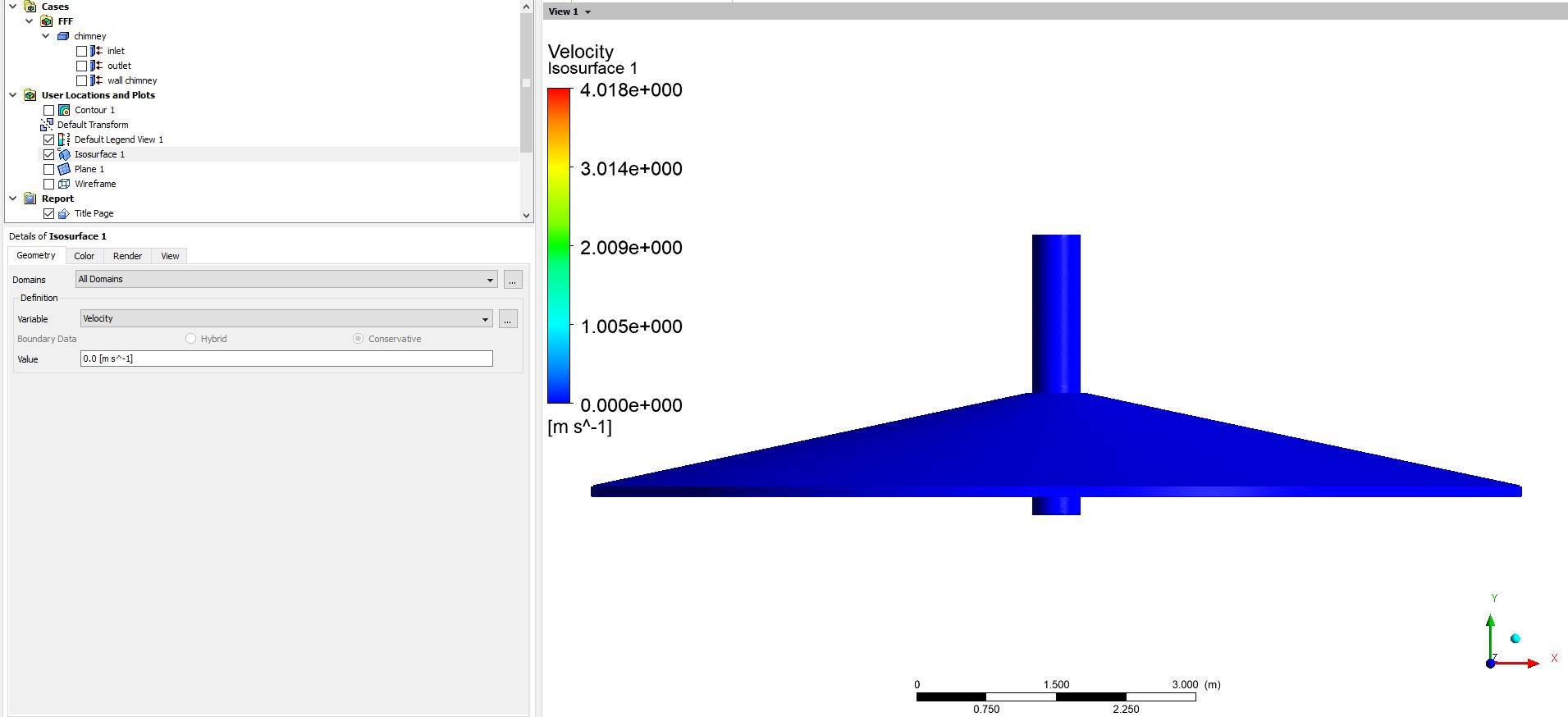
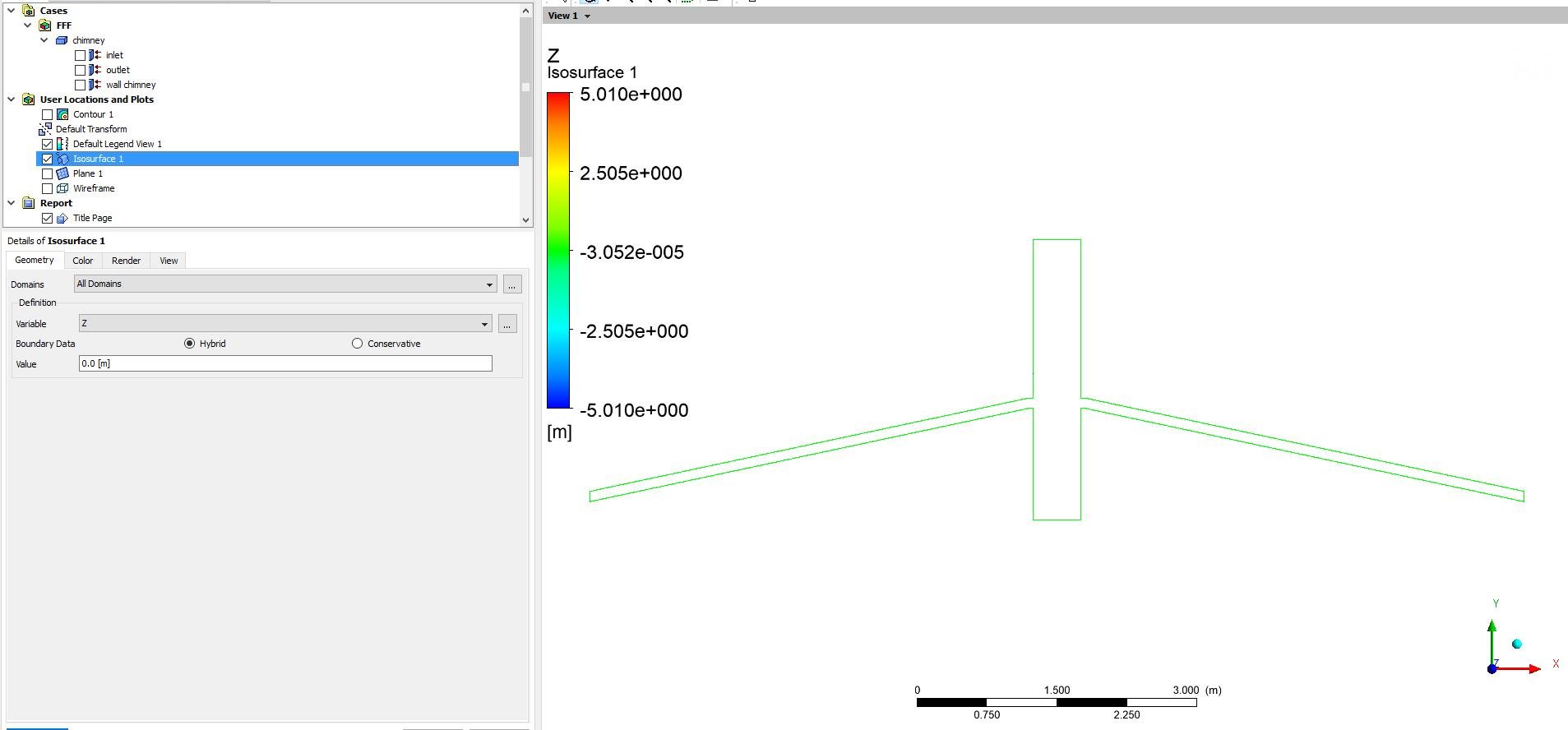
      Try isosurface with constant z equal to zero if the plane tool is not working for you.
    • Wrize
      Subscriber

      How do I do that? There is no option for that in isosurface

    • Rob
      Forum Moderator

      Click on the arrow next to "velocity" and pick  z (or z coordinate) from the list and then set a value that lies in the middle of your domain: z=0 is probably a good start. 

    • Wrize
      Subscriber

      Same results as with XY plane.


      What could be the reason for this?

    • Keyur Kanade
      Ansys Employee

      this is strange.


      can you please create another test case with say a simple pipe and let us know if you get similar behavior.


      we request you to get to latest release i.e. r19.2. 


      we support only two previous versions i.e. till r17 even for commercial customers. 

Viewing 12 reply threads
  • The topic ‘Ansys 15.0 CFD-Post: Inserting a plane’ is closed to new replies.