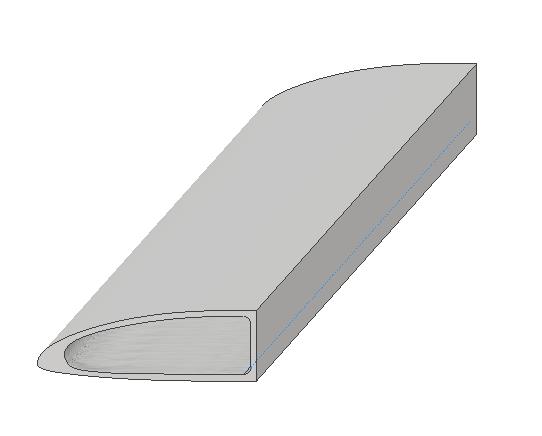
I am trying to create the following geometry of a D-Spar using layers of UD E-glass.
Front View of spar

Orthographic view of spar
I am using the following outer shell model to stack the layers going towards the center.
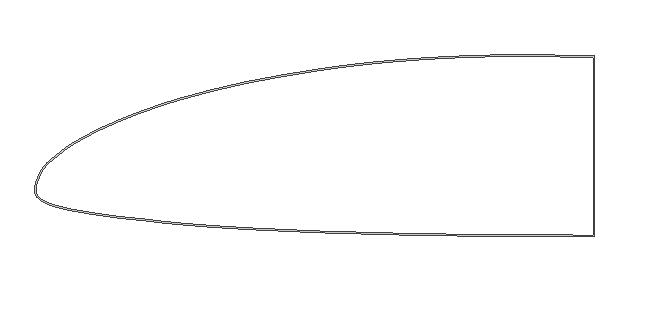
I am trying to guide myself with working through ACP for the first time and get stumped when I get to the change in thickness of the left, pointed side of the spar. The thickness of the stackup is 5mm up until that point. I am not sure how to model the thicker part. All I can assume is there is some layer staggering and tapering involved. If anyone could guide me to a tutorial on either of those, or explain it in the replies, it would be helpful. I have done google searches and haven't found anything.


















 You are navigating away from the AIS Discovery experience