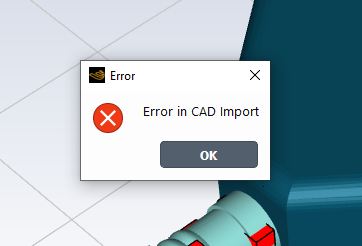
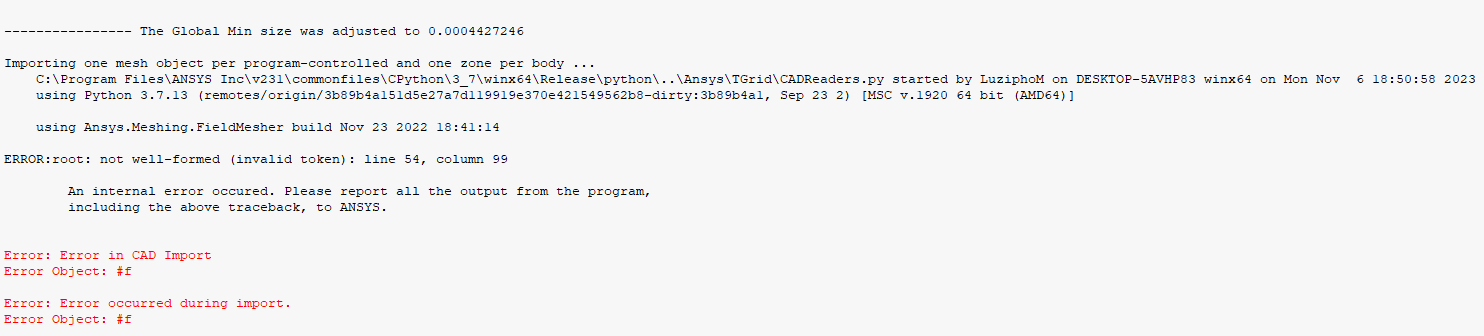
Does this error come in during CAD import or any other operation?
If it is during CAD import, please make sure you have run CAD Configuration Manager correctly.
Please go through help manual for more details
https://ansyshelp.ansys.com/account/secured?returnurl=/Views/Secured/corp/v222/en/ref_cad/ref_cad.html
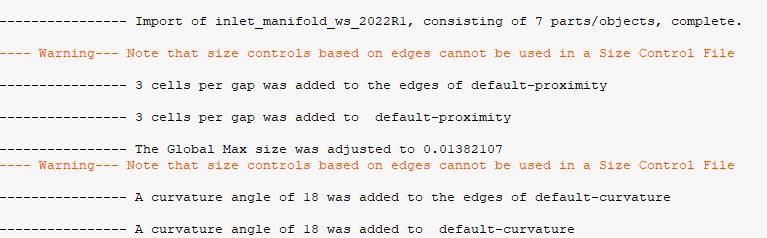
If CAD import is successful and still you getting errors then please check geometry in SpaceClaim.
Select geometry in structure tree --> Use right click --> Select Check Geometry. (Or Tools - Fault Detection in DM)
The geometry should be error free to proceed.
Also make sure you apply correct sizing to your geometry before surface mesh generation.
Regards,
Keyur
How to access Ansys Online Help Document
Guidelines on the Student Community
Fluids Engineering Courses | Ansys Innovation Courses
If geometry has any errors, please modify/recreate geometry at those places.


















 You are navigating away from the AIS Discovery experience