Hello,
I am new to Lumerical so point me in the right direction please. I have the log here:
start running analysis script of ::model::solar_generation ... ...
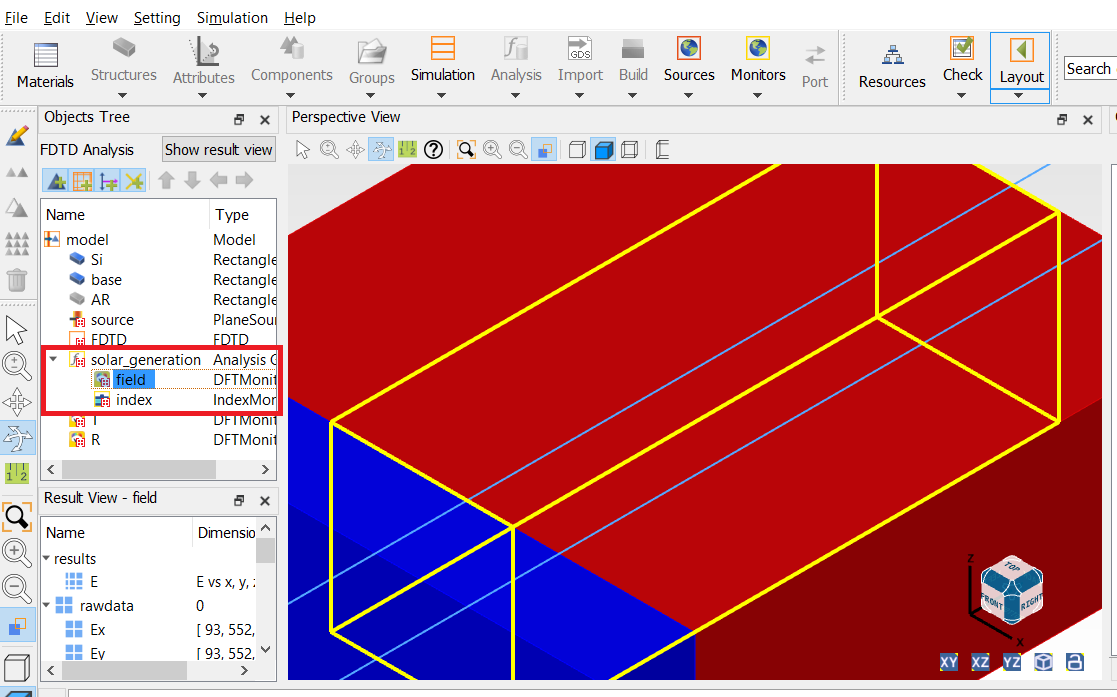
Error: prompt line 52: in getdata, the d-card named field was not found.
Try the command '?getdata;' to see which d-cards are available.
Error: Result Pabs_thermal_export: variable not found.
Error: Result Pabs_thermal: variable not found.
Error: Result Pabs: variable not found.
Error: Result Pabs_total: variable not found.
Error: Result Jsc: variable not found.
Error: Result G: variable not found.
Error: Result G_export: variable not found.
?getdata;
Monitors::0_FTO monitor
Monitors::1_TiO2 monitor
Monitors::2_Meso Monitor
Monitors::3_MAPbI Monitor
Monitors::4_Spiro Monitor
Monitors::5_Ag Monitor
solar_generation
Refractive index
R Monitor
T Monitor
Perovskite monitor
source

















 You are navigating away from the AIS Discovery experience