-
-
October 2, 2018 at 9:48 pm
RCamp
SubscriberHi everyone, I am fairly new to ANSYS and have been trying to run a Fluent simulation that goes something like this:Â
Nitrogen gas is being pushed through a cylindrical column with a frustum bottom. My inlet boundary is a velocity inlet where my outlet is a pressure outlet. My wall boundary is no slip and has a constant temperature flux. Additionally, the nitrogen is assumed to be an ideal gas and I have the source term of gravity on. I am running off of a pressure based solver and have the energy as well as the K-eplison model on.
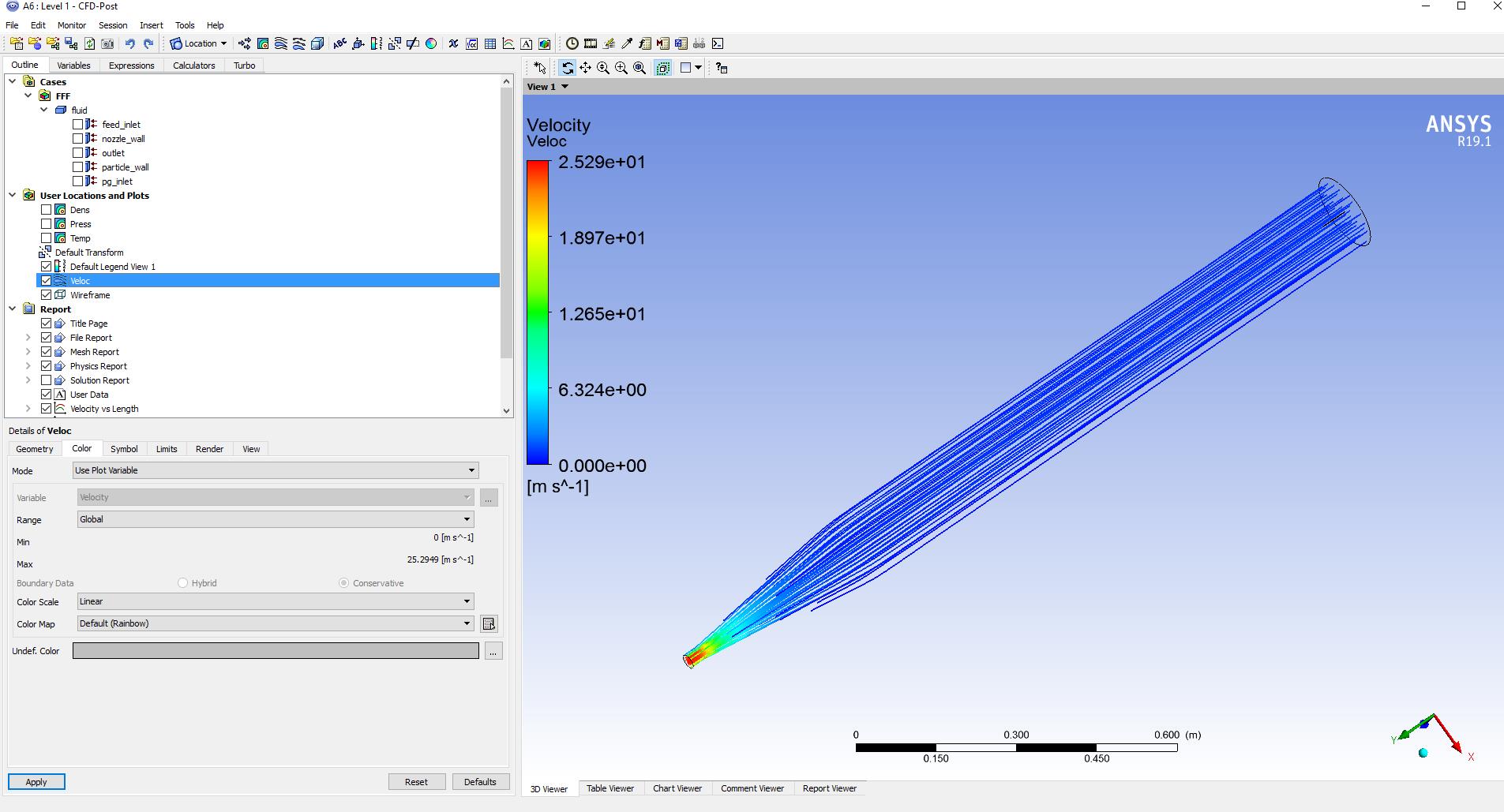
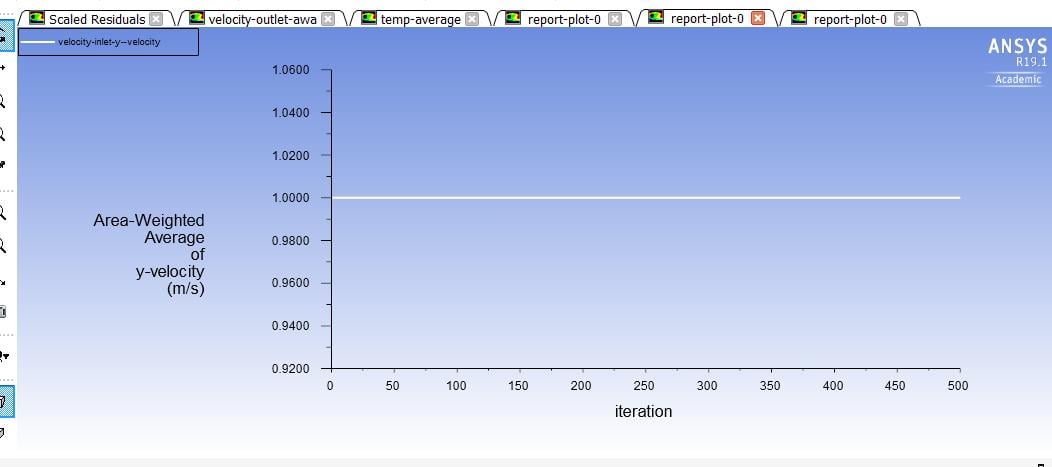
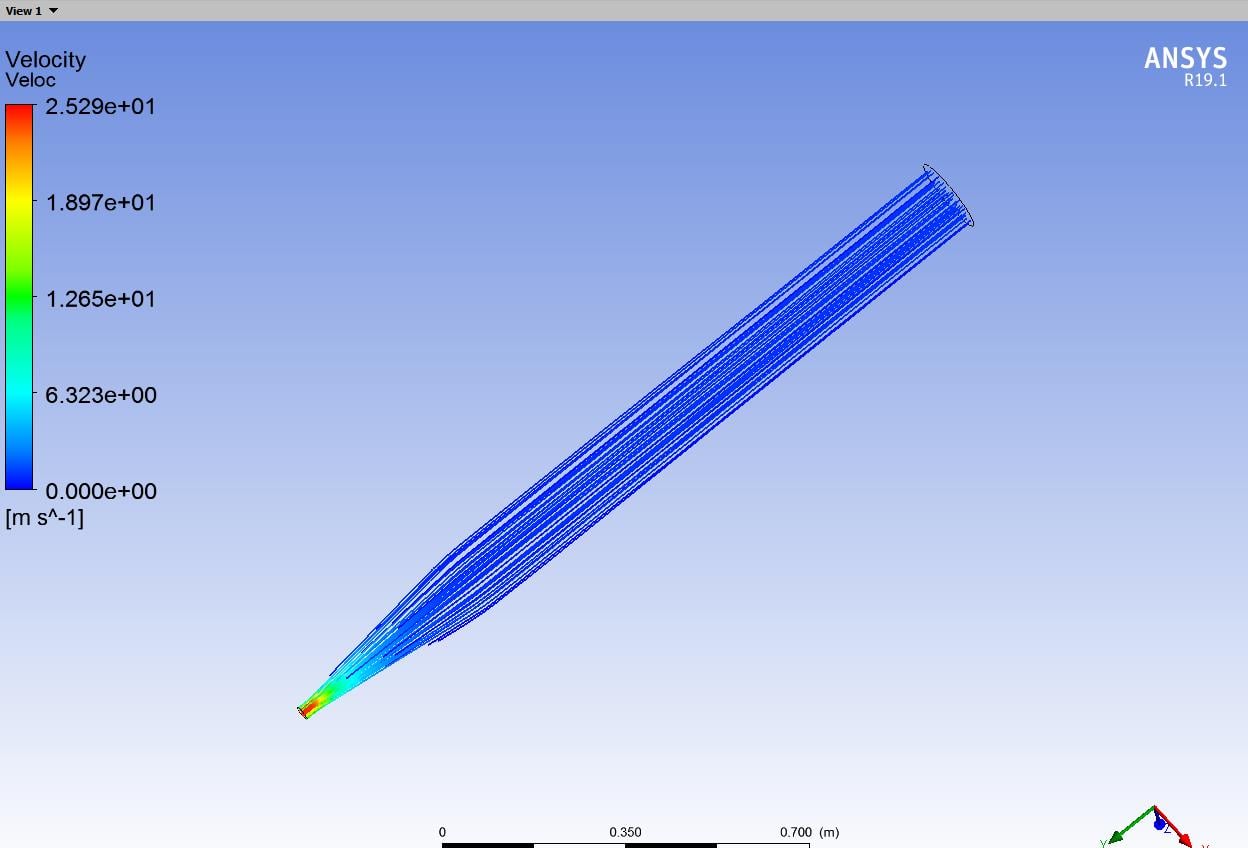
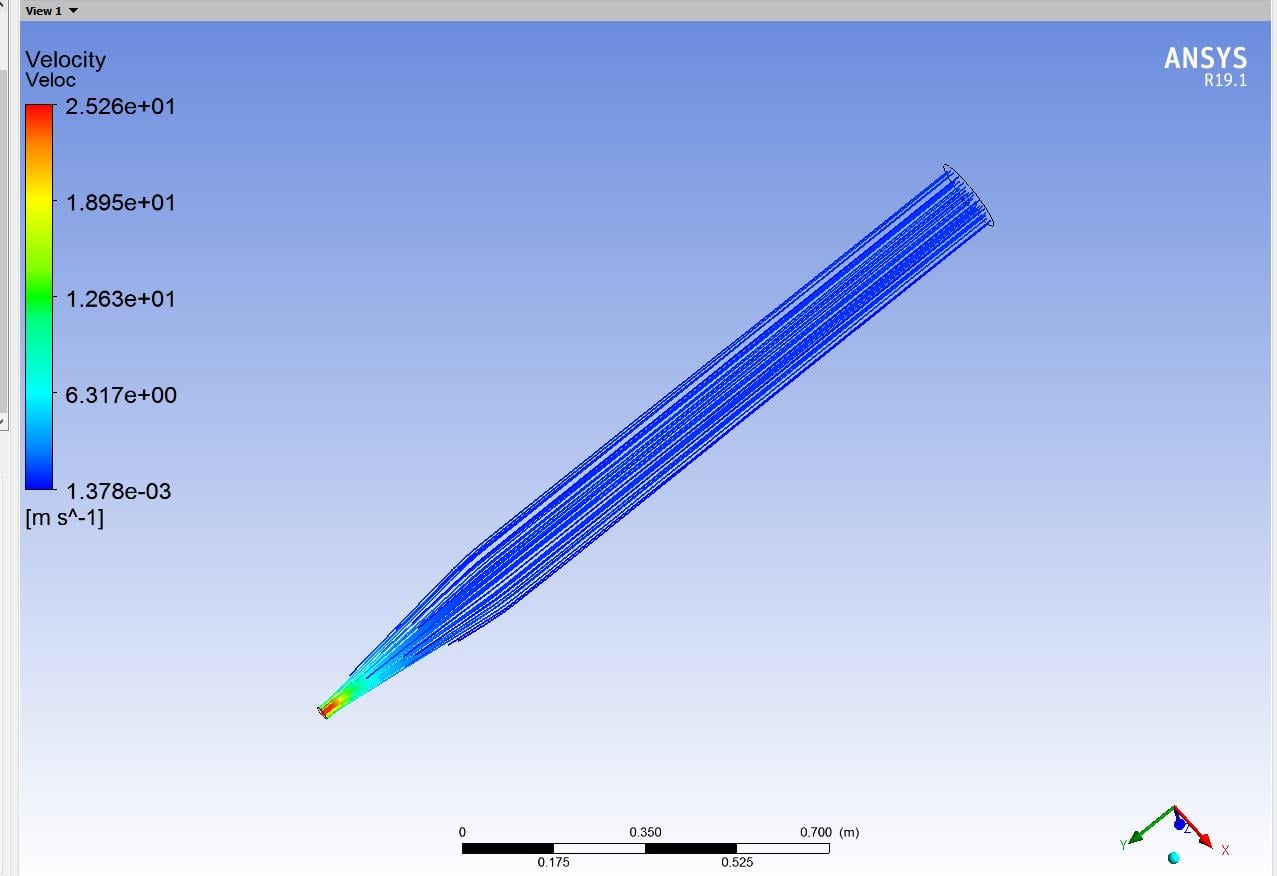
My issue is in my post-processing. When I am looking at the velocity streamlines my velocity values are not making a lot of sense. My initial value for velocity is 1 m/s and in the global range its stating my min is 0m/s and in the local range its much less than 1 m/s. Can someone please explain to me the difference between the global and local range values and why this would be happening?
Â
Thanks!Â
Â
Â
Â
Â
-
October 3, 2018 at 1:02 am
Marco Coderoni
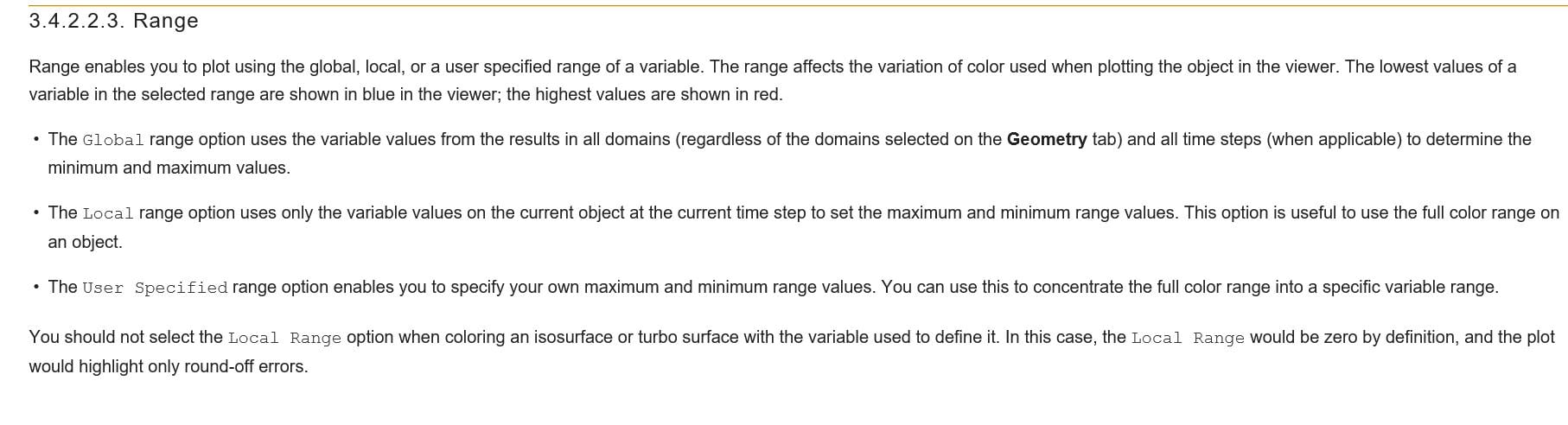
Ansys EmployeeHi, a nice detailed description of Global and Local ranges is reported in the help guide, see below:
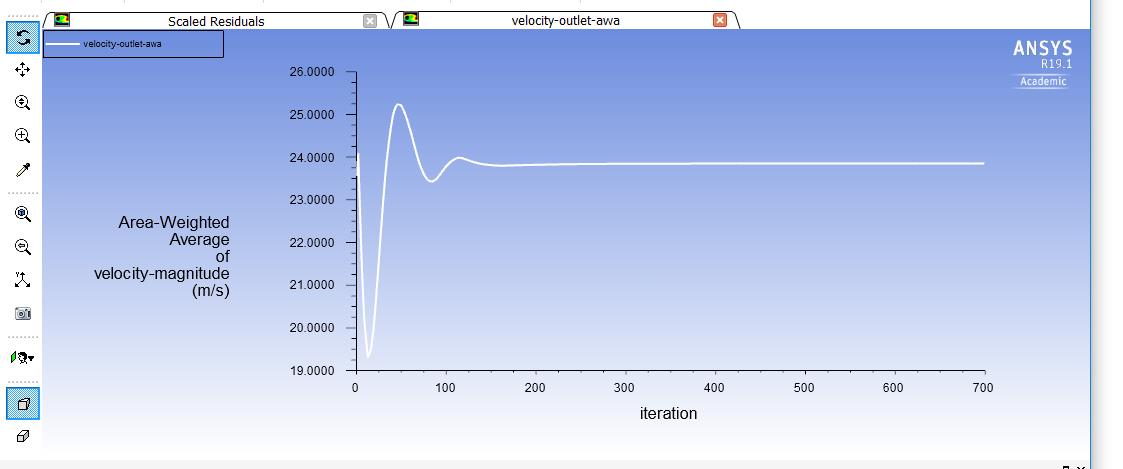
Regarding the results, you need first to verify that the solution is properly converged before assuming that the results are accurate. It would be a good idea to compare your solution with some experimental results, if available.Â
Â
Best Regards,
Marco
-
October 3, 2018 at 2:12 am
RCamp
SubscriberThank you for your response. I agree that the results need to be compared to experimental data. However I am still a bit confused about interpreting the data in hand. From those definitions would it be fair to say that when a global velocity value range is displaying the velocity to equal zero, then the velocity is either A) essentially constant in that region or
most of the velocity cell values in that region is zero so it will display zero in that region?
I might be misunderstanding completely so thank you for your patience ahead of time.
Best
-RCamp -
October 3, 2018 at 3:00 am
Keyur Kanade
Ansys EmployeeHello,
As given in help, global range will be taken for all objects. That means if you have more than one cell zone then global range will be calculated considering all cell zones. When you see velocity zero, essentially your solution does not look converged. Can you please first run it further and get converged results and let us know.Â
Regards,
Keyur
-
October 3, 2018 at 10:08 pm
-
October 4, 2018 at 2:27 am
Karthik Remella
AdministratorHello,
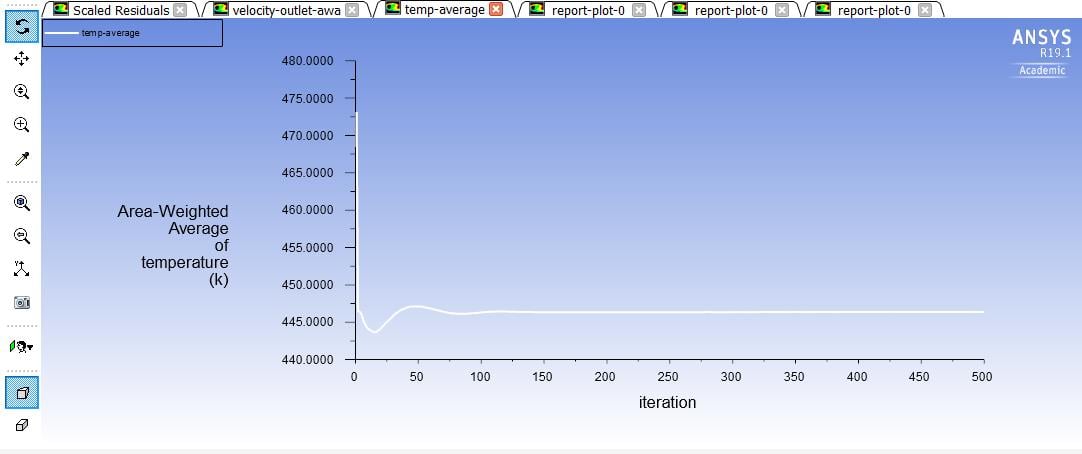
You might want to create additional monitors related to average outlet temperature and average inlet pressure. Hope it helps.
Best,
Karthik
-
October 4, 2018 at 6:53 am
DrAmine
Ansys EmployeeIn R19.2 you can use the report definition based monitor and residual monitor at the same time to judge convergence: Solver will then stop if both are fulfilled.Â
-
October 4, 2018 at 9:08 pm
RCamp
Subscriber -
October 5, 2018 at 1:19 am
klu
Ansys EmployeeHi,
Can you narrow down the range to for example 0 - 2 m/s? It might be just visualization problem because it seems to me at least 2m/s will be colored by blue from the colormap . Also it might help to double check if you can plot velocity contours at different y positions using local ranges. Thanks!

-
- The topic ‘Global vs Local Ranges’ is closed to new replies.
-
5879
-
1906
-
1420
-
1306
-
1021
© 2026 Copyright ANSYS, Inc. All rights reserved.