gazisamed,
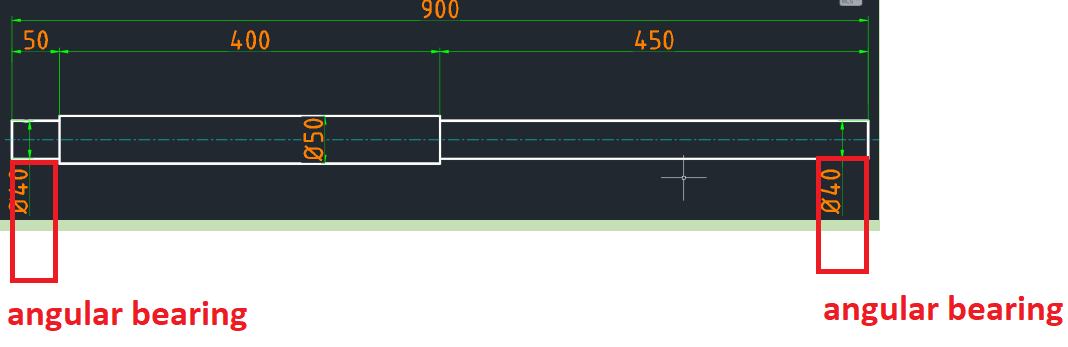
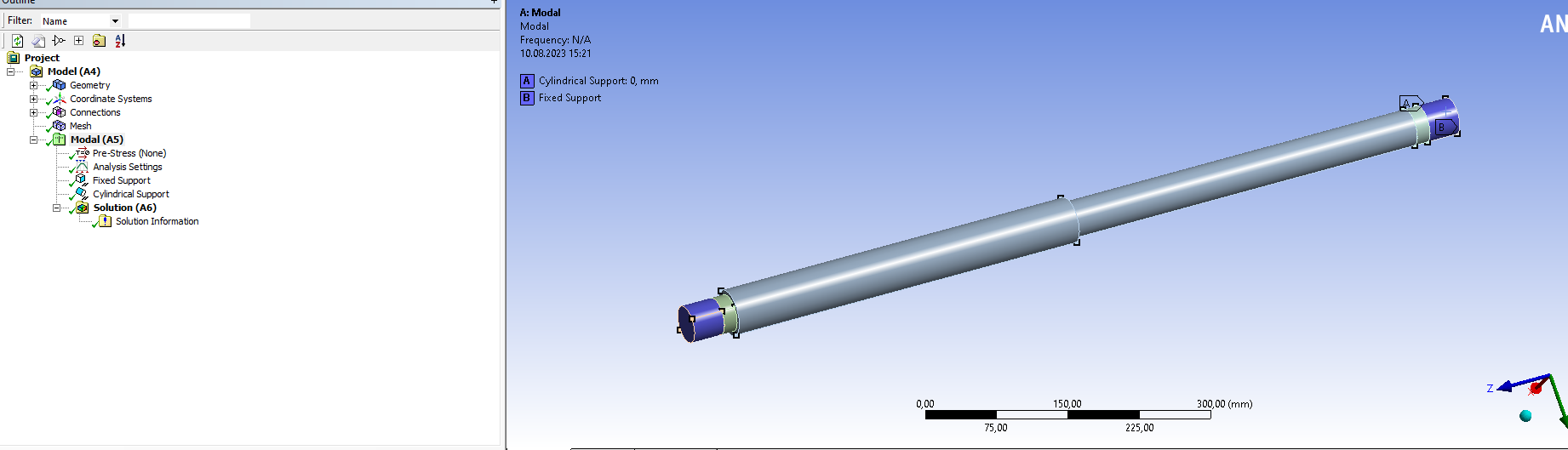
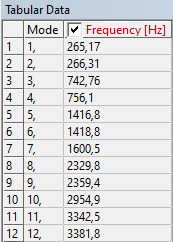
Fixed support + cylindrical support is much more stiff than the actual bearing stiffness so the first mode from Ansys model is higher than the experimental result.
Delete those supports and use a Remote Displacement on one end with X, Y, Z and Rotation about Z set to 0 while leaving Rotation about X and Y Free. Use another Remote Displacement at the other end with X and X set to 0 while leaving the other DOF Free. This support will be less stiff than the actual bearing stiffness so the first mode from Ansys should be lower than the experimental result.
Go to the bearing manufacturer’s website and search for the actual bearing stiffness values. When you have those, you can insert a Bearing support where the stiffness values from the manufacturer can be entered. Then the Ansys modes should be between the extreme cases I described above and closer to the experimental result. You can tune the stiffness values in the Ansys model to match the first mode of the experimental value.



















 You are navigating away from the AIS Discovery experience