Beams are a remote connection type of object in Mechanical. These create remote points internally. Examples are point mass, spring, joint, beam connection, bearing, remote displacement, remote force, etc...
Remote boundary conditins usually have a location for the pilot node of the remote point, so a beam connection has a location for reference and mobile sides:
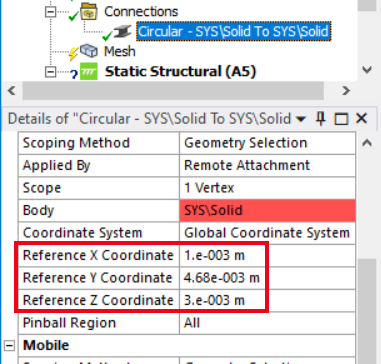
This location uses explicit X,Y,Z values. It is not mindful of your geometry, so will not adjust to any new position when you update geometry. The only way to make these as a relative location on geometry is to use local coordinate systems:
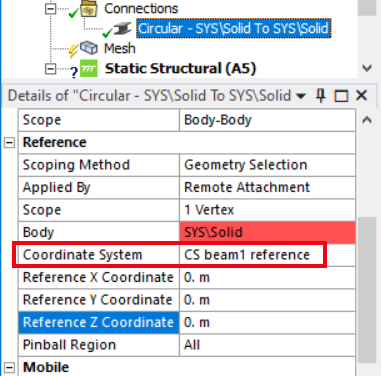
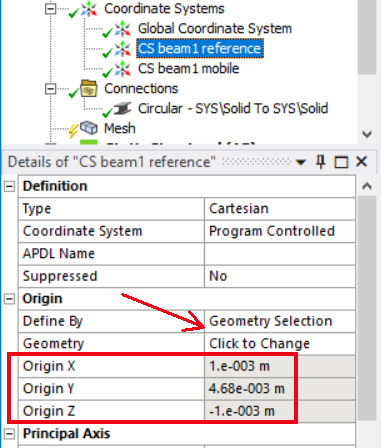
When you do this, you usually set the location in the local coordinate system to 0,0,0, but it is not a requirement. For the local coordinate system, you must use geometry selection to make it relative to the geometry. In this case you will see the x,y,z are greyed out:


















 You are navigating away from the AIS Discovery experience