TAGGED: Discovery Live, FAQ, installation
-
-
March 29, 2018 at 2:51 am
Soonbo
SubscriberOur customer subscribed ANSYS Discovery Standard for 1 year, I will visit his office to install the program and activate a license. So I need a detailed guideline for activating the product. Â I hope you can check the install process as below: 1. Creates customer ID in homepage https://discoveryforum.ansys.com 2. Click to download the product from the menu of right side on Discovery forum website: selects ansys discover Essentials and standard 3. Run setup.exe to install product. 4. Open a command window in the following ANSYS installation folder: ANSYS IncShared FilesLicensingwinx64 5. Run the following command, replacingwith the desired activation ID from this text file: ansysls_client.exe -ActivateLicenseEntitlement 6. Run Discovery Live and click this button
  to sign subscription license status on
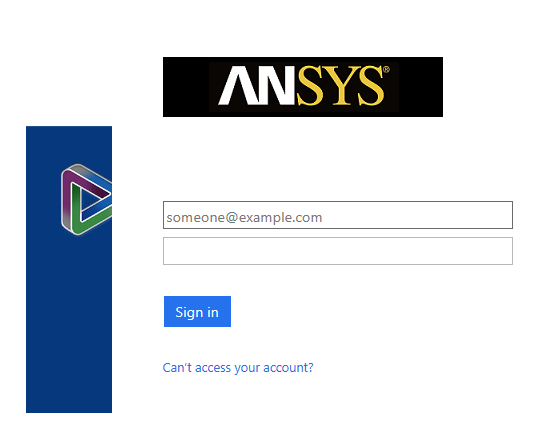
7. Sign in to customer’s account as below
I have several questions.
Is this a correct install process? Is there anything wrong with this process?
And, will the license be activated automatically after my customer login his account by following step 7? Or does he need to do some additional settings in the account window to activate the license?
If it is possible, could you send me a detailed install manual for me?
-
March 29, 2018 at 5:11 am
Naresh Patre
Ansys EmployeeHello Soonbo Please check out this document on ANSYS Discovery Account. In addition to this document, there is also Discovery License Activation troubleshooting document posted on Discovery forum.
-
Viewing 1 reply thread
- The topic ‘Inquiry for Discovery Install manual’ is closed to new replies.
Innovation Space
Trending discussions
Top Contributors
-
5874
-
1906
-
1420
-
1306
-
1021
Top Rated Tags
© 2026 Copyright ANSYS, Inc. All rights reserved.
Ansys does not support the usage of unauthorized Ansys software. Please visit www.ansys.com to obtain an official distribution.