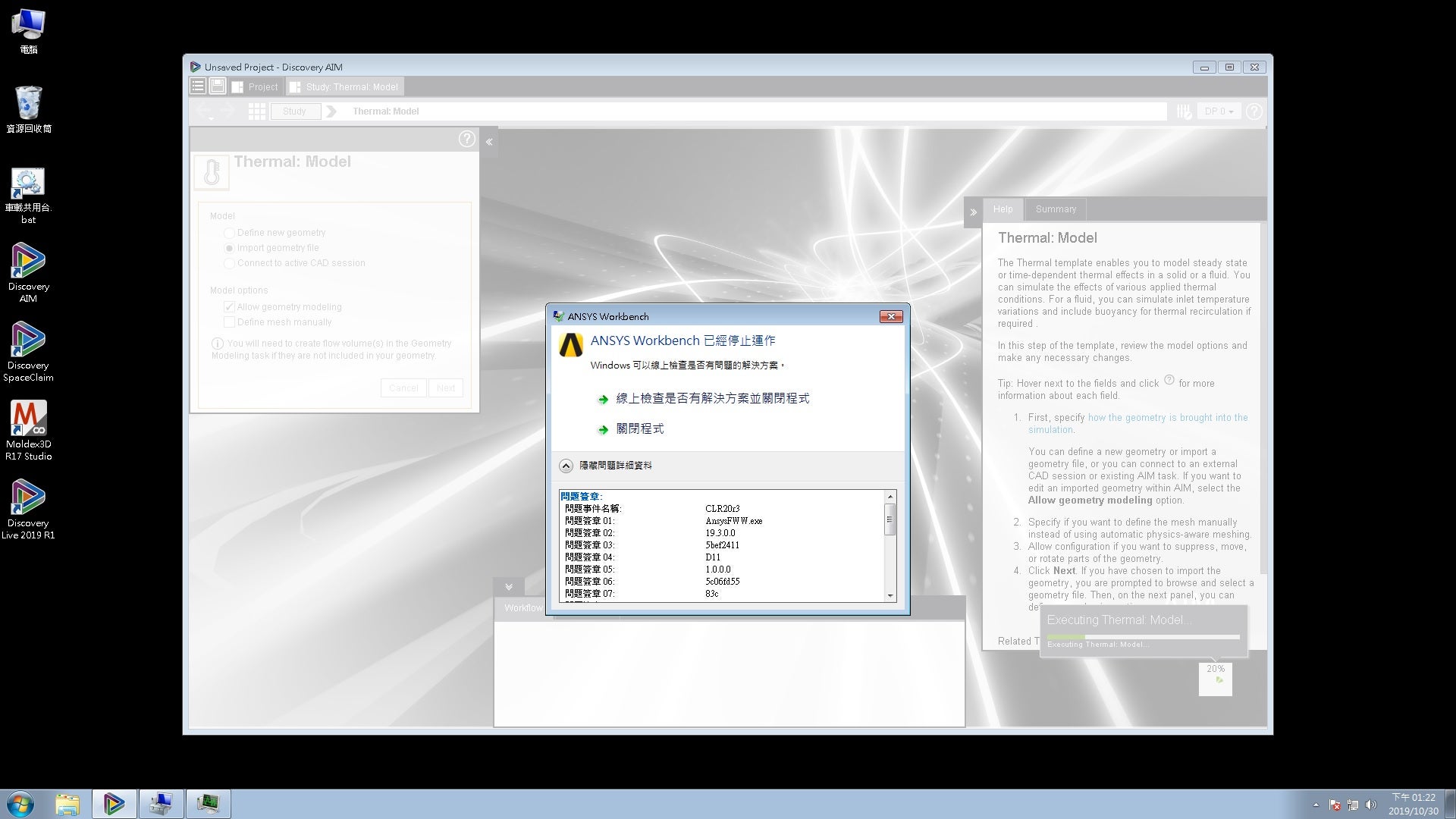
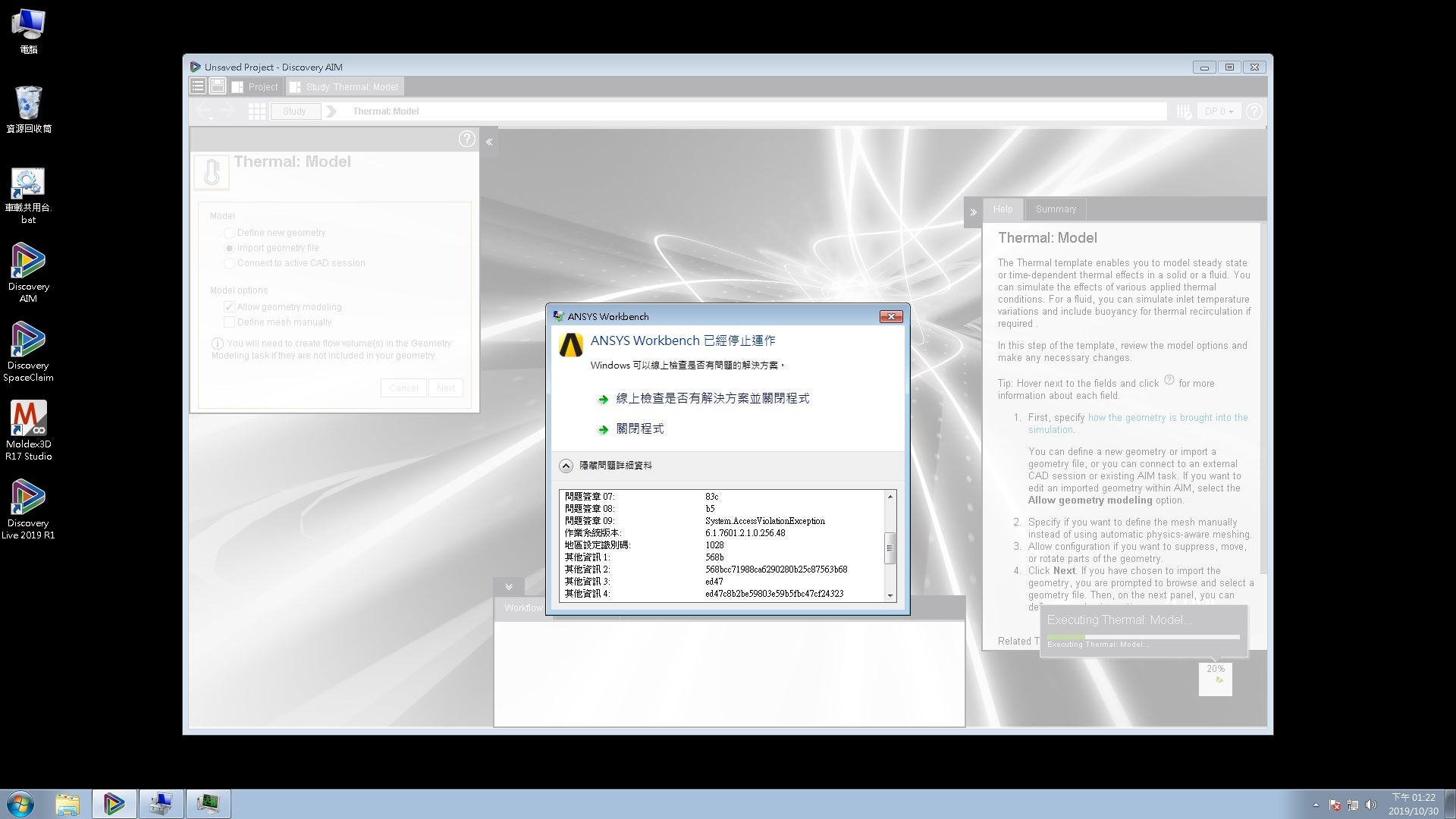
TAGGED: Discovery AIM
-
-
February 7, 2020 at 9:23 am
kin
Subscriber -
February 7, 2020 at 10:09 am
Naresh Patre
Ansys EmployeeHello Kin
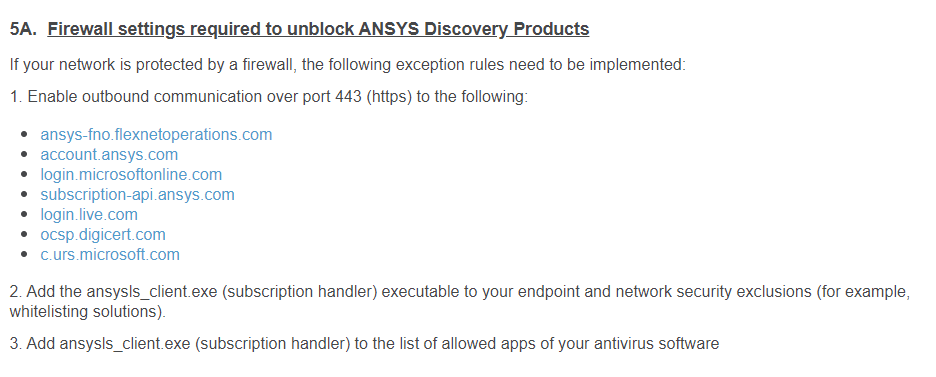
One user faced a similar error with SpaceClaim and reconfiguring Firewall helped to overcome the issue. Please check out below discussion thread. Can you try it out and let me know if it doesn't help? You may have to take help from your IT team in this case.
-
February 10, 2020 at 7:01 am
-
-
February 10, 2020 at 7:28 am
Naresh Patre
Ansys EmployeeKin
Thanks for your reply. I will check with the installation team and let you know. Meanwhile, can you check if the user has admin rights?
-
February 10, 2020 at 8:29 am
kin
SubscriberHi Naresh Patre ,
Â
It's certainly sure that the user reconfigured the firewall and antivirus with administration right.
Thanks for your assistance.
Â
Thanks & Regards.
-
-
February 10, 2020 at 8:46 am
Naresh Patre
Ansys EmployeeHello Kin
Can you go to C:Users
AppDataLocal and rename following folders: 1. rename folder named "SpaceClaim" to "SpaceClaim_old"
2. Go Ansys folder and rename folder "v193" to "v193_old".
Now, restart AIM and check if you are still encountering the same issue.
-
February 11, 2020 at 2:49 am
kin
SubscriberHi Naresh Patre ,
Â
We renamed the two folders but it still doesn't work.
Thank & Regards.
-
-
February 17, 2020 at 10:15 am
Naresh Patre
Ansys EmployeeHello Kin
Can you check following points:
- The OS is supported by the ANSYS version used by the customer
- The user would be running Discovery Aim on Remote Desktop.
- The Graphics driver would be old.
-
February 18, 2020 at 8:19 am
kin
SubscriberHi Naresh PatreÂ
The OS is Windows7 and the version of AIM is 2019 R1 which is compatible with Windows7.
We updated the driver but it still didn't work.
Â
Thanks & Regards.
-
February 19, 2020 at 5:28 am
Naresh Patre
Ansys EmployeeHello Kin
Can you check if Discovery AIm is running on Remote Desktop?
-
February 19, 2020 at 7:34 am
kin
SubscriberHi Naresh PatreÂ
No, it didn't run on Remote Desktop.
Thanks & Regards.
-
-
February 20, 2020 at 5:21 am
Naresh Patre
Ansys EmployeeHello Kin
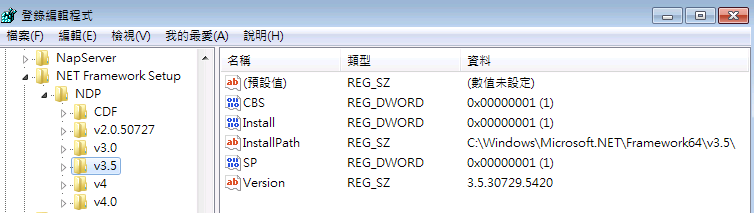
Renaming the folders mentioned earlier has helped to overcome this issue. I am not sure why it is not helping in this case. What version of .NET Framework is installed?
-
February 20, 2020 at 7:01 am
-
-
February 21, 2020 at 5:35 am
Naresh Patre
Ansys EmployeeHi Kin
I have contacted you separately through email seeking additional details.
-
February 21, 2020 at 6:08 am
kin
SubscriberHi Naresh PatreÂ
I've replied to you with some information.
Thanks & Regards.
-
-
February 28, 2020 at 5:19 am
Naresh Patre
Ansys EmployeeDeactivating detect contact automatically option helped to overcome this issue.
-
- The topic ‘Discovery AIM 2019 R1 failed with CLR20r3 error message.’ is closed to new replies.

-
5879
-
1906
-
1420
-
1306
-
1021
© 2026 Copyright ANSYS, Inc. All rights reserved.