Hello Rahul
Once a Geometry is created or imported in Discovery Live, you can find the solution templates by clicking on "Create solution" (refer image)
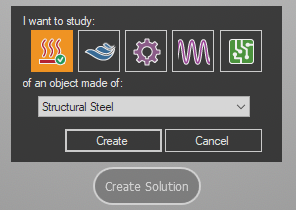
If you cannot see the "Create Solution" icon, you may need to update to the latest graphics drivers from the Graphics manufacturer's website.
Also, please go through this post for other solutions. If the solutions on this page does not work, please write back to us with more details on your issue.


















 You are navigating away from the AIS Discovery experience