TAGGED: installation
-
-
November 5, 2019 at 8:53 pm
papp
SubscriberHi,
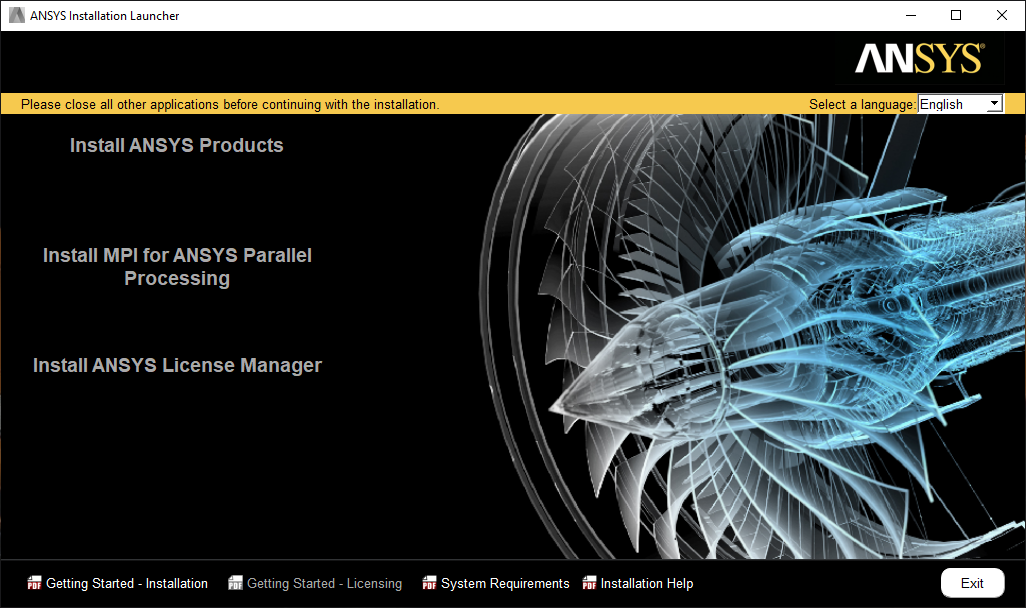
I'm not able to install the Discovery Standard 2019R3 package on my computer, as the "Install ANSYS Products" text is not clickable in the Installation Launcher.
Please advise a solution to this issue.
FYI: The problem is present before and after a Win10 (Education) re-install and using the Ultimate package as well. 2019R2 was working fine previously.
FYI2: My GPU VRAM is only 2 GB, but it shouldn't be a problem, if I'm correct.
Thanks,
Bálint
-
November 5, 2019 at 9:20 pm
Brian Bueno
Ansys EmployeeBálint Papp
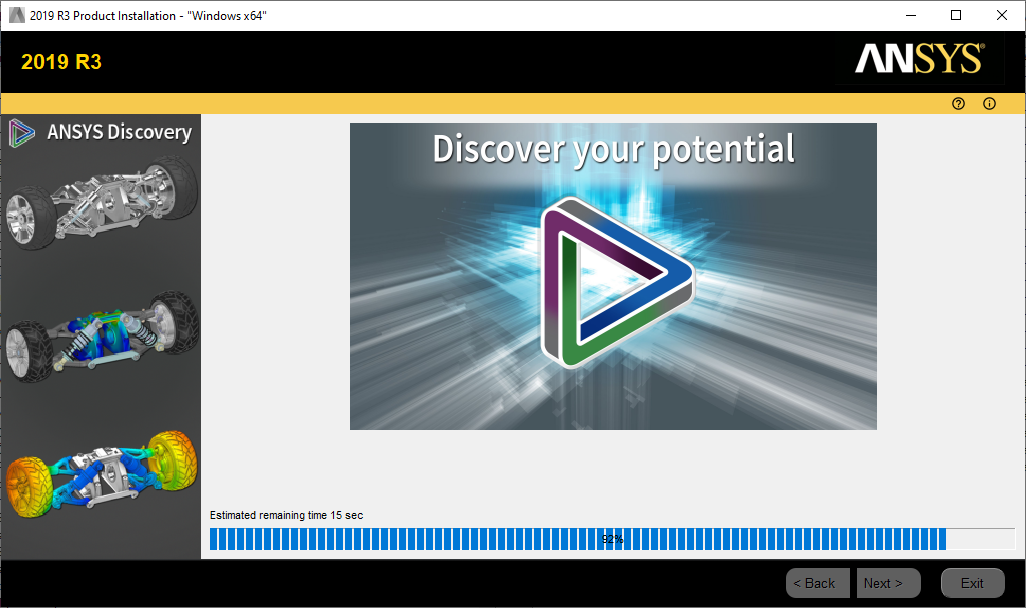
This does not look like the usual installer. Make sure you've downloaded the file from the forum download page: Discovery Downloads
The installer on the ANSYS Customer Portal is configured for a floating license by default.
-
November 6, 2019 at 11:52 am
ANSYS_MMadore
Forum ModeratorBálint Papp
Please also ensure you have extracted the download prior to trying to install. Failure to run the setup from the extracted files can result in similar behavior.
-
November 7, 2019 at 3:32 pm
papp
SubscriberBrian Bueno Matt Madore
Thanks for your replies. I downloaded the installer package from the official page, and unzipped it before running setup.exe.
I'm going to check the licensing with my colleagues and get back to you with updates.
-
November 8, 2019 at 2:50 pm
-
- The topic ‘Can’t start Discovery Standard installation’ is closed to new replies.
-
6395
-
1906
-
1457
-
1308
-
1022
© 2026 Copyright ANSYS, Inc. All rights reserved.