TAGGED: 3d-geometry, discovery
-
-
January 30, 2023 at 8:42 pm
wvillers
SubscriberWe seem to be having a problem with importing f3d file, either directly from Autodesk Fusion360 or from and exported file at the OS. Discover 2023R1 returns a "the required license is unavailable". Discovery is able to import every other standard CAD data, so I am confused as to wha tlicense we would need... Is this a known issue?
-
January 31, 2023 at 7:42 am
Devendra Badgujar
Forum ModeratorHello William,
Ansys Disocvery student version supports neutral format geomtery import IGES, STEP. For more information, please refer the What's Included section from the below link:
Download Ansys Student | Workbench-based Simulation Tools
Let me know if you need further assistance.
Thanks & Regards,
Devendra Badgujar
-
January 31, 2023 at 5:20 pm
wvillers
SubscriberWe're not talking student version, we spend $50K/year on ANSYS products, thank you very much ? Is this forum for students only? If that's the case, then forgive me for asking a question on the commercial product.
I'm talking about actual, paid-for, professional use ANSYS Discovery 2023 R1 that doesn't allow for importing f3d even though it should and has for several years. I have a support call into our VAR (Rand) but I was trying to get to the bottom of this myself as it's been 24h without an answer... We have 2 Discovery Licenses available as the import fails... Discovery and Spaceclaim work fine apart for this, sending to Workbench seems to work until the geometry needs to be brought in. Again, this worked until 2022R2 or until our license renewal in 2023.
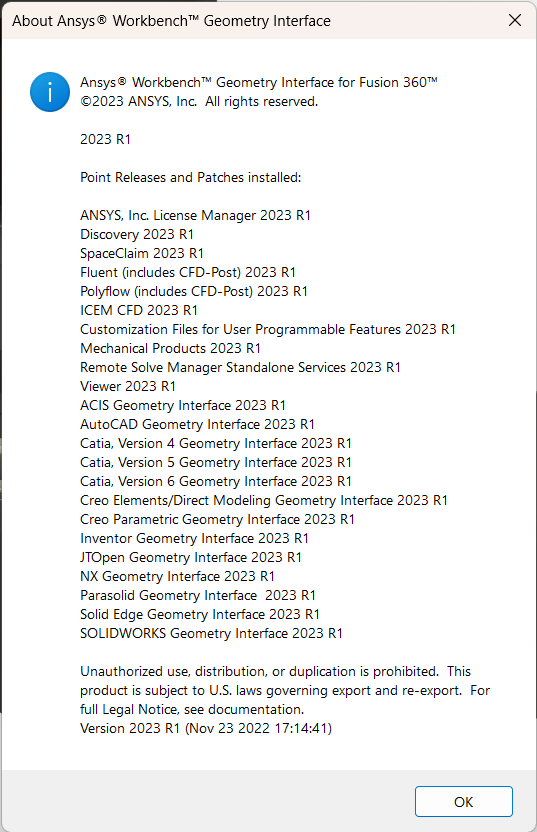
Â
This seems to indicate that there is no license for f3d in our commercial version???
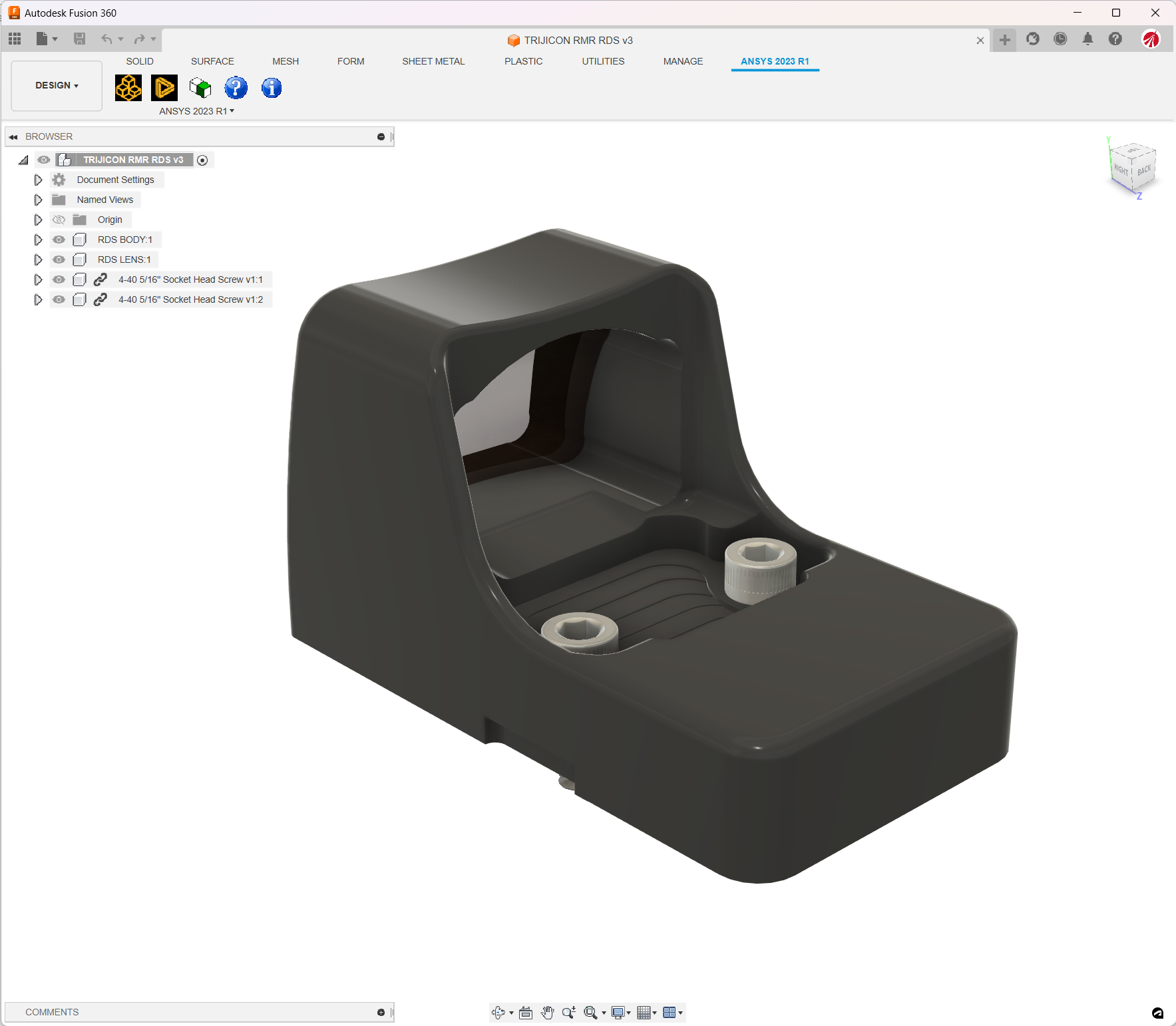
And right in Workbench, all is good at step 1, and break right after that with a "license not available". It also locks up Fusion 360, but that's an other story to be worked out be Autodesk...
Â
Â
Â
-
-
February 1, 2023 at 12:35 pm
Devendra Badgujar
Forum ModeratorHello William,
The cause of the error ''The required license is unavailable'' is due to Plug-in license not able to be check out properly.
Please refer the troubleshooting steps mentioned in the General Errors Related to CAD Integration (ansys.com) help documentation for more information on this.Â
There seems to be the CAD configuration issue while installation, See Using the CAD Configuration Manager in the Ansys, Inc. Windows Installation Guide for detailed information on configuring these CAD products properly.
Let us know if you need further assistance.Â
Thank you,
DevendraÂ
-
February 1, 2023 at 3:41 pm
wvillers
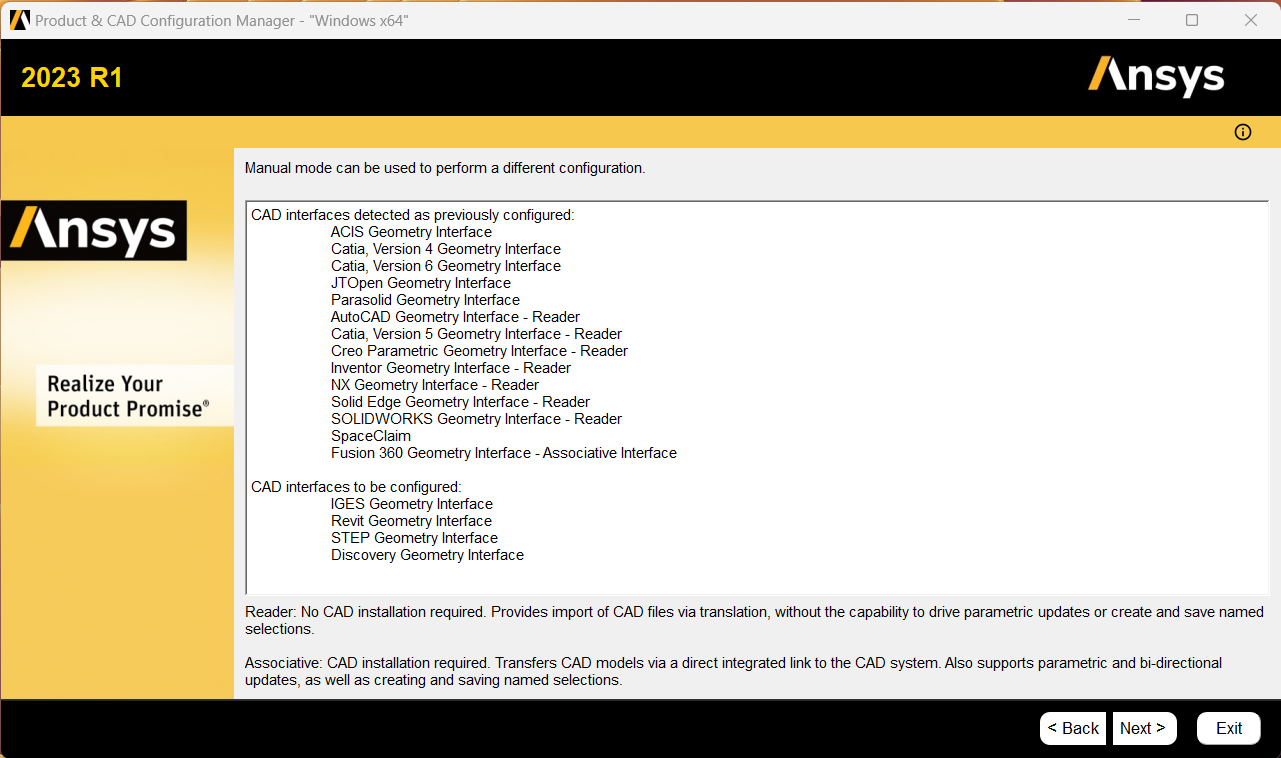
SubscriberThanks for your reply. This step should have been done automatically during install as always, but that is a good one to check. However, here's the status of the setup, clearly stating that it thinks it's already setup. Nonethless, I went ahead and redid the configuration, but nothing changed and it still fails...
Â
-
February 1, 2023 at 4:33 pm
Devendra Badgujar
Forum ModeratorHello William,
Please can you direct your question to the Ansys Customer Portal since you are using commercial Discovery licenses, we would need more information to investigate this issue further.
We can continue our discussion through that channel. Thank you for your understanding!
Regards,
DevendraÂ
-
February 1, 2023 at 6:44 pm
wvillers
SubscriberBTW, I did try with 2022R2 which used to work for certain, and it gives us the same error.
Seems like Autodesk & ANSYS are out of sync with regards to file format...
-
- The topic ‘No longer possible to import f3d with 2023?’ is closed to new replies.
-
6485
-
1906
-
1458
-
1308
-
1022
© 2026 Copyright ANSYS, Inc. All rights reserved.